
apt-mirror
apt-mirror
464スター
apt-mirrorの公式ソースコードです。
エディター、ターミナル、CLI、Gitツールで開発環境を改善できます。
apt-mirror
apt-mirrorの公式ソースコードです。

apt69
Privilege Escalation: Weaponizing CVE-2019-1405 and CVE-2019-1322

aptakube

モダンで軽量なマルチクラスタ対応 Kubernetes GUI。Windows、macOS、Linuxで利用できます。
aptakube
Kubernetes仕様エクスプローラー

aptible

コンテナ向けのCron
ペネトレーションテスト用ツールをまとめたリポジトリ。最新のペネトレーションテストツールを収録しています。

aptogo
OpenCV build for iPhone with example project

aptonic
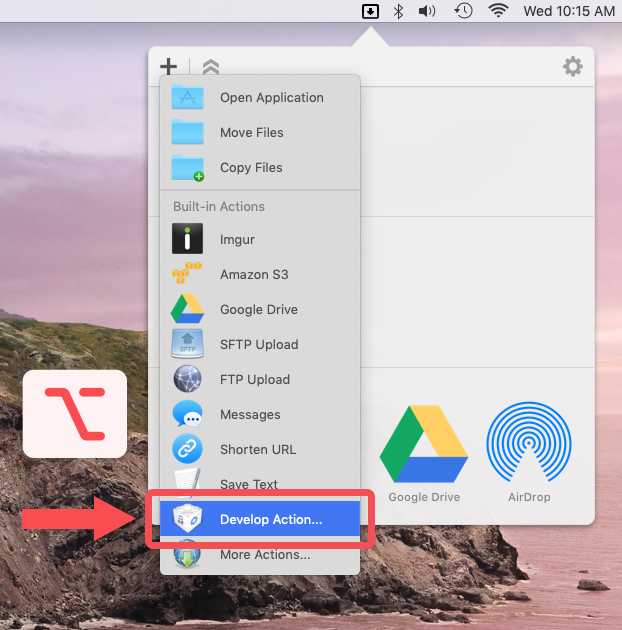
Add-on actions and API Docs for Dropzone 5

APTortellini
Killing your preferred antimalware by abusing native symbolic links and NT paths.

aptos-labs

Aptosは、より優れた技術とユーザー体験によってブロックチェーンの普及を支えるために構築されたレイヤー1ブロックチェーンです。

apuigsech
Go library and command line to seek for secrets on various sources.

apurvmishra99
Scrape posts from any group or user into a .csv file without needing to register for any API access

apvarun
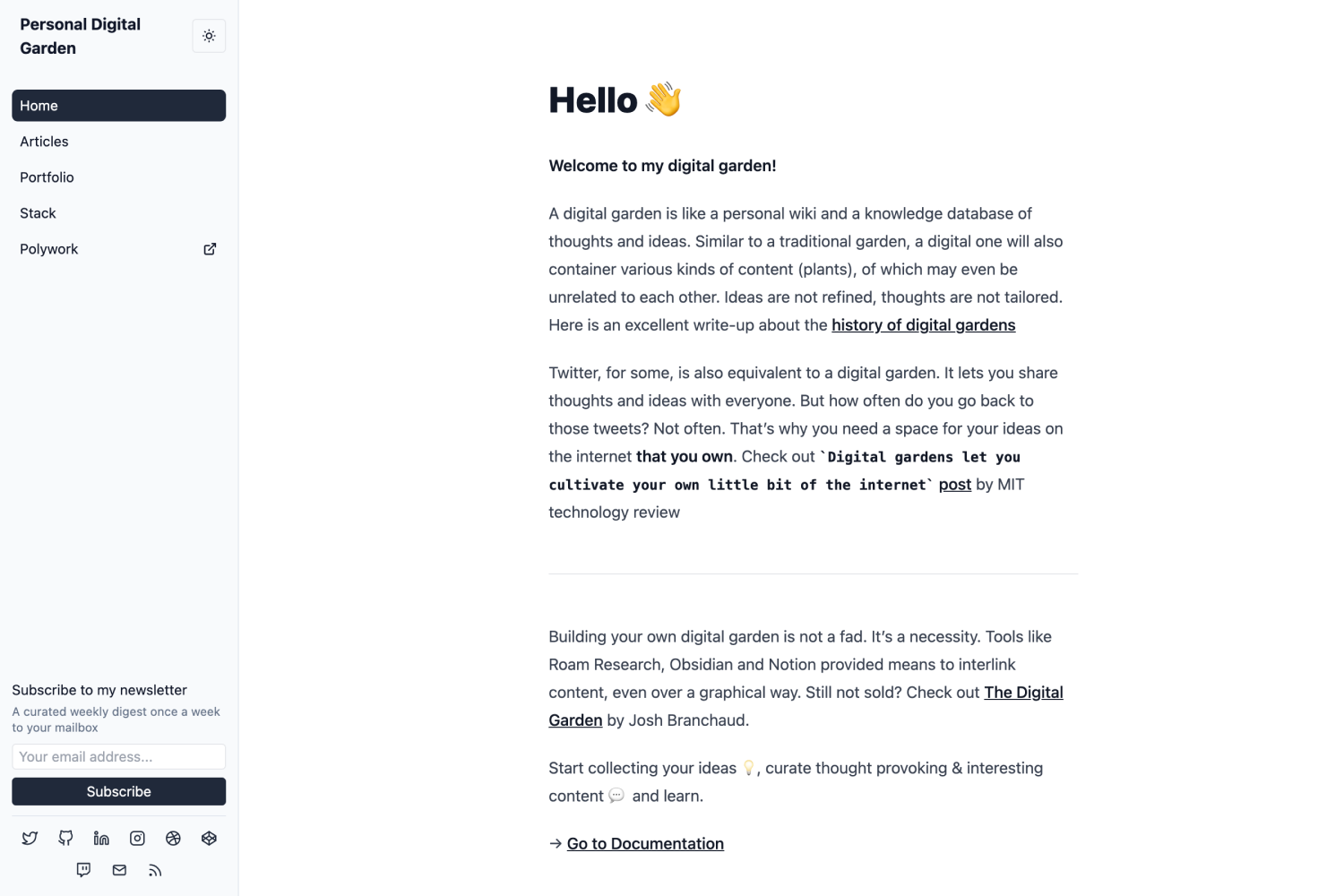
Build your own personal Digital Garden effortlessly with this Hugo theme
apvarun
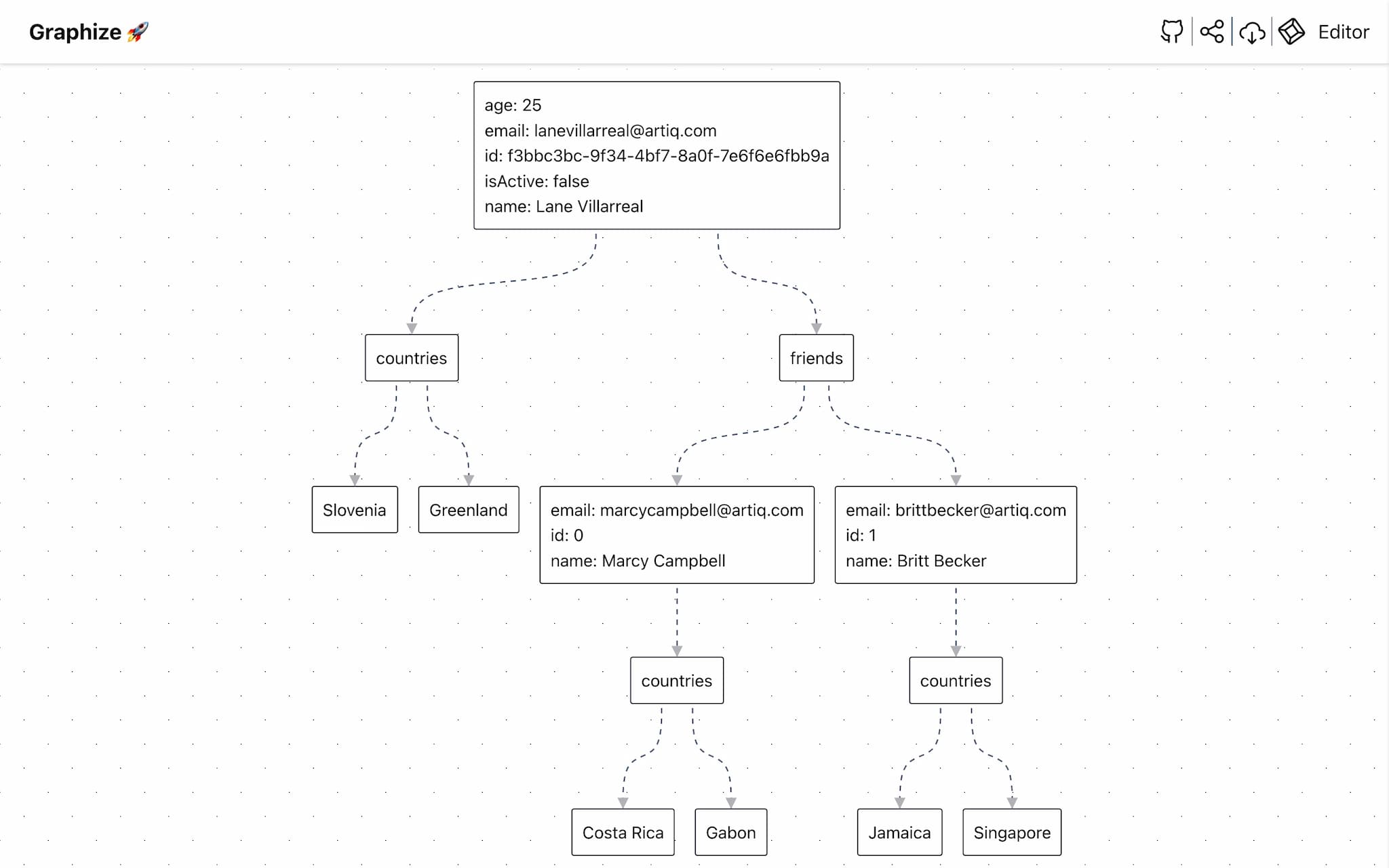
Visualize and download JSON / YAML content
apvarun

通知メッセージをより使いやすくする純粋なJavaScriptライブラリ
This is a Anti-Cheat bypass written in c++ by Apxaey, and makes use of Microsoft's undocumented Native API. I tested this specifically on VAC, however it should bypass any other usermode anticheats. This is by no means a complete 'bypass'; rather it should be used in conjunction with other bypass techniques. Using this with unique code, should ensure you stay undetected by user-mode anti-cheats such as VAC.. I have provided a YouTube tutorial on how to make this software which i highly recommend you watch. If you like my stuff, feel free to join my discord server https://discord.gg/GVyENvk
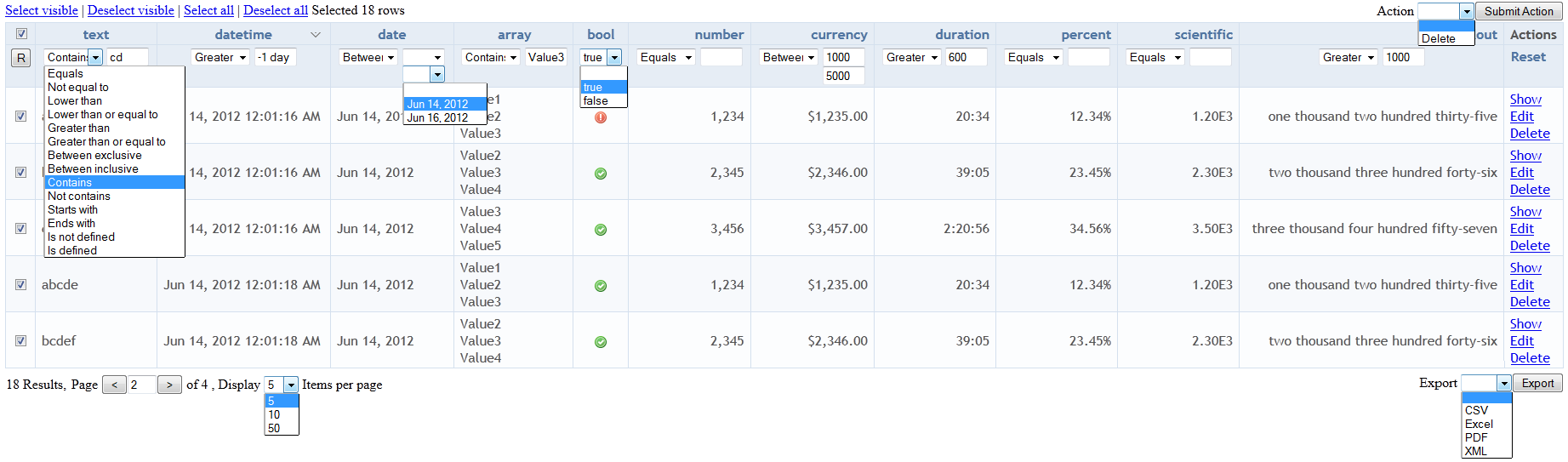
Symfony Datagrid Bundle。

aqeelanwar

顔画像データセットをマスク処理済みのデータセットに変換します

aqi00

書籍『Android Studio開発実践:ゼロからアプリ公開まで』の付属ソースコード(全面的にコメントを追加した版)。

AqibJavedZeepalm
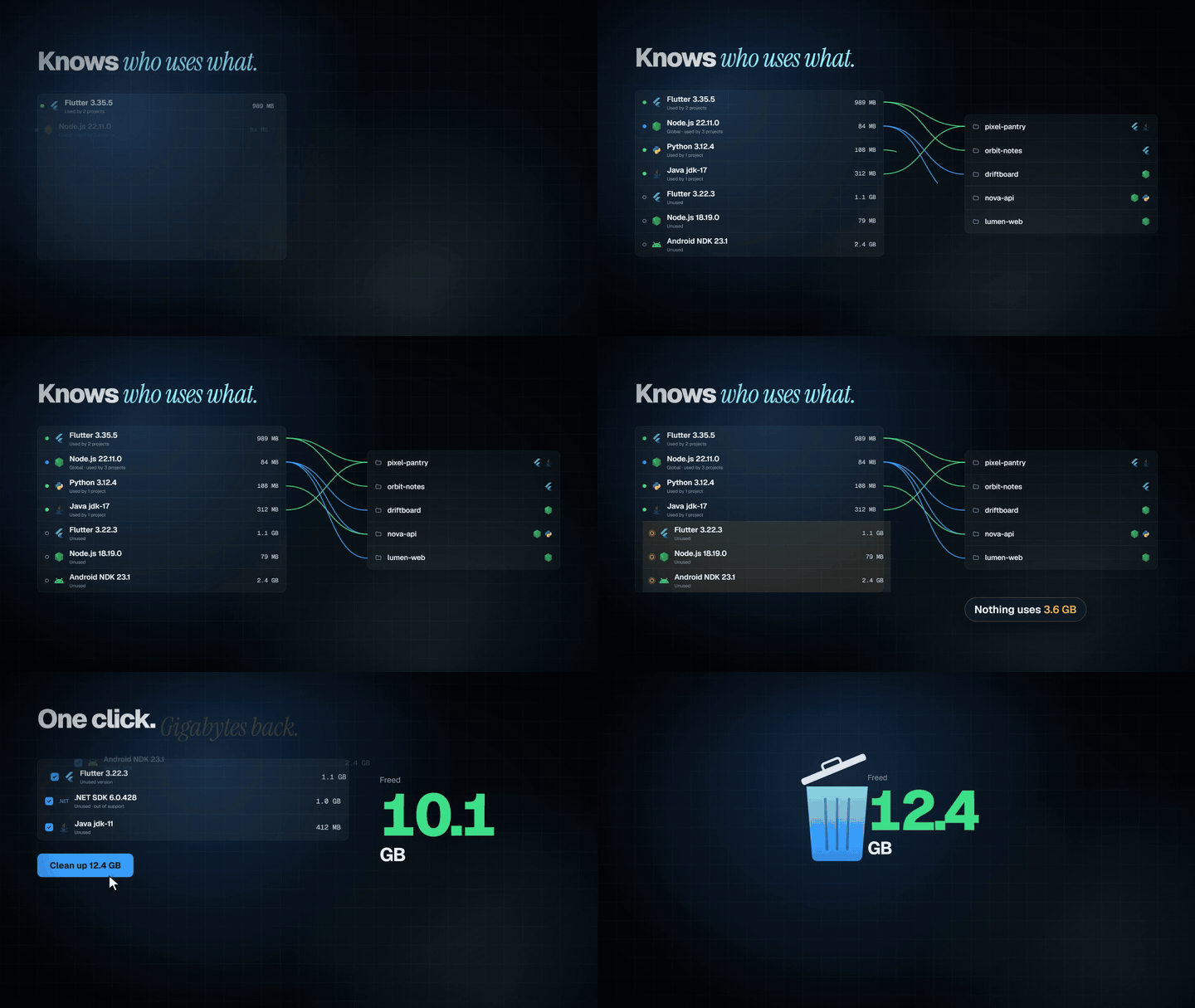
Free, open-source app for Windows and macOS that finds every SDK and toolchain on your machine (Flutter, Node.js, Android SDK, Xcode simulators, Java, Python, .NET, Gradle), shows which projects use each version, fixes broken setups in one click and frees disk space.

aqiongbei
电话攻击(电话轰炸、可代替短信轰炸)、留言攻击工具 | 已删库

aqiu384
Fusion tool framework for Megami Tensei games

aqntks
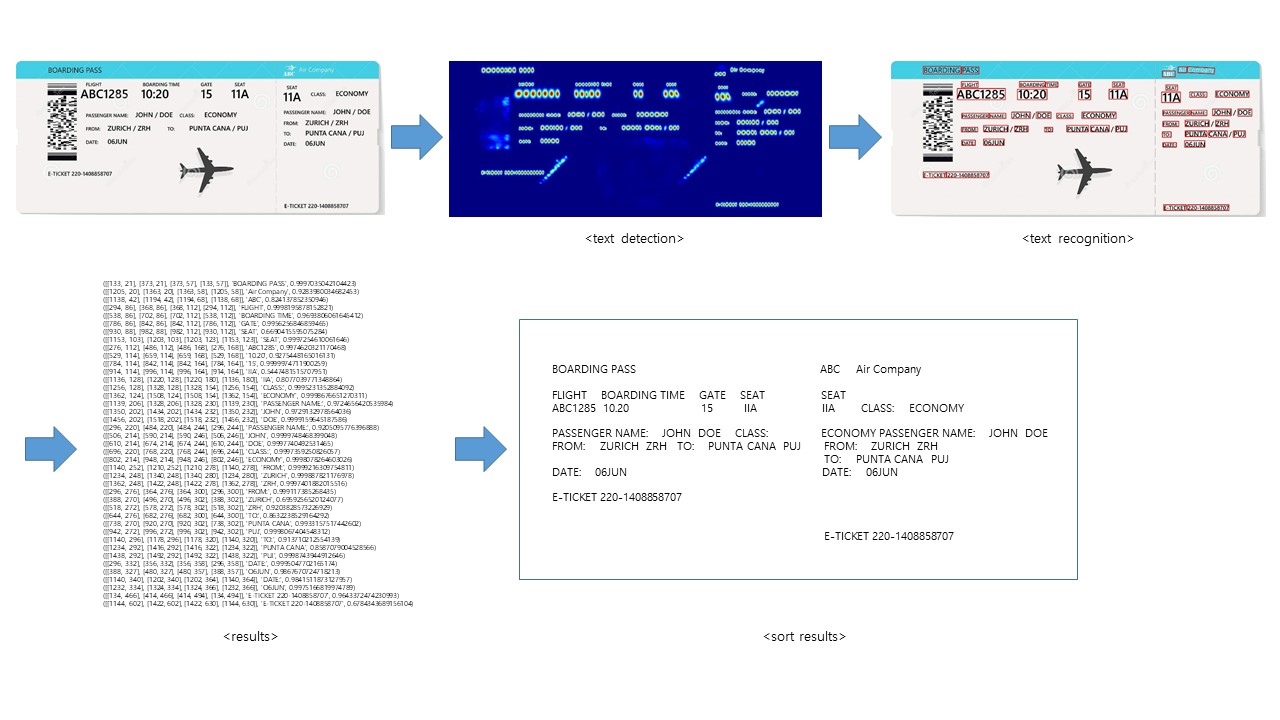
Proceed with text detection only in the selected area of the image

Gooey Hover Effects on Images with Three.js


