
vercel/chatbot has 21,036 GitHub stars and 6,782 forks. GitHot measured -1 stars in 24 hours and +15 in 7 days. Last checked 2026-11-08 05:18 UTC. Last push 2026-11-03.
Vercelが構築した、フル機能で改造しやすいNext.js製AIチャットボット
できること
- Advanced routing for seamless navigation and performance
- React Server Components (RSCs) and Server Actions for server-side rendering and increased performance
- Unified API for generating text, structured objects, and tool calls with LLMs
- Hooks for building dynamic chat and generative user interfaces
計測したスター増加
- 24時間
- -1
- 7日間
- +15
- 15日間
- 履歴を収集中
- 1か月
- 履歴を収集中
期間ごとの純増数です。期間は重複しており、日別の値ではありません。未計測の値は空欄です。スター数は注目度の指標であり、品質の保証ではありません。
README.md
オリジナル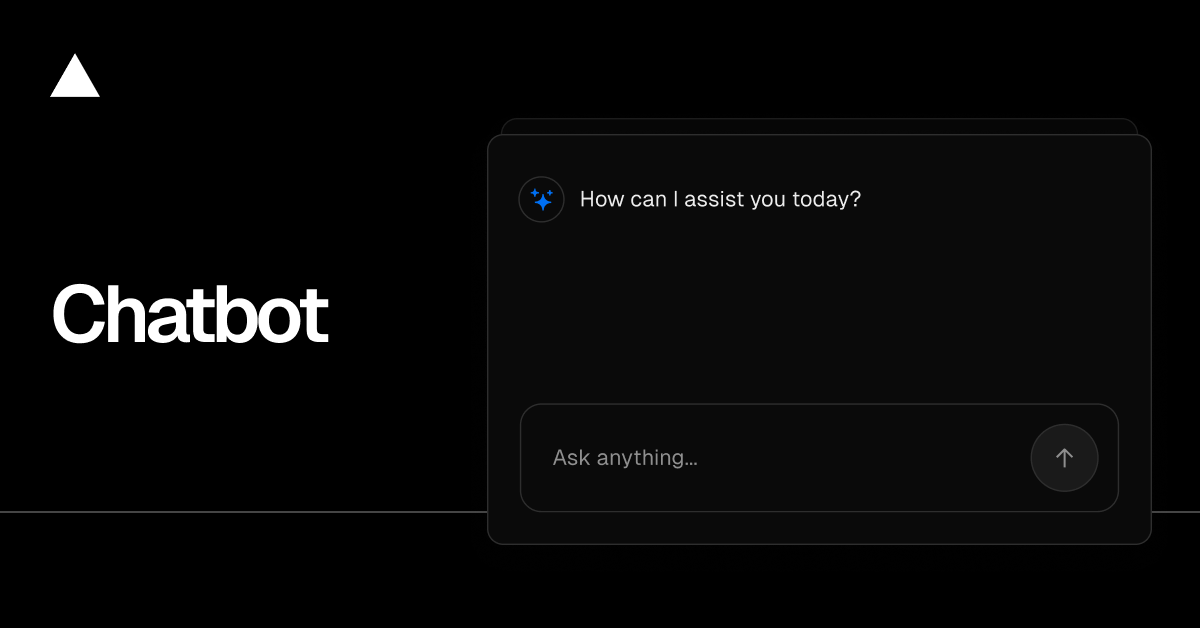
Chatbot
Chatbot (formerly AI Chatbot) is a free, open-source template built with Next.js and the AI SDK that helps you quickly build powerful chatbot applications.
Read Docs · Features · Model Providers · Deploy Your Own · Running locally
Features
- Next.js App Router
- Advanced routing for seamless navigation and performance
- React Server Components (RSCs) and Server Actions for server-side rendering and increased performance
- AI SDK
- Unified API for generating text, structured objects, and tool calls with LLMs
- Hooks for building dynamic chat and generative user interfaces
- Supports OpenAI, Anthropic, Google, xAI, and other model providers via AI Gateway
- shadcn/ui
- Styling with Tailwind CSS
- Component primitives from Radix UI for accessibility and flexibility
- Data Persistence
- Neon Serverless Postgres for saving chat history and user data
- Vercel Blob for efficient file storage
- Auth.js
- Simple and secure authentication
Model Providers
This template uses the Vercel AI Gateway to access multiple AI models through a unified interface. Models are configured in lib/ai/models.ts with per-model provider routing. Included models: Mistral, Moonshot, DeepSeek, OpenAI, and xAI.
AI Gateway Authentication
For Vercel deployments: Authentication is handled automatically via OIDC tokens.
For non-Vercel deployments: You need to provide an AI Gateway API key by setting the AI_GATEWAY_API_KEY environment variable in your .env.local file.
With the AI SDK, you can also switch to direct LLM providers like OpenAI, Anthropic, Cohere, and many more with just a few lines of code.
Deploy Your Own
You can deploy your own version of Chatbot to Vercel with one click:
Running locally
You will need to use the environment variables defined in .env.example to run Chatbot. It's recommended you use Vercel Environment Variables for this, but a .env file is all that is necessary.
Note: You should not commit your
.envfile or it will expose secrets that will allow others to control access to your various AI and authentication provider accounts.
- Install Vercel CLI:
npm i -g vercel - Link local instance with Vercel and GitHub accounts (creates
.verceldirectory):vercel link - Download your environment variables:
vercel env pull
pnpm install
pnpm db:migrate # Setup database or apply latest database changes
pnpm dev
Your app template should now be running on localhost:3000.
関連プロジェクトを探す
freeCodeCamp/freeCodeCamp
freeCodeCamp.org のオープンソースのコードベースとカリキュラムです。数学、プログラミング、コンピュータサイエンスを無料で学べます。
458,732 スターdonnemartin/system-design-primer
大規模システムの設計を学び、システム設計面接の対策ができます。Anki のフラッシュカードが含まれています。
377,290 スターreact/react
Web とネイティブのユーザーインターフェース向けライブラリ。
252,394 スターvuejs/vue
Vue 2 のリポジトリです。Vue 3 については https://github.com/vuejs/core をご覧ください。
212,630 スター