
status-im/status-app has 376 GitHub stars and 100 forks. GitHot measured 0 stars in 24 hours, 0 in 7 days, and 0 in 15 days. Last checked 2026-11-25 07:16 UTC. Last push 2026-11-23.
計測したスター増加
- 24時間
- 0
- 7日間
- 0
- 15日間
- 0
- 1か月
- 履歴を収集中
期間ごとの純増数です。期間は重複しており、日別の値ではありません。未計測の値は空欄です。スター数は注目度の指標であり、品質の保証ではありません。
概要
Status App client made in Nim & QML
セキュリティREADME.md
オリジナル



Status App
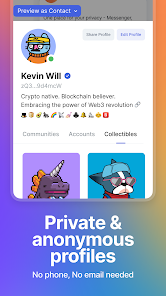
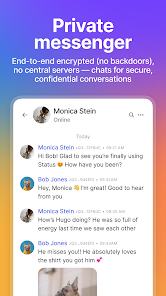
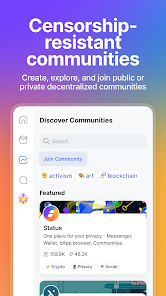
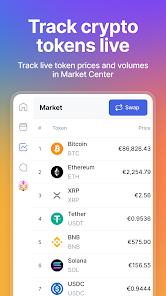
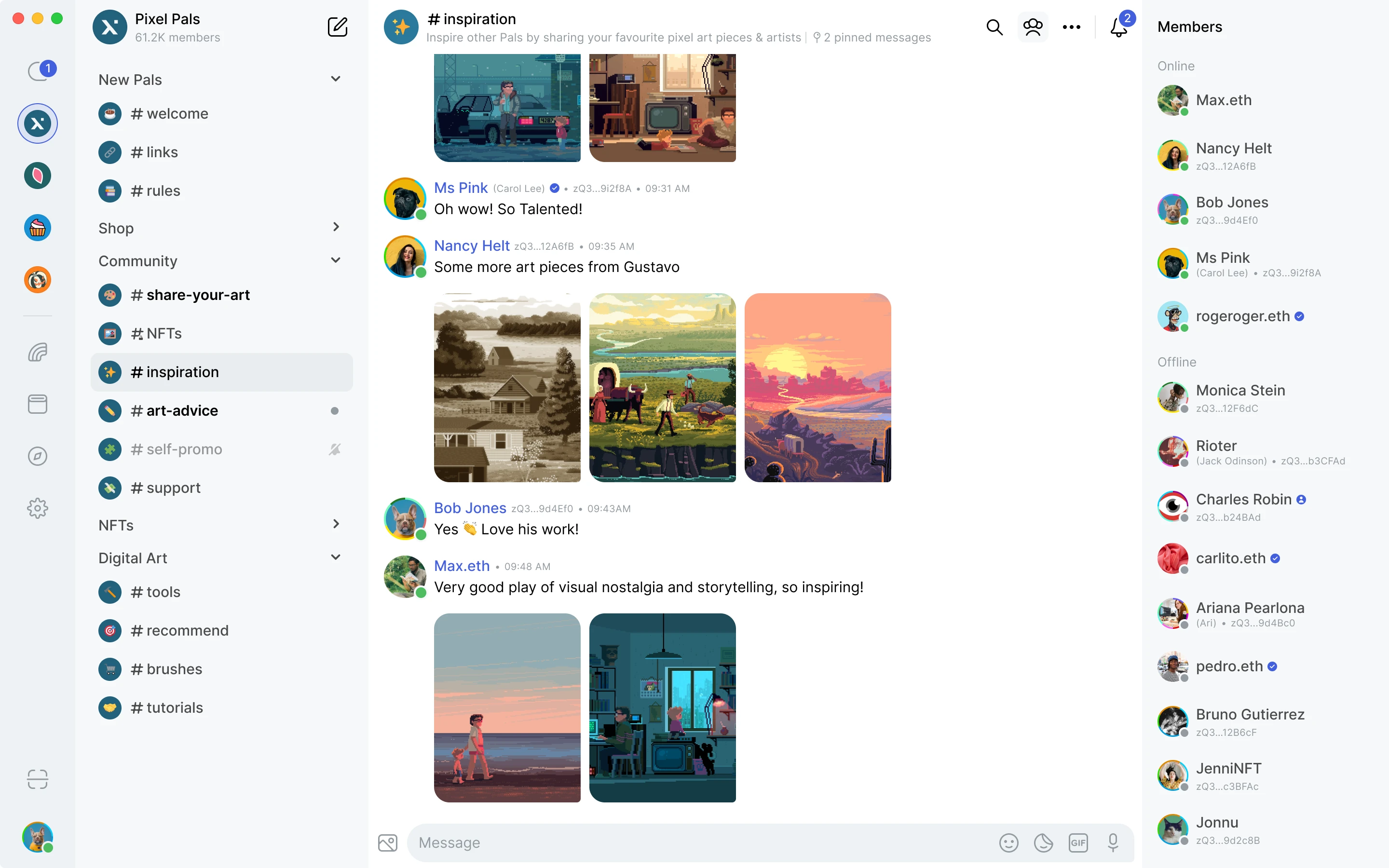
The Status App is a privacy-first, decentralised messenger built with Nim and Qt/QML. It offers end-to-end encrypted messaging, community chats, and Ethereum wallet integration — all without requiring a phone number or email.
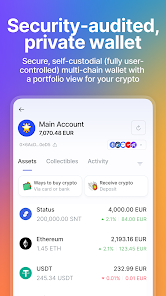
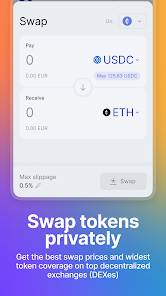
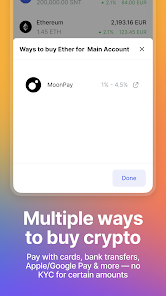
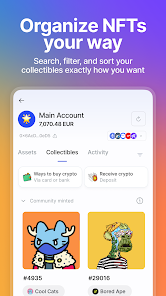
📑 Table of Contents
🚀 Download & Install
Get the latest release for your platform:
- Android: Play Store
- Apple: App Store
- Windows: Download EXE
- Linux: Download Tarball
- macOS: Download DMG
Supported Versions
| Platform | Supported versions | Notes |
|---|---|---|
| Windows | Intel chip (no native Windows ARM build yet) | Windows 11 is used for testing |
| Linux | Continuous effort to support the lowest Ubuntu LTS version. | Actively tested on Ubuntu 22.04; should run on most Linux flavours using glibc 2.31 or newer |
| macOS | ARM chip | MacOS latest version |
| Android | 9 to 16 | |
| iOS | 17 and higher |
Windows
- Download the
.exefile. - Run the
.exeinstaller. - Launch the installed app 🎉
Linux
- Download the
.tar.gzfile. - Extract the tarball file (replace
*with the version)cd ~/Downloads tar xvf StatusIm-Desktop-*.tar.gz - Optionally, verify the Status app GPG signature.
- Go to the directory where it extracted and double-click the AppImage file 🎉
macOS
- Download the
.dmgfile. - Open it and drag
Status.appto the Applications folder. - Open the Applications folder and double-click the Status icon 🎉
🛠️ Build from Source
To build Status from source, follow the instructions specific to your operating system. Detailed build instructions are available in the official documentation:
🤝 Contributing
We welcome contributions from the community! To get started:
- Read our Contributing Guidelines.
- Check out good first issues to get involved.
- Join the #feedback-desktop and #feedback-mobile channels on Status.
📚 Documentation
- 📘 User Help documentation
- 🛠️ Installation Guide
- 🏗️ Building Desktop from Source
- 📱 Building Mobile from Source
- 🏛️ Architecture Docs
- 🤝 Contributing Guide
- 💡 You have an idea for a cool feature or improvement?
- 🗺️ Status Roadmap
For more information, visit our official website or explore our GitHub organization.
This project is tested with BrowserStack.
関連プロジェクトを探す
読み込み中…