
sensepost/gowitness has 4,560 GitHub stars and 455 forks. GitHot measured +1 stars in 24 hours, +6 in 7 days, and +10 in 15 days. Last checked 2026-11-11 03:03 UTC. Last push 2026-10-29.
🔍 gowitness - ヘッドレス Chrome でウェブページのスクリーンショットを撮影する Go 製ツール
できること
- Take website screenshots, obviously..., but fast and accurate!
- Scan a list of URLs, CIDRs, Nmap Results, Nessus Results and more.
- Ability to grab and save data (i.e., a request log, console logs, headers, cookies, etc.)
- Write data to many formats (sqlite database, jsonlines, csv, etc.)
計測したスター増加
- 24時間
- +1
- 7日間
- +6
- 15日間
- +10
- 1か月
- 更新が遅れています
期間ごとの純増数です。期間は重複しており、日別の値ではありません。未計測の値は空欄です。スター数は注目度の指標であり、品質の保証ではありません。
README.md
オリジナル
gowitness
A golang, web screenshot utility using Chrome Headless.


introduction
gowitness is a website screenshot utility written in Golang, that uses Chrome Headless to generate screenshots of web interfaces using the command line, with a handy report viewer to process results. Both Linux and macOS is supported, with Windows support mostly working.
features
The main goal of gowitness is to take website screenshots (and do that well!), while optionally saving any information it gathered along the way. That said, a short list of features include:
- Take website screenshots, obviously..., but fast and accurate!
- Scan a list of URLs, CIDRs, Nmap Results, Nessus Results and more.
- Ability to grab and save data (i.e., a request log, console logs, headers, cookies, etc.)
- Write data to many formats (sqlite database, jsonlines, csv, etc.)
- An epic web-based results viewer (if you saved data to SQLite) including a fully featured API!
- And many, many more!
quick start
There are a few ways to get gowitness, the simplest (assuming your $GOBIN path is in your shell $PATH) will be to use go install:
go install github.com/sensepost/gowitness@latest
Otherwise, grab a platform specific release binary or compile from source. Then, scan your first target writing the results to a SQLite database and the screenshot to ./screenshots with:
gowitness scan single --url "https://sensepost.com" --write-db
There are many, many flags and scan types in gowitness. Just add -h anywhere and read all about it!
documentation
For advanced installation information and other documentation, please refer to the wiki here.
screenshots
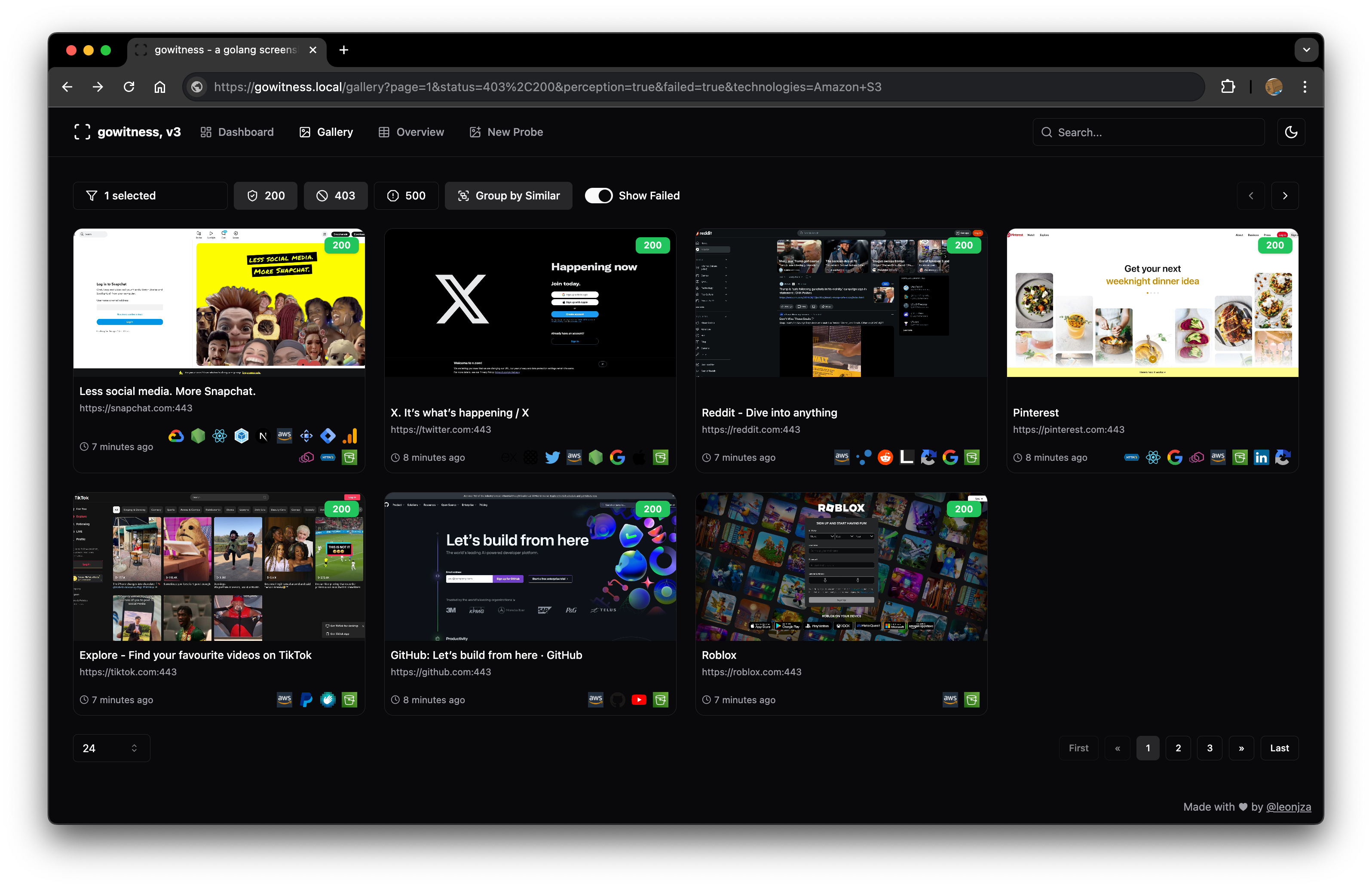
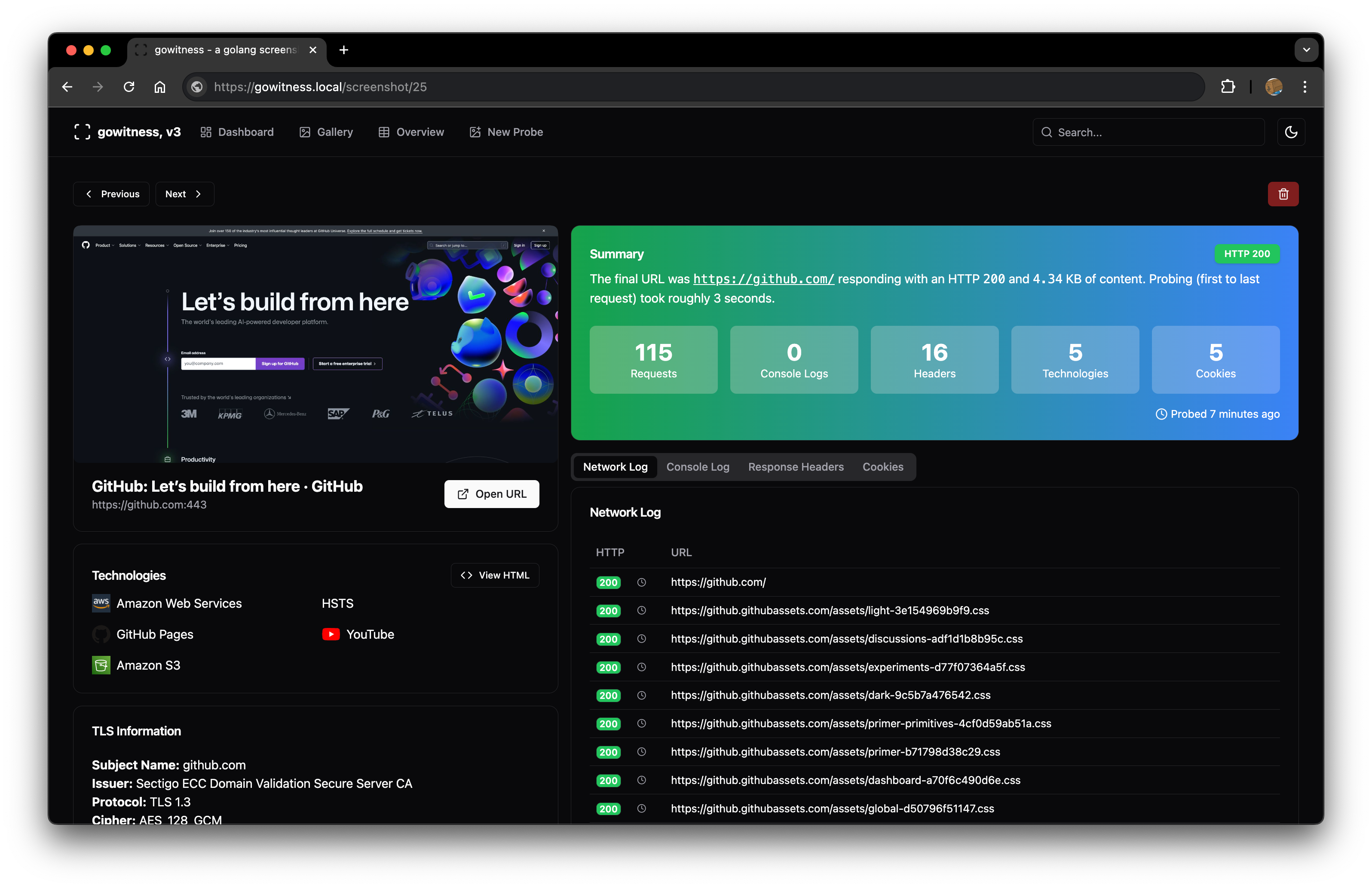
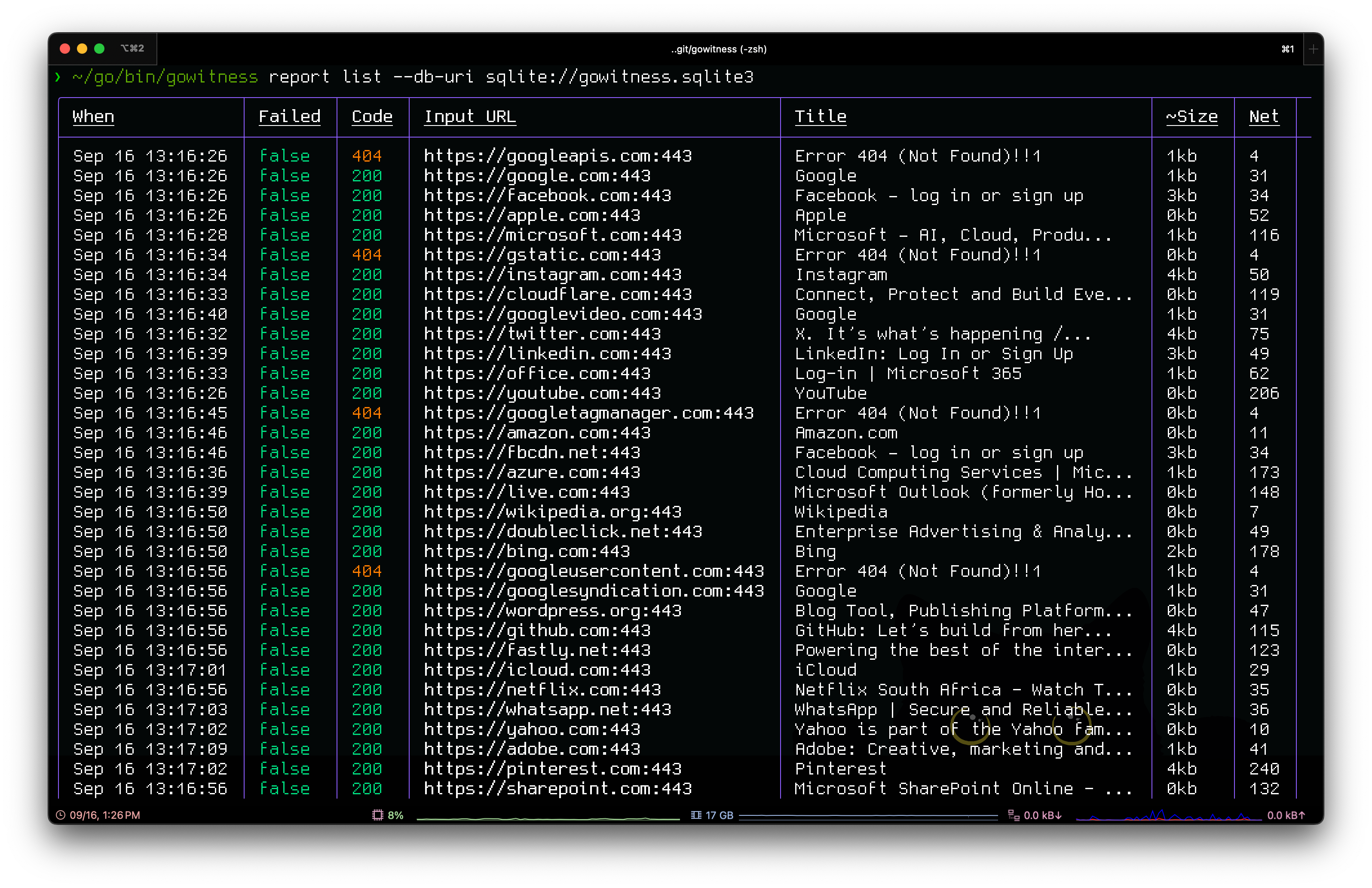
credits
gowitness would not have been possible without some of these amazing projects: chi, chromedp, go-rod, cobra, gorm, glamour, go-nmap, wappalyzergo, goimagehash.
license
gowitness is licensed under a GNU General Public v3 License. Permissions beyond the scope of this license may be available at http://sensepost.com/contact/.
関連プロジェクトを探す
freeCodeCamp/freeCodeCamp
freeCodeCamp.org のオープンソースのコードベースとカリキュラムです。数学、プログラミング、コンピュータサイエンスを無料で学べます。
459,012 スターdonnemartin/system-design-primer
大規模システムの設計を学び、システム設計面接の対策ができます。Anki のフラッシュカードが含まれています。
377,629 スターreact/react
Web とネイティブのユーザーインターフェース向けライブラリ。
252,533 スターvuejs/vue
Vue 2 のリポジトリです。Vue 3 については https://github.com/vuejs/core をご覧ください。
212,530 スター