
prcastro/zeroGL has 38 GitHub stars and 2 forks. GitHot measured 0 stars in 24 hours, 0 in 7 days, and 0 in 15 days. Last checked 2026-11-24 18:19 UTC. Last push 2026-04-27.
できること
- Single-header library written in C with no external dependencies
- Programmable shaders
- Perspective-correct texture support
- Point/Ambient/Directional lighting
計測したスター増加
- 24時間
- 0
- 7日間
- 0
- 15日間
- 0
- 1か月
- 履歴を収集中
期間ごとの純増数です。期間は重複しており、日別の値ではありません。未計測の値は空欄です。スター数は注目度の指標であり、品質の保証ではありません。
概要
A zero-dependencies, single-header 3D graphics library
制作・メディアREADME.md
オリジナルzeroGL
A zero-dependencies, single-header 3D graphics library
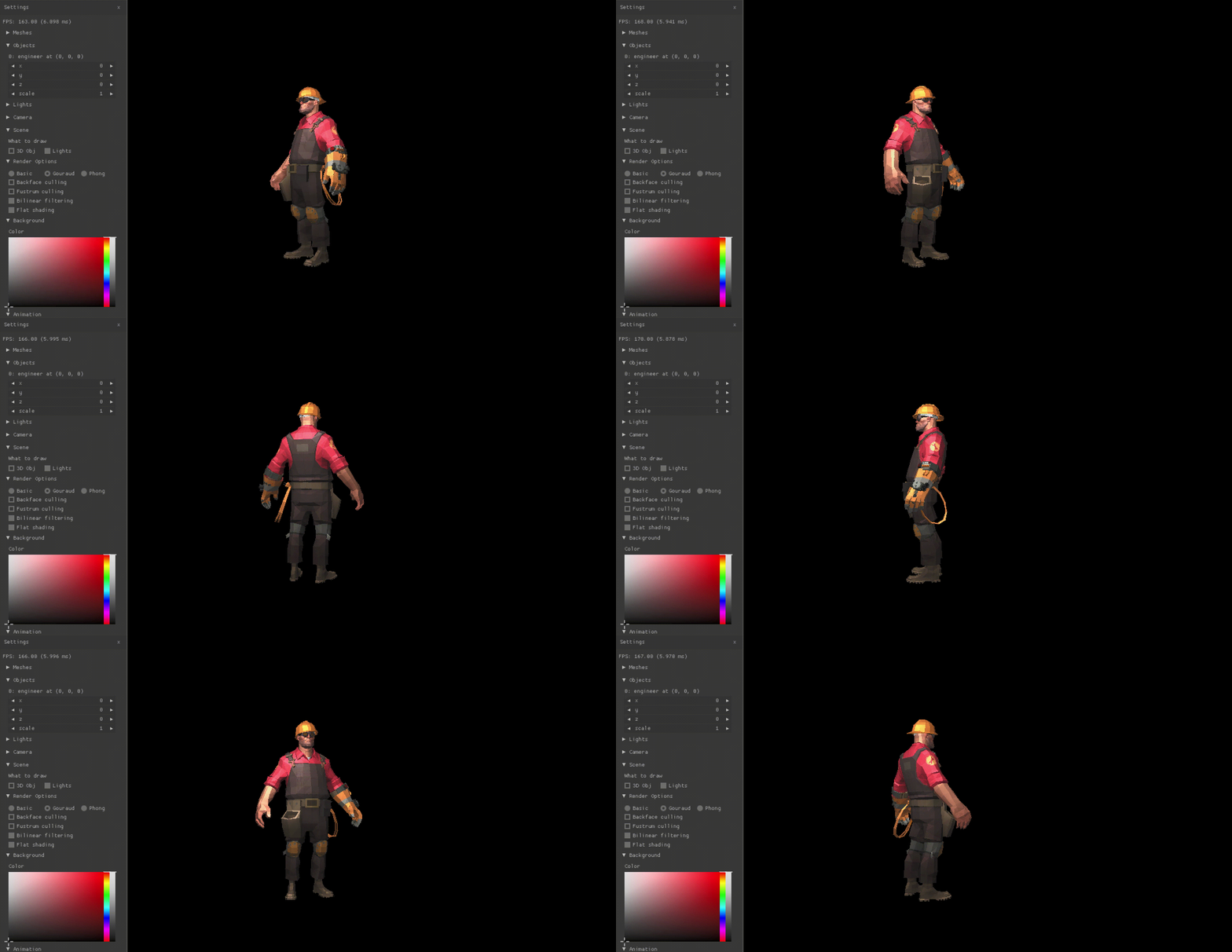
Features
- Single-header library written in C with no external dependencies
- Programmable shaders
- Perspective-correct texture support
- Point/Ambient/Directional lighting
- Materials with specular and diffuse properties
- Camera and backface culling
- z-Buffering
- Load OBJ/MTL files (in separate library)
Getting started
To use zeroGL in your project, download zerogl.h from the releases page and include it in your project. You can find the documentation here. To run the demo, download the latest .zip file from the releases page, uncompress it and run.
Building the demo
Clone this repo with submodules:
$ git clone --recurse-submodules https://github.com/prcastro/zeroGL.git
Before starting, you need to decide whether you are going to use the vendored SDL3 version (in the external/sdl3 directory) or if you're going to use the system SDL3 you've installed. The following instructions assume you're using the vendored SDL3 distribution. If you want to use the SDL system library, see the instructions here.
If you're not using CMake or Zig, you first need to build SDL3 from the external/sdl3 directory. If you're using CMake, the external/sdl3 will build automatically. If you're using Zig as the build system, we're using castholm/SDL as the SDL dependency, as it provides SDL integration with Zig's build system, so you don't even need to download the external/sdl3 git submodule.
Windows
CMake
Install Visual Studio Community 2022 (the C/C++ compilers may suffice) and CMake. This is the only option that doesn't require you to pre-build SDL3 before starting. Then, from the command-line run:
> cmake -B build/ -G "Visual Studio 17 2022"

> cmake --build build/ --config Release
The binary will be written to build/Release/main.exe
Zig
To run the demo, just install zig (it's basically downloading a binary and adding it to your path) and then run:
> zig build run --release=fast
build.bat
Install Visual Studio Community 2022 (the C/C++ compilers may suffice) and then double-click the build.bat file. Alternatively, from the command-line run:
> build.bat
The binary will be written to build/main.exe
Using cl.exe
Install Visual Studio Community 2022 (the C/C++ compilers may suffice), then run:
> "c:\Program Files\Microsoft Visual Studio\2022\Community\VC\Auxiliary\Build\vcvarsall.bat" x86_amd64

> cl.exe /Zi /EHsc /O2 /nologo /Fobuild\obj\ /Febuild\main.exe main.c /I external\sdl3\include /link /LIBPATH:external\sdl3\build\RelWithDebInfo SDL3.lib

> copy external\sdl3\build\RelWithDebInfo\SDL3.dll build\SDL3.dll
Change the vcvarsall.bat path according to your VS installation. The binary will be written to build/Release/main.exe.
VS Code
If you're using Visual Studio Code, then you can install Visual Studio Community 2022 (the C/C++ compilers may suffice) and CMake. Also install the C/C++ extensions from Microsoft and the CMake Tools extension as well.
Open main.c on the editor and then click on ▶ on status bar at the bottom.
Linux
GCC
On Linux sytems where SDL3 is installed, the exemple main program can also be built by running (again, ):
gcc main.c -I./external/sdl3/include -Lexternal/sdl3/build/RelWithDebInfo -lSDL3 -lm -o build/main
Zig
$ zig build run --release=fast
macOS
Zig
To run the demo, just install zig (it's basically downloading a binary and adding it to your path) and then run:
$ zig build run --release=fast
Using a system SDL library
If you want to use the SDL library installed in your system, make sure you have version v3.2.8 (using apt or brew) and find the installed libraries. On every instruction, you can replace:
- Library path:
external/sdl3/build/RelWithDebInfowithusr/include/SDL3(or wherever you have the SDL3 headers installed) - Include path:
external/sdl3/includewithusr/local/lib(or wherever you have the SDL3 libraries installed)
If you're using CMake, simply set the USE_VENDORED_SDL3 to OFF during the configure step:
> cmake -DUSE_VENDORED_SDL3=OFF -B build/ -G "Visual Studio 17 2022"
Current limitations
- No alpha compositing
- No multi-threading/SIMD
- Support only a subset of the OBJ specification
関連プロジェクトを探す
読み込み中…