
pocketsvg/PocketSVG has 1,729 GitHub stars and 243 forks. GitHot measured 0 stars in 24 hours, 0 in 7 days, and 0 in 15 days. Last checked 2026-11-22 23:58 UTC. Last push 2026-11-10.
できること
- Support for SVG elements: path, line, polyline, polygon, rect, circle, ellipse
- Support for SVG named colors.
- Fully working iOS and macOS demos.
- Straightforward API for typical SVG rendering as a UIImageView/NSImageView or CALayer subclass.
計測したスター増加
- 24時間
- 0
- 7日間
- 0
- 15日間
- 0
- 1か月
- 履歴を収集中
期間ごとの純増数です。期間は重複しており、日別の値ではありません。未計測の値は空欄です。スター数は注目度の指標であり、品質の保証ではありません。
概要
SVGファイルをCGPaths、CAShapeLayers、UIBezierPathsに簡単に変換できます。
制作・メディアREADME.md
オリジナルPocketSVG








A simple toolkit for displaying and manipulating SVGs on iOS and macOS in a performant manner.
The goal of this project is not to be a fully compliant SVG parser/renderer. But rather to use SVG as a format for serializing CG/UIPaths, meaning it only supports SVG features that can be represented by CG/UIPaths.
Thoroughly documented.
Features
- Support for SVG elements:
path,line,polyline,polygon,rect,circle,ellipse - Support for SVG named colors.
- Fully working iOS and macOS demos.
- Straightforward API for typical SVG rendering as a
UIImageView/NSImageVieworCALayersubclass. - Access every shape within your SVG as a
CGPathfor more fine-grained manipulation.
Installation
Swift Package Manager
dependencies: [
    .package(url: "https://github.com/pocketsvg/PocketSVG.git", .upToNextMajor(from: "2.6.0"))
]
Cocoapods
Add this to your Podfile:
pod 'PocketSVG', '~> 2.6'
Then run pod install
Carthage
Add this to your Cartfile:
github "pocketsvg/PocketSVG" >= 2.7.2
Then run carthage update --use-xcframeworks
Usage
Render an SVG file using SVGImageView
let url = Bundle.main.url(forResource: "tiger", withExtension: "svg")!
let svgImageView = SVGImageView.init(contentsOf: url)
svgImageView.frame = view.bounds
svgImageView.contentMode = .scaleAspectFit
view.addSubview(svgImageView)
Output
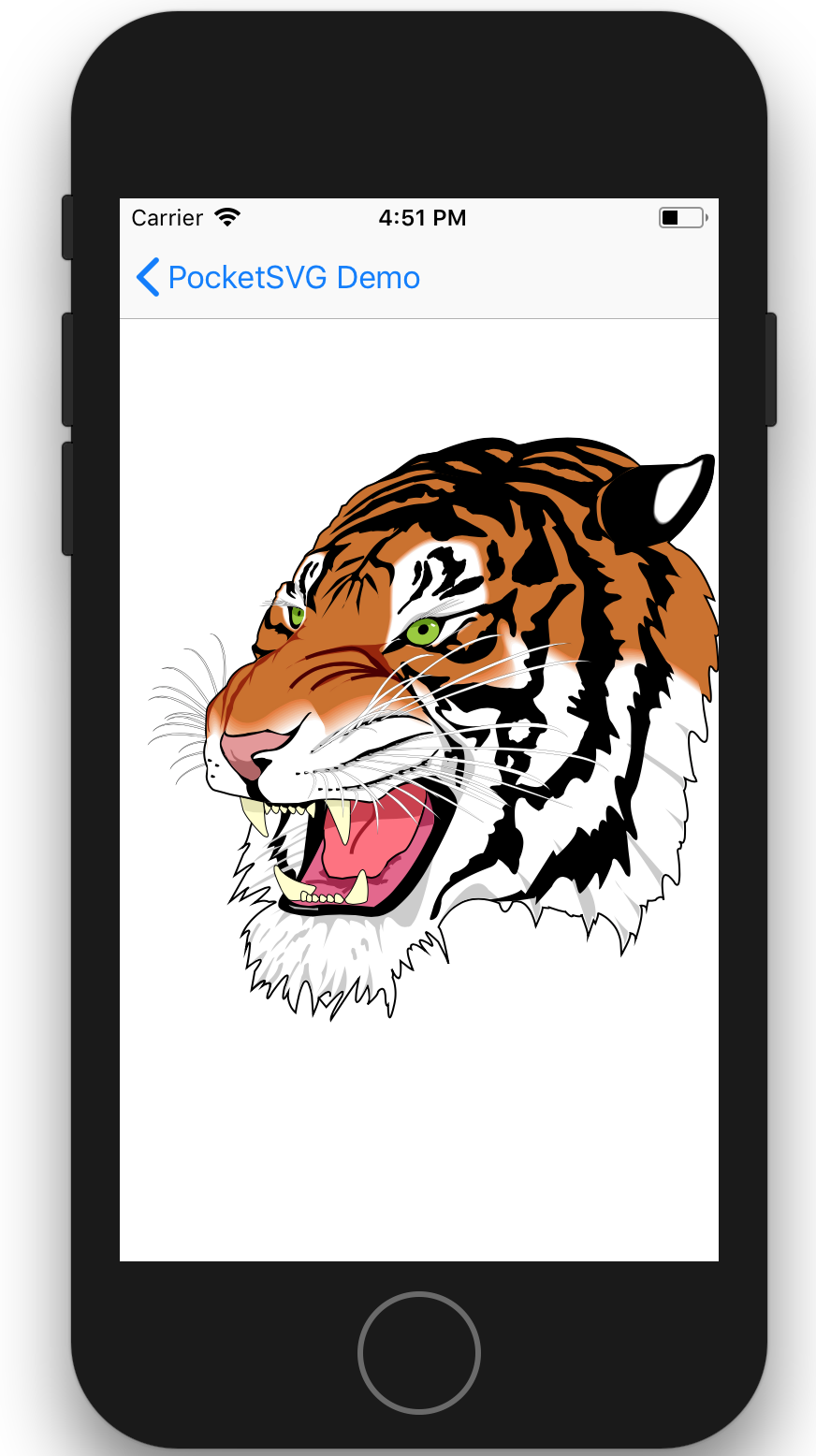
Note: By default, SVGLayer has shouldRasterize set to YES when running on iOS. If you need to animate changes to the layer's transform you might want to reset that to NO.
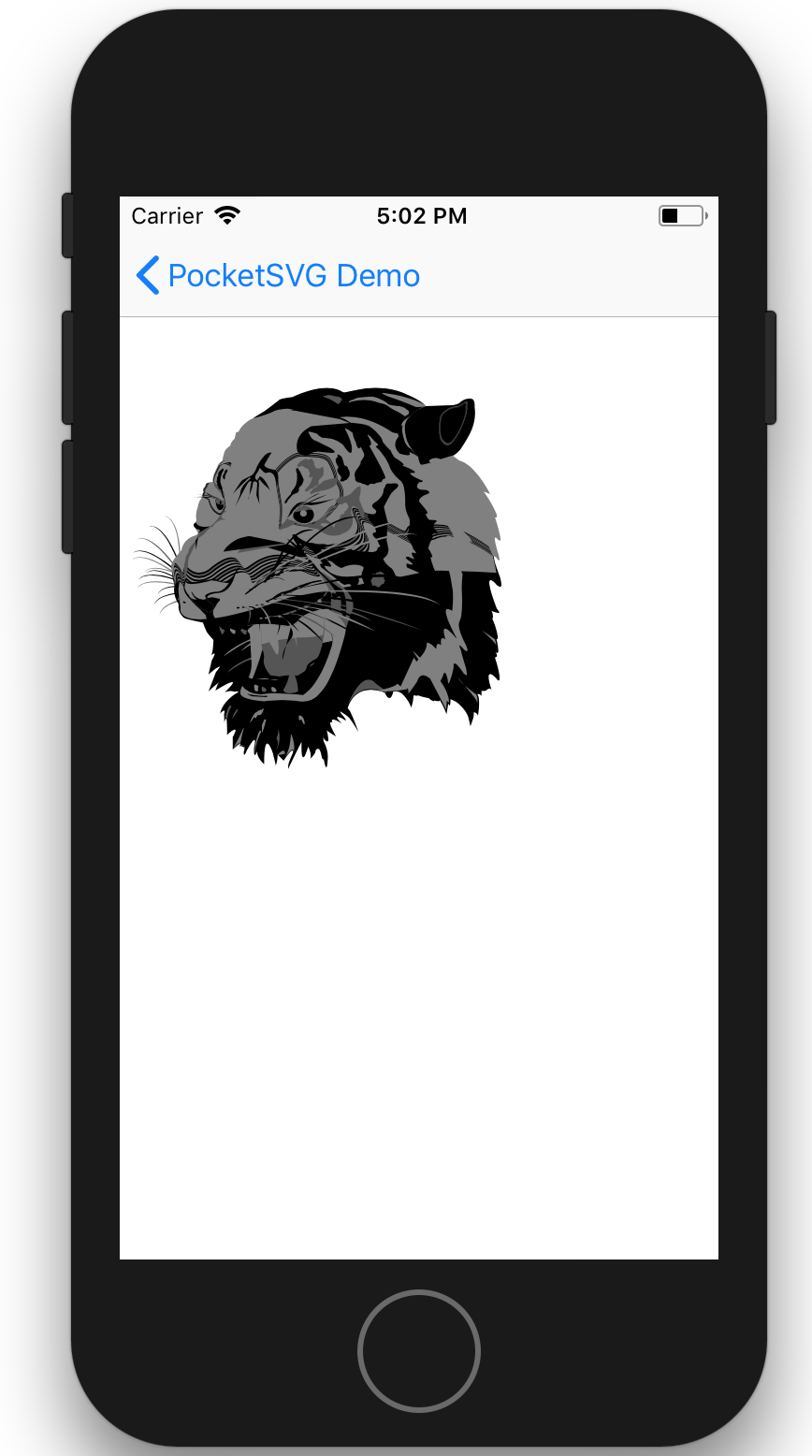
Manually render each path of an SVG file using CAShapeLayer
view.backgroundColor = .white

let svgURL = Bundle.main.url(forResource: "tiger", withExtension: "svg")!
let paths = SVGBezierPath.pathsFromSVG(at: svgURL)
let tigerLayer = CALayer()
for (index, path) in paths.enumerated() {
    let shapeLayer = CAShapeLayer()
    shapeLayer.path = path.cgPath
    if index%2 == 0 {
        shapeLayer.fillColor = UIColor.black.cgColor
    }
    else if index%3 == 0 {
        shapeLayer.fillColor = UIColor.darkGray.cgColor
    }
    else {
        shapeLayer.fillColor = UIColor.gray.cgColor
    }
    tigerLayer.addSublayer(shapeLayer)
}

var transform = CATransform3DMakeScale(0.4, 0.4, 1.0)
transform = CATransform3DTranslate(transform, 200, 400, 0)
tigerLayer.transform = transform
view.layer.addSublayer(tigerLayer)
Output
Contributing
Bug Reports & Feature Requests
Please use the issue tracker to report any bugs or file feature requests.
Developing
PRs are welcome.
関連プロジェクトを探す
読み込み中…