
概要
:sound: [Android Library] Easily generate audio tone of a specific frequency and volume in Android.
制作・メディア計測したスター増加
- 24時間
- 0
- 7日間
- 0
- 15日間
- 履歴を収集中
- 1か月
- 履歴を収集中
期間ごとの純増数です。期間は重複しており、日別の値ではありません。未計測の値は空欄です。スター数は注目度の指標であり、品質の保証ではありません。
README.md
オリジナル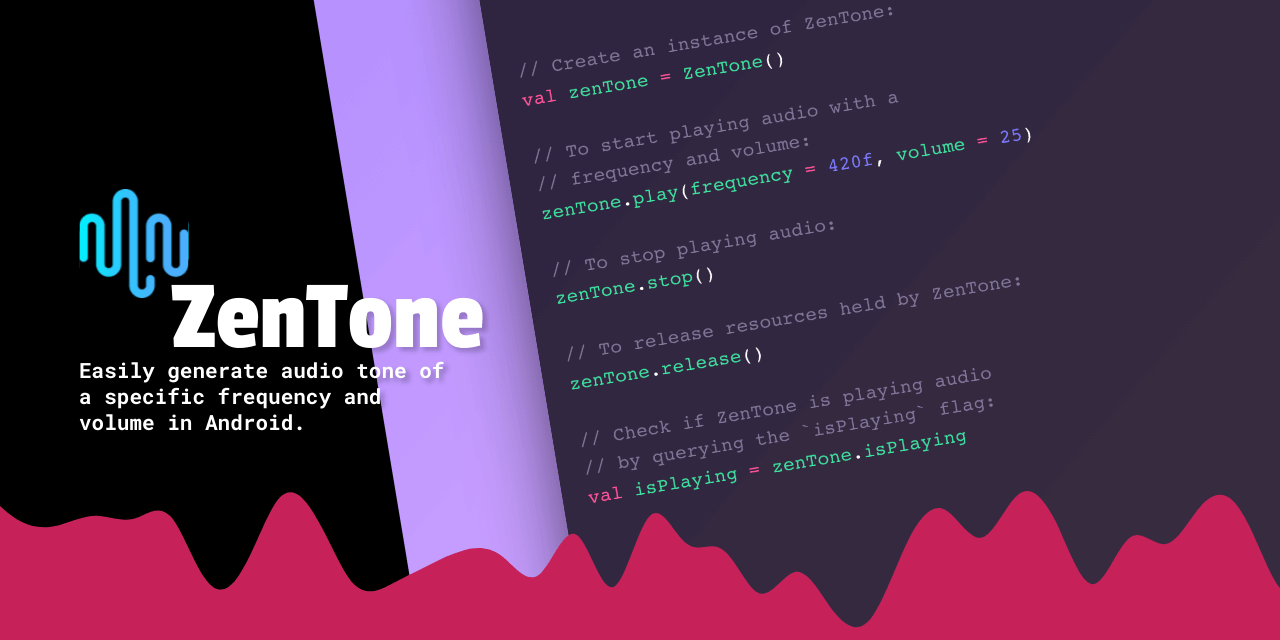








Easily generate audio tone of a specific frequency and volume in Android.
Quick Start
val zenTone = ZenTone()

zenTone.play(frequency = 440f, volume = 10)
Use playbackCount = 0 for unlimited playback, or pass a positive number such as 1 or 2
to stop automatically after that many generated signal writes.
ZenTone accepts the following audio configuration parameters:
sampleRate: defaults toSampleRate.Hz44100; supported sample rates are exposed through theSampleRateenumchannelMask: defaults toAudioFormat.CHANNEL_OUT_MONO; supportsAudioFormat.CHANNEL_OUT_MONOandAudioFormat.CHANNEL_OUT_STEREO
Example:
val zenTone = ZenTone(
    sampleRate = SampleRate.Hz48000,
    channelMask = AudioFormat.CHANNEL_OUT_STEREO
)
If you need to override the PCM encoding, use the advanced factory:
val zenTone = ZenTone.advanced(
    sampleRate = SampleRate.Hz44100,
    encoding = AudioFormat.ENCODING_PCM_8BIT,
    channelMask = AudioFormat.CHANNEL_OUT_MONO
)
encodingdefaults toAudioFormat.ENCODING_PCM_16BIT; supported values areAudioFormat.ENCODING_PCM_8BITandAudioFormat.ENCODING_PCM_16BIT.
Waveform generation honors the configured sample rate, PCM encoding, and channel layout.
Built-in wave generators are instantiated per playback, for example SineWaveGenerator(), SquareWaveGenerator(), TriangleWaveGenerator(), SawtoothWaveGenerator() and PulseWaveGenerator().
Checkout
- 📜 Changelog
- 🤝 Integration docs
- 💡 Usage docs
- 💻 Dev docs
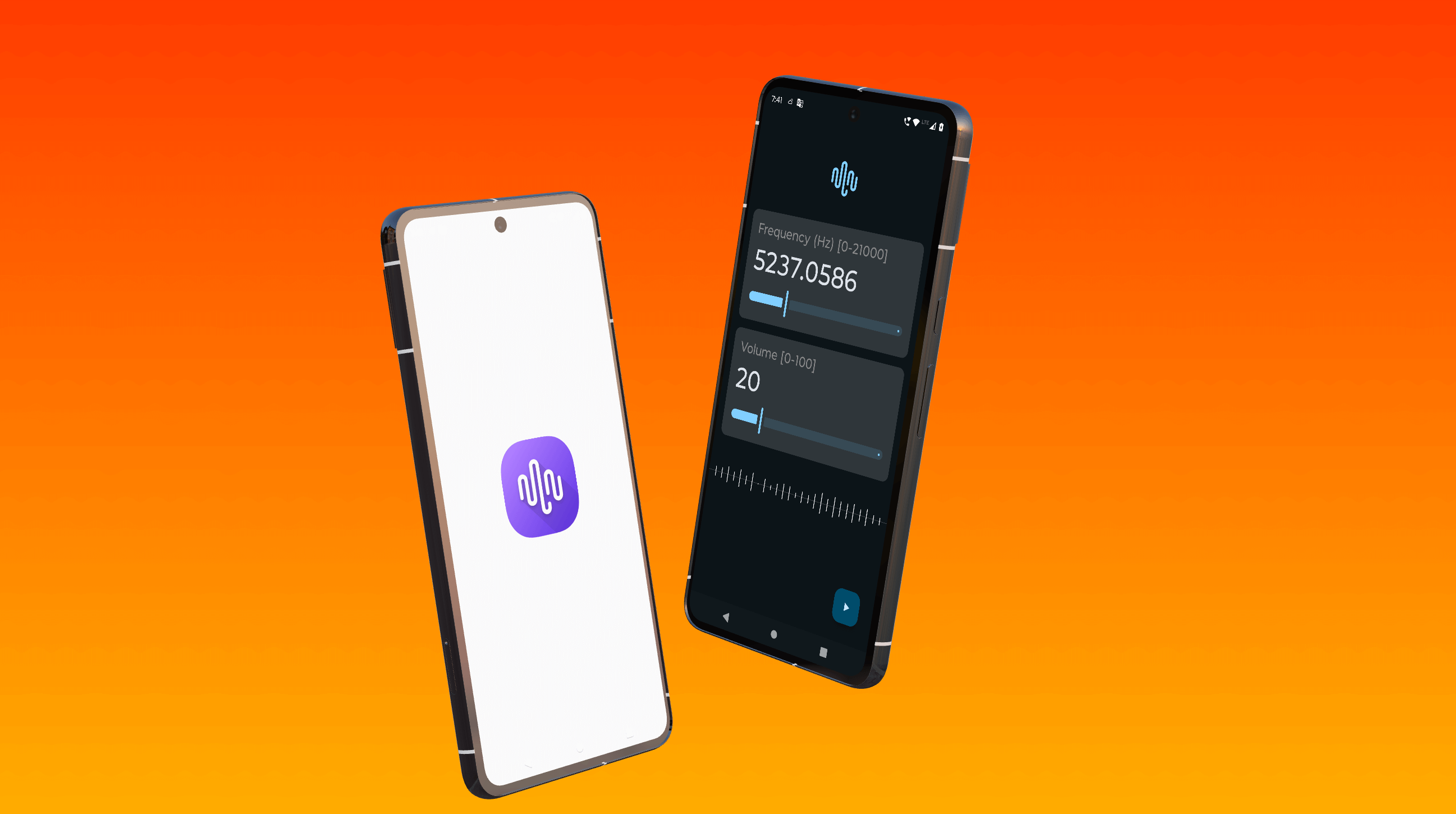
Screenshot of Sample App
Star History
License
Licensed under the Apache License, Version 2.0.
Copyright 2016 Nishant Srivastava
Logo
関連プロジェクトを探す
読み込み中…