
kinghacker0/WhatsApp-OSINT
kinghacker0/WhatsApp-OSINT has 1,330 GitHub stars and 261 forks. GitHot measured +2 stars in 24 hours, +9 in 7 days, and +37 in 15 days. Last checked 2026-11-24 21:56 UTC. Last push 2025-10-16.
できること
- Retrieve WhatsApp profile photos via phone number
- Verify WhatsApp Business accounts
- Check user status and basic info
- Analyze linked devices
計測したスター増加
- 24時間
- +2
- 7日間
- +9
- 15日間
- +37
- 1か月
- 履歴を収集中
期間ごとの純増数です。期間は重複しており、日別の値ではありません。未計測の値は空欄です。スター数は注目度の指標であり、品質の保証ではありません。
概要
RapidAPI WhatsApp OSINT APIを使って、プロフィール画像の取得、Businessアカウントの確認、ステータスとユーザー情報の確認、リンクされたデバイスの分析、プライバシー設定の確認、完全なデータへのアクセスができるWhatsApp向けOSINTツールです。6つのエンドポイントに対応しています。
セキュリティREADME.md
オリジナルWHATS OSINT 🕵️♂️
OSINT tool for WhatsApp that allows you to obtain profile photos, verify Business accounts, check status and user information, analyze linked devices, review privacy settings, and access full data using the WhatsApp OSINT API from RapidAPI.
Supports 6 endpoints: about, base64, business, devices, doublecheck, privacy.




🚀 Features
- Retrieve WhatsApp profile photos via phone number
- Verify WhatsApp Business accounts
- Check user status and basic info
- Analyze linked devices
- Full OSINT information retrieval
- View privacy settings
- Automatic validation of phone number formats
- Supports international numbers (with country code)
- Interactive terminal interface with colors and menus
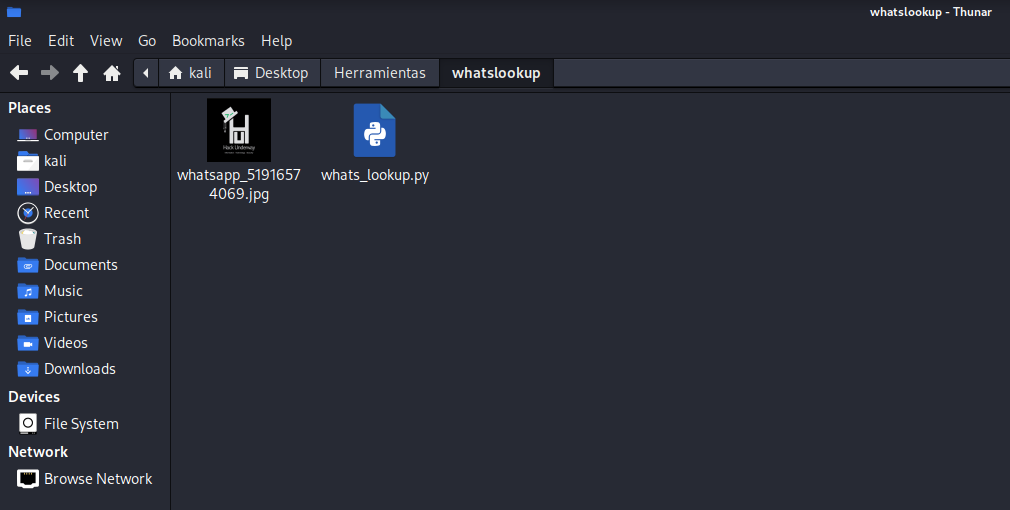
- Auto-save images in JPG format
- Detect hidden or missing profile pictures
📌 Requirements
- Python 3.8+
- Libraries:
requests,python-dotenv,colorama
🔑 API Key (RapidAPI)
| NAME | KEY |
|---|---|
| Whatsapp OSINT | 🔑 (Required) |
- Choose a plan → Basic
- Copy your API Key
- Rename the
.env.examplefile to.env - Add your API Key inside the
.envfile
🛠️ Step 1: Configure your API in the .env file
In your project root, run:
cp .env.example .env
🔹 This creates a new .env file with the same content as .env.example.
🔹 .env.example remains untouched (serves as a template).
🛠️ Step 2: Open the .env file for editing
Use nano (or any editor you prefer, such as vim or VS Code):
nano .env
🛠️ Step 3: Edit the variables
Inside nano you’ll see something like:
RAPIDAPI_KEY=your_api_key_here
👉 Replace it with your actual key, for example:
RAPIDAPI_KEY=yysnssksls536m3mdlldldmdddlld
🛠️ Step 4: Save the changes in nano
- Press Ctrl + O → “Write Out” (save)
- Confirm the filename
.env→ press Enter - Exit editor with Ctrl + X
🛠️ Step 5: Verify it’s saved
cat .env
⚠️ Usage Warning
This tool is created only for:
- Legitimate cybersecurity investigations
- Authorized security audits
- Educational OSINT projects
- Analysis with explicit consent
🔴 Do NOT use this tool for illegal activity, harassment, or without consent. 🟢 The author is not responsible for any misuse.
⚙️ Installation
Clone the repository:
git clone https://github.com/kinghacker0/whatsapp-osint
cd whatsapp-osint
python3 -m venv myvenv
source myvenv/bin/activate
pip3 install -r requirements.txt
🐍 Basic Usage
Run the script:
python3 whatsapp-osint.py
- Choose an option from the menu (1–6)
- Enter the phone number including country code (e.g. 51987654321)
- The tool validates the number format and performs the lookup
- Results are displayed according to the selected query type
The project is open for contributors.
💻 Supported Distributions
| Distribution | Verified Version | Supported? | Status |
|---|---|---|---|
| Kali Linux | 2025.2 | ✅ | Working |
| Parrot Security OS | 6.3 | ✅ | Working |
| Windows | 11 | ✅ | Working |
| BackBox | 9 | ✅ | Working |
| Arch Linux | 2024.12.01 | ✅ | Working |
💬 Support & Credit
Thanks & Credit to → HackUnderway
関連プロジェクトを探す
読み込み中…