
ictinnovations/ICTSchool
ictinnovations/ICTSchool has 73 GitHub stars and 71 forks. GitHot measured 0 stars in 24 hours. Last checked 2026-11-16 21:43 UTC. Last push 2026-11-13.
できること
- Multi-Branches System
- Accounts Management
- Result & Report Management
- Mobile Based Attendance System
計測したスター増加
- 24時間
- 0
- 7日間
- 更新が遅れています
- 15日間
- 更新が遅れています
- 1か月
- 更新が遅れています
期間ごとの純増数です。期間は重複しており、日別の値ではありません。未計測の値は空欄です。スター数は注目度の指標であり、品質の保証ではありません。
概要
Open source school management software: admissions, attendance, exams, fees and multi-branch schools, with SMS and voice notifications. Laravel, by ICT Vision.
学習README.md
オリジナルICTSchool
Open source school management software with SMS and voice notifications built in: admissions, attendance, exams and results, fees, teachers and multi-branch schools.
Website: www.ictschool.net · Latest release · ICTSchool is an ICT Vision product.
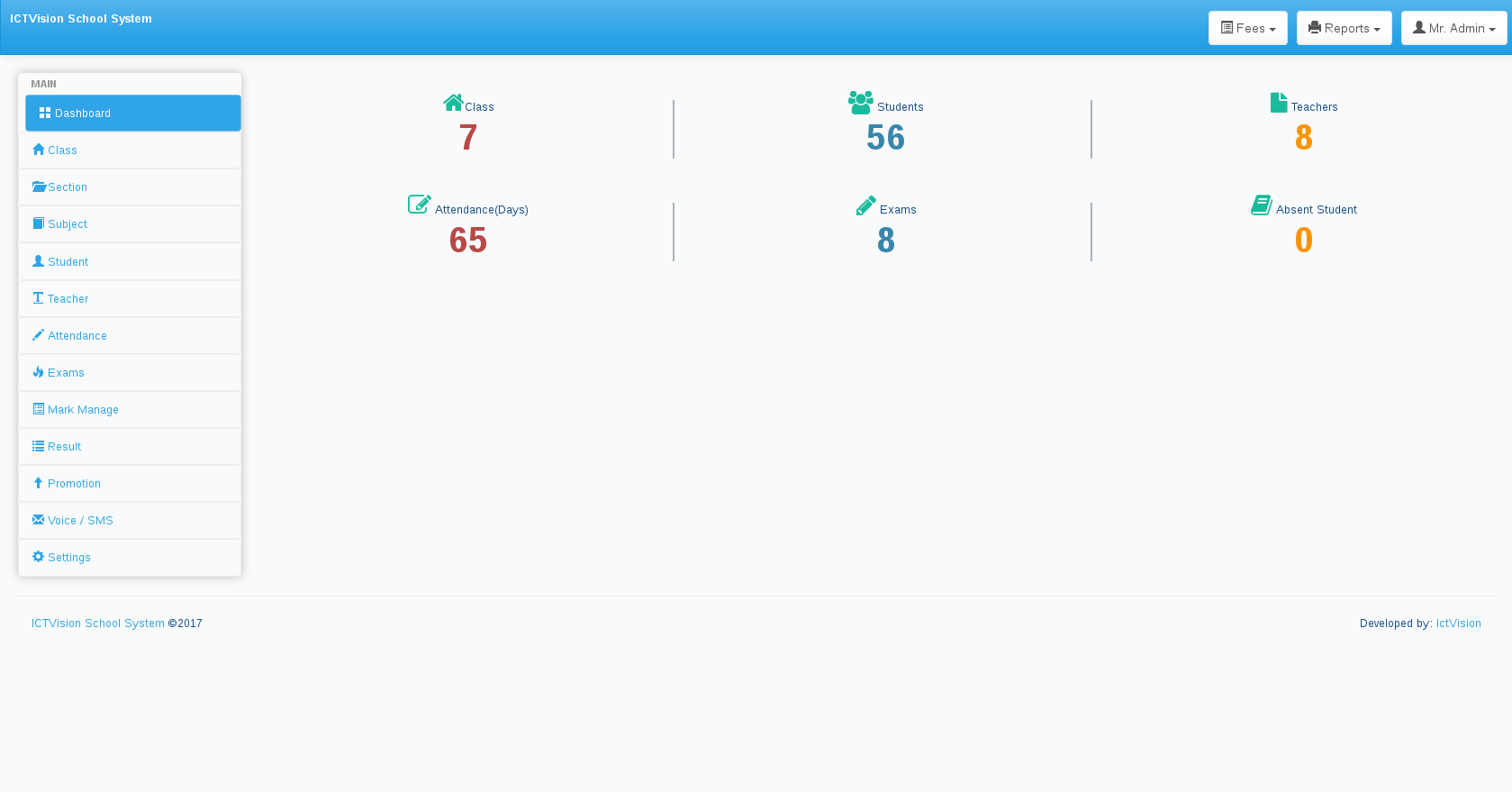
Features
Features
- Multi-Branches System
- Accounts Management
- Result & Report Management
- Mobile Based Attendance System
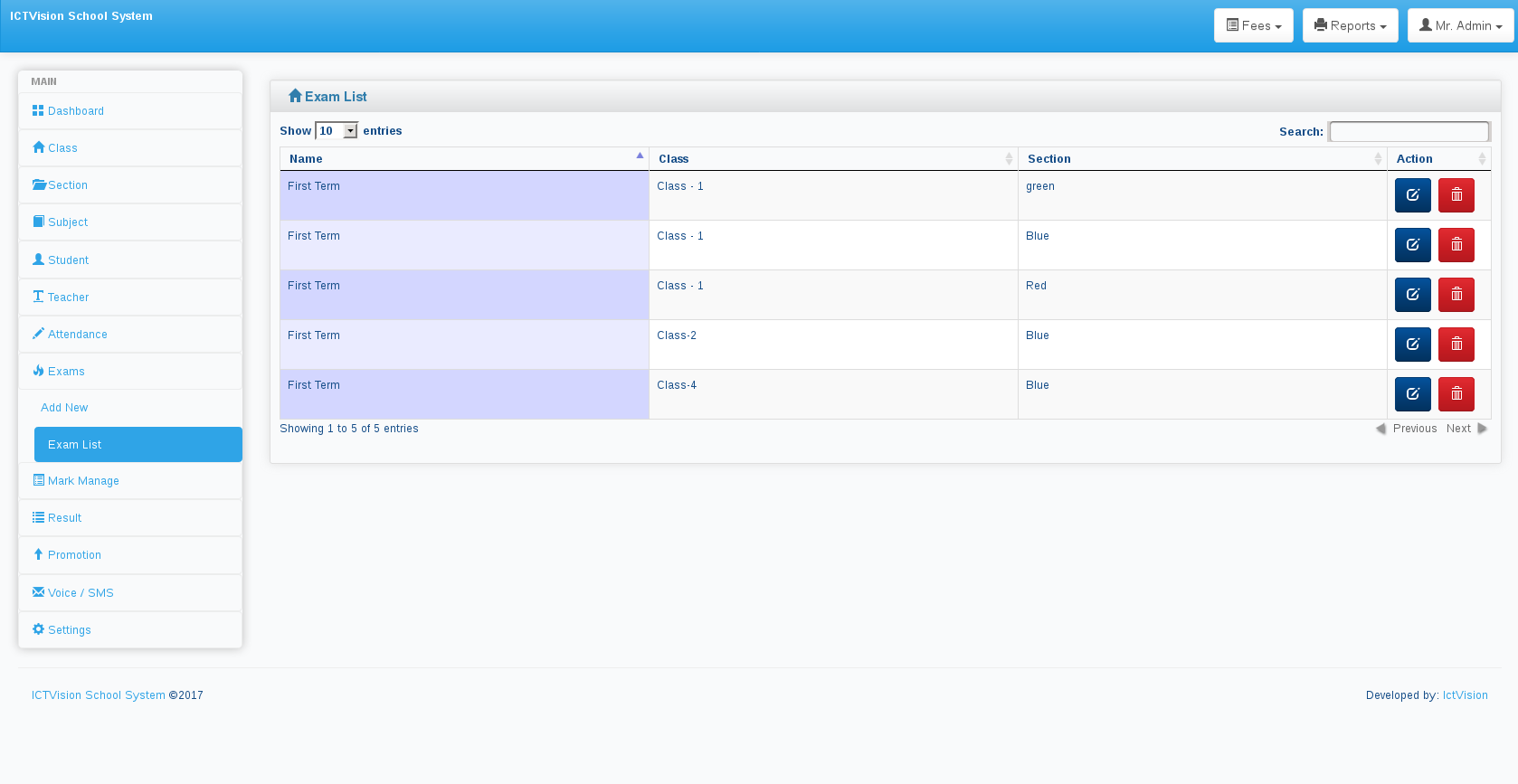
- Exam and Paper Management
- Fee Management
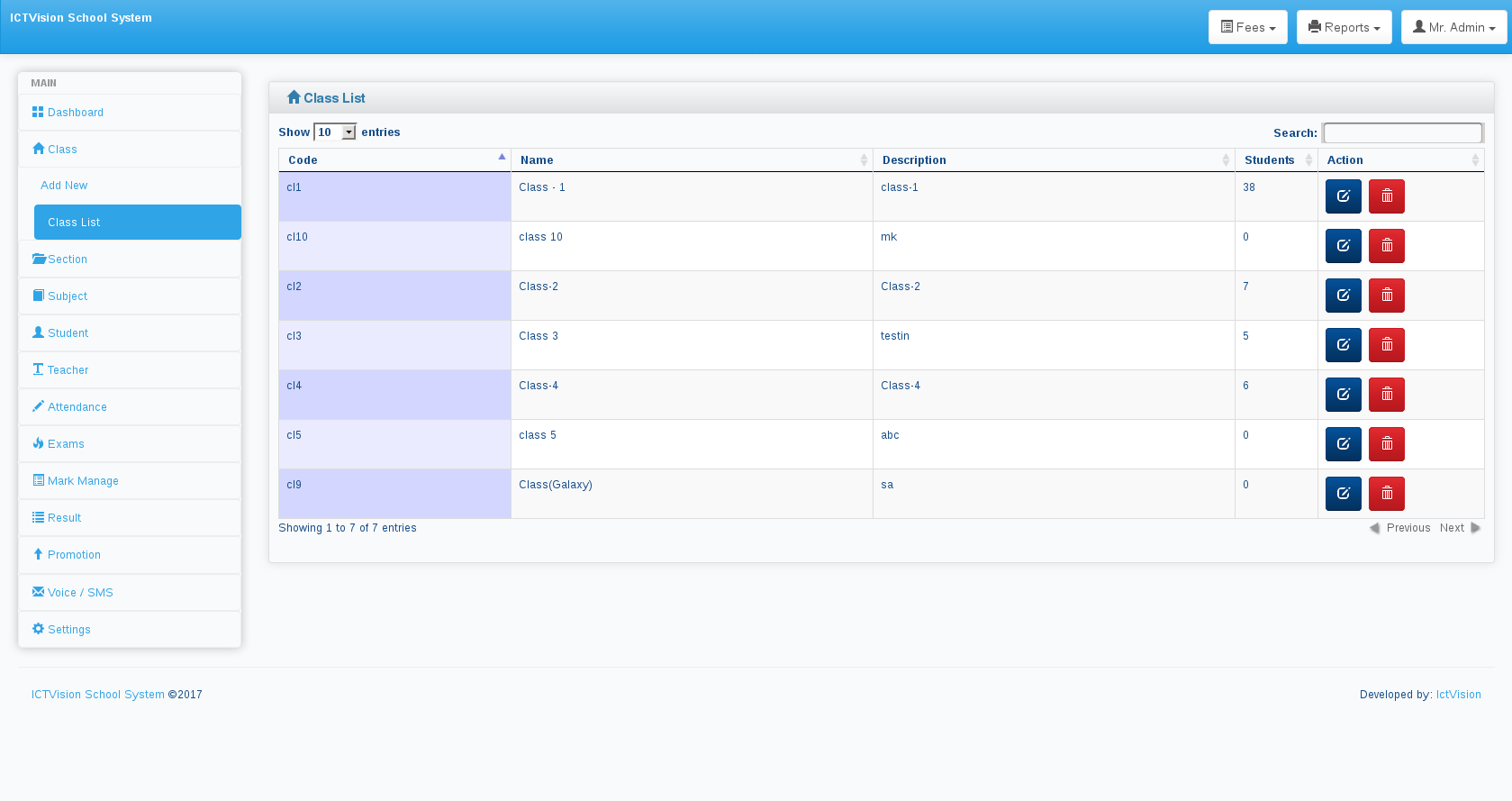
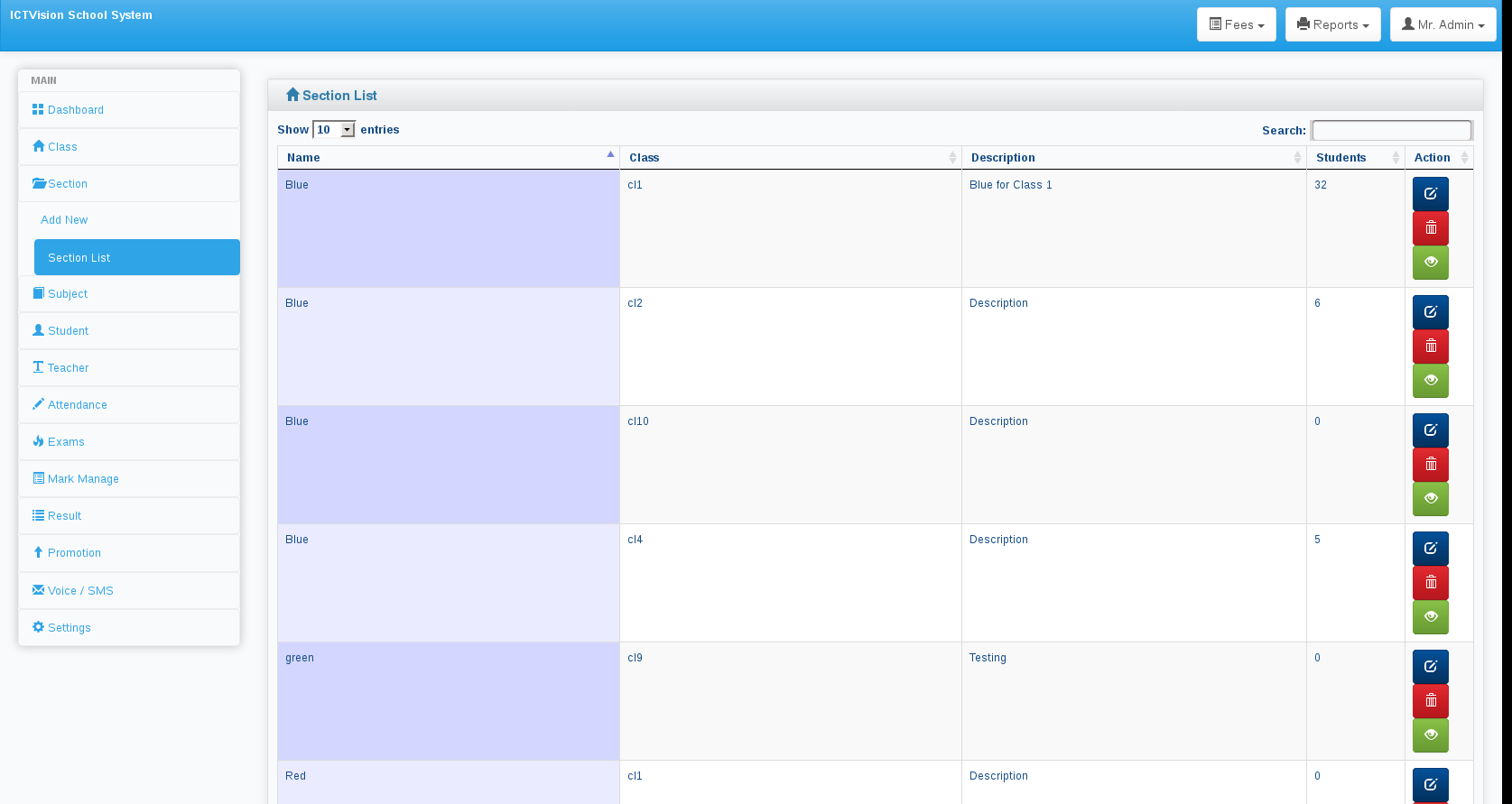
- Class and Section Management
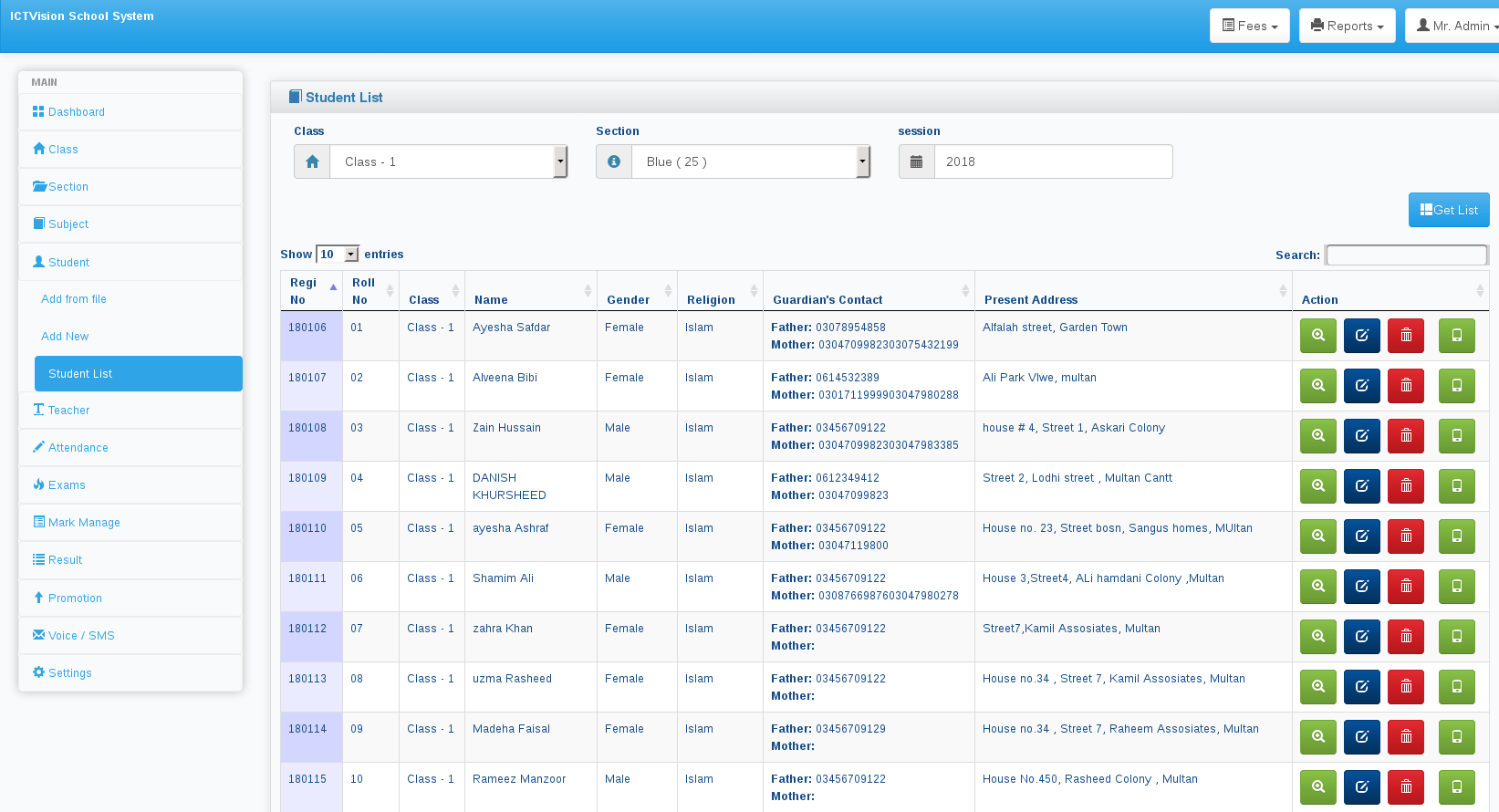
- Student Management and admission
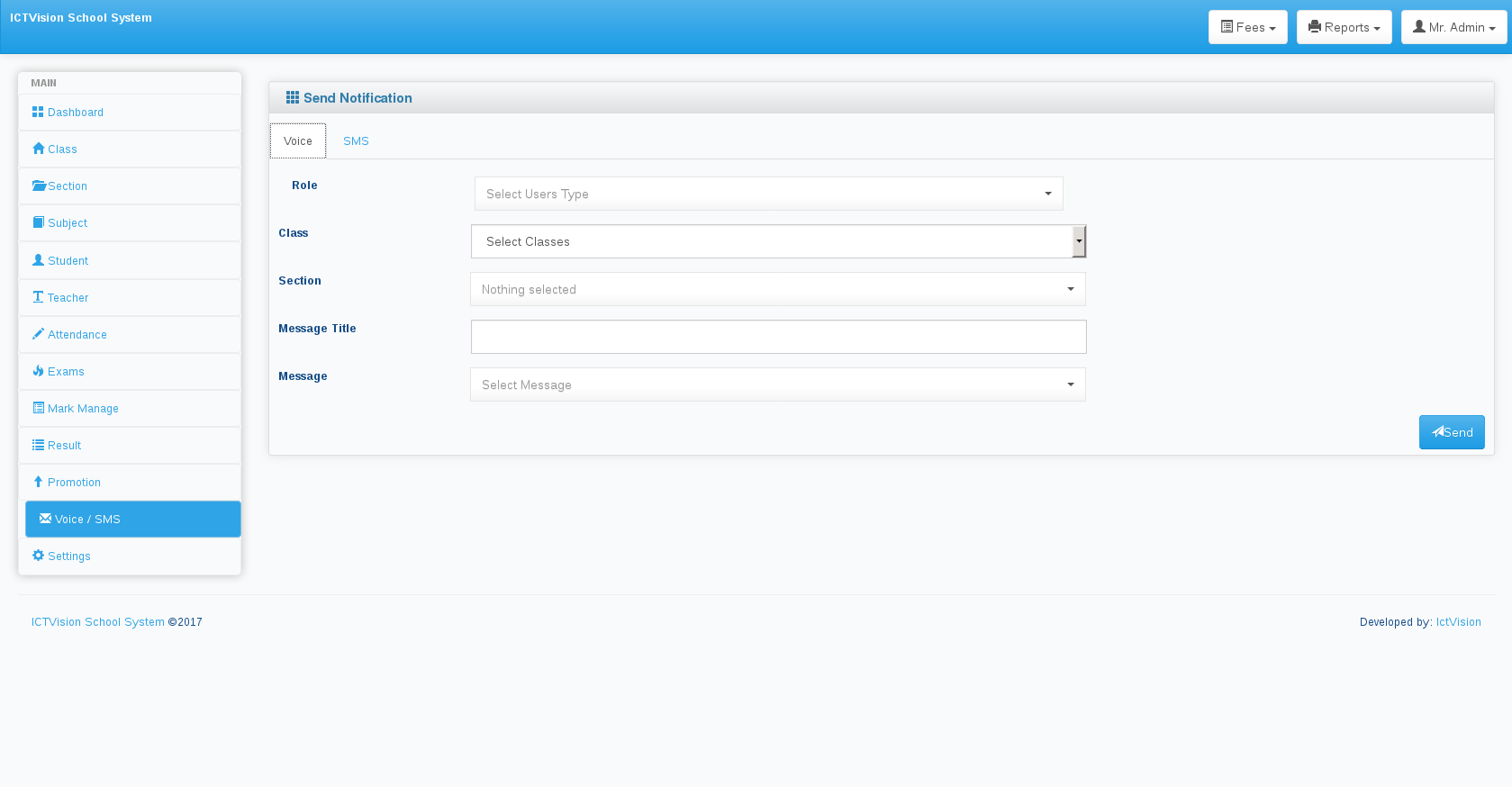
- SMS Notification System
- Voice Notification System
Student admission system
Fully functional and automated admission form for student enrolment
Enroll students to a specific class and section for a certain session
Class-wise subject management
- Add subjects for each class separately
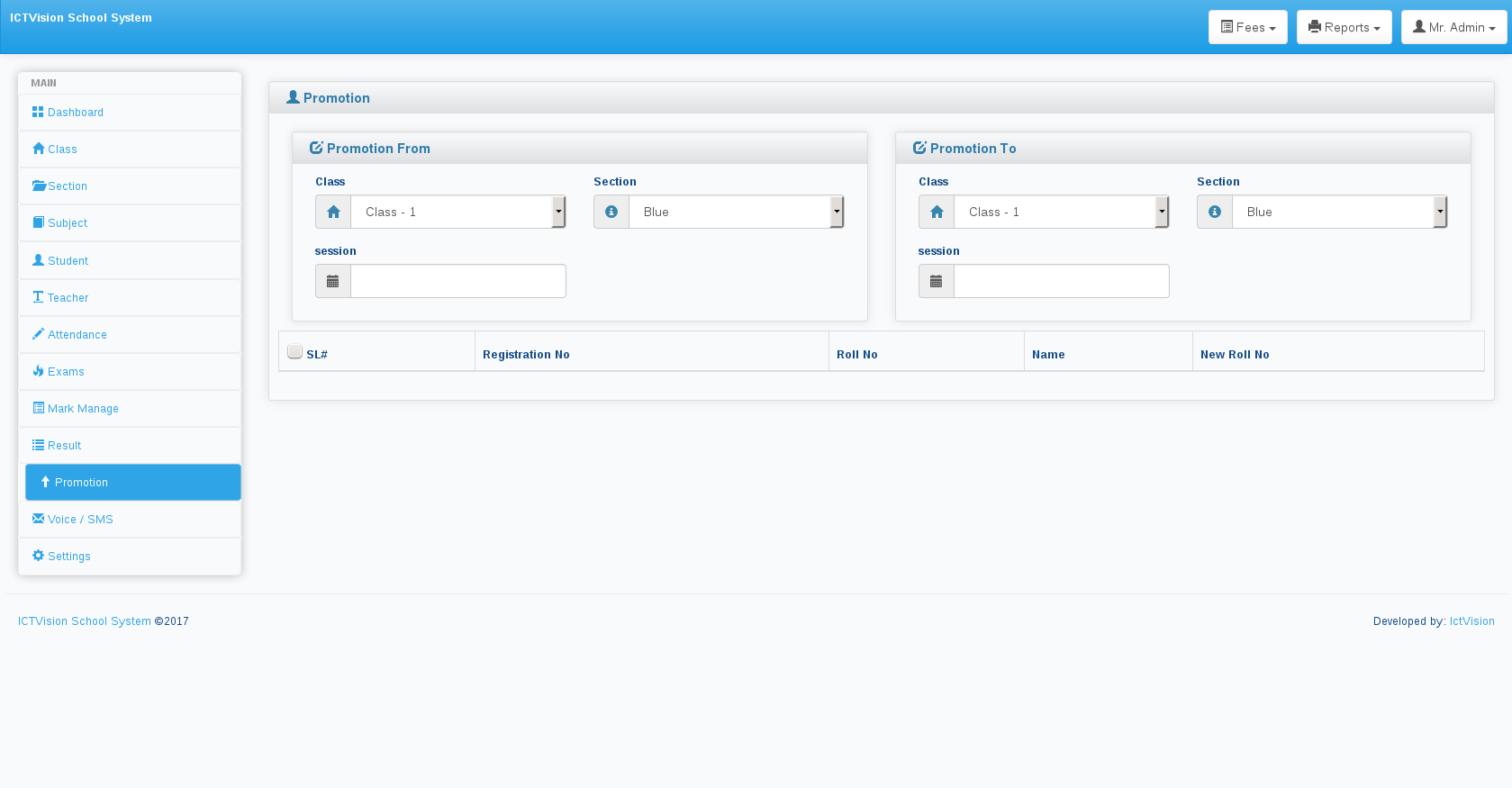
Student promotion
- promote a student from one class to another
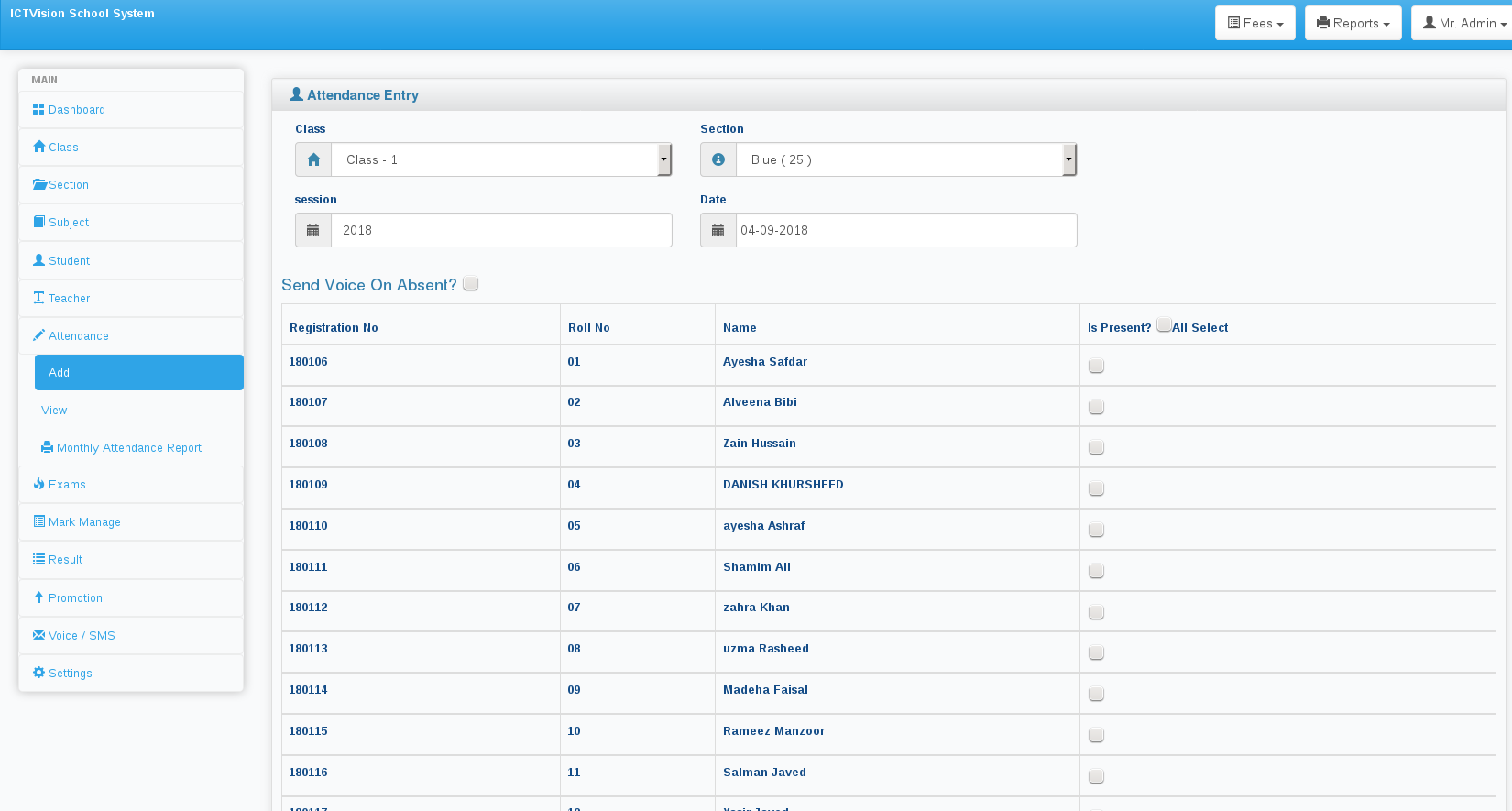
Students’ daily attendance
- Take attendance of students daily
- Keep track if students are absent
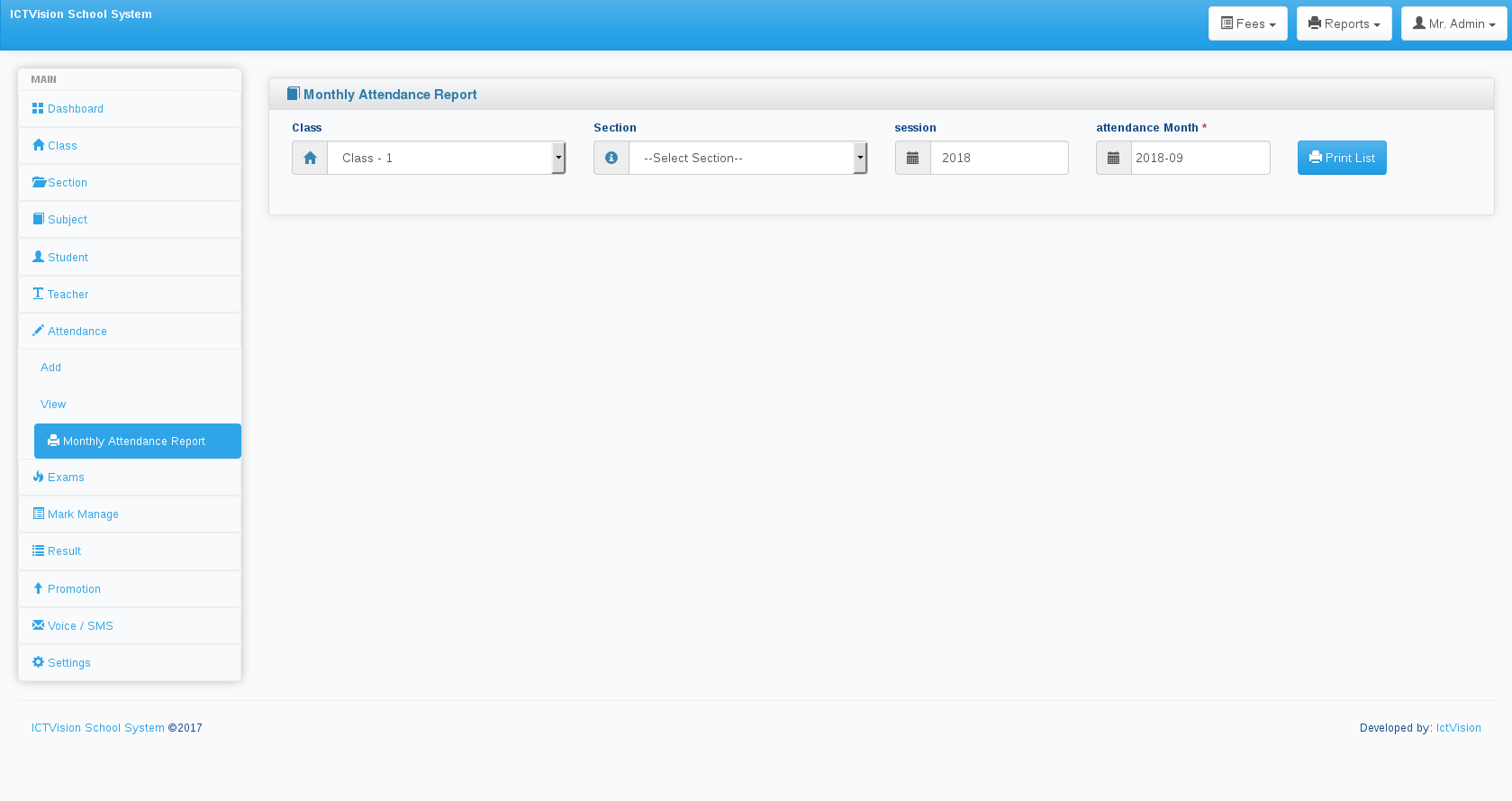
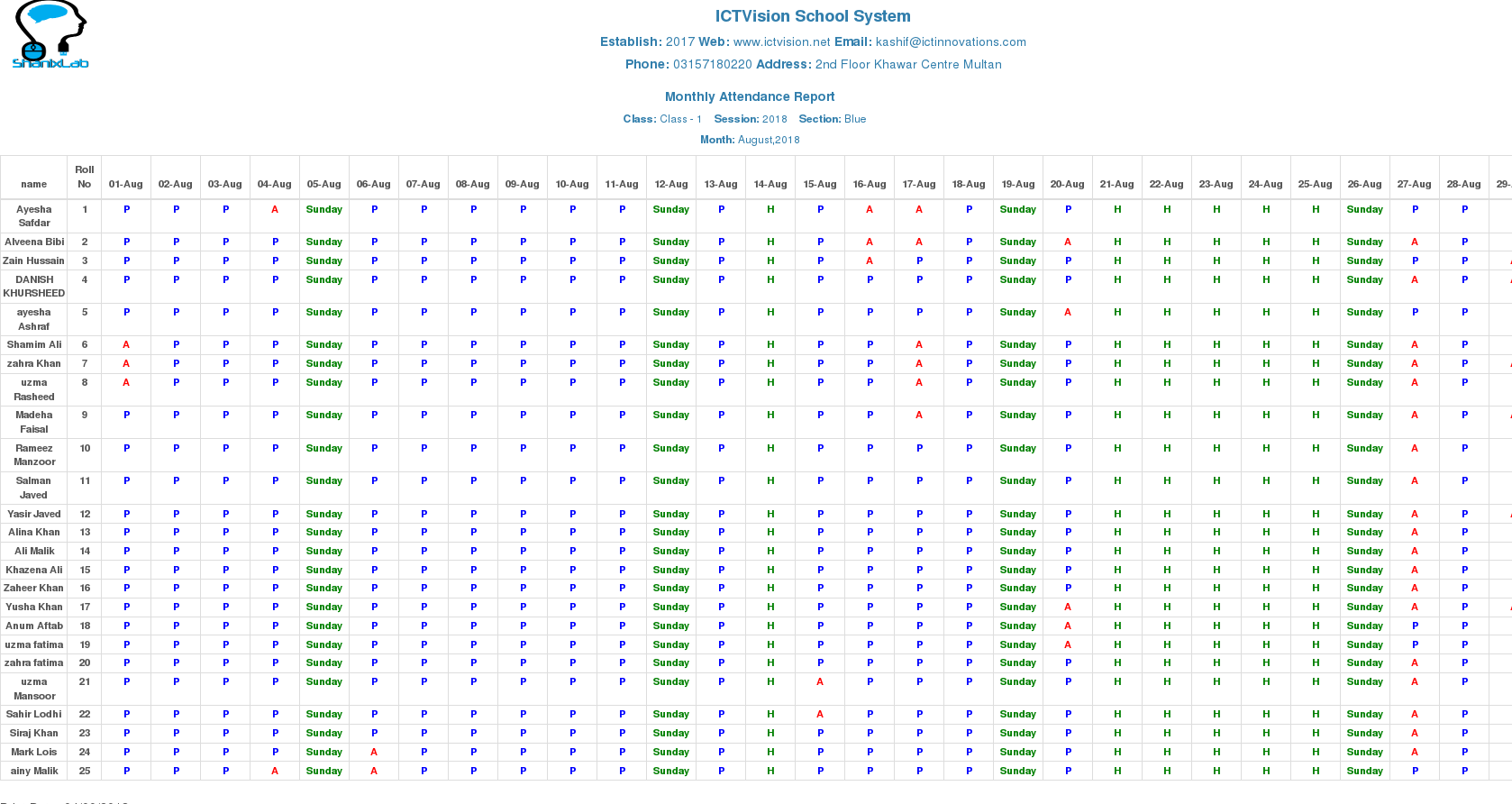
Students’ attendance report
- Get a well-defined attendance report for all students of a certain class for a certain month
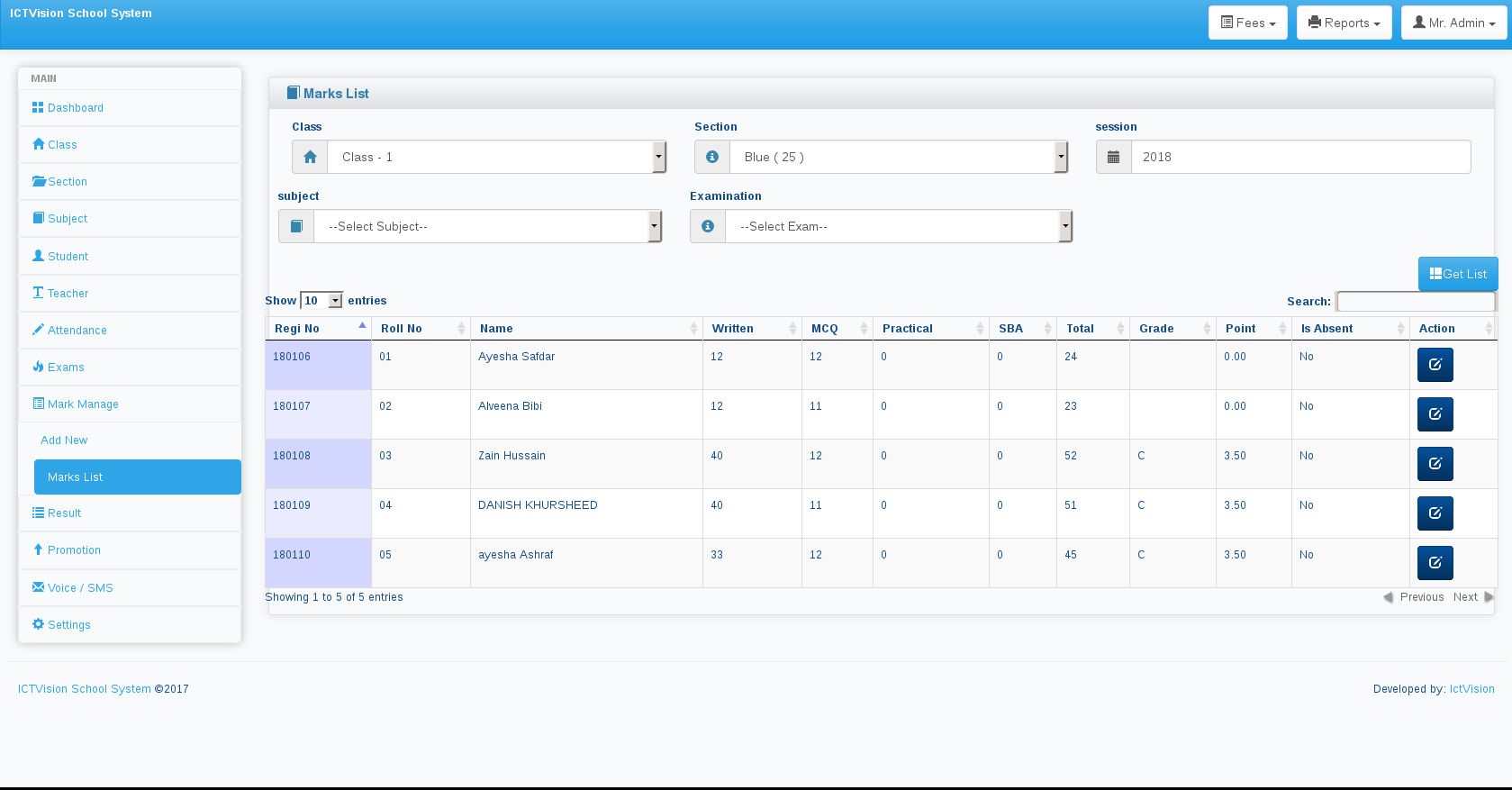
Exam evaluations or marks management
- Evaluate or put exam marks for each student subject wise
- Compare students’ marks
- Print student mark sheet
Students’ fees management
- Create invoice for student fees
- Automatically send fees notification to specific date whose set in amdin
Academic year or session handling
- Keep your school records year-wise
- Ability to select academic sessions
- Ability to see previous session data
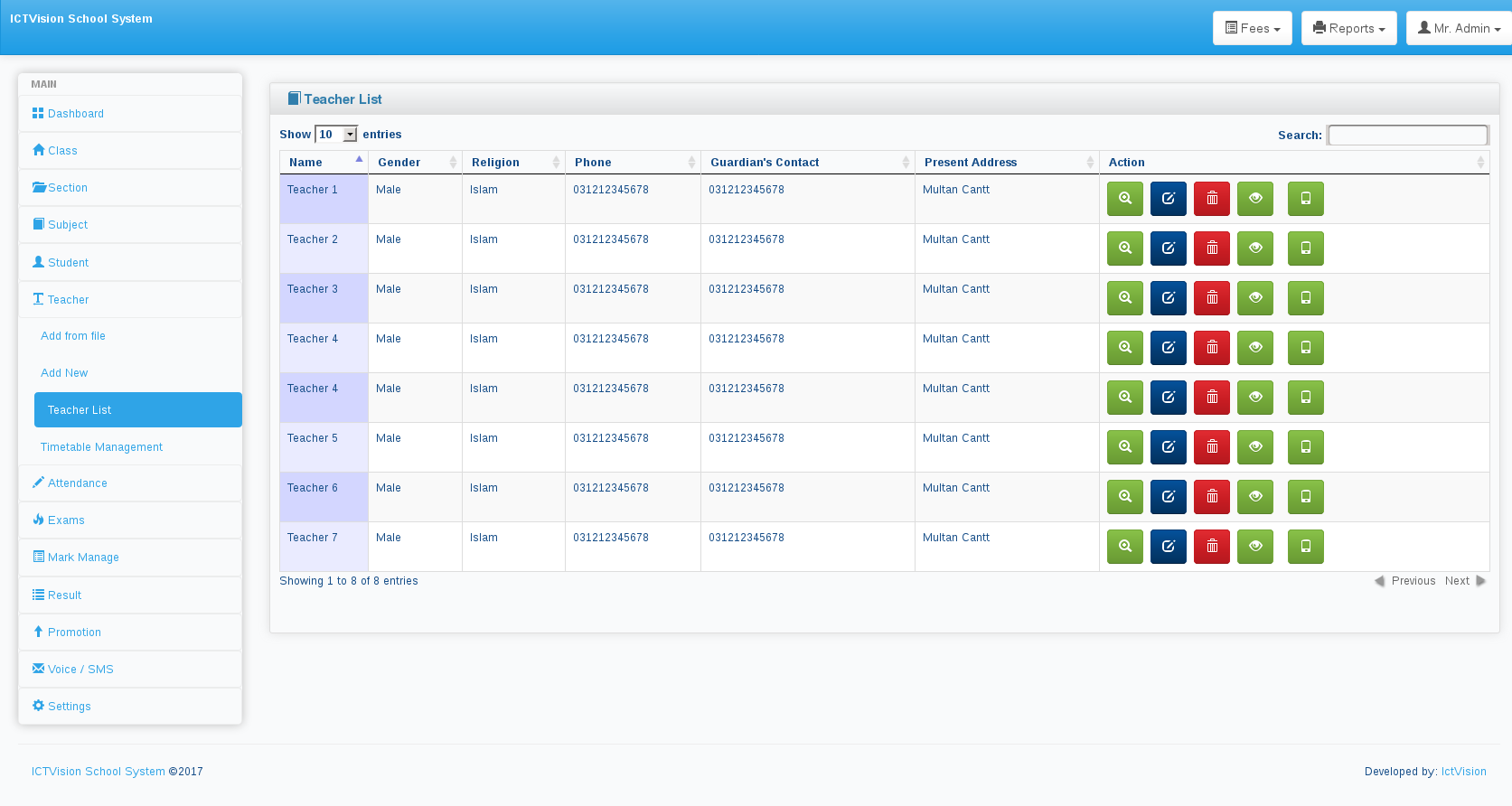
Management of teachers
- Add/edit/delete teachers anytime you need
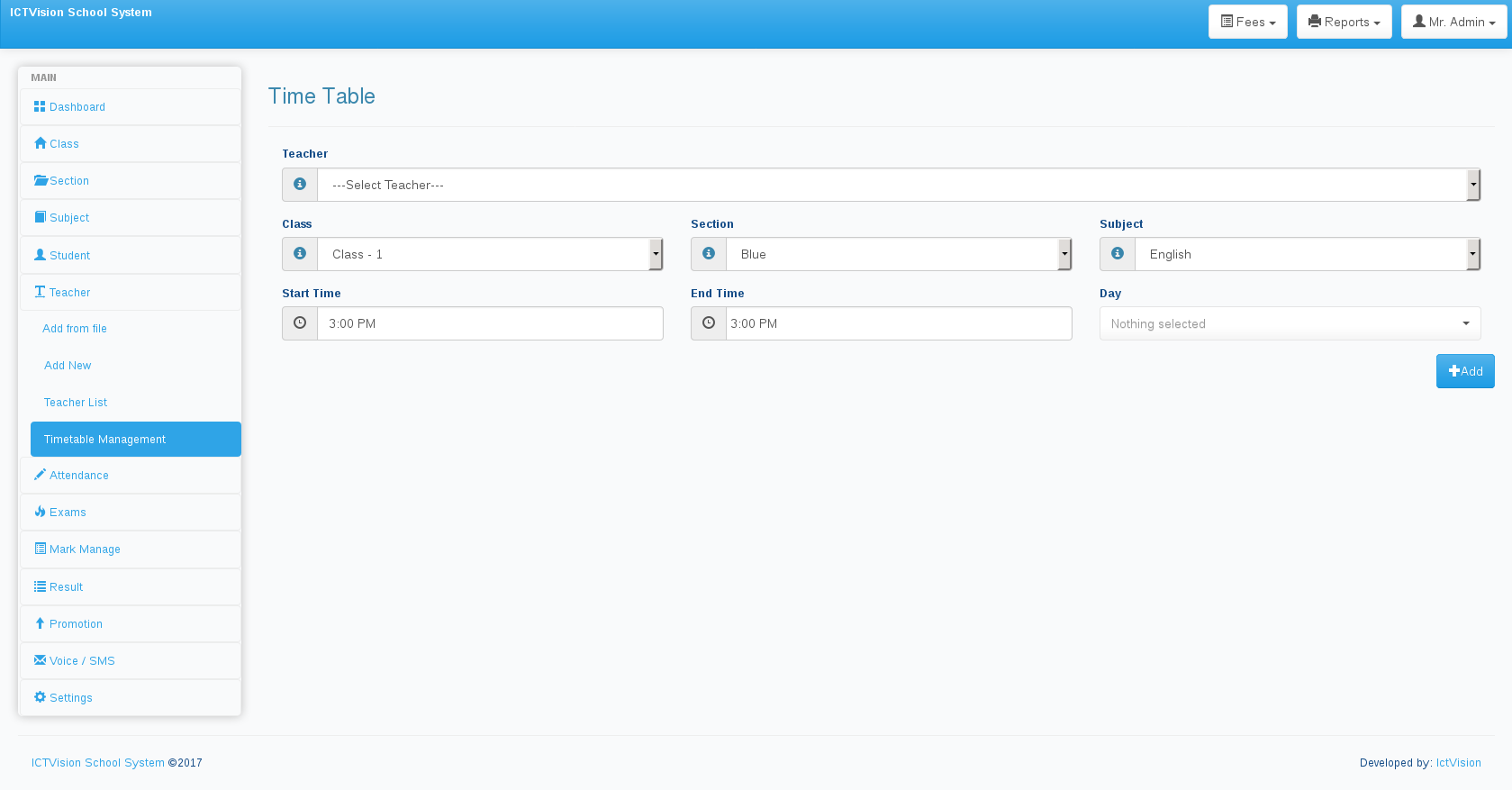
- Assign teacher to a specific class or section
- Assign teacher to specific subject
Customization of school information
- Change school name and other information from system settings
Teacher Panel
- teacher show dashboard attendance and teachers portion
ICTSchool Installation
System Dependencies
- Operating System: Linux (RHEL 9 compatible, e.g., CentOS Stream 9, Rocky Linux 9)
- Database: MySQL 8
- PHP version 8.2.0
- Composer version 2.7.6
- OpenSSL PHP Extension
- PDO PHP Extension
- Mbstring PHP Extension
- Tokenizer PHP Extension
- XML PHP Extension
** First git clone
https://github.com/ictinnovations/ICTSchool.git
Create ENV file
to create env file run, navigate to ICTSchool direcotry and run the following command.
cp .env.example .env
Database creds config in ENV
After create env file, enter database creds e.g.
DB_CONNECTION=mysql
DB_HOST=127.0.0.1
DB_PORT=3306
DB_DATABASE=schoolapi
DB_USERNAME=root
DB_PASSWORD=
Create Database
After change configuration according to your need, create same name database which is defined in env file.
Run Composer Command
After all configuration, we need to run composer command to install laravel and other packages. Run the following command
composer install
After installing Laravel, you may need to configure some permissions. Directories within the storage and the bootstrap/cache directories should be writable by your web server or Laravel will not run.
After run composer install run the following command to genrate APP_KEY, It is a private string (encryption_key) in your application that nobody knows about. So, if only your application knows the key, only your application can decrypt data that is encrypted by this key.
php artisan key:generate
Database Migration
Migrations are like version control for your database, allowing your team to easily modify and share the application's database schema. Migrations are typically paired with Laravel's schema builder to easily build your application's database schema. If you have ever had to tell a teammate to manually add a column to their local database schema, you've faced the problem that database migrations solve.
$ php artisan migrate
$ php artisan db:seed
$ php artisan passport:install (for restfull Api)
$ php artisan storage:link
$ php artisan serve --port 8080
** http://localhost:8080 **
$ php artisan storage:link
cron job Settings
crontab -e

* * * * * /usr/bin/php7.1 /path/artisan schedule:run 1>> /dev/null 2>&1
Screenshots
ICTSchool has been developed by ICT Innovations