
fcreme/TerminalStyles has 28 GitHub stars and 6 forks. Star changes are not measured yet. Last checked 2026-11-09 09:07 UTC. Last push 2026-11-08.
Live terminal theme switcher with themes, instant previews, and support for Windows, macOS & Linux.
計測したスター増加
- 24時間
- 履歴を収集中
- 7日間
- 履歴を収集中
- 15日間
- 履歴を収集中
- 1か月
- 履歴を収集中
期間ごとの純増数です。期間は重複しており、日別の値ではありません。未計測の値は空欄です。スター数は注目度の指標であり、品質の保証ではありません。
README.md
オリジナル
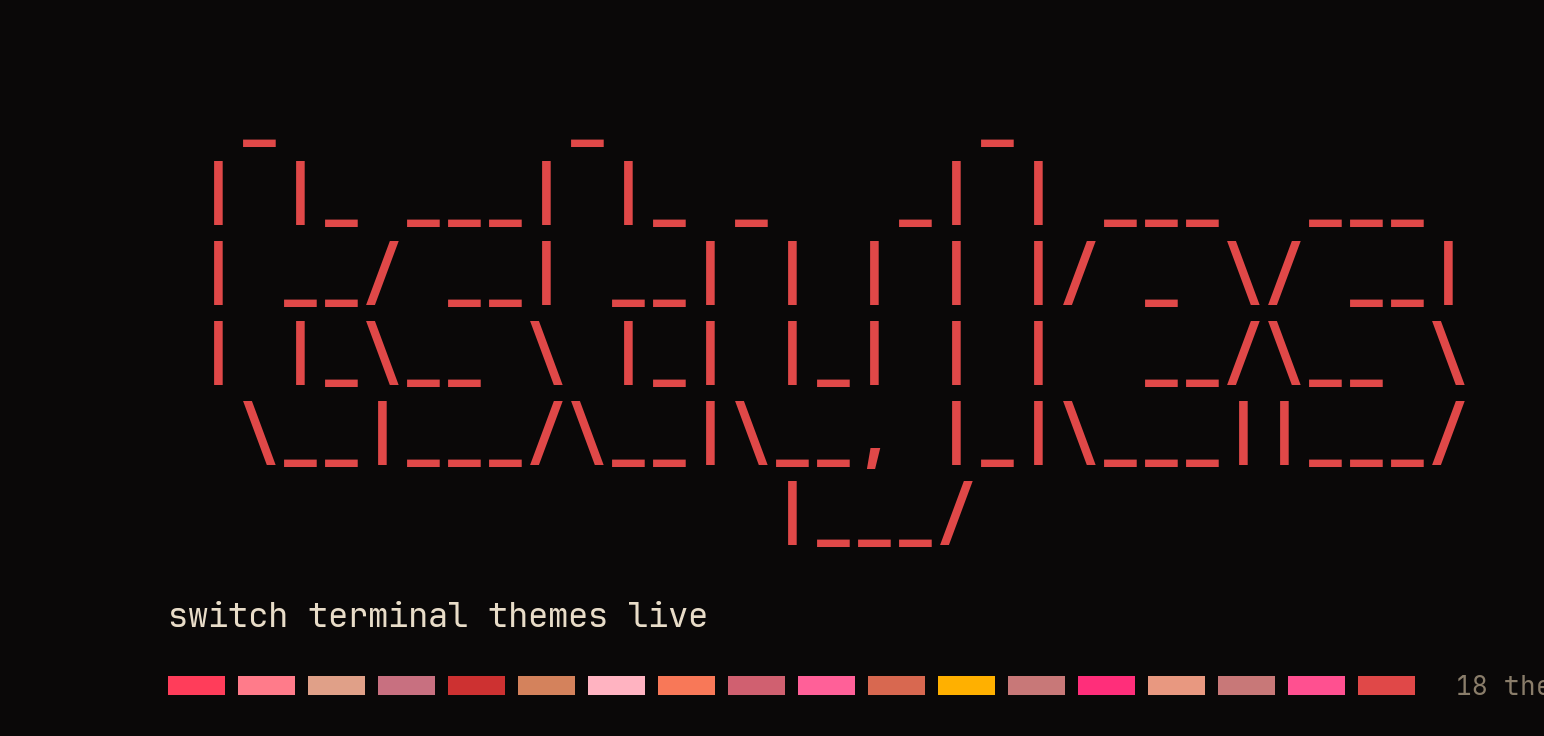



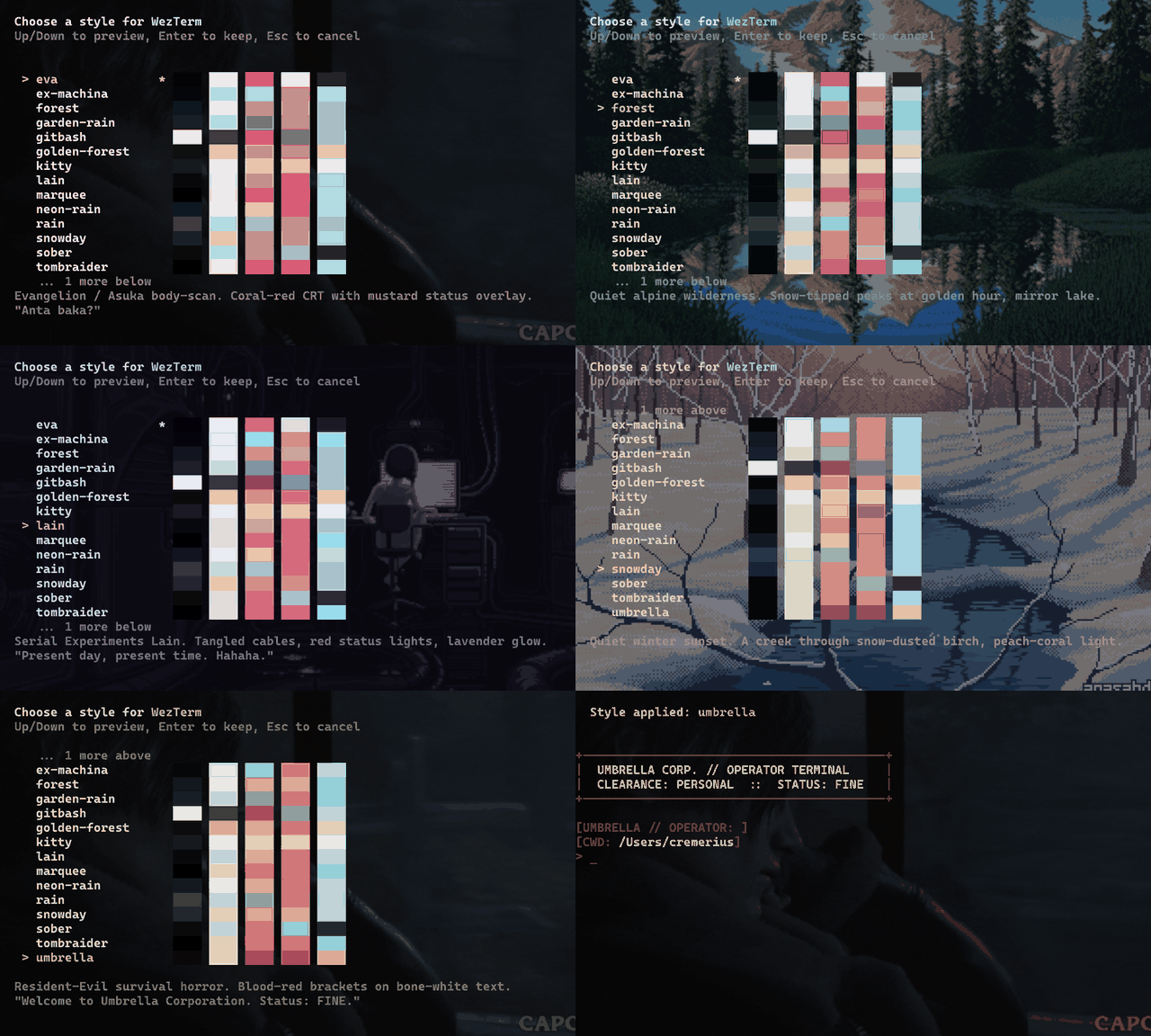
Switch terminal themes live. Run tstyles, arrow through 18 themes
previewing each one in your current tab — Enter keeps it, Esc reverts to
exactly how it looked before. The palette, the cursor color and the prompt
repaint instantly on any terminal that speaks OSC; on Windows Terminal and
WezTerm the font, opacity and animated background come with them. All in one
command, all non-destructive.
Works on Windows Terminal, macOS Terminal.app, iTerm2, and any
terminal that speaks OSC color sequences — and in zsh and bash, not just
PowerShell. Runs on PowerShell 7 and Windows PowerShell 5.1. Keep your own prompt
(Oh My Posh / Starship) with tstyles <name> -KeepPrompt.
Install
Install-PSResource -Name TerminalStyles
Import-Module TerminalStyles -DisableNameChecking
On macOS and Linux this needs PowerShell first — brew install powershell,
or see Requirements. On Windows it is already there.
Add the Import-Module line to your $PROFILE so it loads on every
new shell tab — or run tstyles register once and it does that for
you, with a confirm prompt first. It writes to the $PROFILE of each
PowerShell engine it finds on your PATH — on Windows that is pwsh 7 and
Windows PowerShell 5.1; on macOS and Linux, pwsh and pwsh-preview —
skips one that isn't installed, and writes once where two of them share
one file. The prompt names each file first. Then:
tstyles
Arrow keys preview each style live, Enter keeps it, Esc cancels.
Prefer a one-line installer, or on a shell without PSResourceGet? See the bootstrap installer.
umbrella |
eva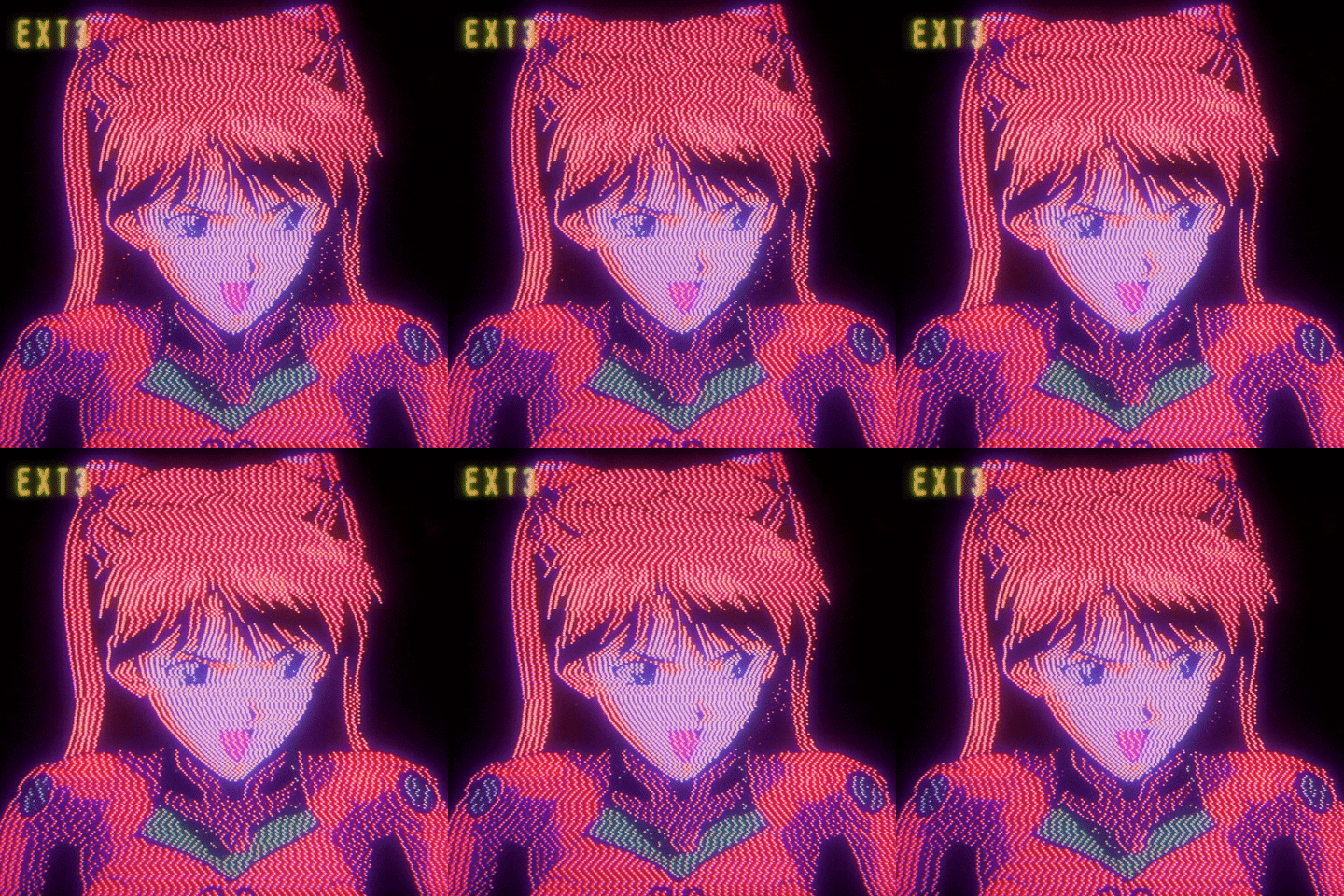 |
ex-machina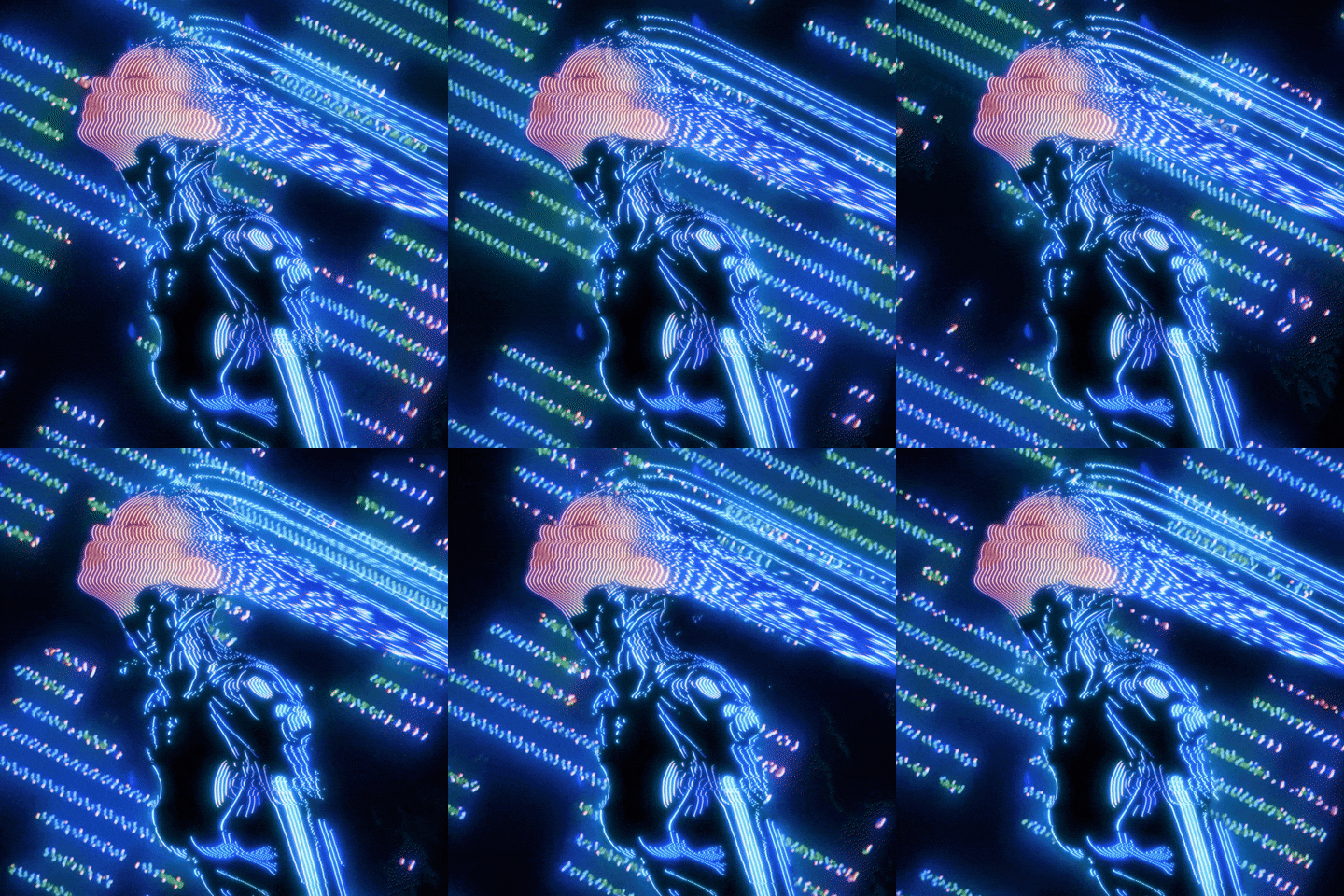 |
forest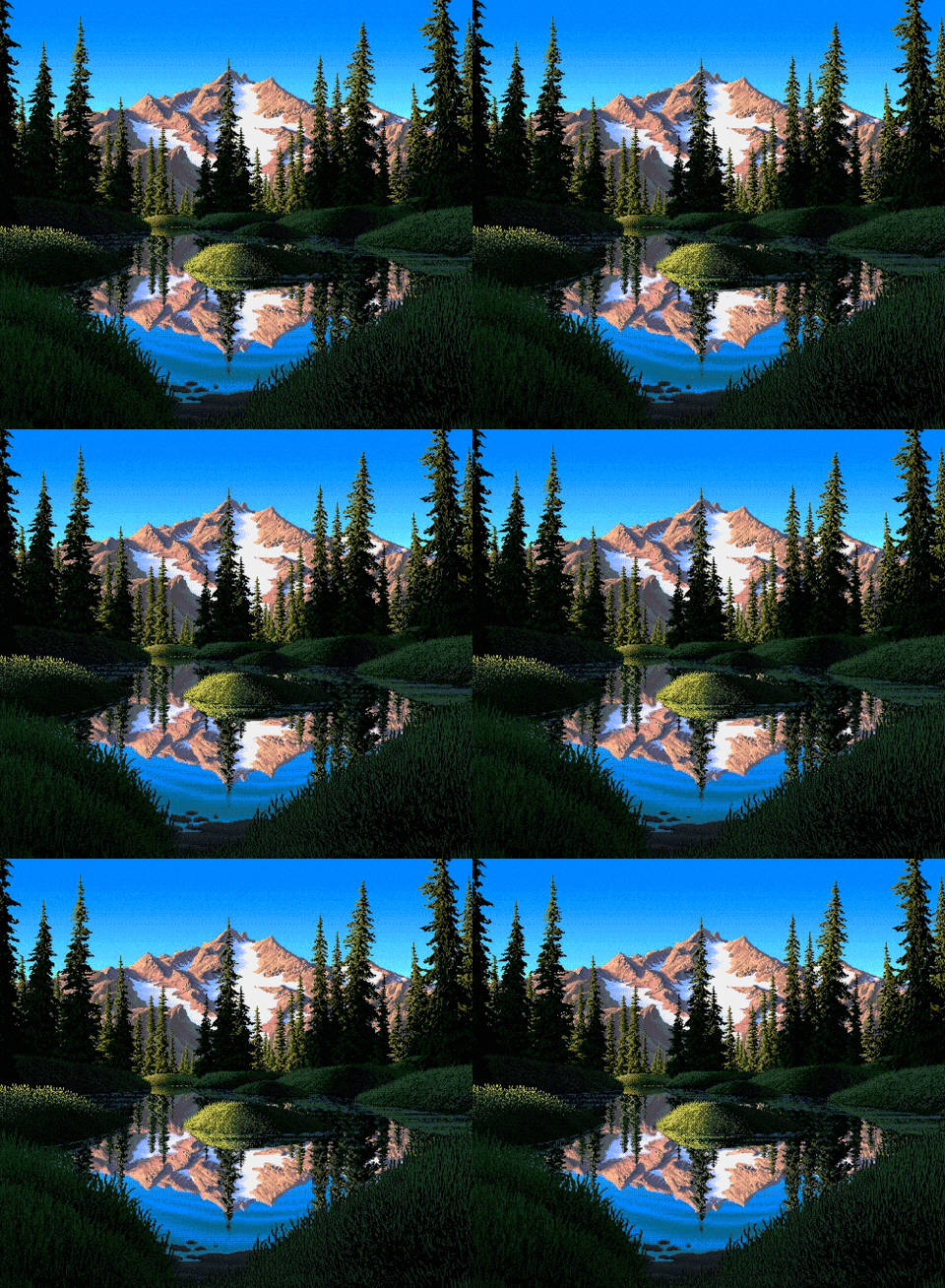 |
||
garden-rain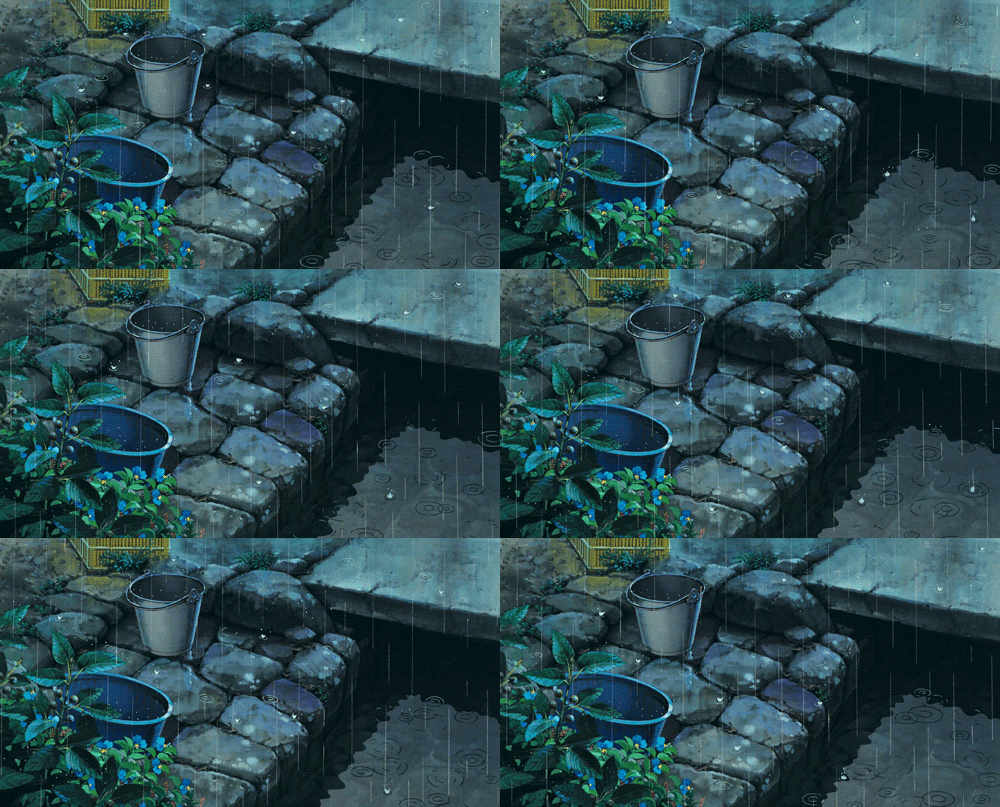 |
gitbash |
golden-forest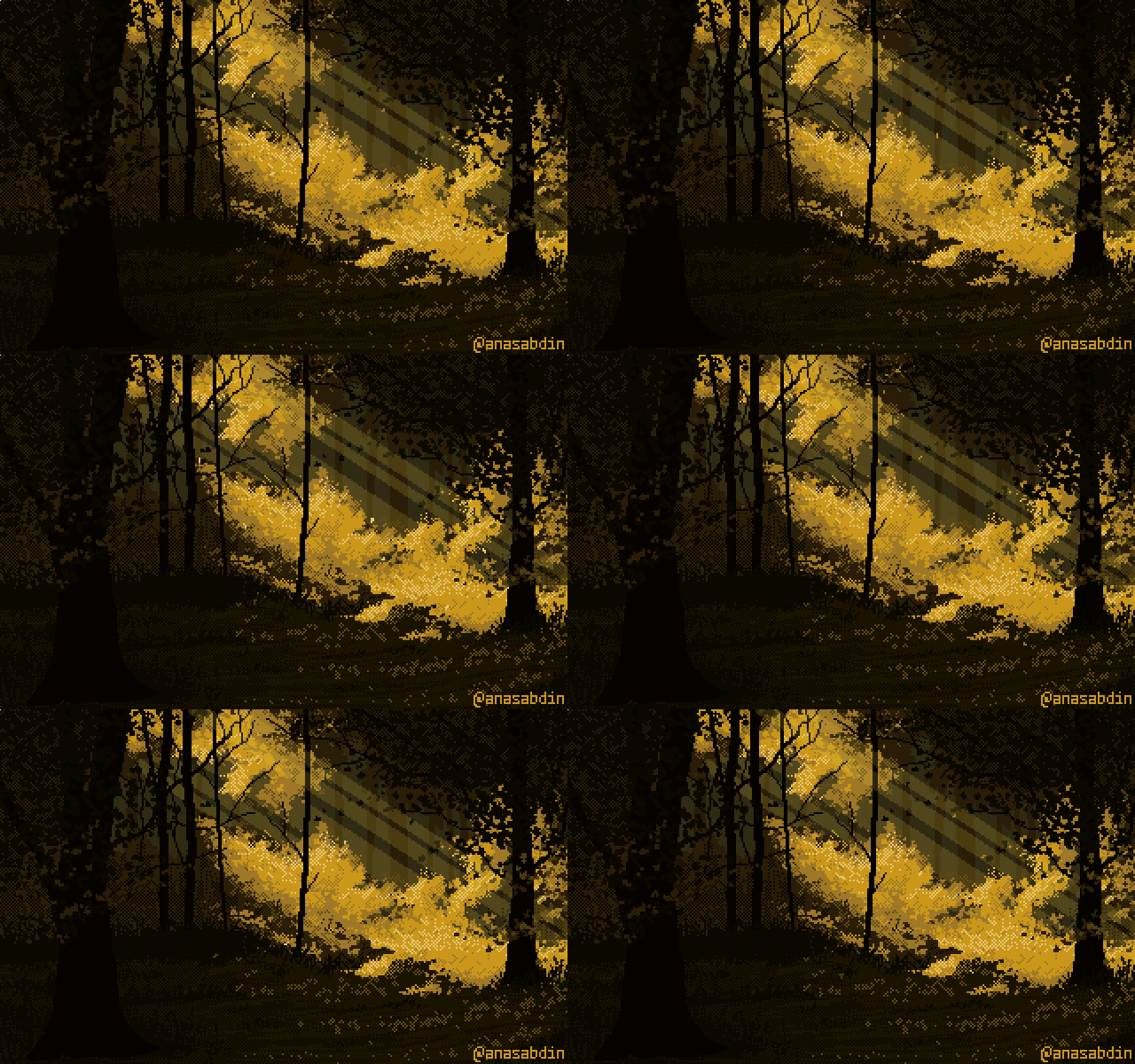 |
kitty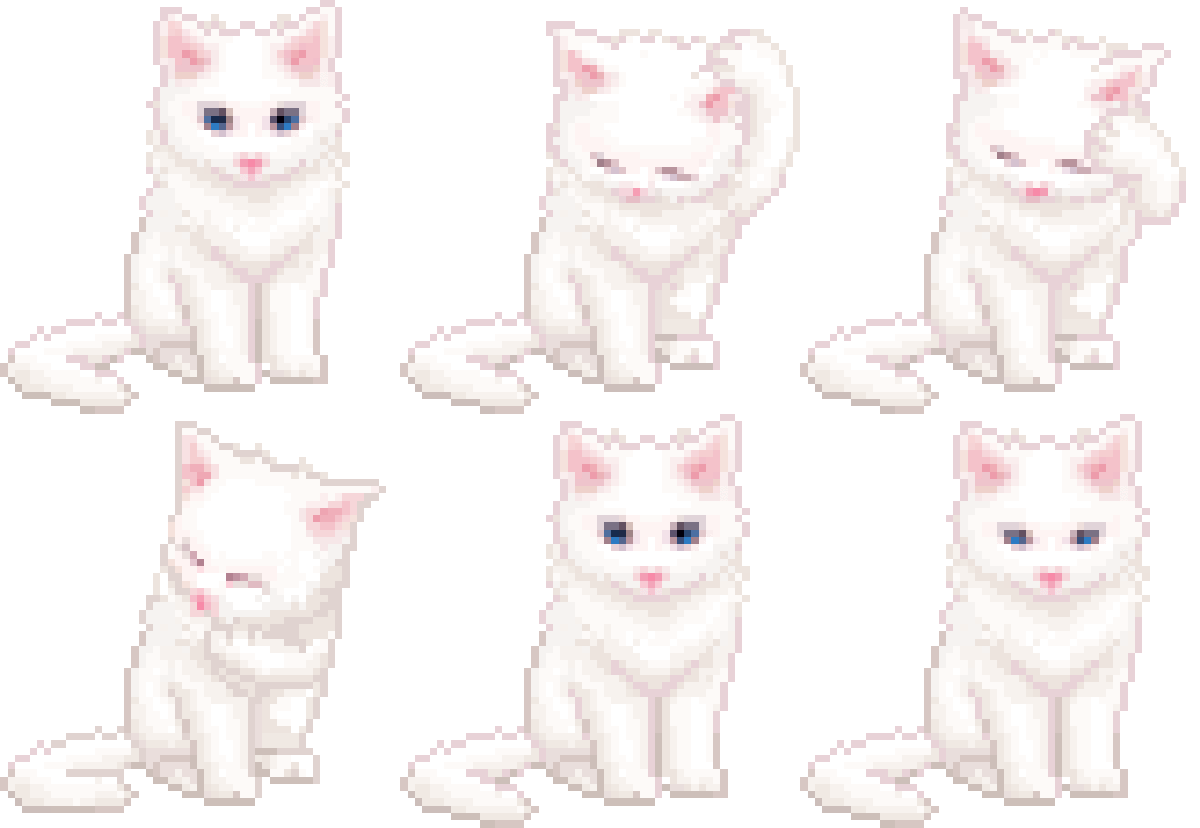 |
||
lain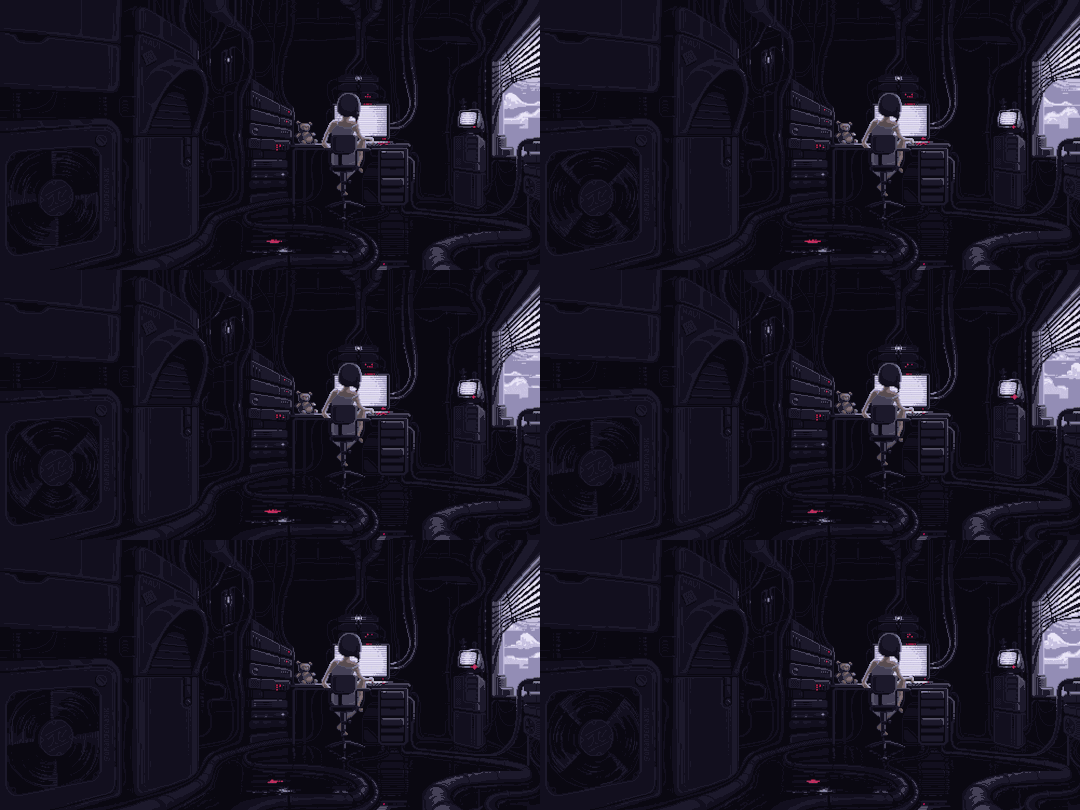 |
marquee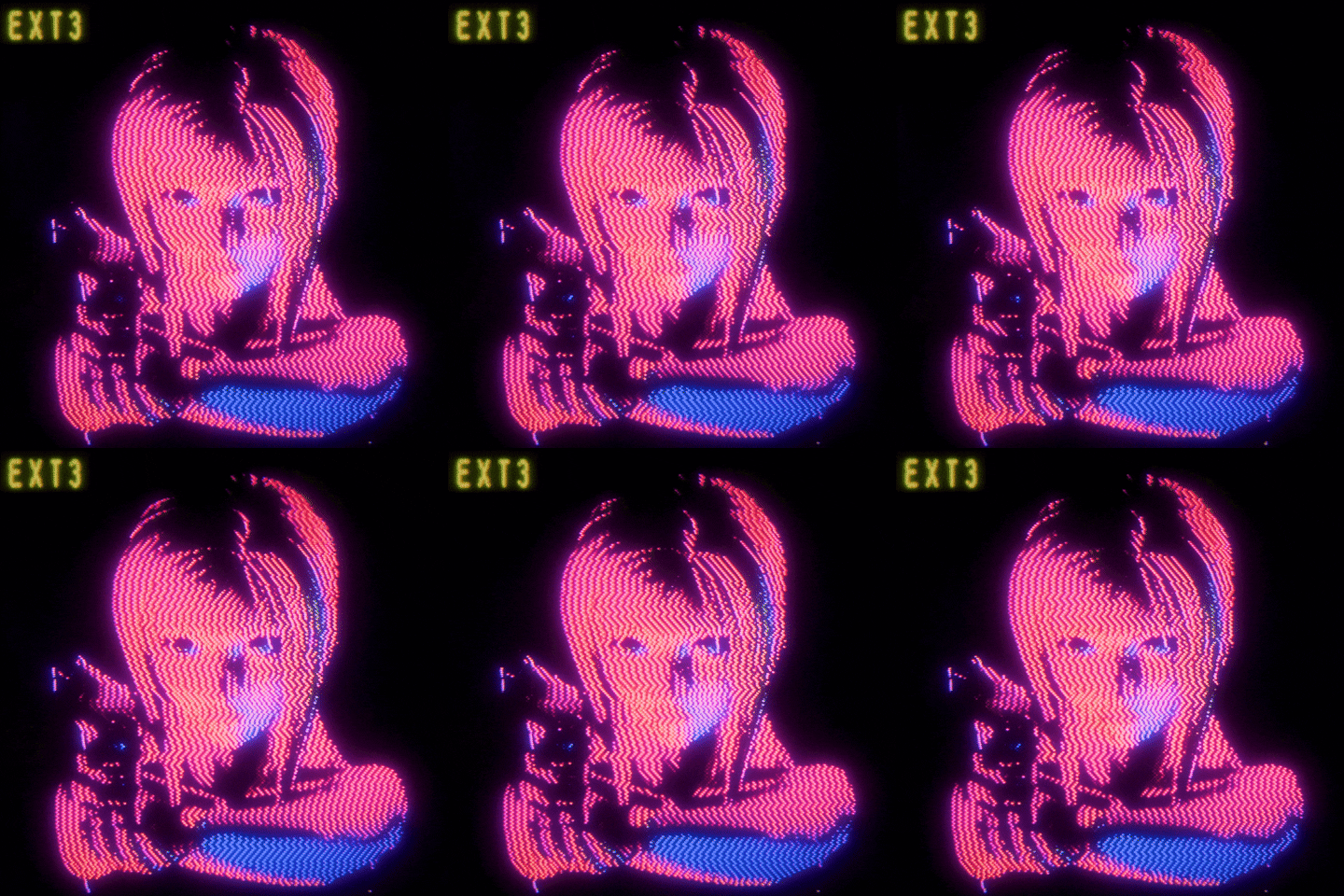 |
neon-rain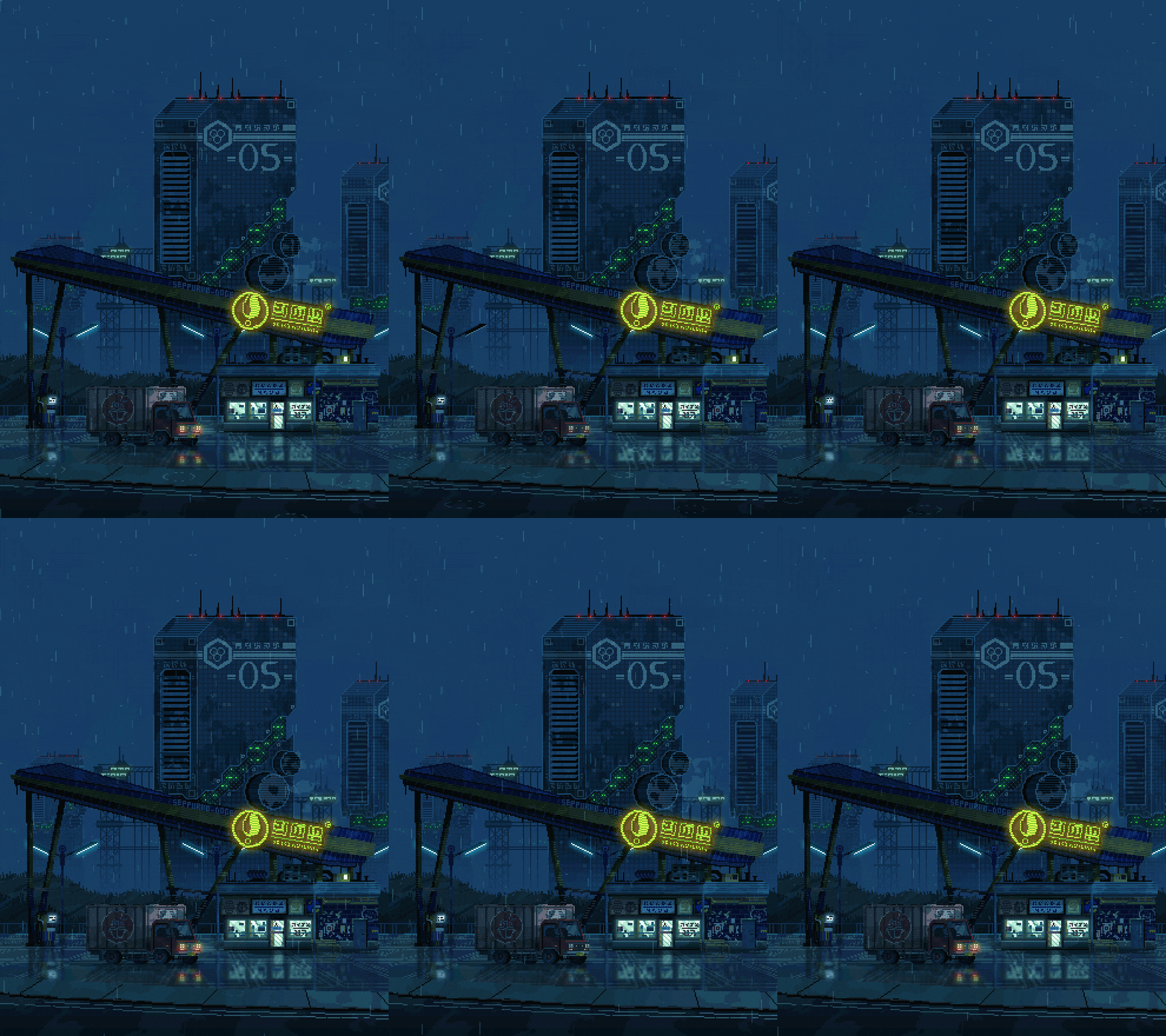 |
rain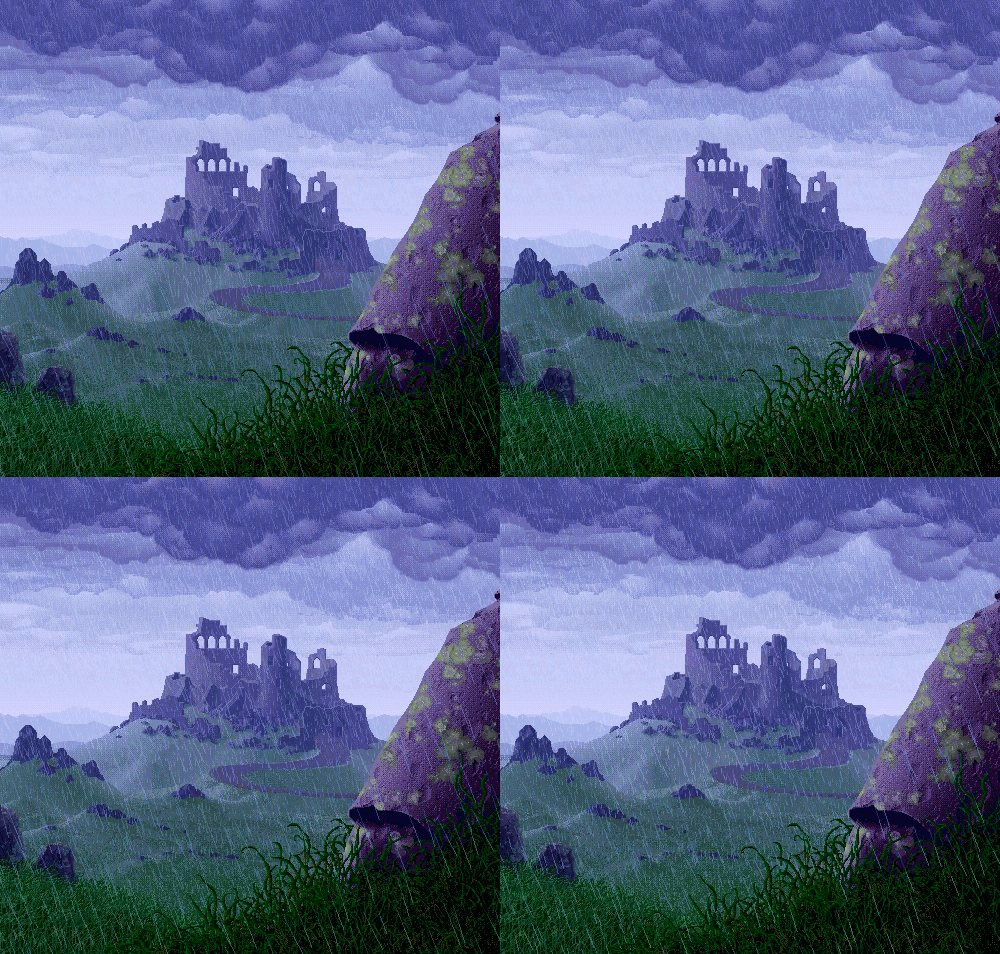 |
||
snowday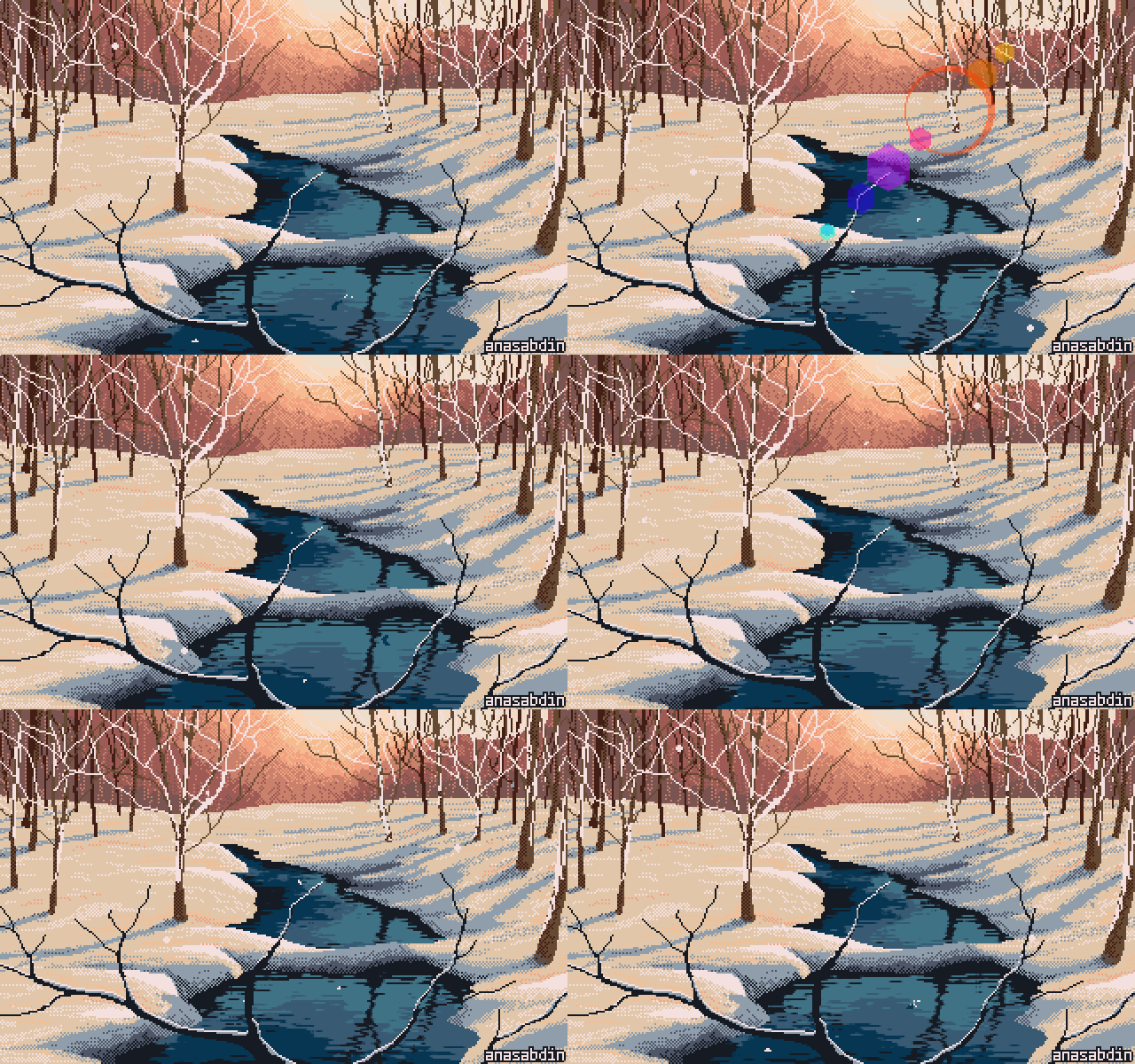 |
sober |
tombraider |
koholint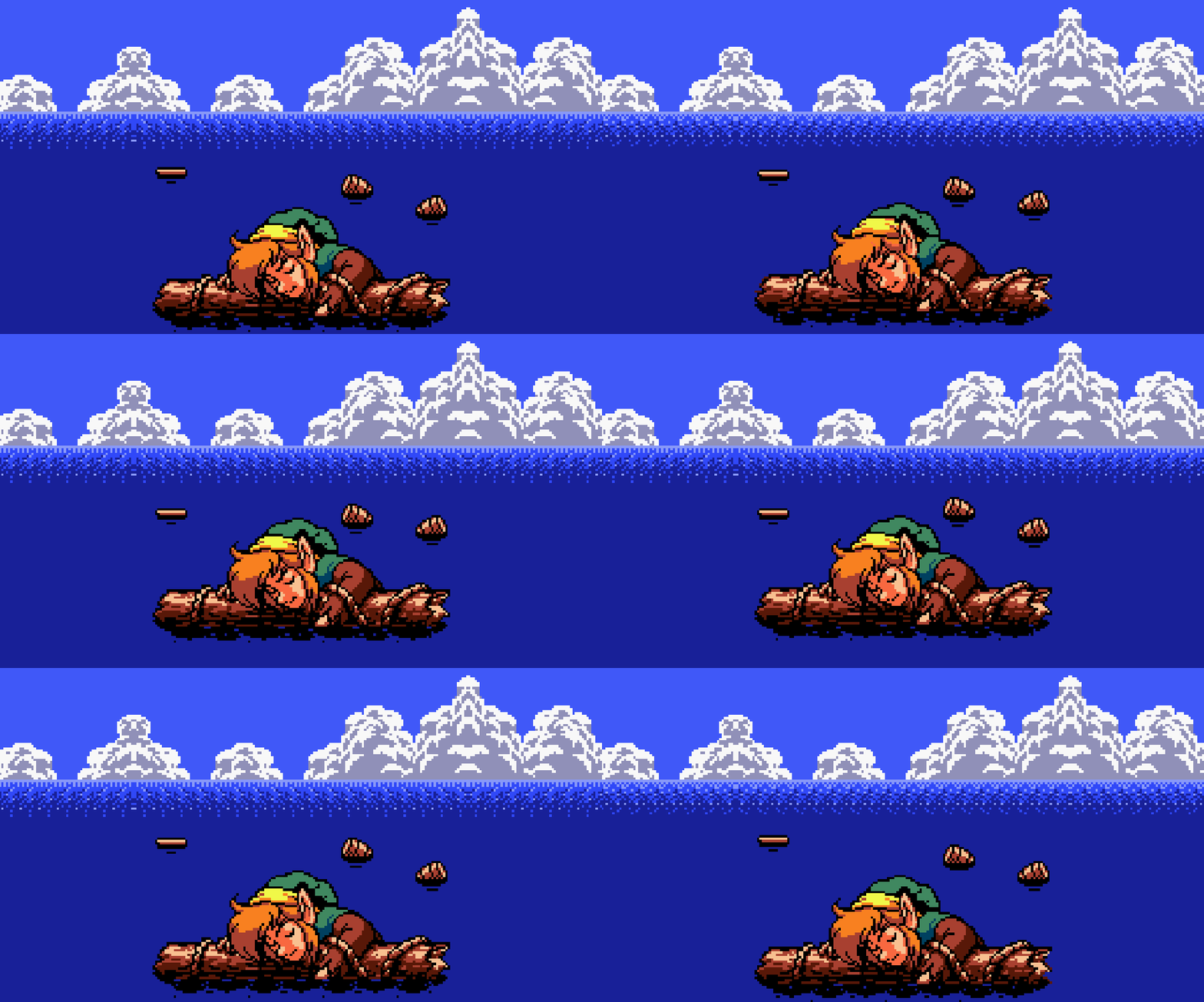 |
skyline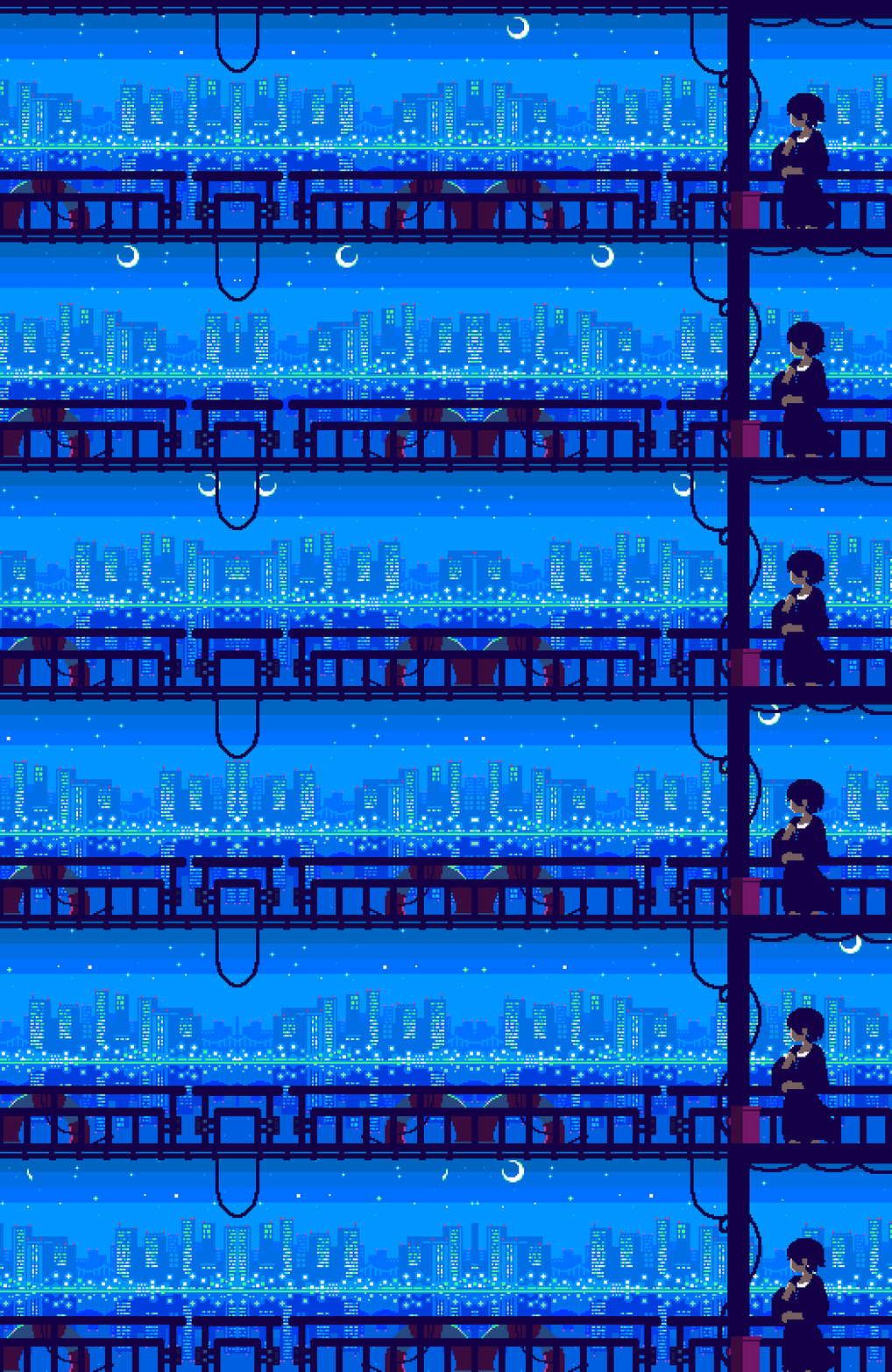 |
phosphor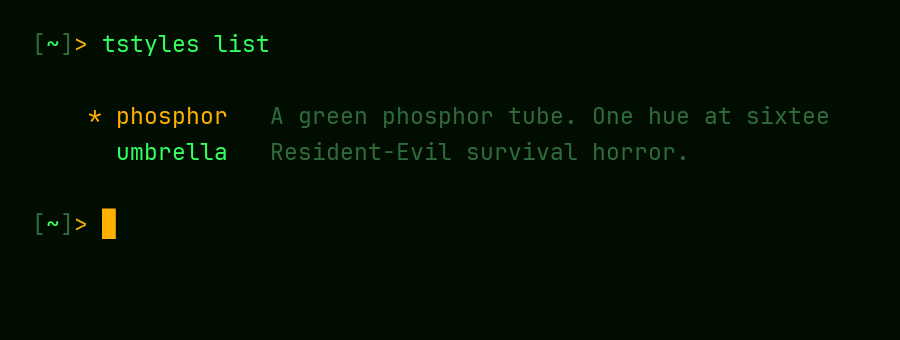 |
Documentation
The full guide is in the wiki:
- Install: PSGallery and bootstrap installs, requirements, execution policy
- Using tstyles: the picker, every subcommand, tuning, fonts,
-KeepPrompt,-Target, reset - Styles: the bundled catalog, with screenshots
- Terminals and Shells: macOS, Linux, zsh and bash, what each terminal can show, WezTerm, Terminal.app, VS Code and its forks
- Background Images
- Scripting and Recovery:
apply.ps1, and gettingsettings.jsonback - Updating and Uninstalling
- Creating a Style
- Known Limitations
- FAQ and Troubleshooting
The wiki is generated from docs/wiki/, so changes to it go
through a pull request like any other.
Contributing
Bug reports, feature ideas, and new themes are all welcome — see
CONTRIBUTING.md. Themes are the easiest way in:
pitch one with a theme idea issue,
or grab a good first issue.
License
MIT — see LICENSE.