
dawnbeen/c_formatter_42 has 229 GitHub stars and 28 forks. GitHot measured 0 stars in 24 hours. Last checked 2026-11-20 12:08 UTC. Last push 2026-02-01.
計測したスター増加
- 24時間
- 0
- 7日間
- 履歴を収集中
- 15日間
- 履歴を収集中
- 1か月
- 履歴を収集中
期間ごとの純増数です。期間は重複しており、日別の値ではありません。未計測の値は空欄です。スター数は注目度の指標であり、品質の保証ではありません。
概要
C language formatter for 42 norminette
開発ツールREADME.md
オリジナル


c_formatter_42
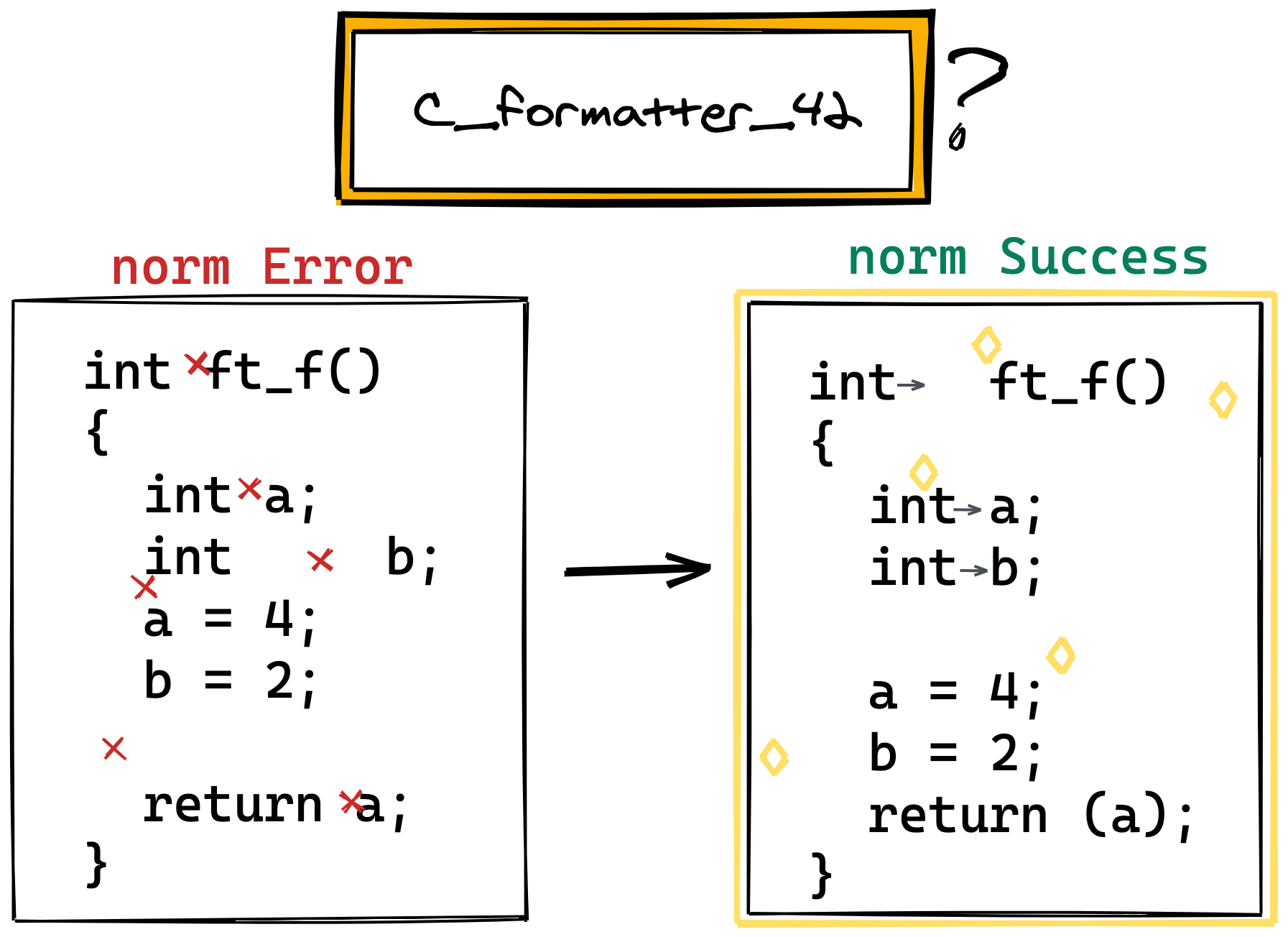
C language prettier that conforms to 42 norm v3. I know you are already a good human norm. It's just for convenience.
Installation
Requires Python3.8+ (3.9, 3.10, 3.11, 3.12)
With pipx (recommanded)
pipx run c-formatter-42
With pip
pip3 install c-formatter-42
pip3 install --user c-formatter-42  # If you don't have root privileges
If you're on Ubuntu 22.04 or newer (or any Debian-based system with PEP 668 enabled), you might see an error like:
error: externally-managed-environment
To fix this, add the --break-system-packages flag:
pip3 install --break-system-packages c-formatter-42
From source
git clone https://github.com/cacharle/c_formatter_42
cd c_formatter_42
pip3 install -e .
Usage
Command line
c_formatter_42 < file.c
python3 -m c_formatter_42 < file.c  # If you get 'command not found' with the previous one

c_formatter_42 --help
usage: c_formatter_42 [-h] [-c] [FILE [FILE ...]]

Format C source according to the norm

positional arguments:
  FILE           File to format inplace, if no file is provided read STDIN

optional arguments:
  -h, --help     show this help message and exit
  -c, --confirm  Ask confirmation before overwriting any file
Plugins / Extensions
Vim
Check out the c_formatter_42.vim plugin. This plugin automatically installs the c_formatter_42 package using pip.
Visual Studio Code
- Install
c_formatter_42 - Install the
keyhr.42-c-formatextension - Set
keyhr.42-c-formatas the default formatter for C files in.vscode/settings.json
{
  "[c]": {
    "editor.defaultFormatter": "keyhr.42-c-format"
  }
}
Contributing
Feel free to report issues or contribute. :)
Run the tests
pip3 install tox
tox
tox -e py311  # for a specific python version
Deploy a new version
pip3 install bumpversion
bumpversion [major|minor|patch]
git push
git push --tags
Go to: https://github.com/dawnbeen/c_formatter_42/tags and click on the tag you just created.
Then click on Create release from tag, the pipeline will build and deploy that version for you.