
coleifer/sqlite-web has 4,180 GitHub stars and 407 forks. GitHot measured +1 stars in 24 hours and +2 in 7 days. Last checked 2026-11-09 06:38 UTC. Last push 2026-10-15.
Web-based SQLite database browser written in Python
できること
- Works with your existing SQLite databases, or can be used to create new databases.
- Columns (with support for older versions of Sqlite)
- Export data as JSON or CSV.
- Import JSON or CSV files.
計測したスター増加
- 24時間
- +1
- 7日間
- +2
- 15日間
- 更新が遅れています
- 1か月
- 更新が遅れています
期間ごとの純増数です。期間は重複しており、日別の値ではありません。未計測の値は空欄です。スター数は注目度の指標であり、品質の保証ではありません。
README.md
オリジナル
sqlite-web is a web-based SQLite database browser written in Python.
Project dependencies:
Installation
$ pip install sqlite-web
Usage
$ sqlite_web /path/to/database.db
If you have multiple databases:
$ sqlite_web /path/to/db1.db /path/to/db2.db /path/to/db3.db
Or run with docker:
$ docker run -it --rm \
    -p 8080:8080 \
    -v /path/to/your-data:/data \
    ghcr.io/coleifer/sqlite-web:latest \
    db_filename.db
Or run with the high-performance gevent WSGI server (requires gevent):
$ sqlite_wsgi /path/to/db.db
Then navigate to http://localhost:8080/ to view your database.
Features
- Works with your existing SQLite databases, or can be used to create new databases.
- Add or drop:
- Tables
- Columns (with support for older versions of Sqlite)
- Indexes
- Export data as JSON or CSV.
- Import JSON or CSV files.
- Browse table data.
- Insert, Update or Delete rows.
- Load and unload databases at run-time (see
--enable-loador--enable-filesystem)
Screenshots
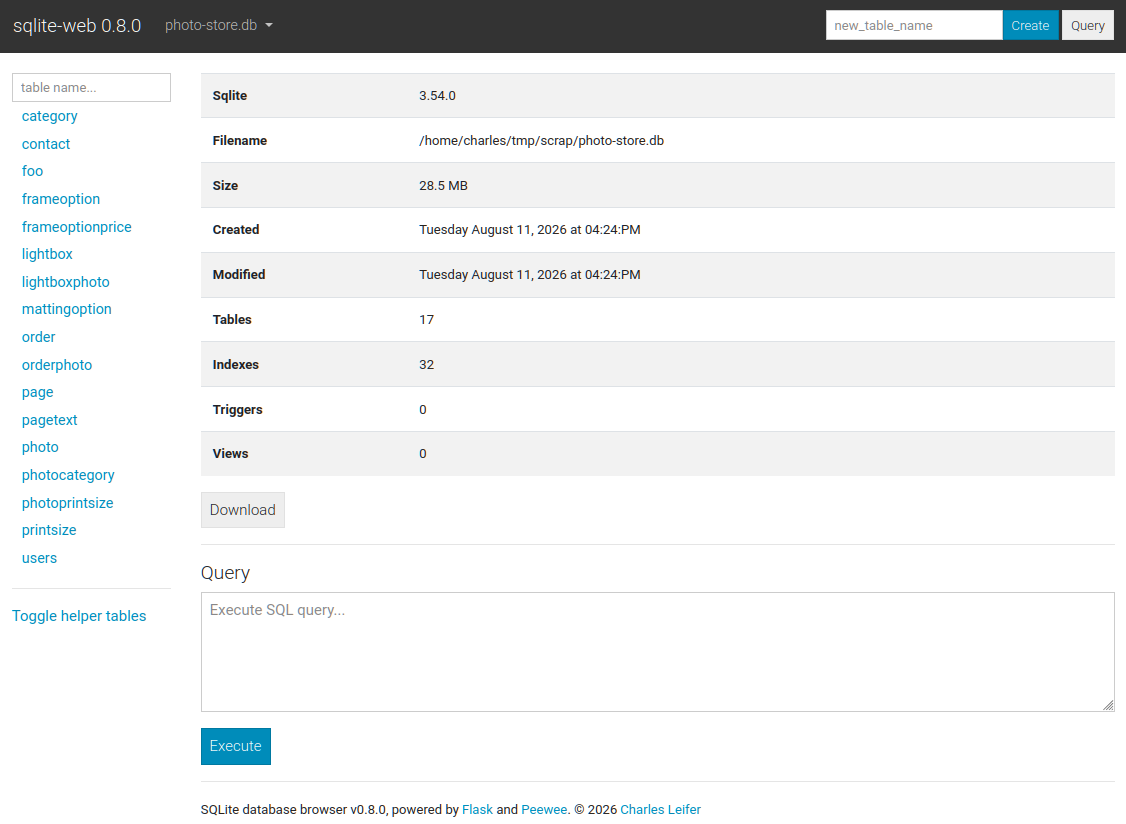
The index page shows some basic information about the database, including the number of tables and indexes, as well as its size on disk:
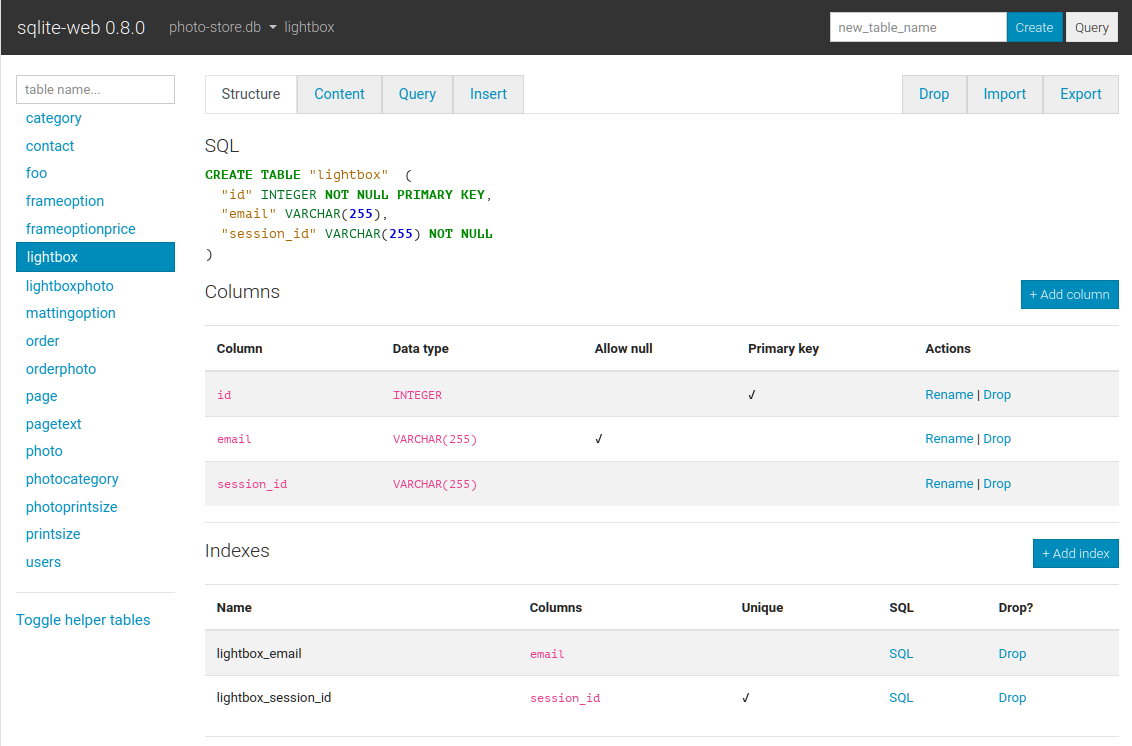
The structure tab displays information about the structure of the table,
including columns, indexes, triggers, and foreign keys (if any exist). From
this page you can also create, rename or drop columns and indexes.
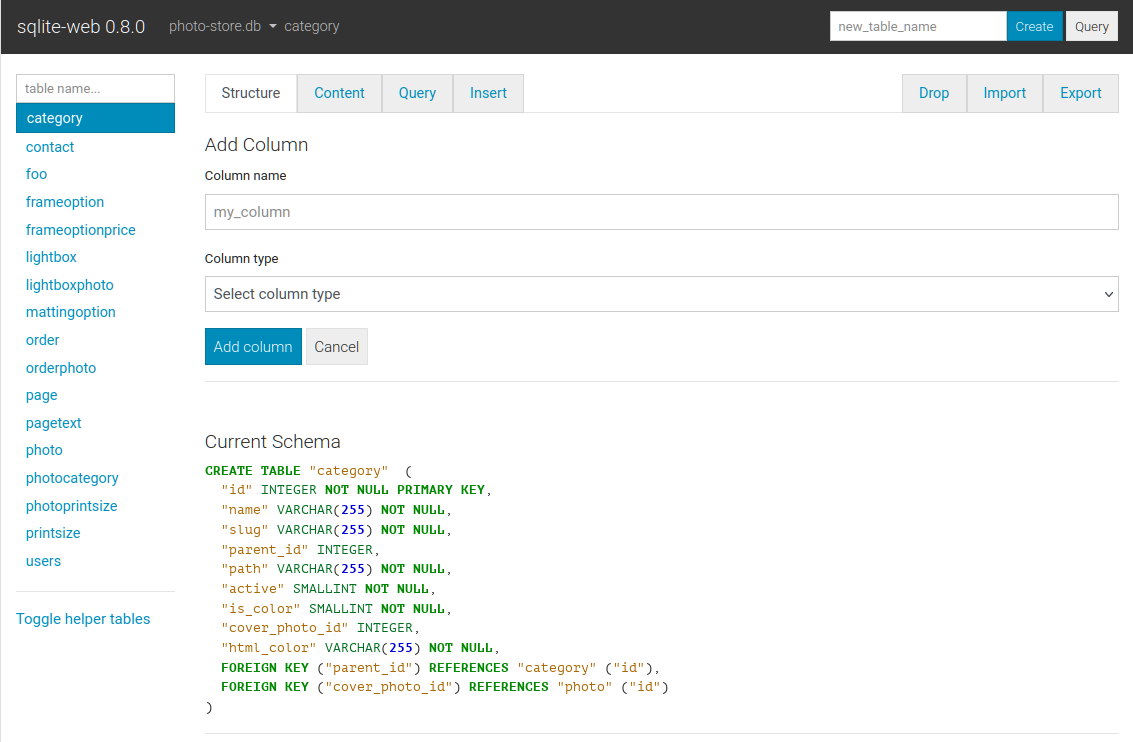
Columns are easy to add, drop or rename:
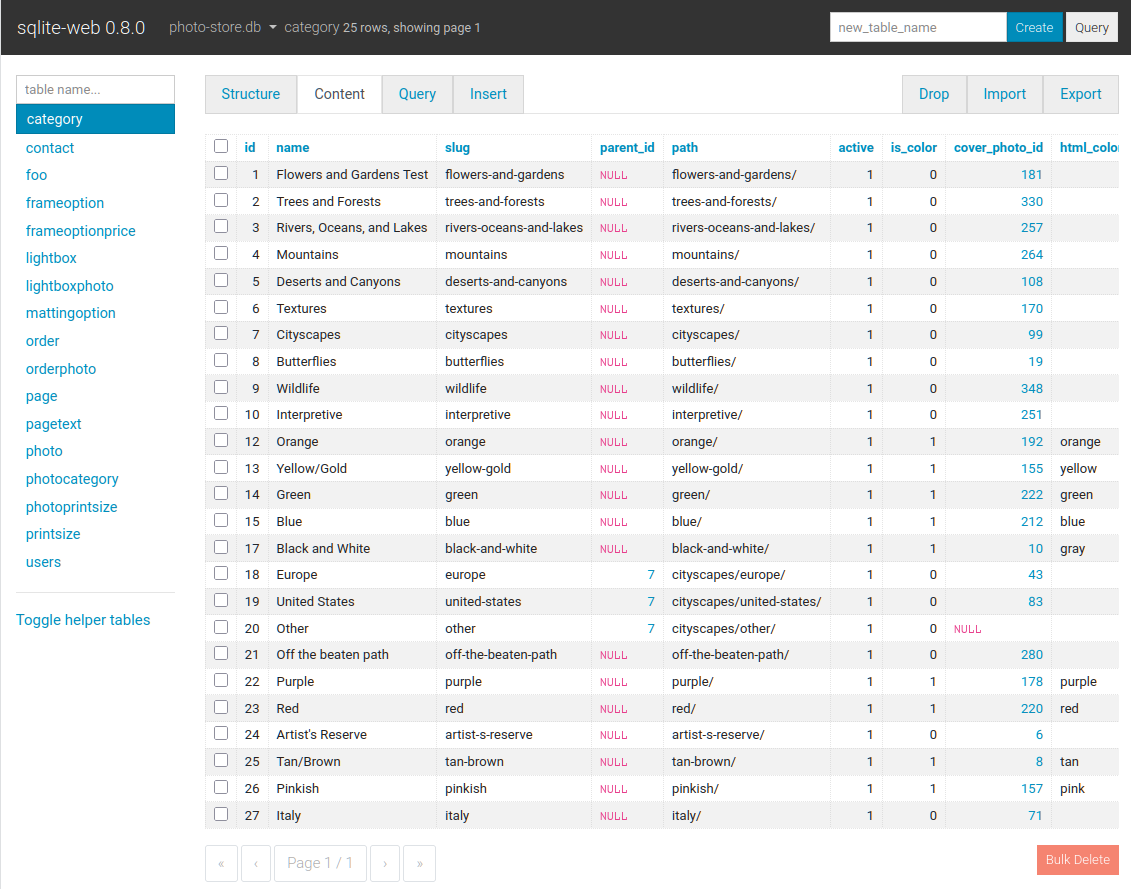
The content tab displays all the table data. Links in the table header can be
used to sort the data, foreign-keys are shown as clickable links, and row-data
can be copied easily:
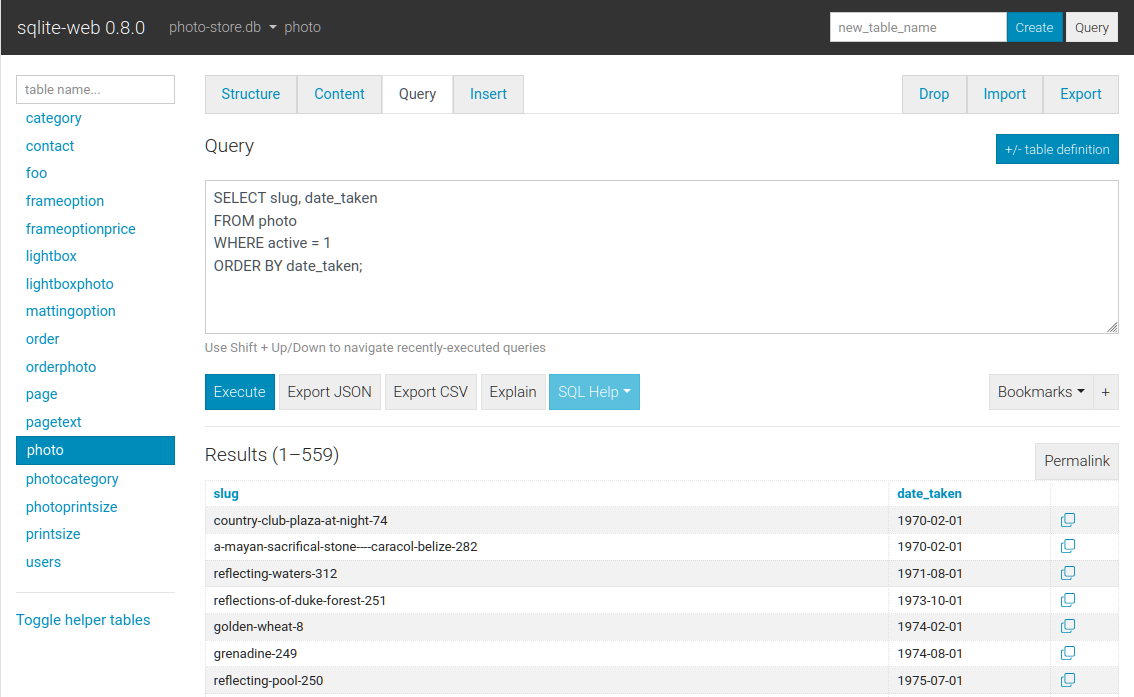
The query tab allows you to execute queries on a table. The query results are
displayed in a table and can be exported to either JSON or CSV. Multiple
queries can be executed, and results for each will be displayed. Data-modifying
queries report the number of rows changed.
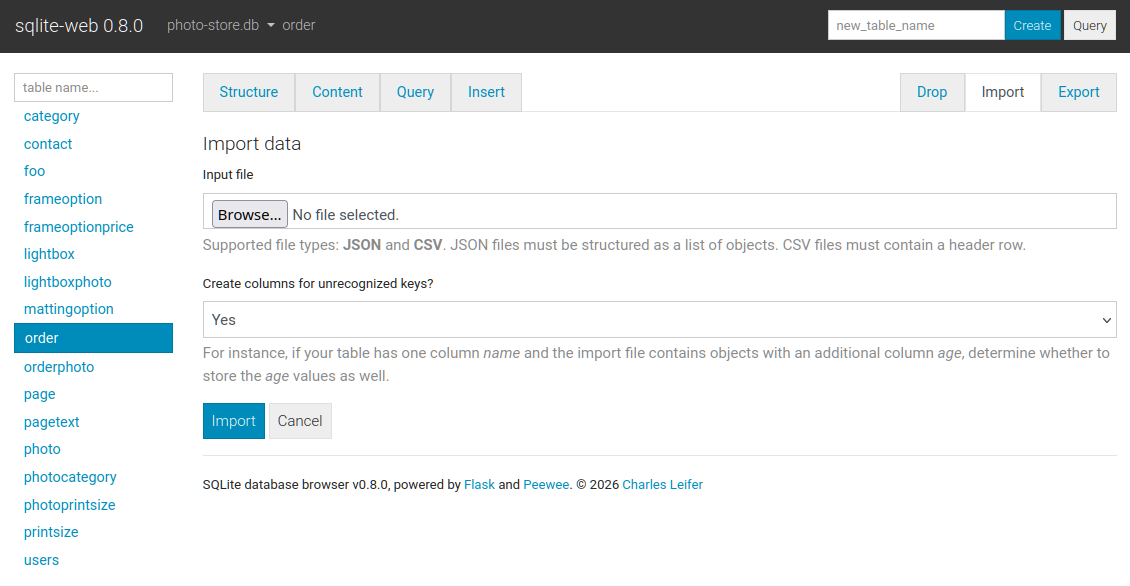
The import tab supports importing CSV and JSON files into a table. There is
an option to automatically create columns for any unrecognized keys in the
import file:
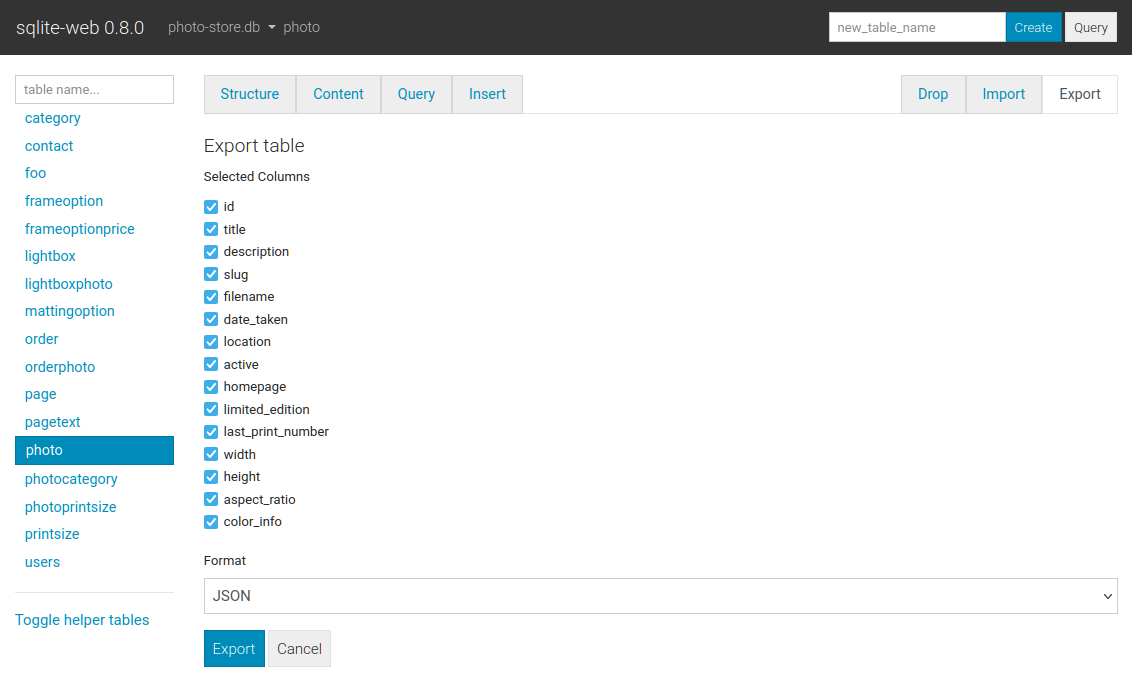
The export tab supports exporting all, or a subset, of columns:
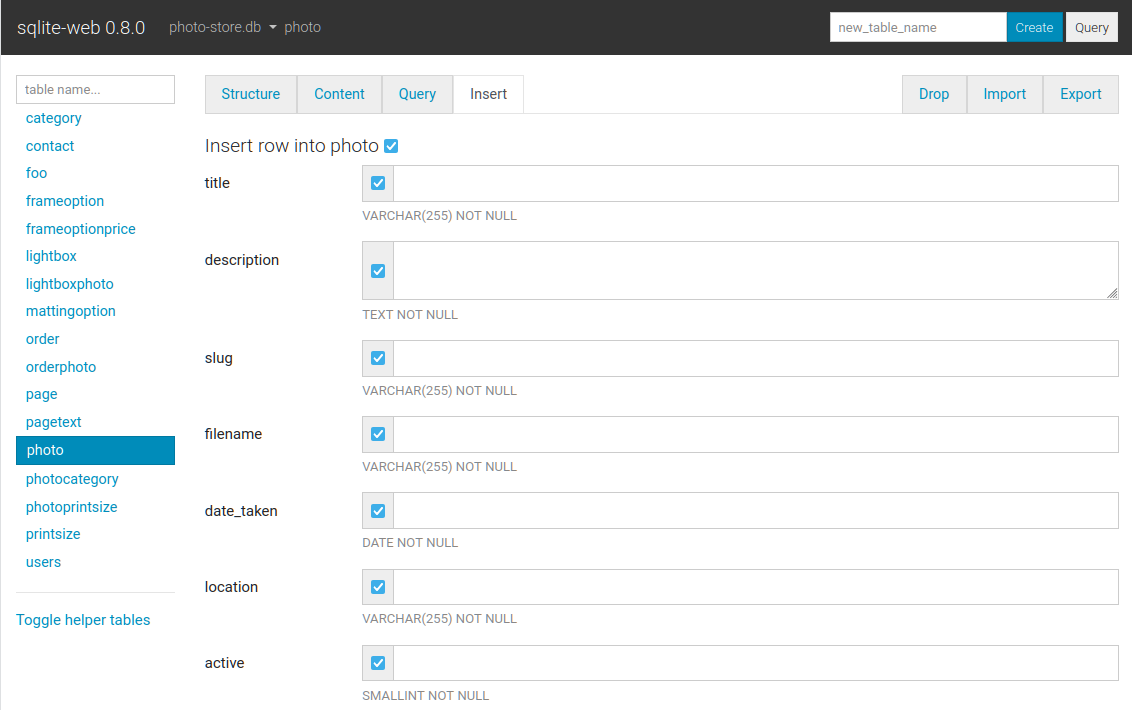
Basic INSERT, UPDATE and DELETE queries are supported:
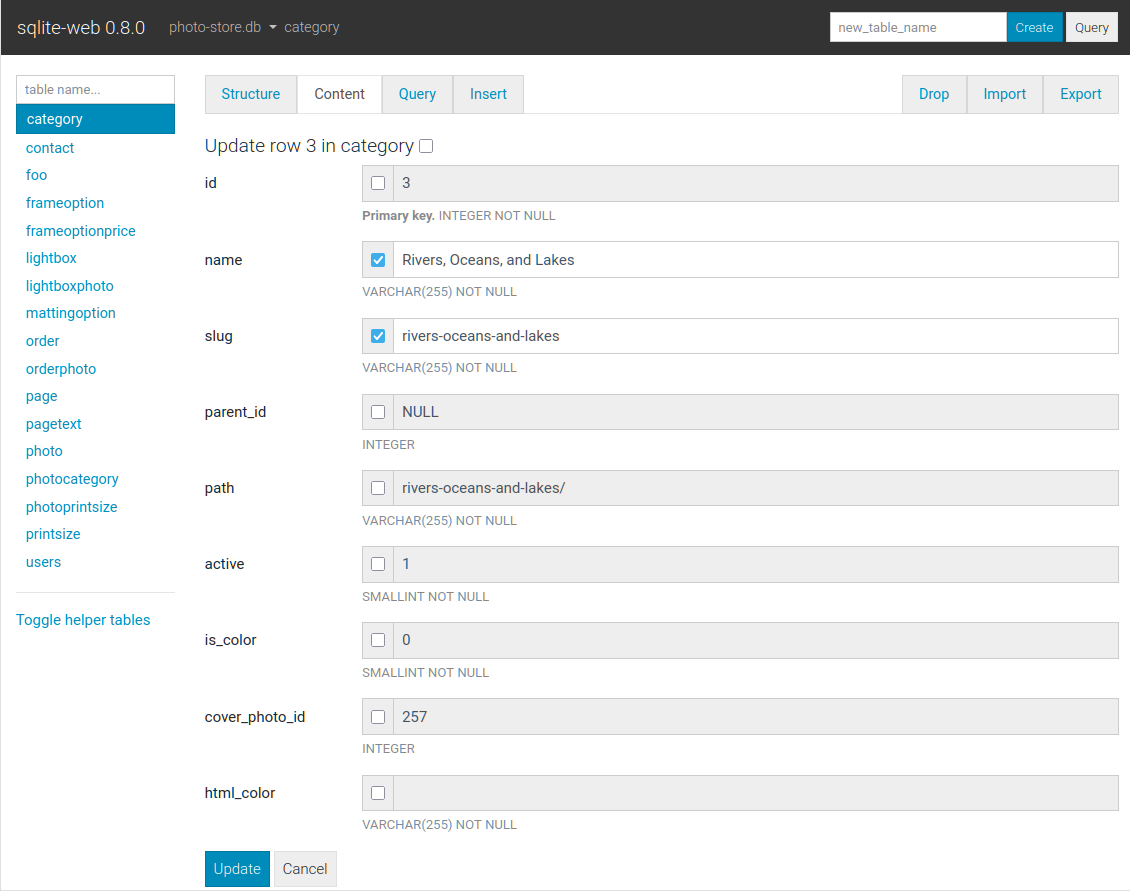
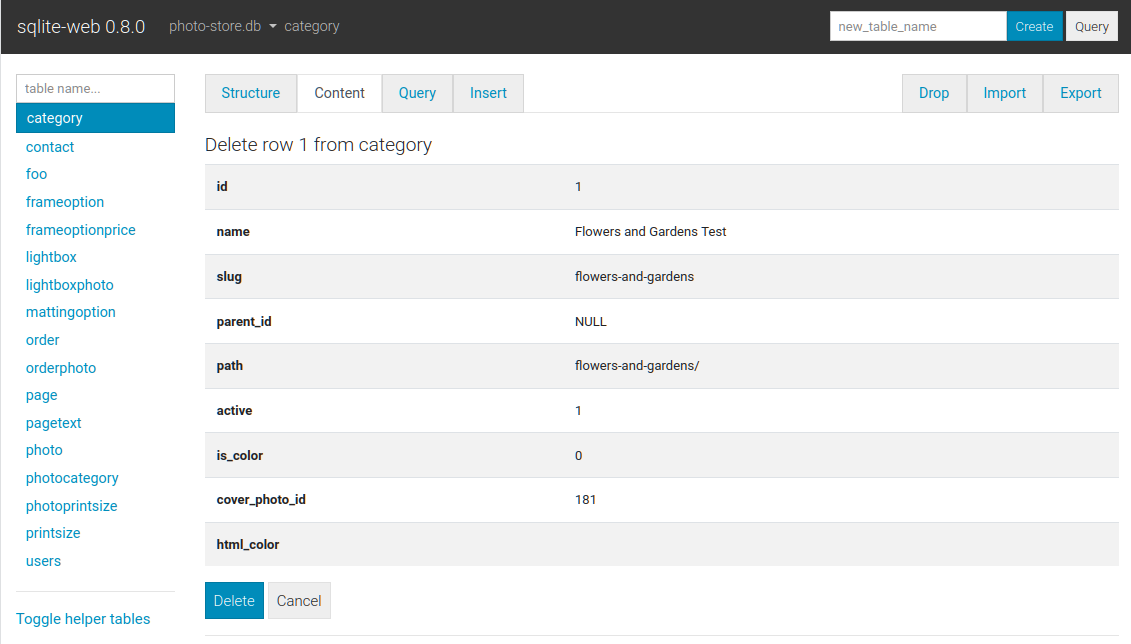
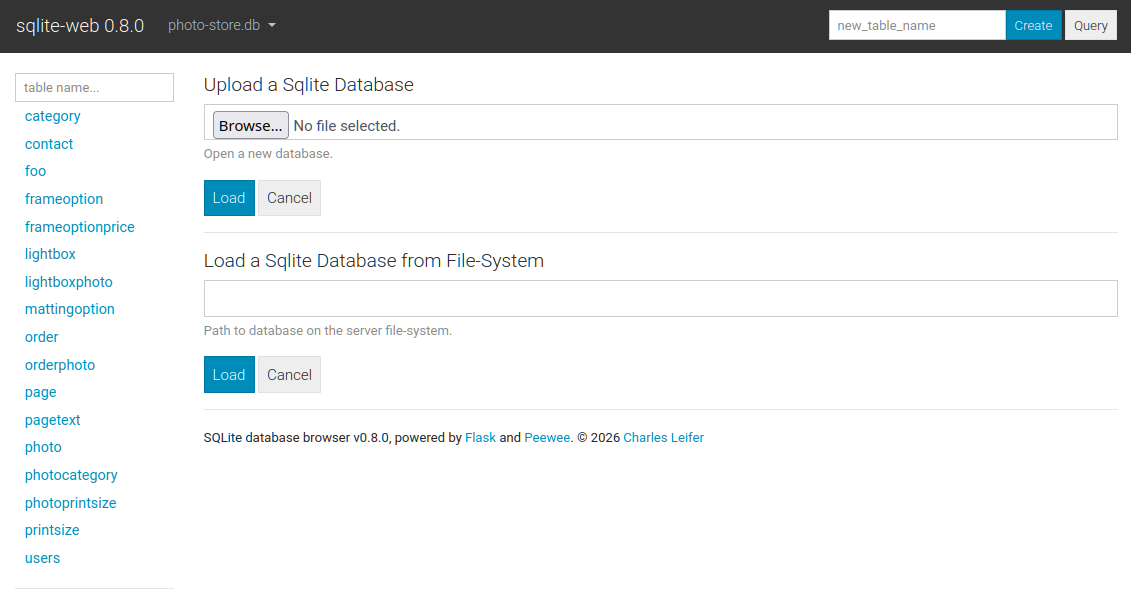
When configured with --enable-load or --enable-filesystem additional
databases can be loaded or unloaded at run-time:
Command-line options
The syntax for invoking sqlite-web is:
$ sqlite_web [options] /path/to/database.db /path/to/another.db
The following options are available:
-p,--port: default is 8080-H,--host: default is 127.0.0.1-d,--debug: default is false-l,--log-file: filename for application logs.-q,--quiet: only log errors.-b,--browser: open a web-browser when sqlite-web starts.-x,--no-browser: do not open a web-browser when sqlite-web starts.-P,--password: prompt for password to access sqlite-web. Alternatively, the password can be stored in the "SQLITE_WEB_PASSWORD" environment variable, in which case the application will not prompt for a password, but will use the value from the environment.-r,--read-only: open database in read-only mode.-R,--rows-per-page: set pagination on content page, default 50 rows.-Q,--query-rows-per-page: set pagination on query page, default 1000 rows.-T,--no-truncate: disable ellipsis for long text values. If this option is used, the full text value is always shown.-B,--base64: BLOB data as base64 (default is hex).-e,--extension: path or name of loadable extension(s). To load multiple extensions, specify-e [path]for each extension.-s,--startup-hook: path to a startup hook used to initialize the connection before each request, e.g.my.module.some_callable. Should accept one parameter, theSqliteDatabaseinstance.-f,--foreign-keys: enable foreign-key constraint pragma.-u,--url-prefix: URL prefix for application, e.g. "/sqlite-web".-L,--enable-load: Enable loading additional databases at runtime (upload only). For adding local databases use--enable-filesystem.-U,--upload-dir: Destination directory for uploaded database. Only has an effect together with-L. If not specified, a system tempdir is used.-F,--enable-filesystem: Enable loading additional databases by specifying on-disk path at runtime. Be careful with this.-c,--ssl-certand-k,--ssl-key- specify SSL cert and private key.-a,--ad-hoc- run using an ad-hoc SSL context. Requires thecryptographypackage (pip install sqlite-web[ssl]).
Using docker
A Dockerfile is provided with sqlite-web. To use:
#
# Use GitHub container registry:
#

$ docker run -it --rm \
    -p 8080:8080 \
    -v /path/to/your-data:/data \
    ghcr.io/coleifer/sqlite-web:latest \
    db_filename.db

#
# OR build the image yourself (run from the repository root):
#

$ docker build -t coleifer/sqlite-web -f docker/Dockerfile .
$ docker run -it --rm \
    -p 8080:8080 \
    -v /path/to/your-data:/data \
    coleifer/sqlite-web \
    db_filename.db
Command-line options can be passed in when running via Docker. For example, if
you want to run it at a separate URL prefix, for example /sqlite-web/:
$ docker run -it --rm \
    -p 8080:8080 \
    -v /path/to/your-data:/data \
    ghcr.io/coleifer/sqlite-web:latest \
    db_filename.db \
    --url-prefix="/sqlite-web/"
High-performance WSGI Server
To run sqlite-web with the high-performance gevent WSGI server, you can run
sqlite_wsgi instead of sqlite_web:
$ sqlite_wsgi /path/to/db.db
More complete example:
$ sqlite_wsgi -p 8000 -H '0.0.0.0' /path/to/db1.db /path/to/db2.db
関連プロジェクトを探す
Asabeneh/30-Days-Of-Python
30 Days of Python プログラミングチャレンジは、Python プログラミング言語を 30 日で学ぶためのステップバイステップのガイドです。このチャレンジは 100 日以上かかることもあります。自分のペースで進めてください。こちらの動画も役立つかもしれません: https://www.youtube.com/channel/UC7PNRuno1rzYPb1xLa4yktw
78,486 スターgrafana/grafana
オープンで組み合わせ可能なオブザーバビリティおよびデータ可視化プラットフォームです。Prometheus、Loki、Elasticsearch、InfluxDB、Postgres など、複数のソースからメトリクス、ログ、トレースを可視化できます。
77,790 スターredis/redis
リアルタイムのデータ駆動型アプリケーションを構築する開発者にとって、Redis は最も選ばれ、最速で、機能が最も豊富なキャッシュ、データ構造サーバー、ドキュメントおよびベクトルクエリエンジンです。
77,332 スターapache/superset
Apache Superset は、データ可視化とデータ探索のためのプラットフォームです。
75,455 スター