
cocopon/iceberg.vim has 2,387 GitHub stars and 135 forks. GitHot measured 0 stars in 24 hours, -1 in 7 days, and -1 in 15 days. Last checked 2026-11-23 14:58 UTC. Last push 2026-03-15.
できること
- Simple: no configuration required and easy to use
- Fast: pre-compiled to reduce loading time
- Dark and light background
- 256-colors terminal support
計測したスター増加
- 24時間
- 0
- 7日間
- -1
- 15日間
- -1
- 1か月
- 履歴を収集中
期間ごとの純増数です。期間は重複しており、日別の値ではありません。未計測の値は空欄です。スター数は注目度の指標であり、品質の保証ではありません。
概要
:antarctica: Vim と Neovim 用の青みがかったカラースキーム
開発ツールREADME.md
オリジナル
Iceberg is well-designed, bluish color scheme for Vim and Neovim.
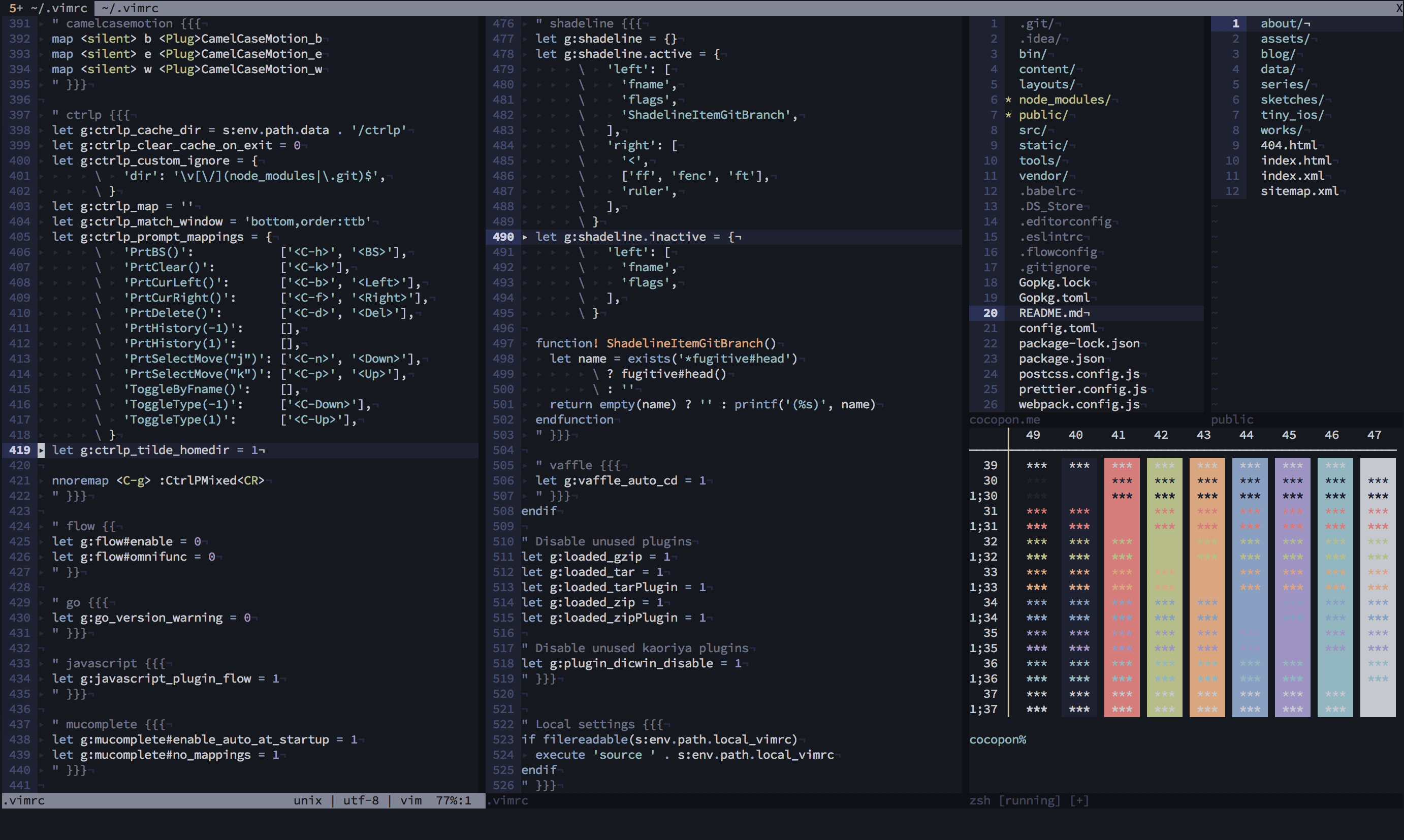
See the official site or the vimonline page for more information.
Features
- Simple: no configuration required and easy to use
- Fast: pre-compiled to reduce loading time
- Dark and light background
- 256-colors terminal support
- Terminal colors support
- airline theme and lightline colorscheme
- Various plugins support: ALE / CtrlP / Denite / EasyMotion / Git Gutter / git-messenger.vim / Signify / Sneak / Startify / Syntastic / vim-plug / vim-zenspace etc.
- Better syntax highlight with: typescript-vim / vim-elixir / vim-flow / vim-graphql / vim-javascript / vim-markdown etc.

Philosophy
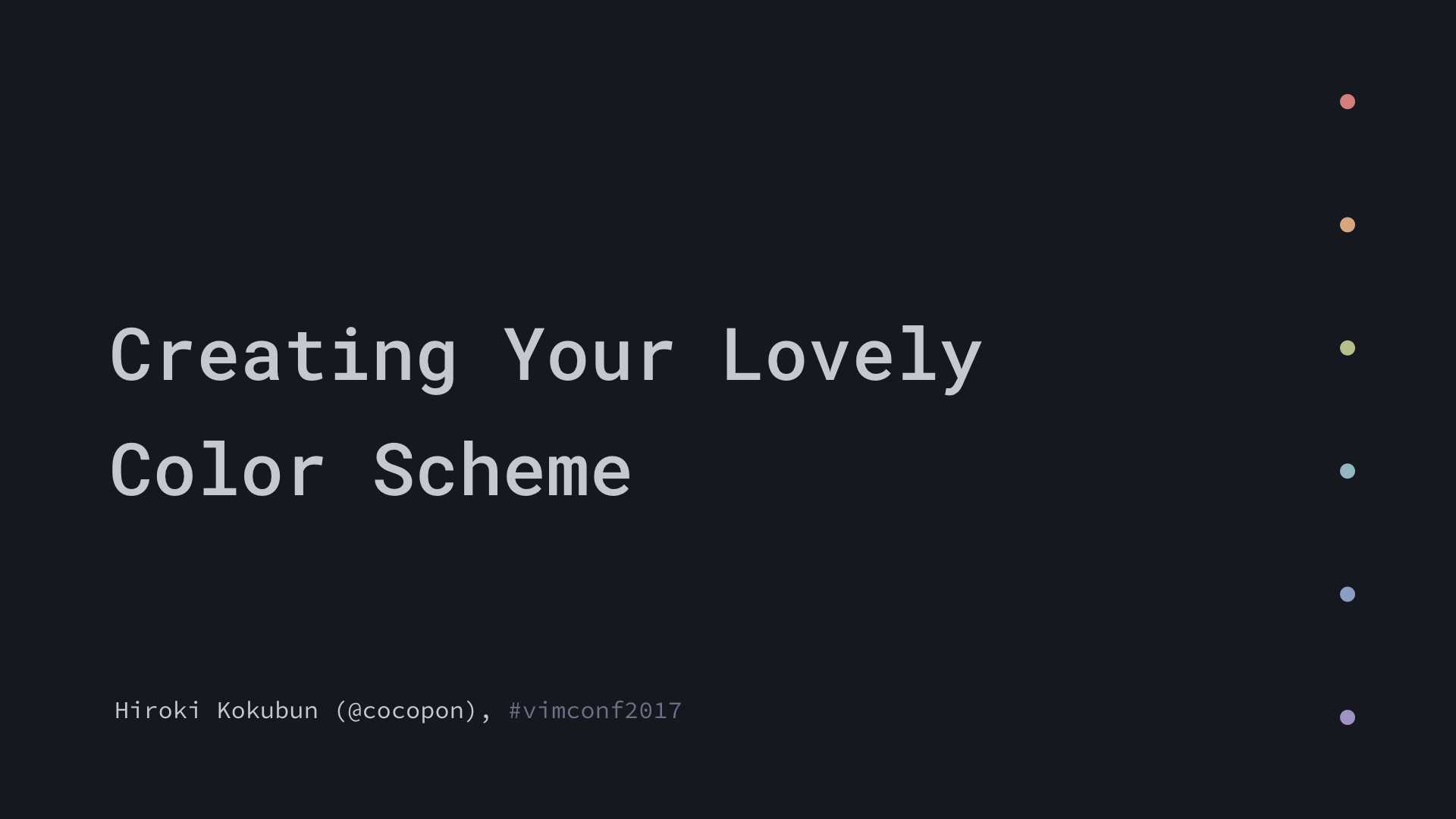
Creator of Iceberg talked about how to create your lovely color scheme in VimConf 2017, international Vim conference. This slides also explained the philosophy of Iceberg.
For other environments
IDEs and text editors
- Visual Studio Code by cocopon
- Atom by cocopon
- Xcode by cocopon
- AppCode by Kuniwak
- Emacs by conao3
- CotEditor by YusukeSano
Terminal emulators
- Terminal.app by cocopon
- Hyper by cocopon
- st by vejetaryenvampir
- kitty (dark) by gkeep
- kitty (light) by gkeep
- alacritty by connorlay
- iTerm2 by YusukeSano
- Warp by YusukeSano
NOTE: terminal.sexy provides configuration files for the 16 ANSI colors for many terminal emulators (e.g. GNOME Terminal, iTerm2, etc.). Use .Xresources file as import and export it for the emulator of your choice.
Other
- bumblebee-status by whzup
- tmux by gkeep
- alternative dark theme for lightline and airline, bumblebee-status by gkeep
- Slack sidebar by cocopon
Building your own Iceberg
NOTE: This section is for color scheme developers. If you just want to use the color scheme, you don't have to follow these steps.
Install cocopon/pgmnt.vim, a template engine for Vim color scheme, to your Vim.
To modify a color palette, edit
autoload/iceberg/palette/(dark|light).vim. If you make changes, be sure to:sourcethis file before step 4 otherwise your color palette changes will not be reflected.To modify highlighting groups or links, edit
src/iceberg.vim.After editing, compile the source file as below:
:e src/iceberg.vim
:cd %:h
:source %
Compiled files will be output into
autoloaddirectory.
License
MIT License. See LICENSE.txt for more information.
関連プロジェクトを探す
読み込み中…