
概要
:deer: Core Animation をシンプルに扱うためのインターフェース。型安全なアニメーションを順次または並行して実行できます。
制作・メディアできること
- Animation with duration and delay
- parallel / sequence animation
計測したスター増加
- 24時間
- 0
- 7日間
- 0
- 15日間
- +1
- 1か月
- 履歴を収集中
期間ごとの純増数です。期間は重複しており、日別の値ではありません。未計測の値は空欄です。スター数は注目度の指標であり、品質の保証ではありません。
README.md
オリジナルSimple Interface Core Animation






Sica can execute various animations sequentially or parallelly.
Features
- Animation with duration and delay
- parallel / sequence animation
- Easings
- Springs
- Transition
Requirements
- Xcode 9.3 or greater
- iOS 9 or greater
- tvOS 10.0 or greater
- macOS 10.11 or greater
- Swift 4.2 (since 0.3.4)
Installation
Carthage
If you’re using Carthage, simply add
Sica to your Cartfile:
github "cats-oss/Sica"
CocoaPods
Sica is available through CocoaPods. To instal it, simply add the following line to your Podfile:
pod 'Sica'
Swift Package Manager
Sica is available through SwiftPM, create Package.swift and add dependencies value
dependencies: [
    .package(url: "https://github.com/cats-oss/Sica.git", from: "0.4.1")
]
Usage
Sample Animation
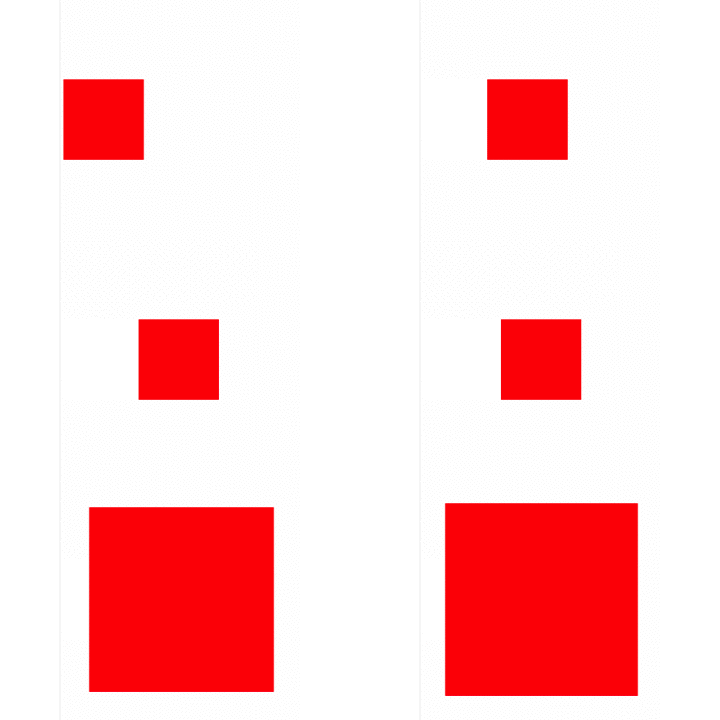
Sequence Animation
If you set .sequence, sequence animation is shown.
let animator = Animator(view: sampleView)
animator
    .addBasicAnimation(keyPath: .positionX, from: 50, to: 150, duration: 2, timingFunction: .easeOutExpo)
    .addSpringAnimation(keyPath: .boundsSize, from: sampleView.frame.size, to: CGSize(width: 240, height: 240), damping: 12, mass: 1, stiffness: 240, initialVelocity: 0, duration: 1)
    .run(type: .sequence)
Parallel Animation
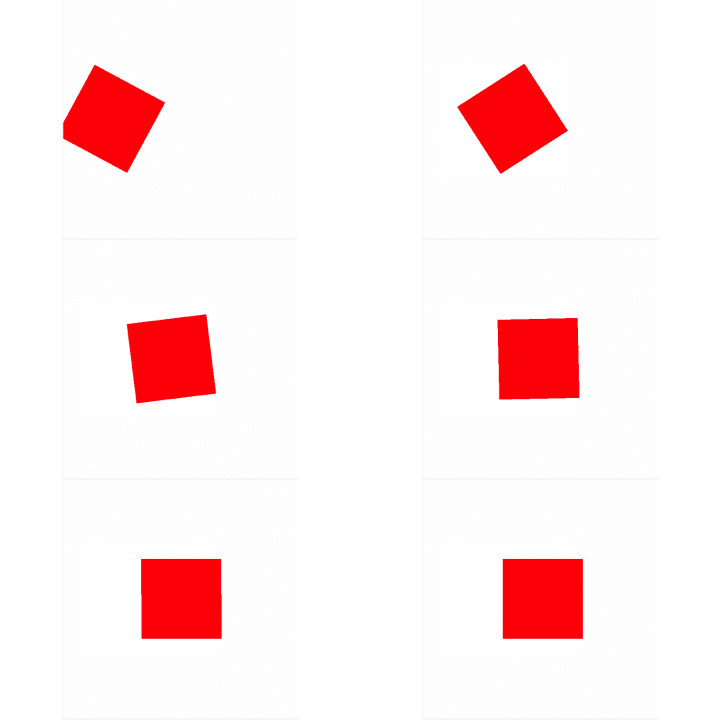
If you set .parallel, parallel animation is shown.
let animator = Animator(view: sampleView)
animator
    .addBasicAnimation(keyPath: .positionX, from: 50, to: 150, duration: 5, timingFunction: .easeOutExpo)
    .addBasicAnimation(keyPath: .transformRotationZ, from: 0, to: CGFloat.pi, duration: 3, timingFunction: .easeOutExpo)
    .run(type: .parallel)
Forever Animation
If you set forever before calling run, forever animation is shown.
let animator = Animator(view: sampleView)
animator
    .addBasicAnimation(keyPath: .positionX, from: 50, to: 150, duration: 2, timingFunction: .easeOutExpo)
    .addBasicAnimation(keyPath: .positionX, from: 150, to: 50, duration: 2, timingFunction: .easeOutExpo)
    .forever(autoreverses: false)
    .run(type: .sequence)

Cancel
If you want to cancel animation, you should call cancel.
let animator = Animator(view: sampleView)
/*
Add animation and run
*/
animator.cancel() // Animation cancel
Remove Added Animations
If you call run and then you call add animation method, no animation will be added.
If you use animator again, you call removeAll before addBasicAnimation or addSpringAnimation or addTransitionAnimation.
let animator = Animator(view: sampleView)
/*
Add animation and run
*/

// Bad
animator.addBasicAnimation() // 🙅 you can't add animation

// Good
animator.removeAll()
        .addBasicAnimation() // 🙆 You can add animation.
Functions
Add Animation
    public func addBasicAnimation<T>(keyPath: Sica.AnimationKeyPath<T>, from: T, to: T, duration: Double, delay: Double = default, timingFunction: Sica.TimingFunction = default) -> Self where T : AnimationValueType
    public func addSpringAnimation<T>(keyPath: Sica.AnimationKeyPath<T>, from: T, to: T, damping: CGFloat, mass: CGFloat, stiffness: CGFloat, initialVelocity: CGFloat, duration: Double, delay: Double = default, timingFunction: Sica.TimingFunction = default) -> Self where T : AnimationValueType
    public func addTransitionAnimation(startProgress: Float, endProgress: Float, type: Sica.Transition, subtype: Sica.TransitionSub, duration: Double, delay: Double = default, timingFunction: Sica.TimingFunction = default) -> Self
Add Animation Option
    public func delay(_ delay: Double) -> Self
    public func forever(autoreverses: Bool = default) -> Self
Animation Operation
    public func run(type: Sica.Animator.AnimationPlayType, isRemovedOnCompletion: Bool = default, completion: (() -> Swift.Void)? = default)
    public func cancel()
    public func removeAll() -> Self
Extensions
You can access sica property in UIView and CALayer.
let view = UIView(frame: ...)
view.sica
    .addBasicAnimation(keyPath: .positionX, from: 50, to: 150, duration: 2, timingFunction: .easeOutExpo)
    .run(type: .sequence)
let layer = CALayer()
layer.sica
    .addBasicAnimation(keyPath: .positionX, from: 50, to: 150, duration: 2, timingFunction: .easeOutExpo)
    .run(type: .sequence)
Support
Animation
- CABasicAnimation
- CATransition
- CASpringAnimation
AnimationPlayType
you can choose animation play type
- run animation sequentially
- run animation parallelly
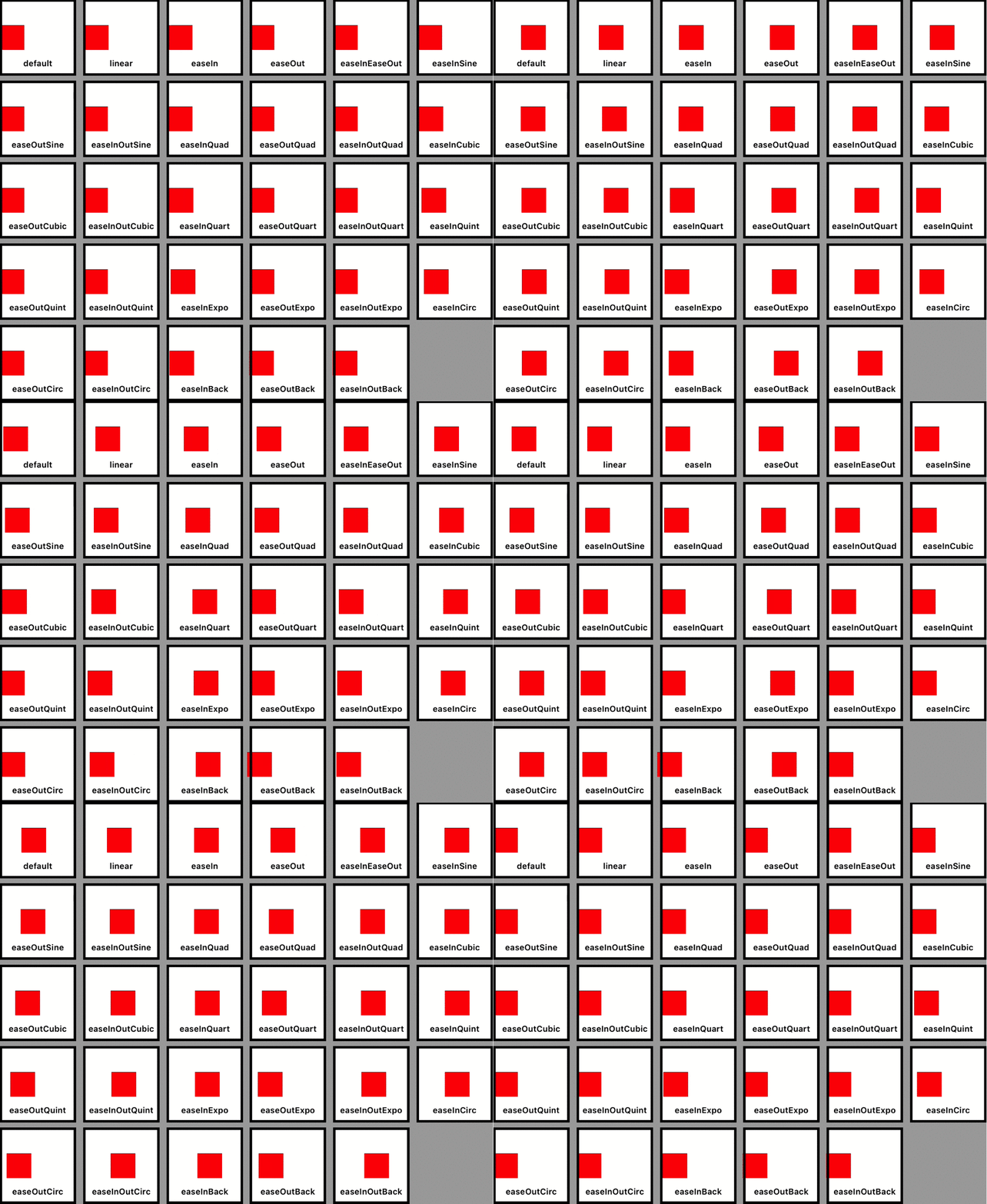
EasingFunctions
you can choose various timing functions
KeyPaths Table
| Sica | KeyPath |
|---|---|
.anchorPoint |
anchorPoint |
.backgroundColor |
backgroundColor |
.borderColor |
borderColor |
.borderWidth |
borderWidth |
.bounds |
bounds |
.contents |
contents |
.contentsRect |
contentsRect |
.cornerRadius |
cornerRadius |
.filters |
filters |
.frame |
frame |
.hidden |
hidden |
.mask |
mask |
.masksToBounds |
masksToBounds |
.opacity |
opacity |
.path |
path |
.position |
position |
.shadowColor |
shadowColor |
.shadowOffset |
shadowOffset |
.shadowOpacity |
shadowOpacity |
.shadowPath |
shadowPath |
.shadowRadius |
shadowRadius |
.sublayers |
sublayers |
.sublayerTransform |
sublayerTransform |
.transform |
transform |
.zPosition |
zPosition |
Anchor Point
| Sica | KeyPath |
|---|---|
.anchorPointX |
anchorPoint.x |
.anchorPointy |
anchorPoint.y |
Bounds
| Sica | KeyPath |
|---|---|
.boundsOrigin |
bounds.origin |
.boundsOriginX |
bounds.origin.x |
.boundsOriginY |
bounds.origin.y |
.boundsSize |
bounds.size |
.boundsSizeWidth |
bounds.size.width |
.boundsSizeHeight |
bounds.size.height |
Contents
| Sica | KeyPath |
|---|---|
.contentsRectOrigin |
contentsRect.origin |
.contentsRectOriginX |
contentsRect.origin.x |
.contentsRectOriginY |
contentsRect.origin.y |
.contentsRectSize |
contentsRect.size |
.contentsRectSizeWidth |
contentsRect.size.width |
.contentsRectSizeHeight |
contentsRect.size.height |
Frame
| Sica | KeyPath |
|---|---|
.frameOrigin |
frame.origin |
.frameOriginX |
frame.origin.x |
.frameOriginY |
frame.origin.y |
.frameSize |
frame.size |
.frameSizeWidth |
frame.size.width |
.frameSizeHeight |
frame.size.height |
Position
| Sica | KeyPath |
|---|---|
.positionX |
position.x |
.positionY |
position.y |
Shadow Offset
| Sica | KeyPath |
|---|---|
.shadowOffsetWidth |
shadowOffset.width |
.shadowOffsetHeight |
shadowOffset.height |
Sublayer Transform
| Sica | KeyPath |
|---|---|
.sublayerTransformRotationX |
sublayerTransform.rotation.x |
.sublayerTransformRotationY |
sublayerTransform.rotation.y |
.sublayerTransformRotationZ |
sublayerTransform.rotation.z |
.sublayerTransformScaleX |
sublayerTransform.scale.x |
.sublayerTransformScaleY |
sublayerTransform.scale.y |
.sublayerTransformScaleZ |
sublayerTransform.scale.z |
.sublayerTransformTranslationX |
sublayerTransform.translation.x |
.sublayerTransformTranslationY |
sublayerTransform.translation.y |
.sublayerTransformTranslationZ |
sublayerTransform.translation.z |
Transform
| Sica | KeyPath |
|---|---|
.transformRotationX |
transform.rotation.x |
.transformRotationY |
transform.rotation.y |
.transformRotationZ |
transform.rotation.z |
.transformScaleX |
transform.scale.x |
.transformScaleY |
transform.scale.y |
.transformScaleZ |
transform.scale.z |
.transformTranslationX |
transform.translation.x |
.transformTranslationY |
transform.translation.y |
.transformTranslationZ |
transform.translation.z |
License
Sica is available under the MIT license. See the LICENSE file for more info.
関連プロジェクトを探す
読み込み中…