
binji/pokegb has 1,400 GitHub stars and 59 forks. GitHot measured 0 stars in 24 hours, 0 in 7 days, and 0 in 15 days. Last checked 2026-11-23 10:28 UTC. Last push 2024-02-12.
計測したスター増加
- 24時間
- 0
- 7日間
- 0
- 15日間
- 0
- 1か月
- 履歴を収集中
期間ごとの純増数です。期間は重複しており、日別の値ではありません。未計測の値は空欄です。スター数は注目度の指標であり、品質の保証ではありません。
概要
約50行のC++で書かれた、『ポケットモンスター 青』専用のGame Boyエミュレーターです。
開発ツールREADME.md
オリジナルpokegb
A gameboy emulator that only plays Pokemon Blue, in ~50 lines of c++.
See the technical write-up.
Features
Plays Pokemon Blue (and Red).
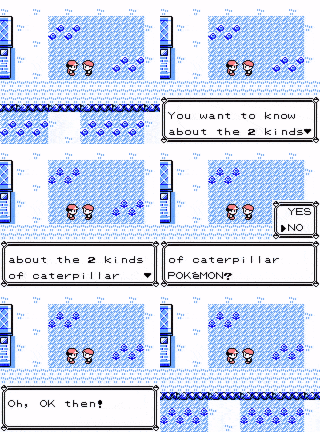
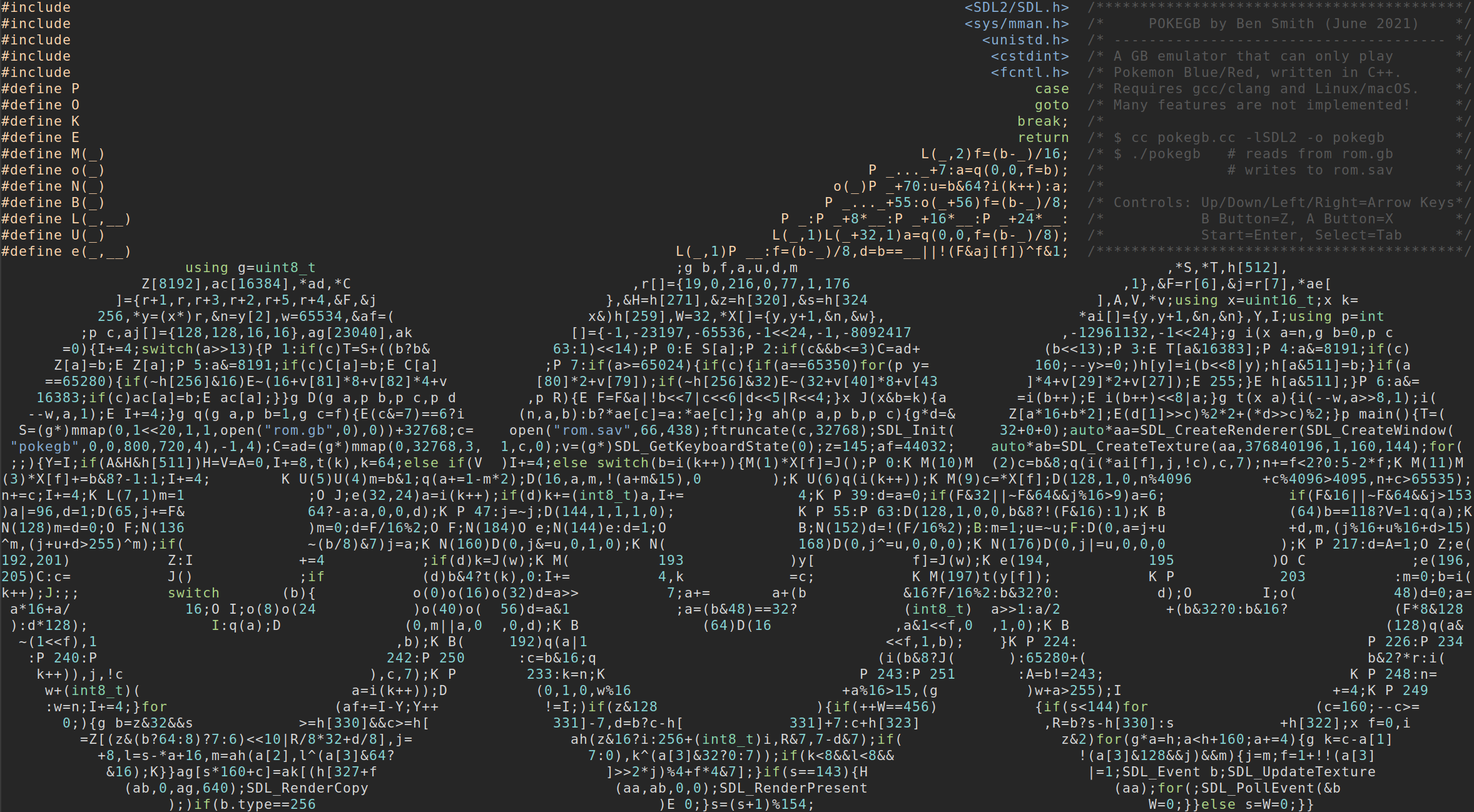
Screenshots


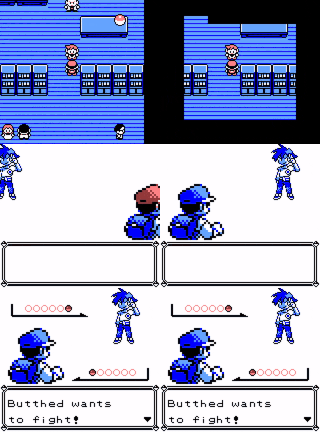
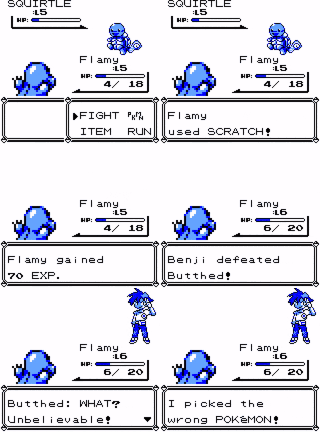
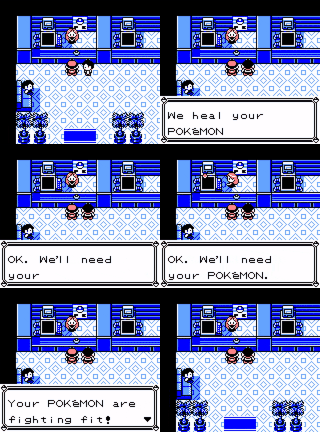
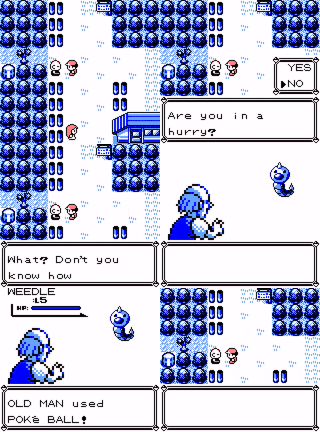
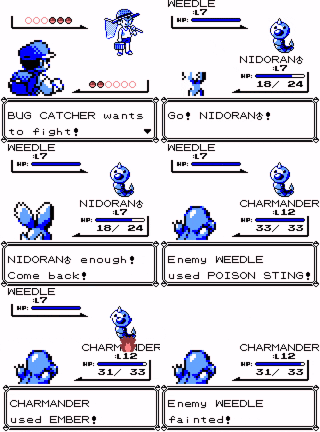
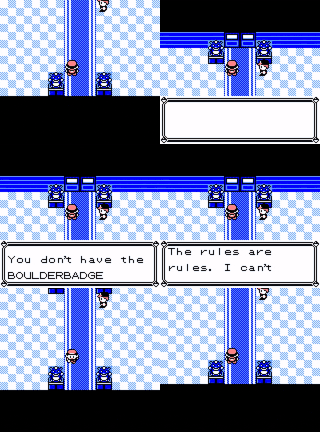
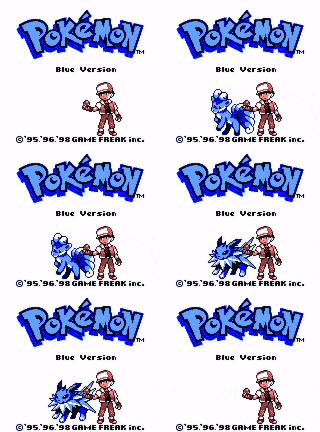
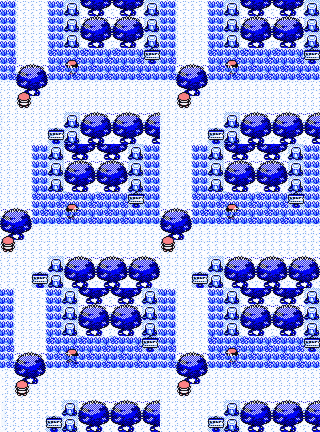
Building
Only builds on Linux and macOS AFAIK.
$ make
On macOS, you'll need to create a save file too (just the first time):
$ make rom.sav
Running
Get a Pokemon Blue (or Pokemon Red) ROM file. The files that are known to work have the following sha1s:
| Name | sha1 |
|---|---|
| Pokemon - Blue Version (USA, Europe) (SGB Enhanced).gb | d7037c83e1ae5b39bde3c30787637ba1d4c48ce2 |
| Pokemon - Red Version (USA, Europe) (SGB Enhanced).gb | ea9bcae617fdf159b045185467ae58b2e4a48b9a |
Others might work too, but these are the ones that I've tried.
Rename the file to rom.gb and put it in the current directory. Then run:
$ ./pokegb
The save file is written to rom.sav.
Keys:
| Action | Key |
|---|---|
| DPAD-UP | ↑ |
| DPAD-DOWN | ↓ |
| DPAD-LEFT | ← |
| DPAD-RIGHT | → |
| B | Z |
| A | X |
| START | Enter |
| SELECT | Tab |
Updating keys
Look for line 24 the source. The following table shows which numbers map to which keyboard keys:
| number | default key | gameboy button |
|---|---|---|
| 27 | X | A Button |
| 29 | Z | B Button |
| 43 | Tab | Select Button |
| 40 | Return | Start Button |
| 79 | Arrow Right | DPAD Right |
| 80 | Arrow Left | DPAD Left |
| 81 | Arrow Down | DPAD Down |
| 82 | Arrow Up | DPAD Up |
Replace the numbers on this line with one from the SDL scancode list.
関連プロジェクトを探す
読み込み中…