
batonogov/pine has 33 GitHub stars and 0 forks. GitHot measured 0 stars in 24 hours, 0 in 7 days, and +1 in 15 days. Last checked 2026-11-24 01:36 UTC. Last push 2026-11-21.
できること
- Native macOS — SwiftUI + AppKit, Liquid Glass UI, system text handling. No browser engine, no runtime
- Agent-aware workflow — Tracks durable tasks across projects in Agent Inbox, routes back to the exact live session, and sends privacy-bounded notifications for verified events or detected process exits
- Multi-project workspaces — Keep related projects in one native window, switch from the toolbar, and close one project without disturbing the rest of the workspace
- LSP code intelligence — Diagnostics, completion, hover, go-to-definition, code actions, rename, and a Problems panel
計測したスター増加
- 24時間
- 0
- 7日間
- 0
- 15日間
- +1
- 1か月
- 履歴を収集中
期間ごとの純増数です。期間は重複しており、日別の値ではありません。未計測の値は空欄です。スター数は注目度の指標であり、品質の保証ではありません。
概要
A native macOS editor for CLI-agent workflows — agent in the terminal, code in view. Pine 3.0 is heading toward an outcome-first ADE with durable tasks, verified results, and attention in the current project's task list.
開発ツールREADME.md
オリジナル

Pine





A native macOS code editor for CLI-agent workflows.
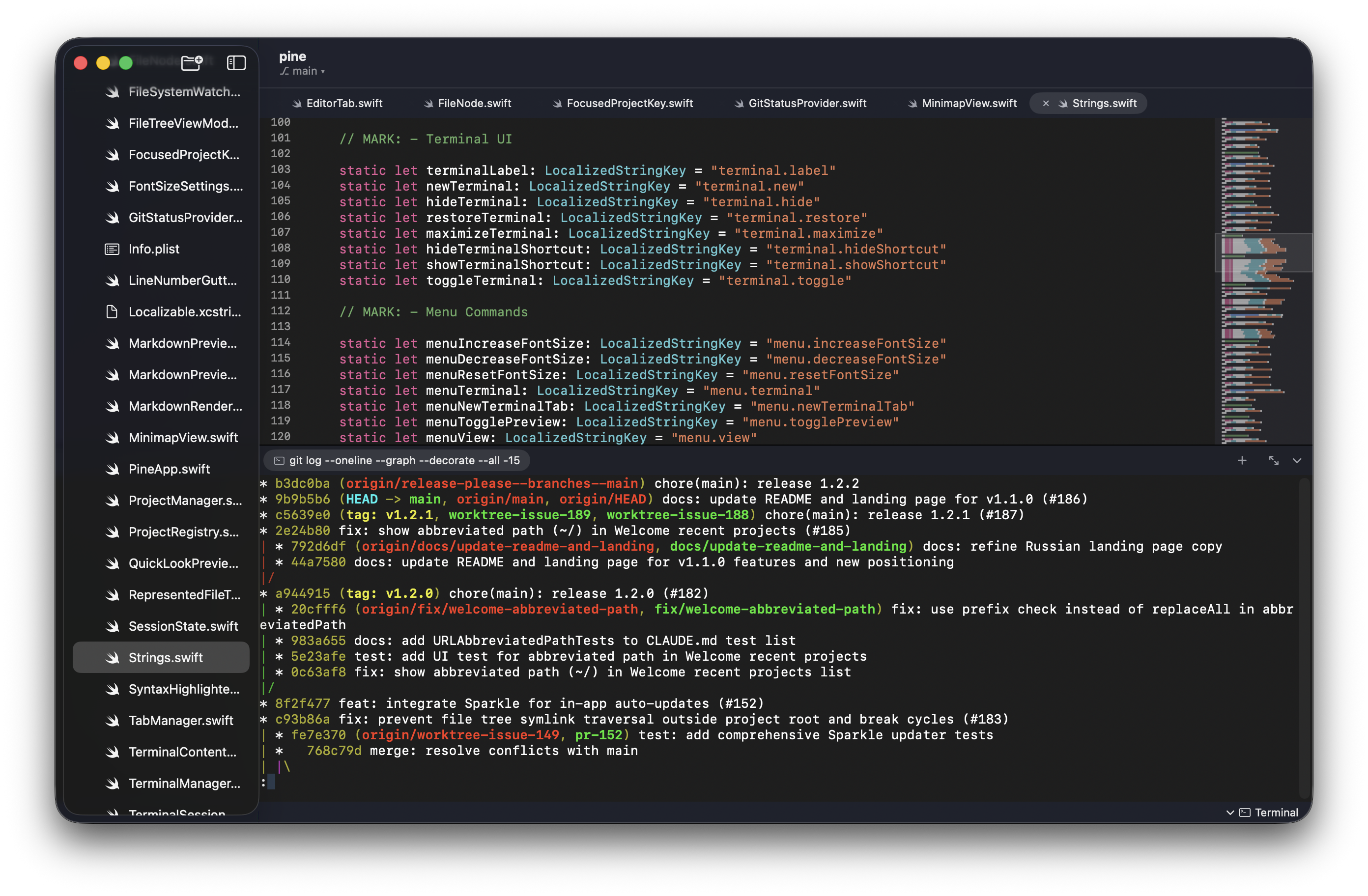
The agent stays in the terminal.
The code stays in view.
Pine brings them together.
Pine reflects agent activity, file changes, diagnostics, and Git context across a fast native workspace without turning into another AI dashboard. Built with SwiftUI and AppKit for macOS 26 Liquid Glass — no Electron runtime.
One workspace for code and CLI agents
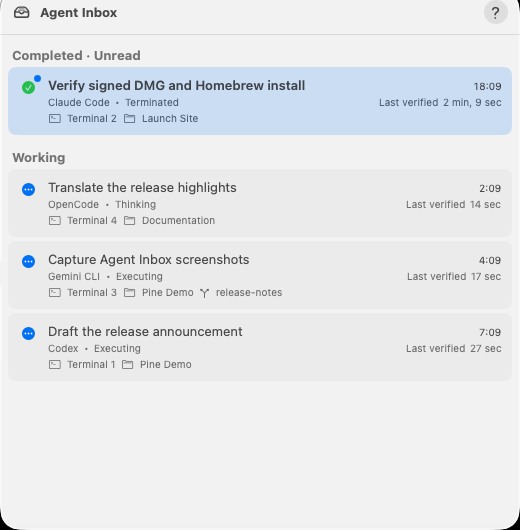
- Agents stay in real terminal sessions while Pine keeps activity, files, diagnostics, and Git context visible beside them
- Multi-project workspaces keep related projects in one native window with fast switching and precise ownership
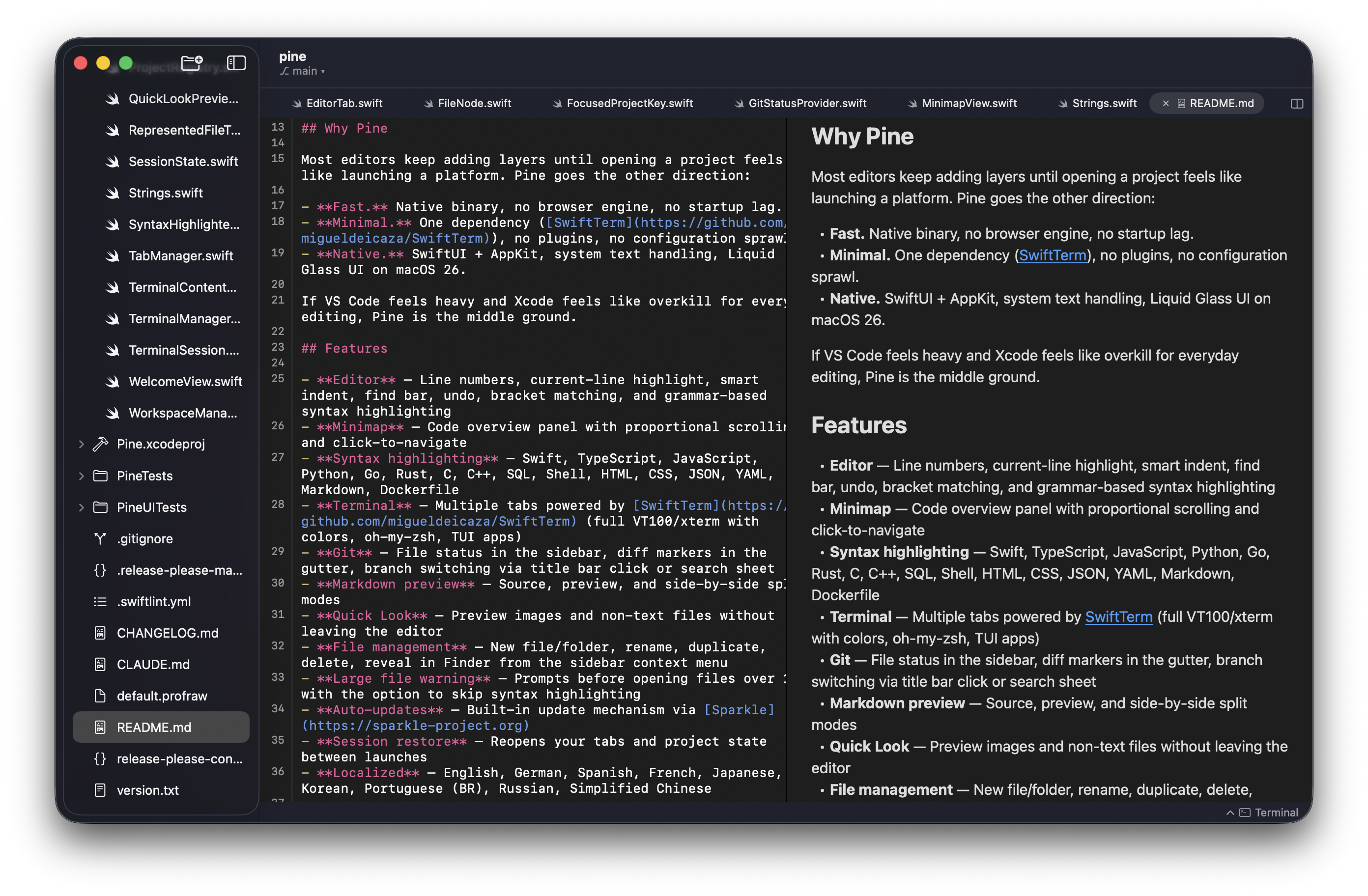
- Cross-project Agent Inbox preserves durable task context and routes back to the exact project, pane, and live session
- Resilient terminal presentation can rebuild a stalled display without restarting the shell or losing scrollback
See the latest release for the current changelog.
Features
- Native macOS — SwiftUI + AppKit, Liquid Glass UI, system text handling. No browser engine, no runtime
- Agent-aware workflow — Tracks durable tasks across projects in Agent Inbox, routes back to the exact live session, and sends privacy-bounded notifications for verified events or detected process exits
- Multi-project workspaces — Keep related projects in one native window, switch from the toolbar, and close one project without disturbing the rest of the workspace
- LSP code intelligence — Diagnostics, completion, hover, go-to-definition, code actions, rename, and a Problems panel
- Syntax highlighting — bundled grammars for Swift, TypeScript, Python, Go, Rust, Java, Kotlin, Ruby, C/C++, and more
- Split panes — Drag tabs to edges to split horizontally or vertically. Drag between panes to move. Resize with divider
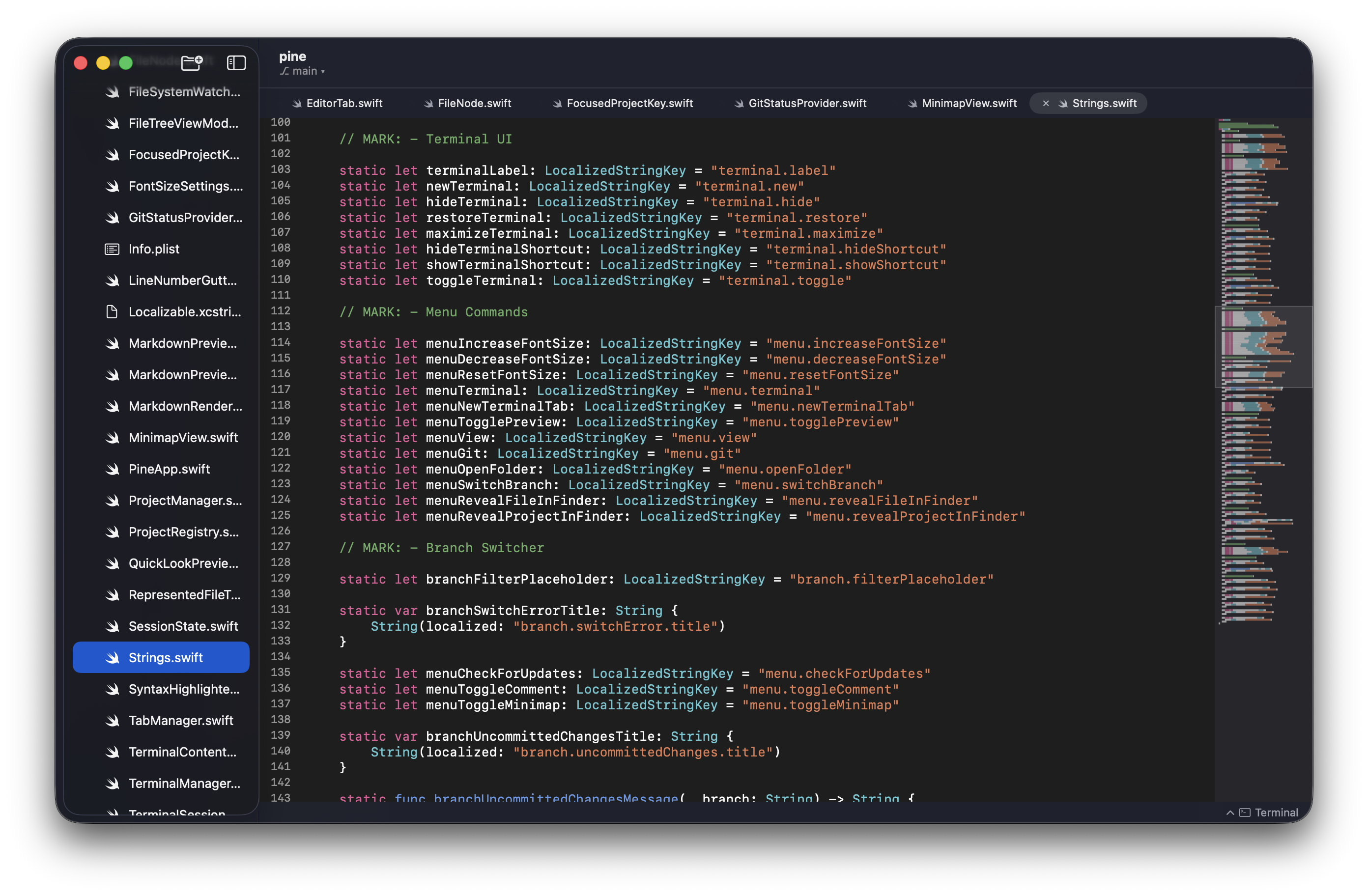
- Built-in terminal — Full VT100/xterm emulator via SwiftTerm (upstream, with Pine's terminal-rendering patches merged in). Multiple tabs, themes, TUI apps, clickable file and OSC 8 links, send-to-terminal, pane maximize, a global quick-terminal hotkey, and display recovery that preserves the running shell
- Lightweight extensibility — User grammars, tasks, and keybindings without an extension marketplace
- Git integration — File status in sidebar, diff markers in gutter, blame view, branch switching from title bar or Git menu
- Symbol navigation — Jump to functions and classes with Cmd+R
- Code folding — Fold/unfold blocks from the gutter or via menu
- Minimap — Scaled code overview with syntax colors and diff markers. Click to navigate
- Find & replace — In-file and project-wide search with .gitignore support
- Quick Open — Fuzzy file search with Cmd+P
- Markdown preview — Source, rendered, or side-by-side via swift-markdown
- Status bar — Cursor position, line endings, indentation style, file size
- Bracket matching — Highlights matching pairs while skipping strings and comments
- File management — Reveal in Finder, duplicate files with Finder-like naming
- Large file handling — Progressive loading for 10 MB+ files, optional highlighting disable for 1 MB+
- Strip trailing whitespace — Automatically cleans up on save
- Validation & format on save — YAML, shell, Dockerfile, and Terraform diagnostics with language-aware formatters
- Auto-save & session restore — Picks up where you left off
- Auto-updates — Built-in via Sparkle
- Localized — English, German, Spanish, French, Japanese, Korean, Portuguese (BR), Russian, Simplified Chinese
Screenshots
Code Editor
Built-in Terminal
Markdown Preview
Agent Inbox
Sidebar
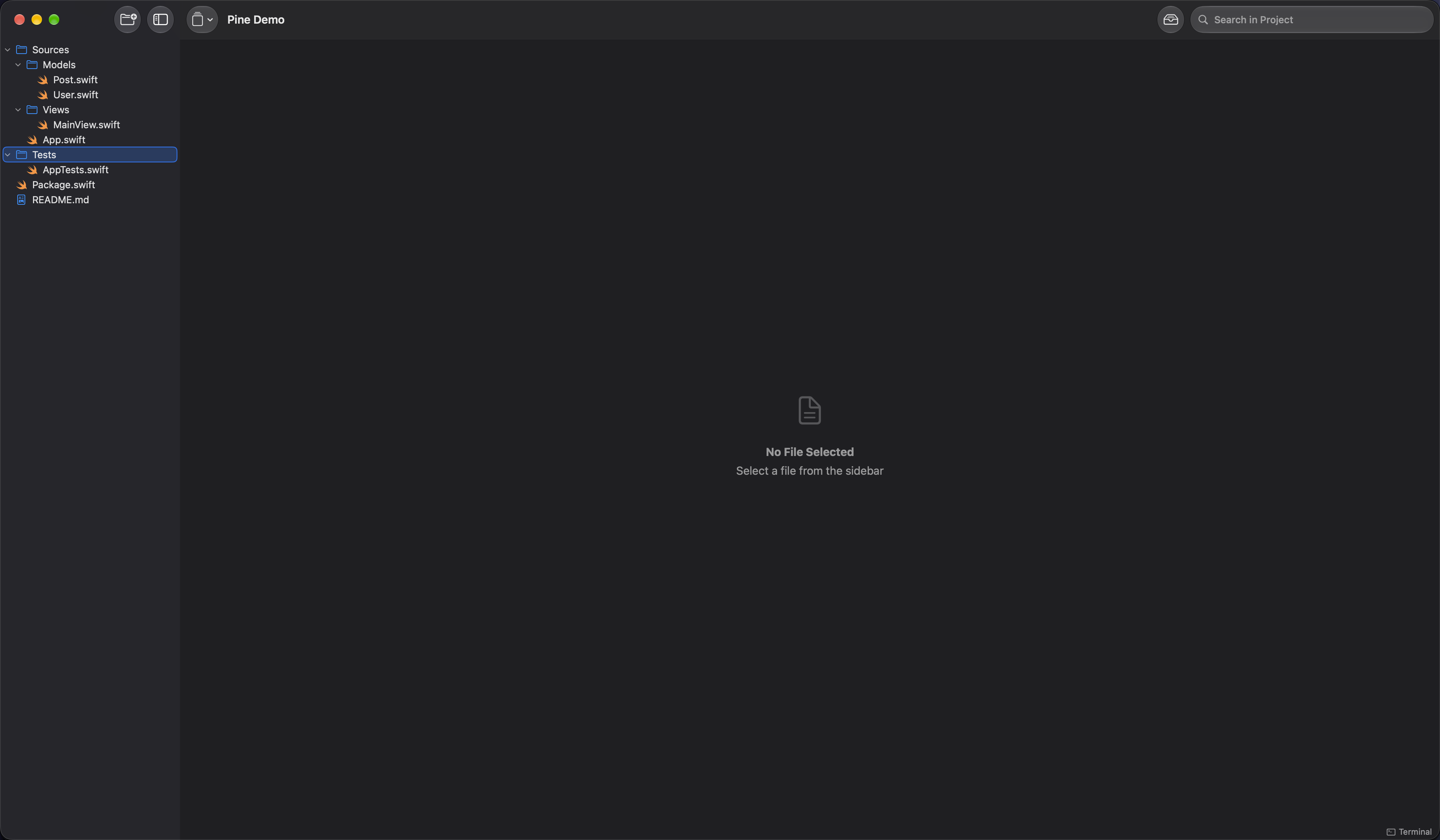
Minimap
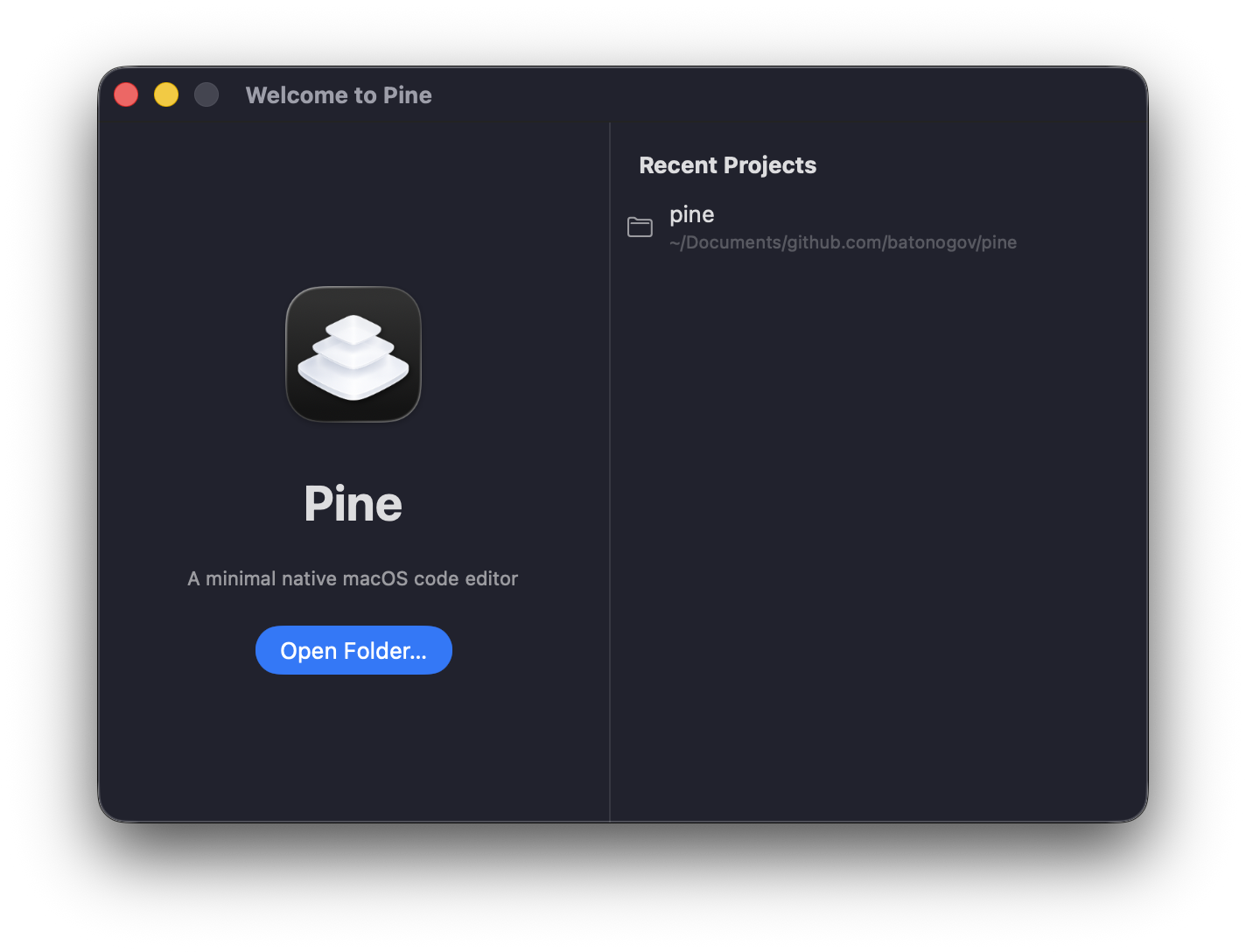
Welcome Screen
Install
Homebrew (recommended):
brew install --cask batonogov/tap/pine-editor
Direct download: grab the latest .dmg from Releases.
Build from Source
Requires macOS 26+ and Xcode 26+. Pine keeps a macOS 26.0 deployment target while also checking source compatibility with the macOS 27 SDK.
git clone https://github.com/batonogov/pine.git
cd pine
sudo xcode-select -s /Applications/Xcode.app/Contents/Developer
xcodebuild -project Pine.xcodeproj -scheme Pine build
Dependencies resolve automatically via Swift Package Manager on first build. See DMG packaging to build and visually preview the release disk image without publishing a release.
Keyboard Shortcuts
| Shortcut | Action |
|---|---|
Cmd+P |
Quick Open |
Cmd+Shift+O |
Open folder |
Cmd+S |
Save |
Cmd+Option+S |
Save All |
Cmd+Shift+S |
Save As |
Cmd+Shift+D |
Duplicate file |
Cmd+W |
Close tab |
Cmd+F |
Find |
Cmd+Option+F |
Find & Replace |
Cmd+G / Cmd+Shift+G |
Find Next / Previous |
Cmd+E |
Use Selection for Find |
Cmd+L |
Go to Line |
Cmd+R |
Go to Symbol |
Cmd+/ |
Toggle comment |
Cmd+Shift+B |
Switch branch |
Cmd+Shift+A |
New agent in a worktree |
Cmd+Shift+M |
Toggle minimap |
Cmd+Shift+P |
Markdown preview |
Ctrl+Option+Down / Up |
Next / Previous change |
Cmd+` |
Toggle terminal |
Cmd+T |
New terminal tab |
Cmd++ / Cmd+- |
Zoom in / out |
Cmd+0 |
Reset font size |
Architecture
MVVM with SwiftUI views backed by AppKit via NSViewRepresentable. The editor core uses the native NSTextStorage/NSLayoutManager/NSTextContainer stack. Syntax highlighting runs asynchronously on a background queue with generation tokens to prevent stale results. Git operations run in parallel via GCD. Project-wide search uses Swift concurrency with sliding-window parallelism.
Contributing
Contributions are welcome. Please open an issue first to discuss what you'd like to change. See the Issues page.
License
関連プロジェクトを探す
読み込み中…