
概要
⚗️ Sketch画像からカラーパレットを抽出
開発ツール計測したスター増加
- 24時間
- 0
- 7日間
- 0
- 15日間
- 0
- 1か月
- 履歴を収集中
期間ごとの純増数です。期間は重複しており、日別の値ではありません。未計測の値は空欄です。スター数は注目度の指標であり、品質の保証ではありません。
README.md
オリジナル

Alembic


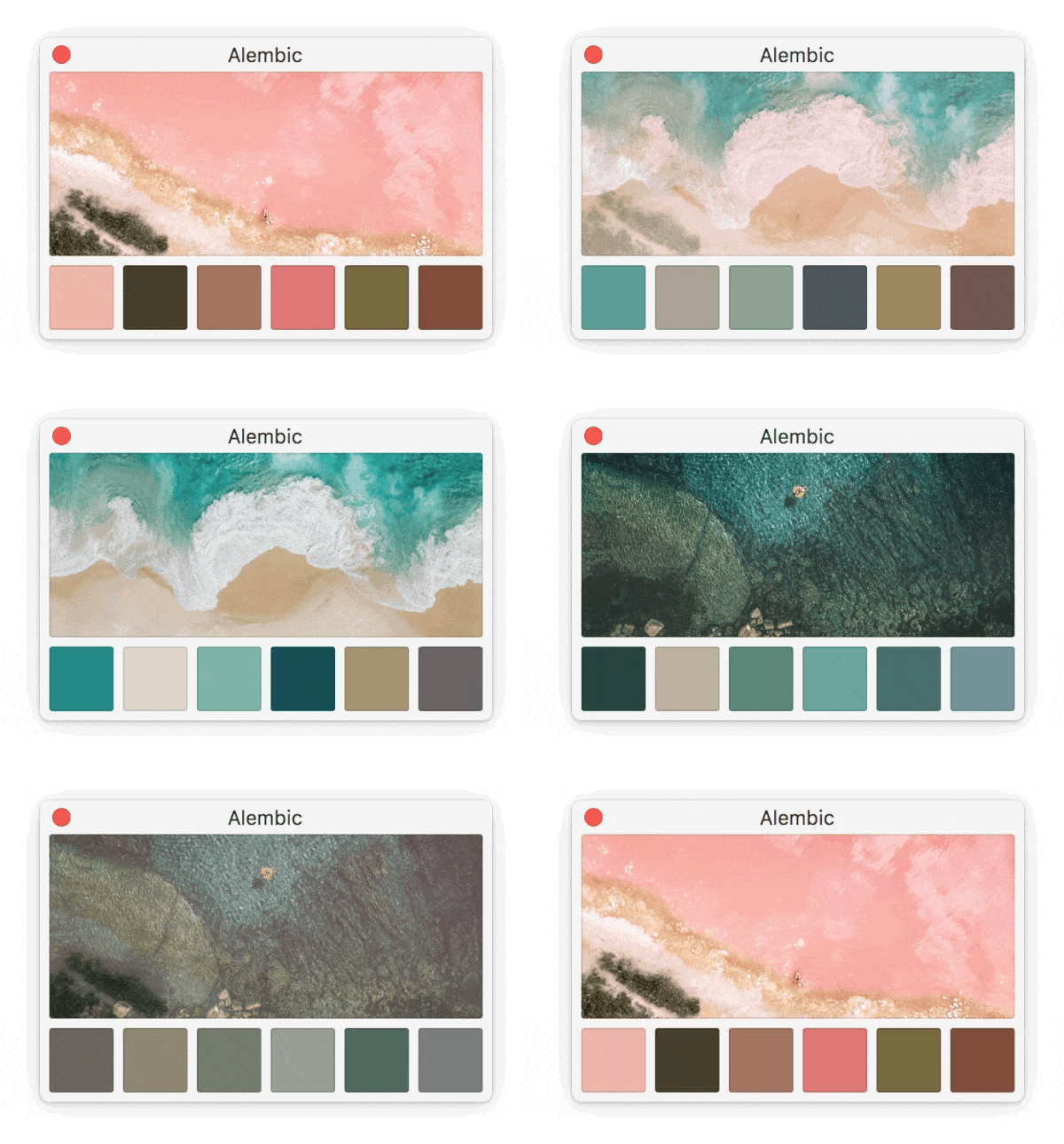


A Sketch plugin to extract a color palette from any layer that contains bitmap data. This works for both images and layers with a Pattern fill. Alembic uses Color Thief to extract a representative color palette.
Introduction
Hi, we’re Awkward. A while ago, we came across this Tweet with an idea for a Sketch plugin that extracts color palettes from images. We felt like it was perfect to experiment with and the idea resulted in Alembic.
Usage
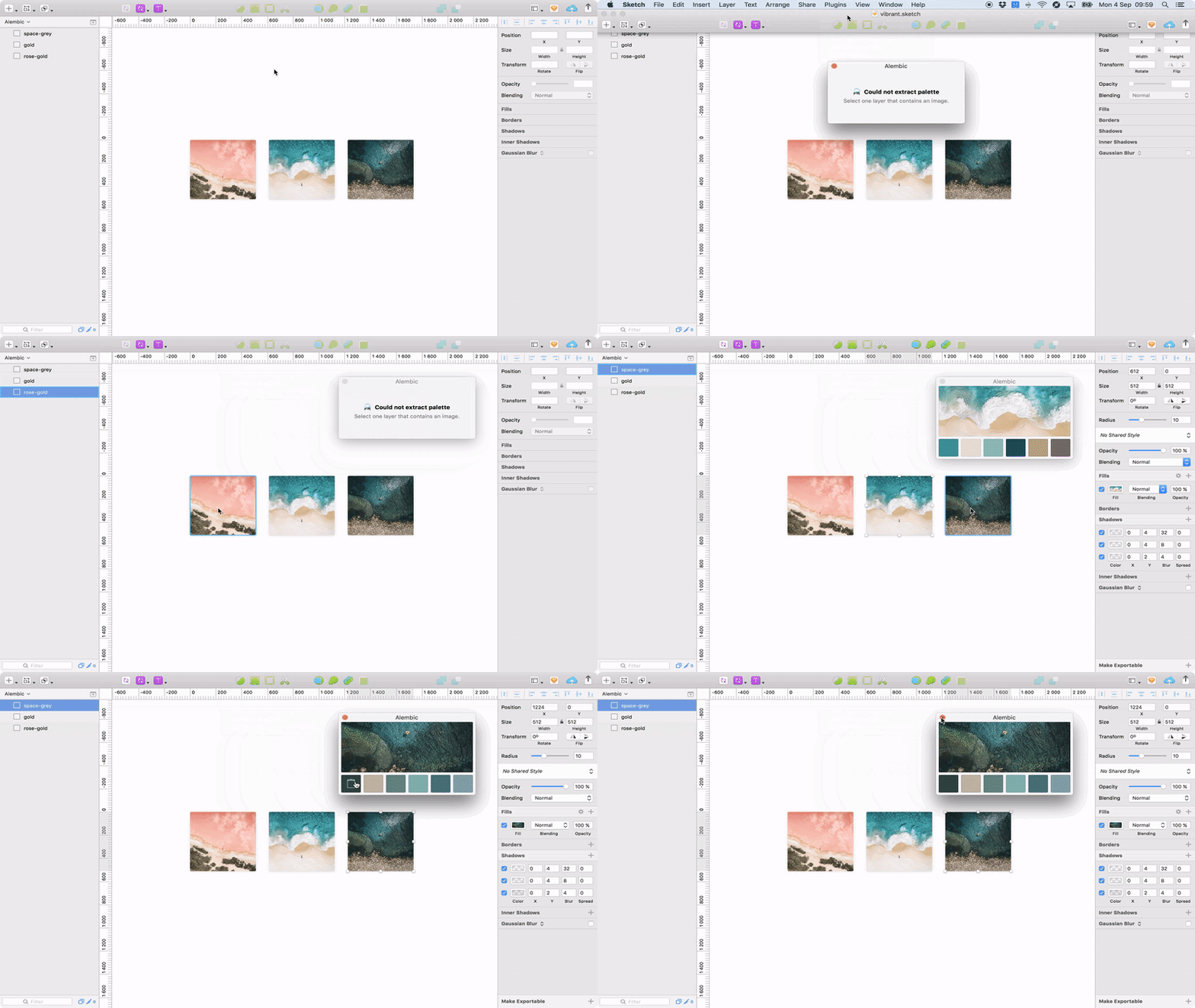
- Launch
Plugins › ⚗️ Alembic - Select the layer you want to extract the colors from
- Click a color to copy it to your clipboard
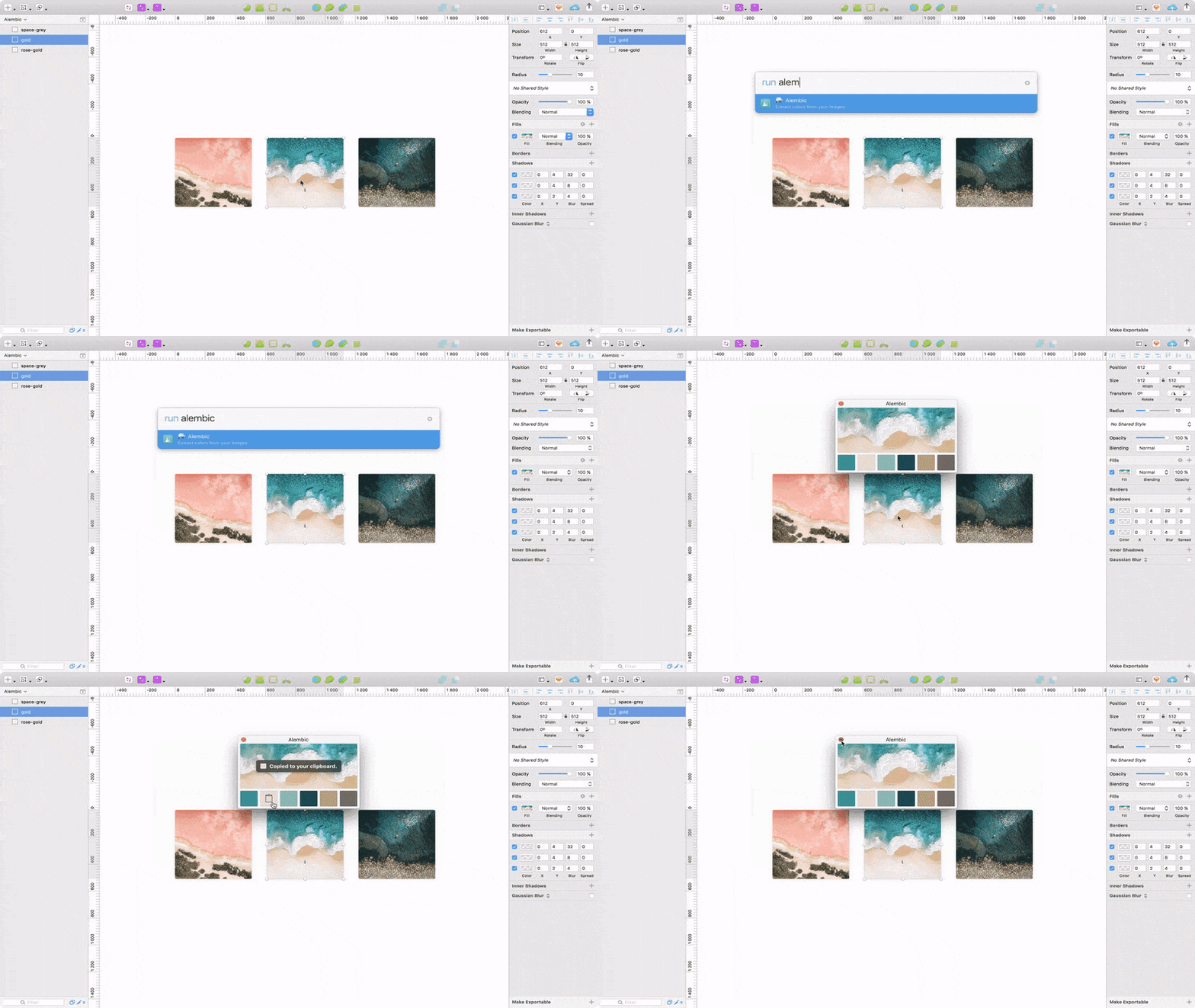
You can also use Sketch Runner to quickly launch Alembic.
Installation
Using Sketch Runner
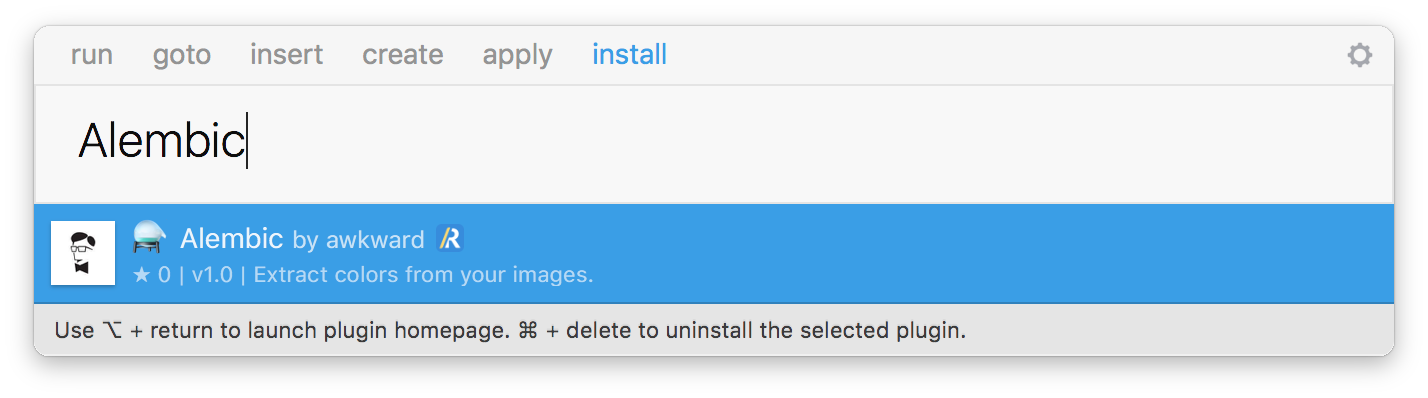
With Sketch Runner, just go to the install command and search for Alembic.
Using Sketchpacks
Search for Alembic in Sketchpacks or just install it directly.
Manually
- Download the latest release
- Open
Alembic.sketchplugin
License
Alembic is available under the MIT license. See the LICENSE file for more info.
関連プロジェクトを探す
読み込み中…