
author-more/penpot-desktop
概要
Penpot(オープンソースのデザインツール)のデスクトップアプリケーション。
開発ツール計測したスター増加
- 24時間
- 0
- 7日間
- +15
- 15日間
- +28
- 1か月
- 履歴を収集中
期間ごとの純増数です。期間は重複しており、日別の値ではありません。未計測の値は空欄です。スター数は注目度の指標であり、品質の保証ではありません。
README.md
オリジナル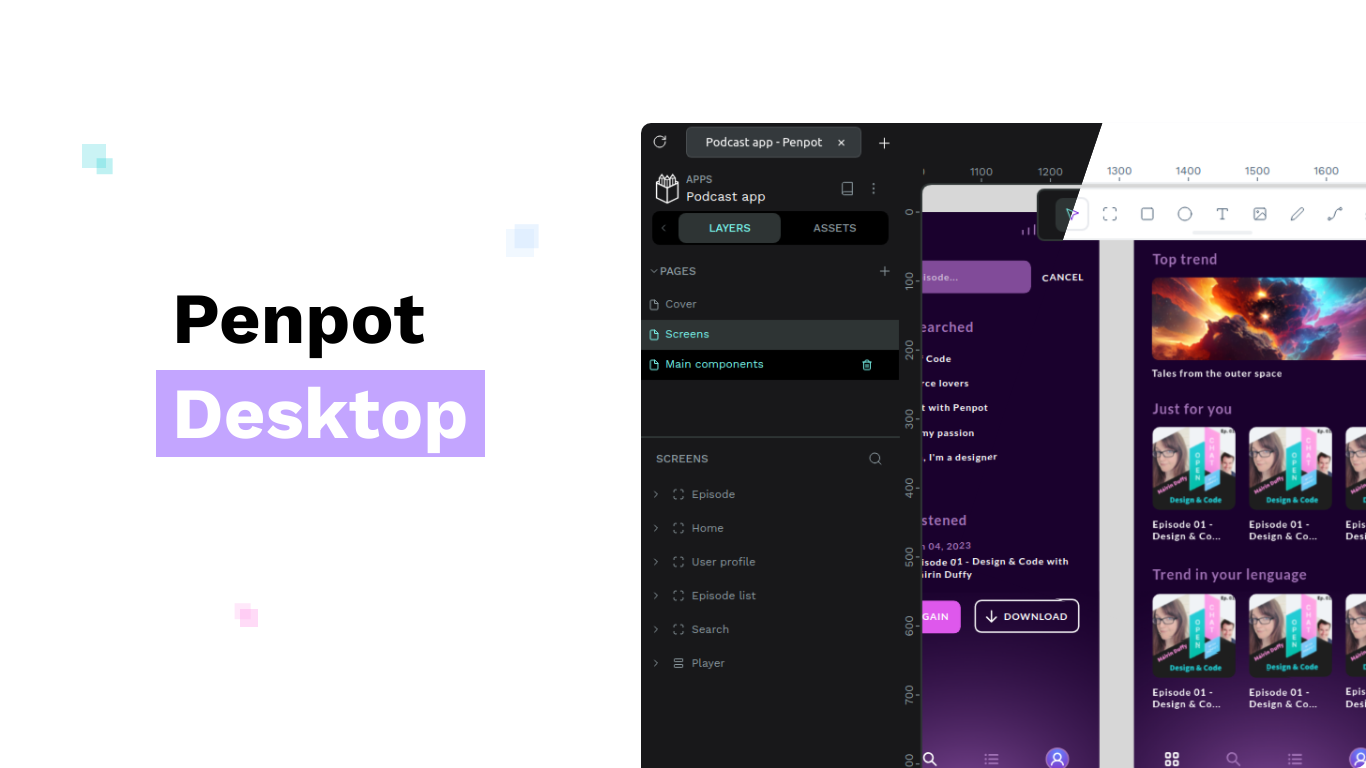
Penpot Desktop
Penpot Desktop is an unofficial desktop application for the open-source design tool, Penpot.
It provides you with access to the functionality of the browser version of Penpot with an experience of a desktop application. It comes with
- system-level application experience e.g. a dedicated window,
- versatile dark-light mode setup,
- tab interface for easy navigation between projects,
- open tabs remembering,
- ability to connect to different instances e.g. officially hosted, local for offline work,
- local instance creator, based on the official Docker setup,
- batch export of projects,
- auto-reload in the view mode,
- and more are coming.
📡 Penpot Desktop loads the Penpot web application like a browser does. For offline use, the built-in local instance creator can set up and run a local Penpot instance via Docker (per the official self‑hosting guide).
Quick Links
- Penpot - The official website for Penpot.
- Documentation - The Penpot Desktop knowledge base
Development and Building
Ensure the environment meets the following requirements:
For the detailed list of requirements, see the prerequisites in Electron documentation.
Clone the repository or download the source code.
Navigate to the project's directory.
Run
npm cito install packages.
Other package managers such as Yarn or pnpm should work as well.(Optional) Run
npm run setupto prepare development environment.(Optional) Run
npm run devto start the application in development mode. This will open a new window with the application running.Note: Penpot Desktop is using ES Modules. Make sure to read the ES Modules (ESM) in Electron guide.
Run
npm run buildto build the application. By default, it will build for the current OS and architecture, but you can pass flags to build for other platforms. See the Electron Builder documentation for more information.
関連プロジェクトを探す
読み込み中…