プロジェクト

概要
Craft that perfect SwiftUI button effect 👌🏼
開発ツールできること
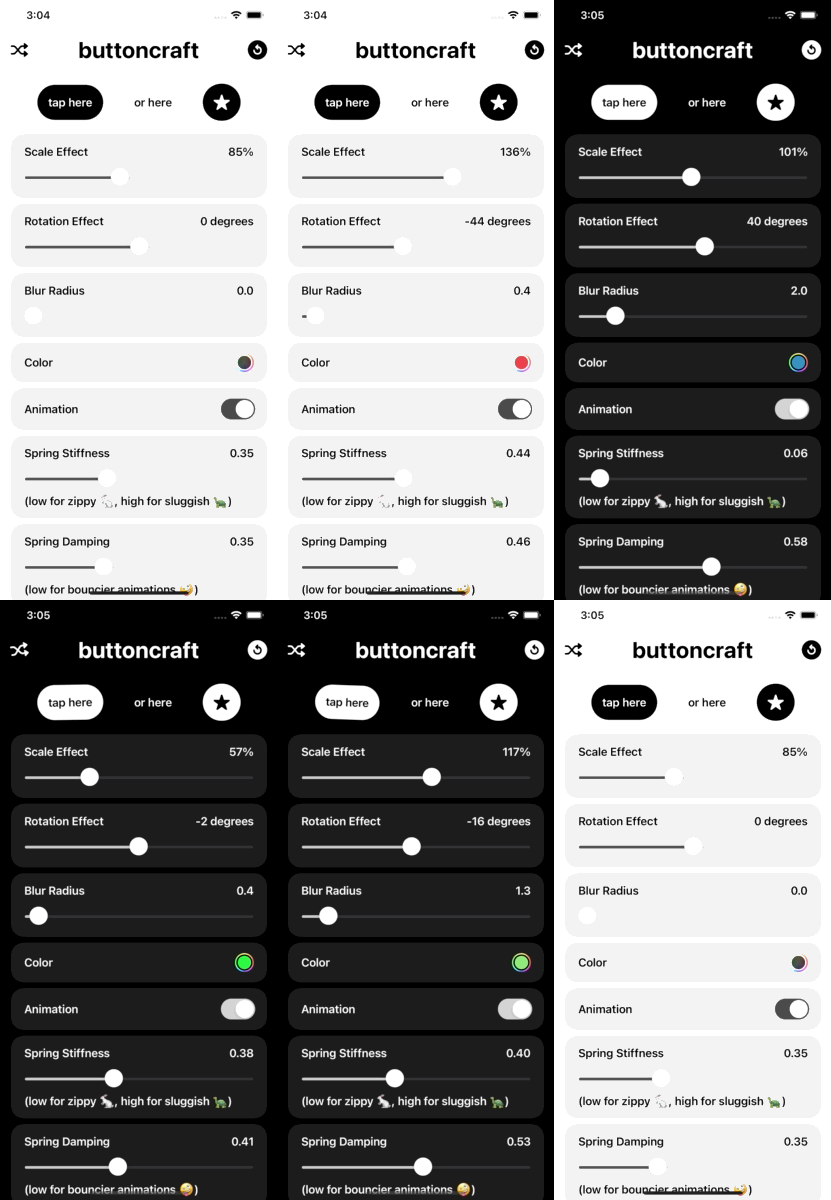
- 🔀 Randomise different settings for inspiration
- Reset to my default style
- Using the new iOS ColorPicker
- Copy your perfect masterpiece as a code snippet to your clipboard
計測したスター増加
- 24時間
- 0
- 7日間
- 0
- 15日間
- 履歴を収集中
- 1か月
- 履歴を収集中
期間ごとの純増数です。期間は重複しており、日別の値ではありません。未計測の値は空欄です。スター数は注目度の指標であり、品質の保証ではありません。
README.md
オリジナル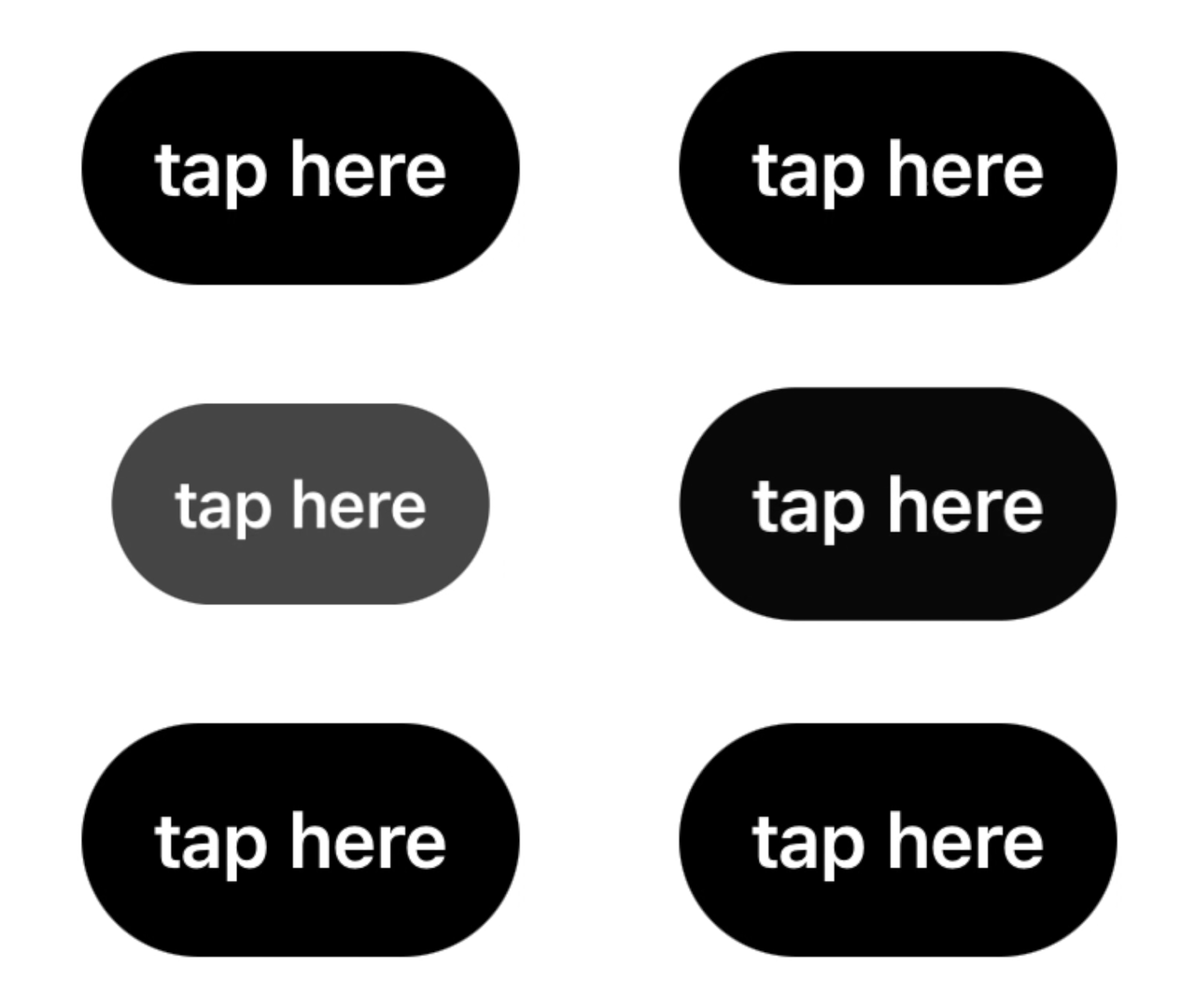


buttoncraft (SwiftUI App)
Experimenting with
SwiftUIwhilst creating a practical app to craft that perfect button style.
✈️ Testflight
https://testflight.apple.com/join/pZDhygQt
Last TestFlight bump: 13th November 2024
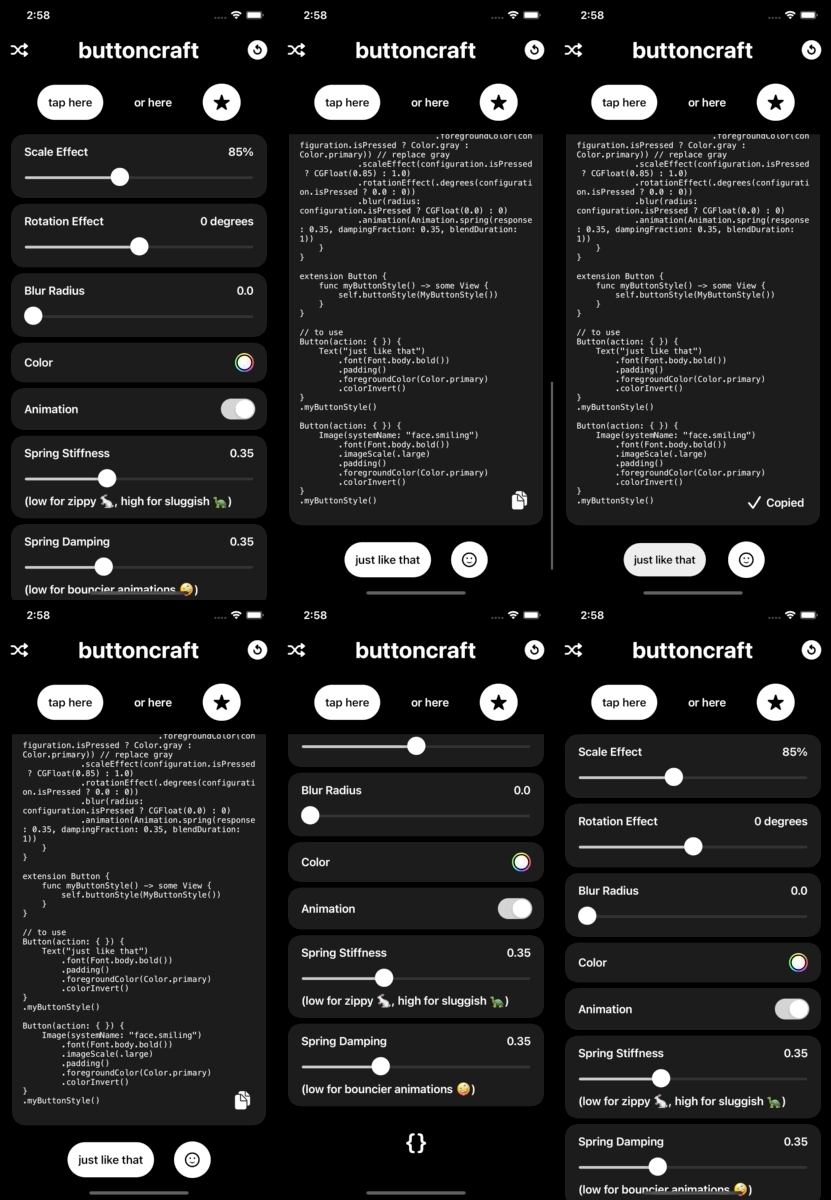
👨🏻💻 Code outputted from app
struct MyButtonStyle: ButtonStyle {
    func makeBody(configuration: Self.Configuration) -> some View {
        configuration.label
            .background(Capsule()
                            .foregroundColor(configuration.isPressed ? Color.primary.opacity(0.75) : Color.primary))
            .scaleEffect(configuration.isPressed ? CGFloat(0.85) : 1.0)
            .rotationEffect(.degrees(configuration.isPressed ? 0.0 : 0))
            .blur(radius: configuration.isPressed ? CGFloat(0.0) : 0)
            .animation(Animation.spring(response: 0.35, dampingFraction: 0.35, blendDuration: 1), value: configuration.isPressed)
    }
}

extension Button {
    func myButtonStyle() -> some View {
        self.buttonStyle(MyButtonStyle())
    }
}

// to use
Button { } label: {
    Text("just like that")
        .font(Font.body.bold())
        .padding()
        .foregroundColor(Color.primary)
        .colorInvert()
}
.myButtonStyle()

Button { } label: {
    Image(systemName: "face.smiling")
        .font(Font.body.bold())
        .imageScale(.large)
        .padding()
        .foregroundColor(Color.primary)
        .colorInvert()
}
.myButtonStyle()
🧐 Features
- 🔀 Randomise different settings for inspiration
- Reset to my default style
- Using the new iOS
ColorPicker - Copy your perfect masterpiece as a code snippet to your clipboard
👨🏻⚖️ Disclaimer
This is posted as a way to share SwiftUI learnings (and is not production level code). Use it at your own risk.
関連プロジェクトを探す
読み込み中…