
TakuSemba/Spotlight has 3,669 GitHub stars and 363 forks. GitHot measured 0 stars in 24 hours and -2 in 7 days. Last checked 2026-11-12 11:28 UTC. Last push 2022-12-03.
Android Library that lights items for tutorials or walk-throughs etc...
計測したスター増加
- 24時間
- 0
- 7日間
- -2
- 15日間
- 履歴を収集中
- 1か月
- 履歴を収集中
期間ごとの純増数です。期間は重複しており、日別の値ではありません。未計測の値は空欄です。スター数は注目度の指標であり、品質の保証ではありません。
README.md
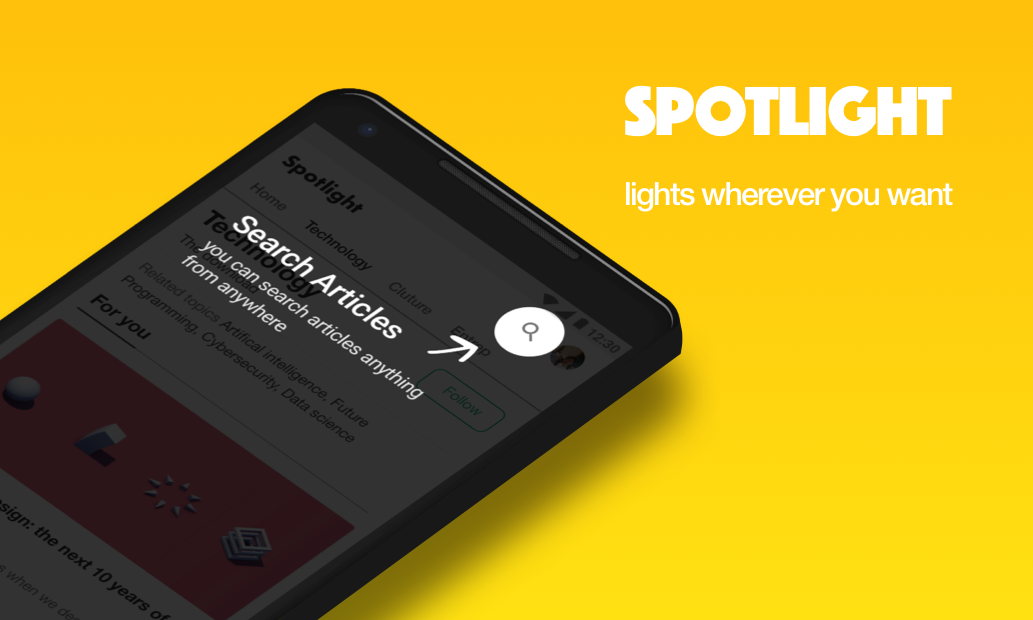
オリジナルSpotlight




Gradle
dependencies {
    implementation 'com.github.takusemba:spotlight:x.x.x'
}
Usage
val spotlight = Spotlight.Builder(this)
    .setTargets(firstTarget, secondTarget, thirdTarget ...)
    .setBackgroundColor(R.color.spotlightBackground)
    .setDuration(1000L)
    .setAnimation(DecelerateInterpolator(2f))
    .setContainer(viewGroup)
    .setOnSpotlightListener(object : OnSpotlightListener {
      override fun onStarted() {
        Toast.makeText(this@MainActivity, "spotlight is started", Toast.LENGTH_SHORT).show()
      }
      override fun onEnded() {
        Toast.makeText(this@MainActivity, "spotlight is ended", Toast.LENGTH_SHORT).show()
      }
    })
    .build()
If you want to show Spotlight immediately, you have to wait until views are laid out.
// with core-ktx method.
view.doOnPreDraw { Spotlight.Builder(this)...start() }
Target
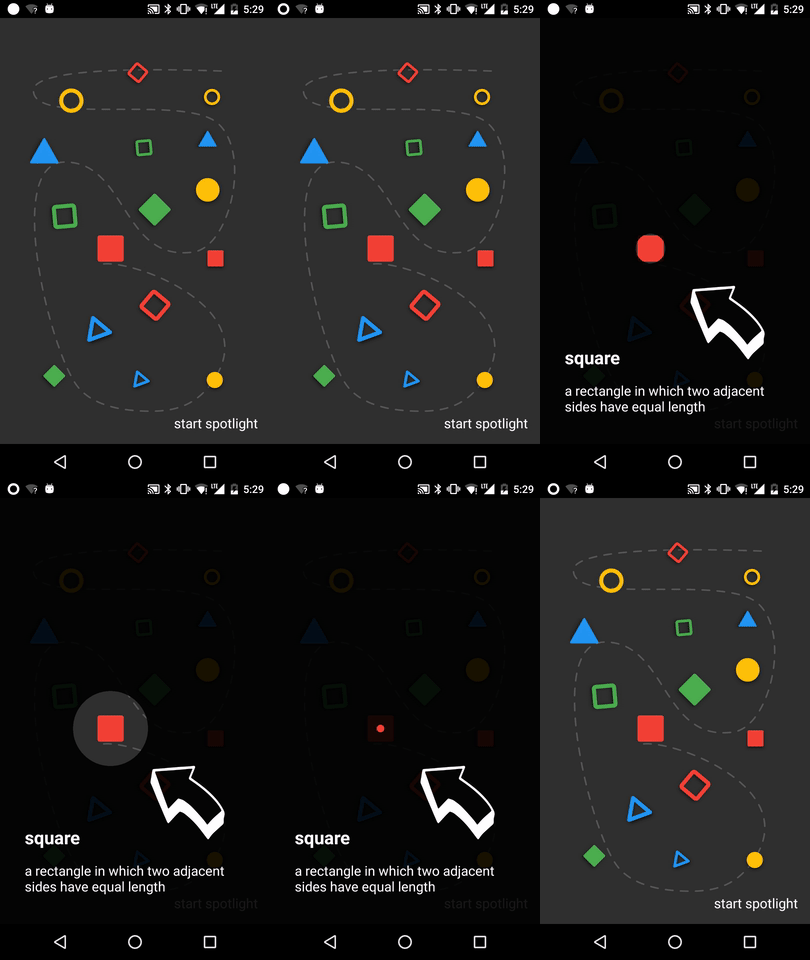
Create a Target to add Spotlight.
Target is a spot to be casted by Spotlight. You can add multiple targets to Spotlight.
val target = Target.Builder()
    .setAnchor(100f, 100f)
    .setShape(Circle(100f))
    .setEffect(RippleEffect(100f, 200f, argb(30, 124, 255, 90)))
    .setOverlay(layout)
    .setOnTargetListener(object : OnTargetListener {
      override fun onStarted() {
        makeText(this@MainActivity, "first target is started", LENGTH_SHORT).show()
      }
      override fun onEnded() {
        makeText(this@MainActivity, "first target is ended", LENGTH_SHORT).show()
      }
    })
    .build()
Start/Finish Spotlight
val spotlight = Spotlight.Builder(this)...start()

spotlight.finish()
Next/Previous/Show Target
val spotlight = Spotlight.Builder(this)...start()

spotlight.next()

spotlight.previous()

spotlight.show(2)
Custom Shape
Shape defines how your target will look like.
Circle and RoundedRectangle shapes are already implemented, but if you want your custom shape, it's arhivable by implementing Shape interface.
class CustomShape(
    override val duration: Long,
    override val interpolator: TimeInterpolator
) : Shape {

  override fun draw(canvas: Canvas, point: PointF, value: Float, paint: Paint) {
    // draw your shape here.
  }
}
Custom Effect
Effect allows you to decorates your target.
RippleEffect and FlickerEffect shapes are already implemented, but if you want your custom effect, it's arhivable by implementing Effect interface.
class CustomEffect(
    override val duration: Long,
    override val interpolator: TimeInterpolator,
    override val repeatMode: Int
) : Effect {

  override fun draw(canvas: Canvas, point: PointF, value: Float, paint: Paint) {
    // draw your effect here.
  }
}
Sample
Clone this repo and check out the app module.
Author
- Taku Semba
- Github - (https://github.com/takusemba)
- Twitter - (https://twitter.com/takusemba)
- Facebook - (https://www.facebook.com/takusemba)
Licence
Copyright 2017 Taku Semba.

Licensed under the Apache License, Version 2.0 (the "License");
you may not use this file except in compliance with the License.
You may obtain a copy of the License at

   http://www.apache.org/licenses/LICENSE-2.0

Unless required by applicable law or agreed to in writing, software
distributed under the License is distributed on an "AS IS" BASIS,
WITHOUT WARRANTIES OR CONDITIONS OF ANY KIND, either express or implied.
See the License for the specific language governing permissions and
limitations under the License.
関連プロジェクトを探す
sindresorhus/awesome
😎 あらゆる興味深いトピックに関する Awesome リスト [注意: 既存のプルリクエストに追いつけるまで、プルリクエストは一時的に無効になっています]
535,632 スターEbookFoundation/free-programming-books
:books: 無料で入手できるプログラミングの書籍
401,473 スターnilbuild/developer-roadmap
開発者のキャリア成長を支える、インタラクティブなロードマップ、ガイド、その他の教育コンテンツ。
371,890 スターvinta/awesome-python
「Python で X をしたい。どのツールを使えばいい?」に答える決定版リスト。
334,204 スター