
概要
:octocat: ⭕️ CircleMenuは、円形レイアウトとMaterial Designのアニメーションを採用した、シンプルでエレガントなUIメニューです。@Ramotionが制作したSwift UIライブラリです。
制作・メディア計測したスター増加
- 24時間
- 0
- 7日間
- 0
- 15日間
- -2
- 1か月
- 履歴を収集中
期間ごとの純増数です。期間は重複しており、日別の値ではありません。未計測の値は空欄です。スター数は注目度の指標であり、品質の保証ではありません。
README.md
オリジナル
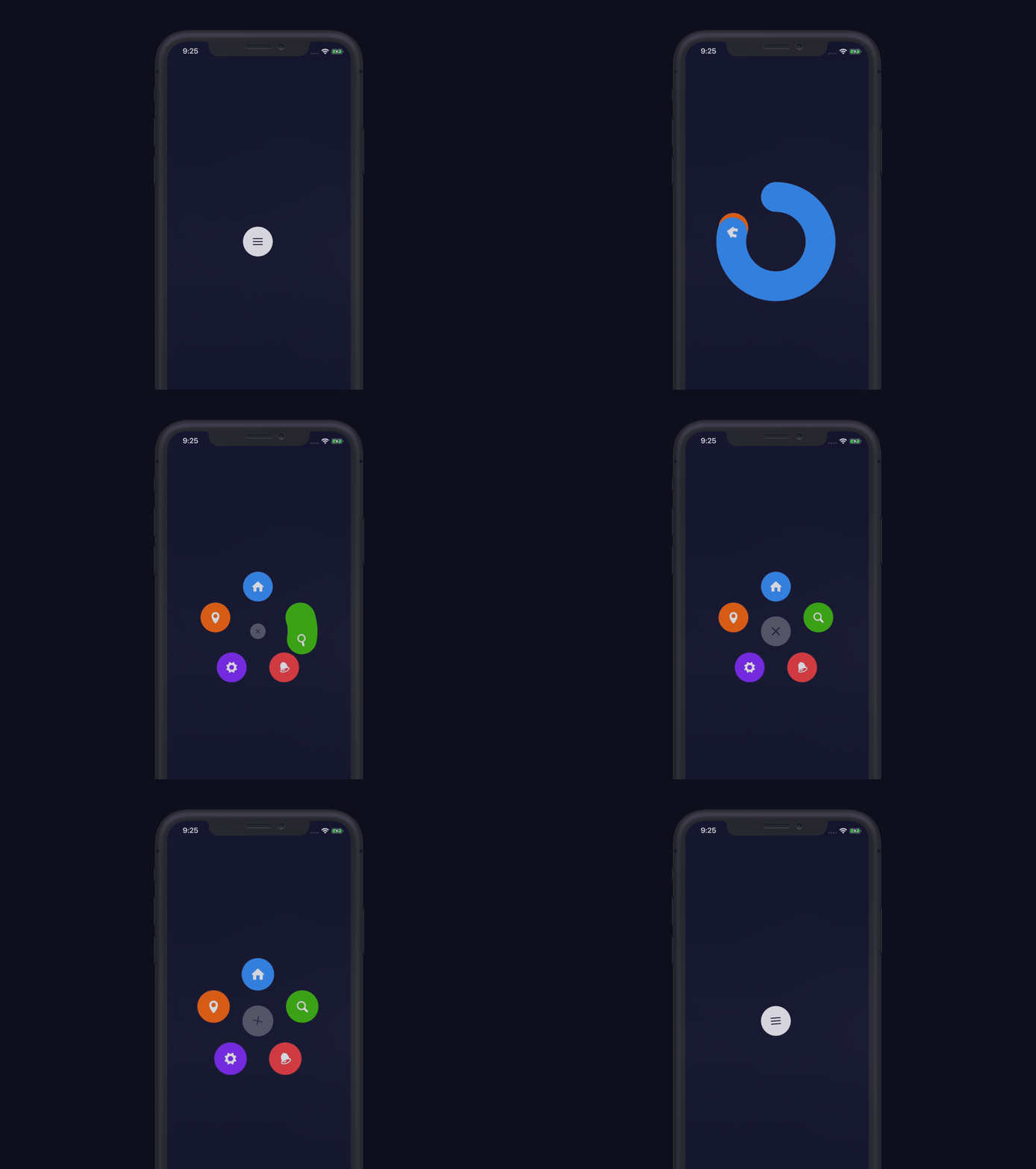
CIRCLE MENU
Simple, elegant UI menu with a circular layout and material design animations
We specialize in the designing and coding of custom UI for Mobile Apps and Websites.

Stay tuned for the latest updates:





Requirements
- iOS 9.0+
- Xcode 9.0.1
Installation
Just add CircleMenuLib folder to your project.
or use CocoaPods with Podfile:
pod 'CircleMenu'
or Carthage users can simply add to their Cartfile:
github "Ramotion/circle-menu"
Usage
with storyboard
Create a new UIButton inheriting from
CircleMenuAdd images for Normal and Selected state
Use delegate method to configure buttons
func circleMenu(circleMenu: CircleMenu, willDisplay button: UIButton, atIndex: Int)
- Use properties to configure CircleMenu
@IBInspectable var buttonsCount: Int = 3
@IBInspectable var duration: Double = 2 // circle animation duration
@IBInspectable var distance: Float = 100 // distance between center button and buttons
programmatically
let button = CircleMenu(
  frame: CGRect(x: 200, y: 200, width: 50, height: 50),
  normalIcon:"icon_menu",
  selectedIcon:"icon_close",
  buttonsCount: 4,
  duration: 4,
  distance: 120)
button.delegate = self
button.layer.cornerRadius = button.frame.size.width / 2.0
view.addSubview(button)
delegate methods
// configure buttons
optional func circleMenu(circleMenu: CircleMenu, willDisplay button: UIButton, atIndex: Int)

// call before animation
optional func circleMenu(circleMenu: CircleMenu, buttonWillSelected button: UIButton, atIndex: Int)

// call after animation
optional func circleMenu(circleMenu: CircleMenu, buttonDidSelected button: UIButton, atIndex: Int)

// call upon cancel of the menu - fires immediately on button press
optional func menuCollapsed(circleMenu: CircleMenu)

// call upon opening of the menu - fires immediately on button press
optional func menuOpened(circleMenu: CircleMenu)
🗂 Check this library on other language:


📄 License
Circle Menu is released under the MIT license. See LICENSE for details.
This library is a part of a selection of our best UI open-source projects.
If you use the open-source library in your project, please make sure to credit and backlink to www.ramotion.com
📱 Get the Showroom App for iOS to give it a try
Try this UI component and more like this in our iOS app. Contact us if interested.

関連プロジェクトを探す
読み込み中…