
OffRange/KeyGo has 57 GitHub stars and 13 forks. GitHot measured 0 stars in 24 hours. Last checked 2026-11-12 09:44 UTC. Last push 2026-11-06.
An open-source password manager - a reliable solution prioritizing transparency and security. Utilizing AES encryption, one of the most trusted algorithms, your sensitive information stays confidential and safeguarded.
できること
- 100% Free & Open Source: All features are available for free.
- Local-Only Storage: Your data will never leave your device.
- Comprehensive Management: Store passwords, passkeys, and credit cards.
- MFA Support: Built-in authenticator for TOTP tokens.
計測したスター増加
- 24時間
- 0
- 7日間
- 更新が遅れています
- 15日間
- 更新が遅れています
- 1か月
- 更新が遅れています
期間ごとの純増数です。期間は重複しており、日別の値ではありません。未計測の値は空欄です。スター数は注目度の指標であり、品質の保証ではありません。
README.md
オリジナルKeyGo - Your Secure Digital Vault


KeyGo is a secure, open-source Android password manager that allows you to store passwords, passkeys, and credit card information encrypted entirely on your local device.
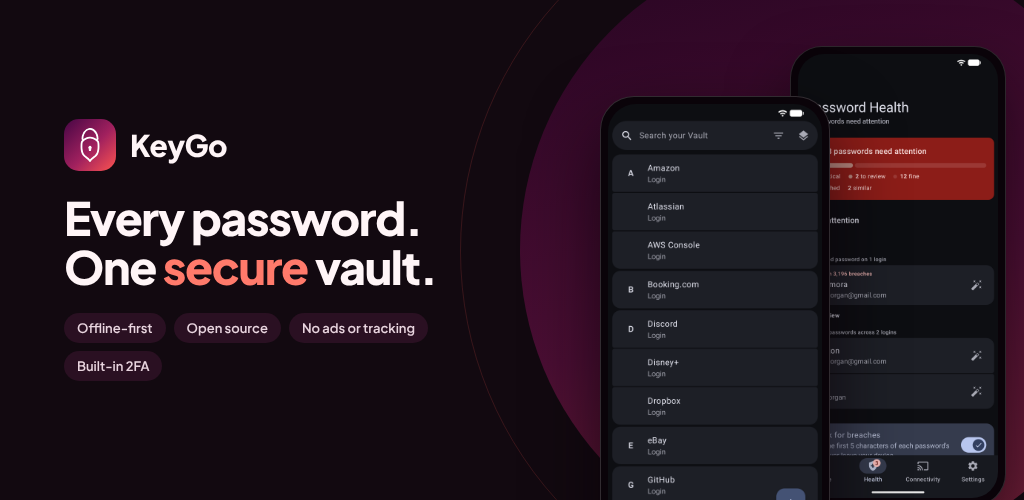
Driven by a modern & intuitive design
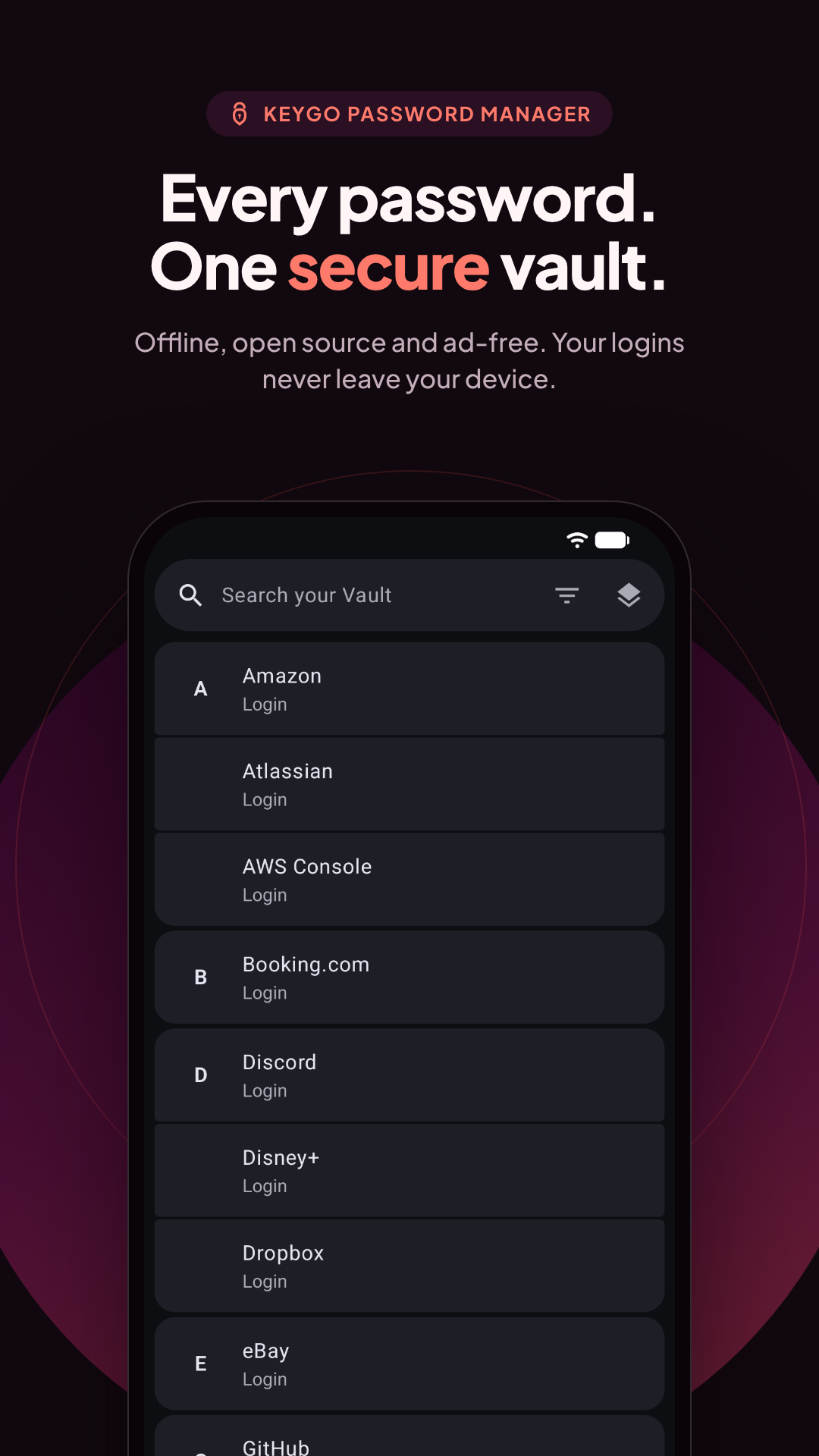
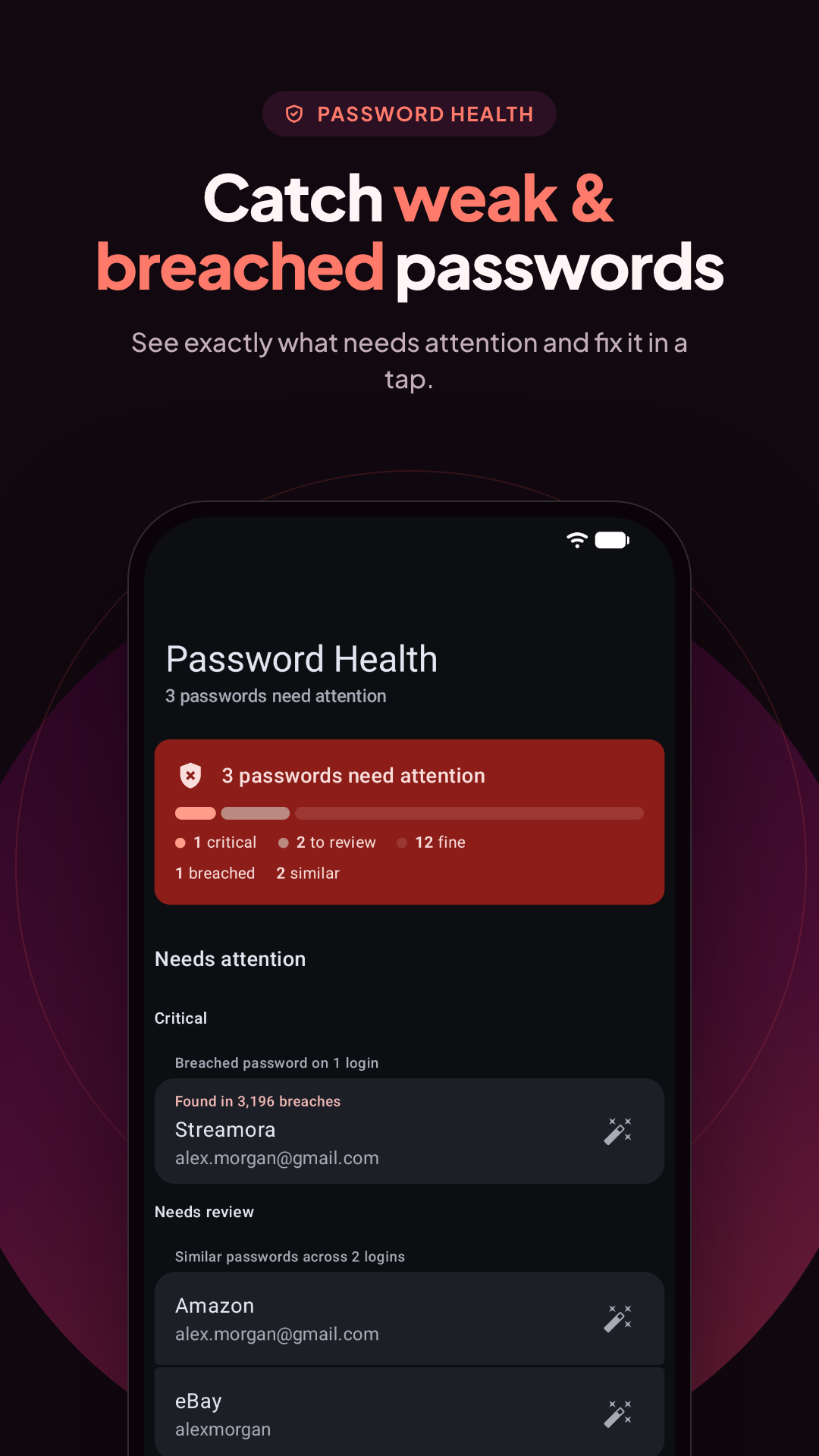
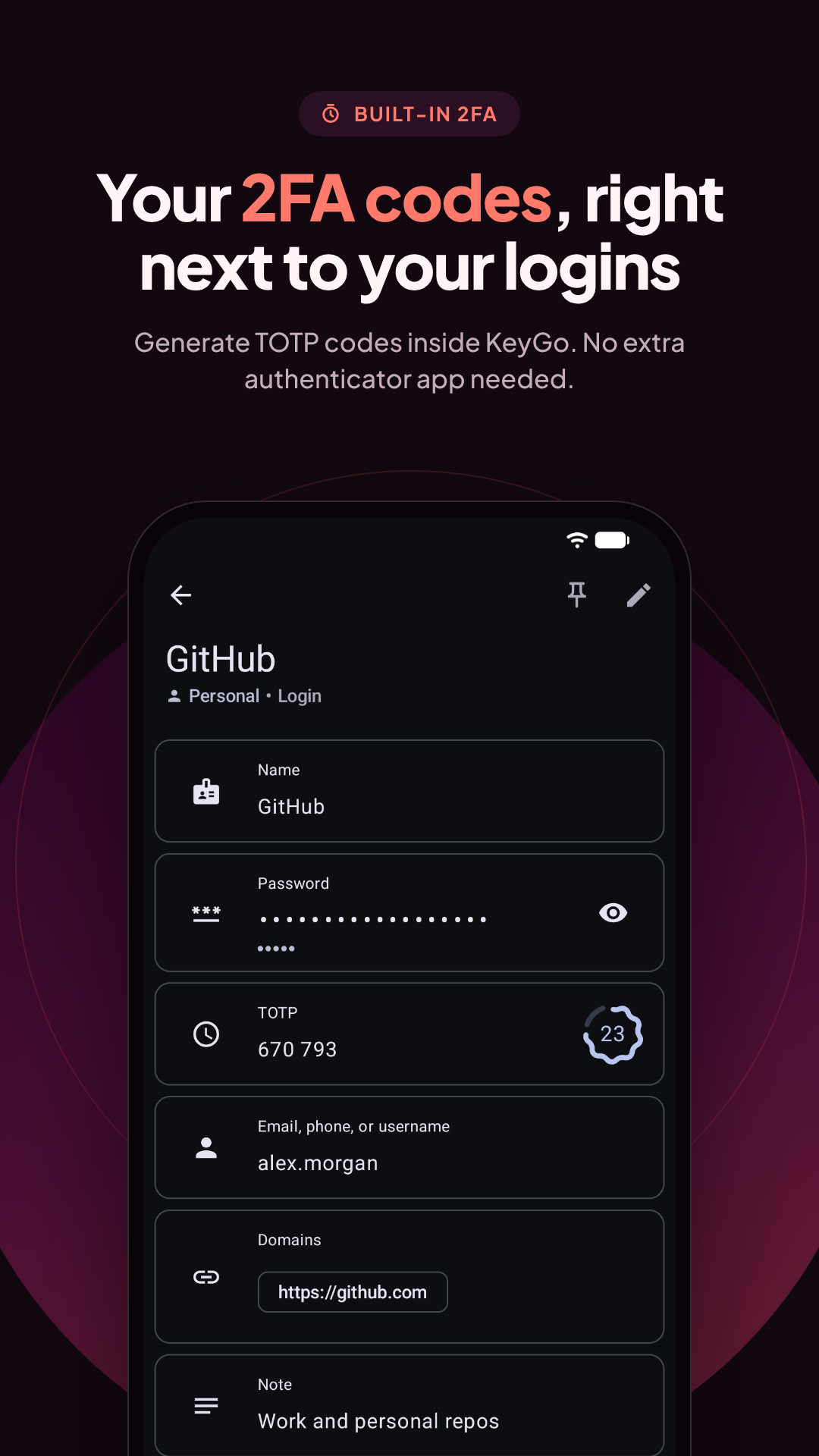
Features
- 100% Free & Open Source: All features are available for free.
- Local-Only Storage: Your data will never leave your device.
- Comprehensive Management: Store passwords, passkeys, and credit cards.
- MFA Support: Built-in authenticator for TOTP tokens.
- Advanced Security: Per-item, industry-standard encryption & password health scanning.
- Seamless Integration: System-wide autofill service for all your credentials.
Download
Get the latest version of KeyGo directly from the Play Store or GitHub:
| Platform | Status |
|---|---|
| Google Play Store |  |
| GitHub | |
Build it Yourself
Prerequisites
You will need to install Rust. Rust is used for cryptographic functions and other amazing features, like generating backups.
If you are using Linux or macOS, simply run this in your terminal:
curl --proto '=https' --tlsv1.2 -sSf https://sh.rustup.rs | sh
(For Windows, download the installer from the official Rust website.)
Generate the APK
Once you have Rust installed, you are ready to build the application by running the following command in the project root:
./gradlew assembleFdroidRelease
Your compiled APK will be generated in app/build/outputs/apk/.
Install on your Device
- Connect your phone to your computer using a USB cable.
- Enable USB debugging on your device.
- Install the APK using ADB by running:
adb install <path-to-apk-file>
License
Licensed under the GNU General Public License v3.0. This means KeyGo is free software: you can redistribute and/or modify it under GPLv3 terms. For full details, see the LICENSE file.
関連プロジェクトを探す
trimstray/the-book-of-secret-knowledge
インスピレーションを与えるリスト、マニュアル、チートシート、ブログ、ハック、ワンライナー、CLI/Web ツールなどを集めたコレクション。
258,008 スターHack-with-Github/Awesome-Hacking
ハッカー、ペンテスター、セキュリティ研究者向けのさまざまな Awesome リスト集。
125,360 スターswisskyrepo/PayloadsAllTheThings
Web アプリケーションセキュリティおよびペネトレーションテスト/CTF 向けの、実用的なペイロードとバイパスの一覧。
82,623 スターcaddyserver/caddy
高速で拡張しやすい、マルチプラットフォーム対応の HTTP/1-2-3 Web サーバー。自動 HTTPS に対応
79,020 スター