
LMS-Community/slimserver
LMS-Community/slimserver has 1,828 GitHub stars and 389 forks. GitHot measured 0 stars in 24 hours, +2 in 7 days, and +9 in 15 days. Last checked 2026-11-24 18:56 UTC. Last push 2026-11-21.
計測したスター増加
- 24時間
- 0
- 7日間
- +2
- 15日間
- +9
- 1か月
- 履歴を収集中
期間ごとの純増数です。期間は重複しており、日別の値ではありません。未計測の値は空欄です。スター数は注目度の指標であり、品質の保証ではありません。
概要
Squeezebox および互換プレーヤー向けのサーバーです。Lyrion Music Server とも呼ばれます。
制作・メディアREADME.md
オリジナル




About The Project
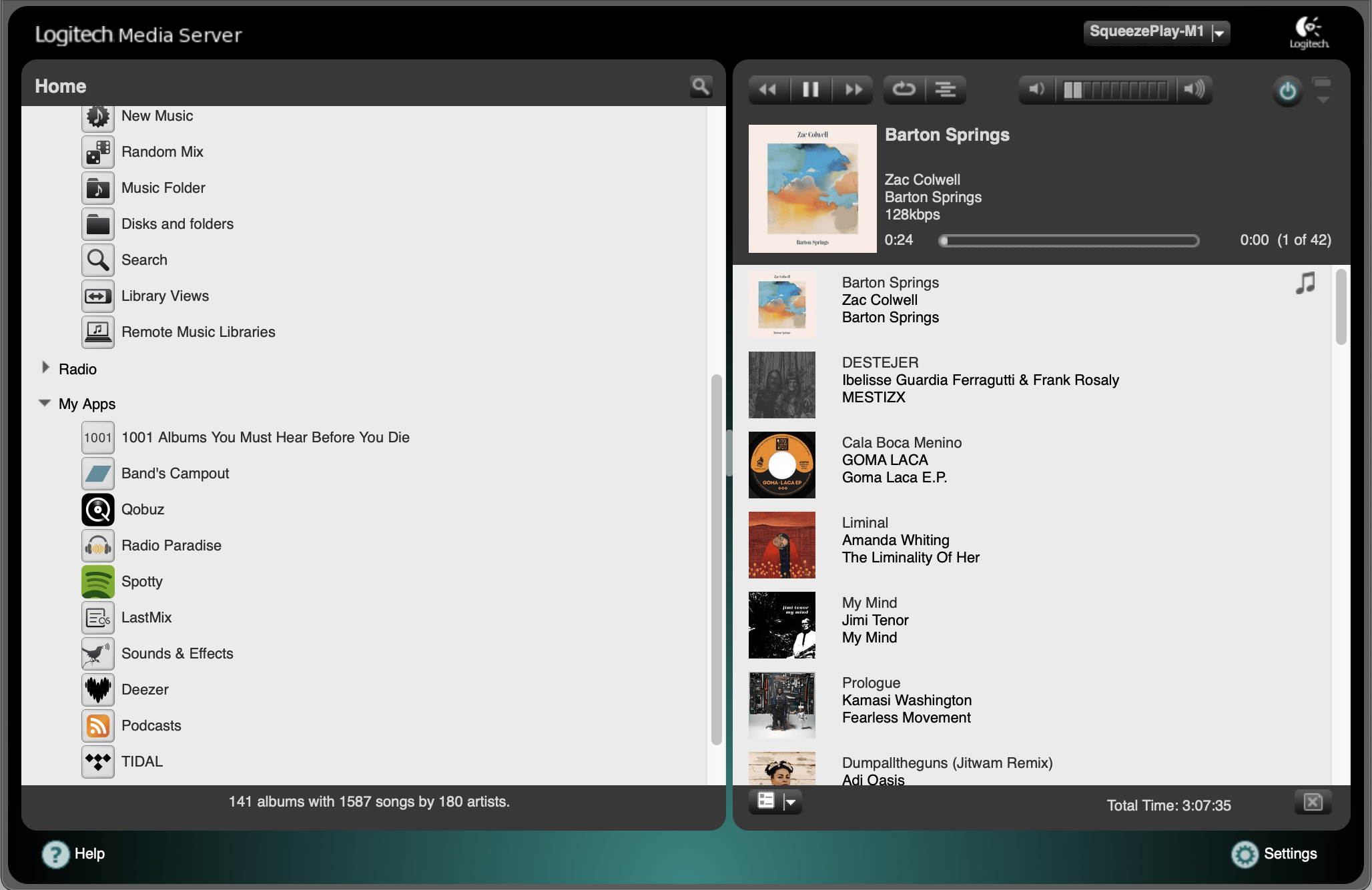
Lyrion Music Server (aka. LMS, fka. Logitech Mediaserver, SlimServer, SqueezeCenter, SqueezeboxServer, SliMP3) is the server software that powers audio players from Logitech (formerly known as SlimDevices), including Squeezebox 3rd Generation, Squeezebox Boom, Squeezebox Receiver, Transporter, Squeezebox2, Squeezebox and SLIMP3, and many software emulators like Squeezelite and SqueezePlay.
With the help of many plugins, Lyrion Music Server can stream not only your local music collection, but content from many music services and internet radio stations to your players.
Lyrion Music Server is written in Perl. It runs on pretty much any platform that Perl runs on, including Linux, Mac OSX, Solaris and Windows.
Enjoy the music on your Squeezebox!
Getting Started
LMS runs on almost anything! Whether you have a Windows, macOS or Linux system, whether this is a single board computer (such as a Raspberry Pi), desktop, laptop or even a NAS, LMS will most likely run on it. Go to the Getting started documentation for installation instructions.
Contributing
Contributions are what make the open source community such an amazing place to learn, inspire, and create. Any contributions you make are greatly appreciated.
If you have a suggestion that would make this better, please fork the repo and create a pull request. You can also simply open an issue with the tag "enhancement". Don't forget to give the project a star! Thanks again!
- Fork the Project
- Create your Feature Branch (
git checkout -b feature/AmazingFeature) - Commit your Changes (
git commit -m 'Add some AmazingFeature') - Push to the Branch (
git push origin feature/AmazingFeature) - Open a Pull Request
関連プロジェクトを探す
読み込み中…