
Bunn/PiStats has 411 GitHub stars and 14 forks. GitHot measured 0 stars in 24 hours. Last checked 2026-11-22 02:55 UTC. Last push 2026-10-14.
できること
- Real-time monitoring of Pi-hole statistics
- Quick enable/disable controls for your Pi-hole
- Native iOS app with widgets support
- macOS menu bar app for quick access
計測したスター増加
- 24時間
- 0
- 7日間
- 履歴を収集中
- 15日間
- 履歴を収集中
- 1か月
- 履歴を収集中
期間ごとの純増数です。期間は重複しており、日別の値ではありません。未計測の値は空欄です。スター数は注目度の指標であり、品質の保証ではありません。
概要
macOS app to visualize Pi-hole information
開発ツールREADME.md
オリジナル

Pi Stats
Follow up and manage the status of your Pi-hole(s) with this native iOS and macOS app.
Monitor your Pi-hole instances right from your iPhone, iPad, or Mac menu bar. Pi Stats provides a beautiful, modern interface to keep track of your network-wide ad blocking statistics.
Requires Pi-hole 6.x
Features
- Real-time monitoring of Pi-hole statistics
- Quick enable/disable controls for your Pi-hole
- Native iOS app with widgets support
- macOS menu bar app for quick access
- Secure credential storage in Keychain
- Beautiful charts and metrics
- Support for multiple Pi-hole instances
System Metrics
Pi Stats can show temperature, uptime, CPU load, and memory usage directly from Pi-hole's authenticated API, so no additional service or port is required.
Authentication
Enter the same password you use to log into the Pi-hole web interface. Pi Stats stores it securely in Keychain.
Troubleshooting
Can't Connect to Pi-hole (API Sessions Exceeded)
If you're unable to connect to your Pi-hole but other apps or websites can access it successfully, you may be encountering the apiSeatsExceeded error. This happens when the maximum number of concurrent API sessions has been reached.
How to fix:
You can increase the API session limit by modifying the webserver.api.max_sessions setting:
- Via configuration file: Edit
/etc/pihole/pihole.tomlon your Pi-hole server - Via Web GUI: Navigate to Settings → Expert Settings (All Settings) and search for
webserver.api.max_sessionson Webserver and API
About this setting:
webserver.api.max_sessions controls the number of concurrent sessions allowed for the API. If the number of sessions exceeds this value, no new sessions will be allowed until existing sessions expire or are logged out. Note that this setting is only relevant when authentication is enabled.
Screenshots
iOS
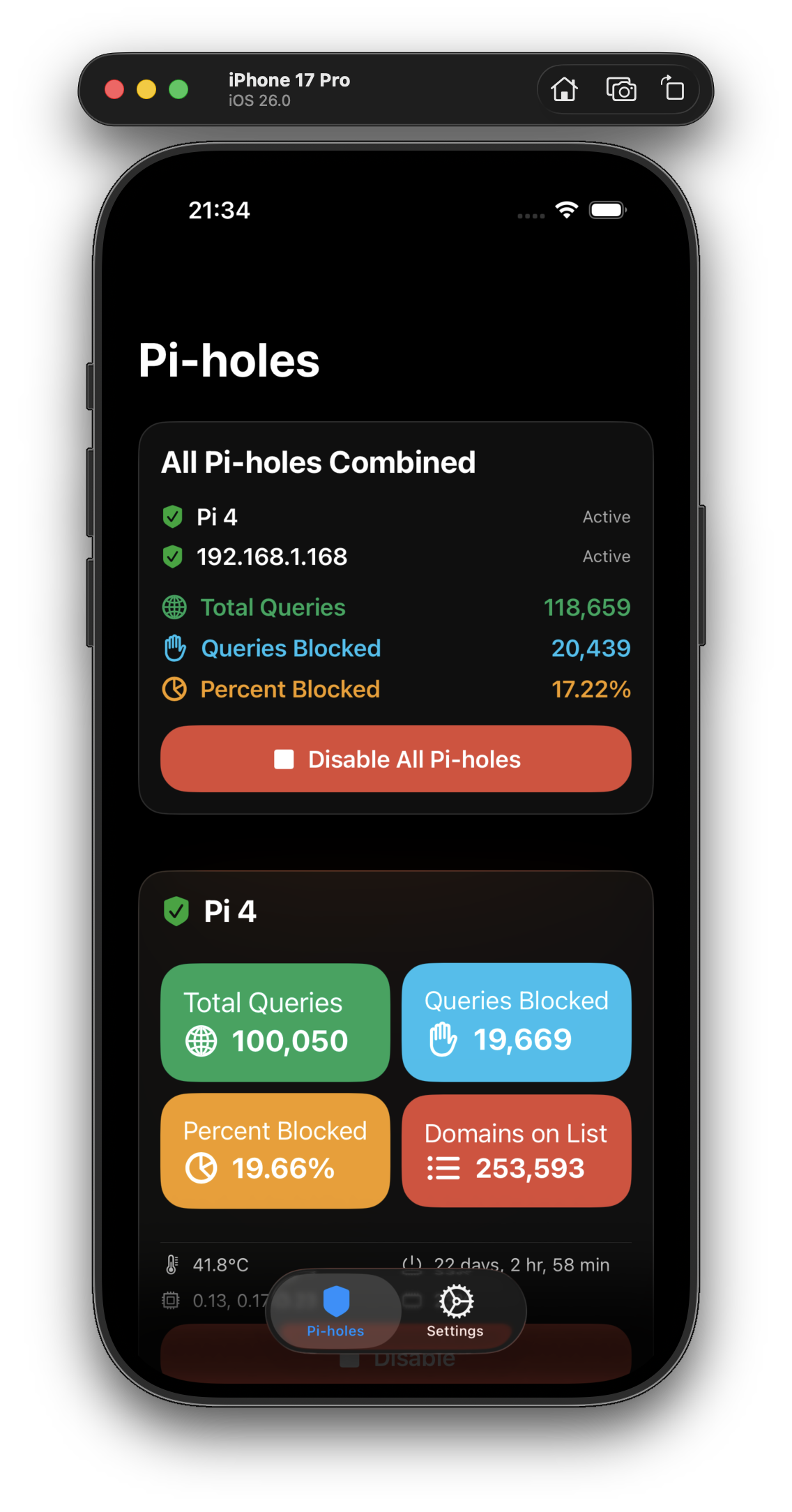
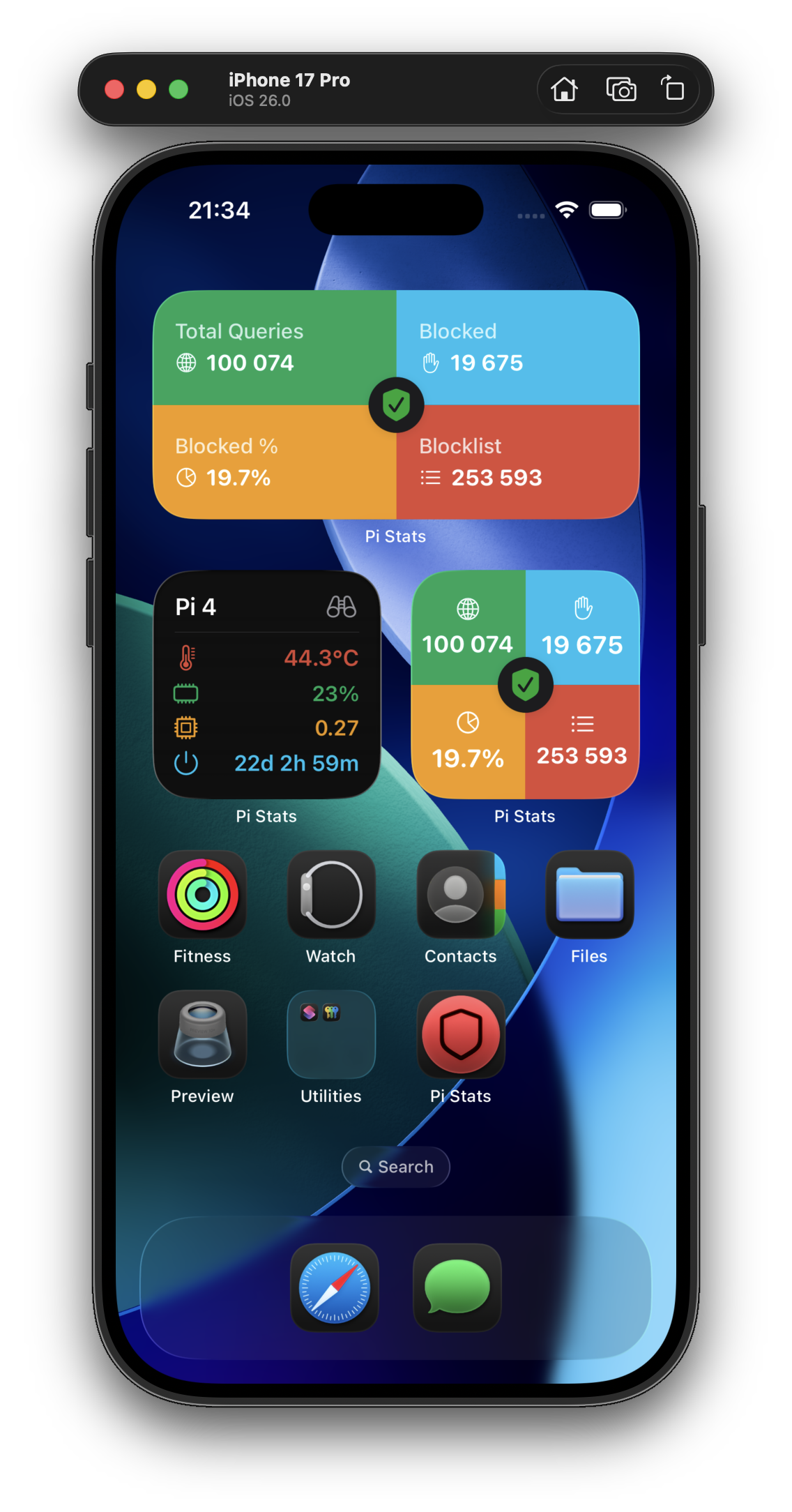
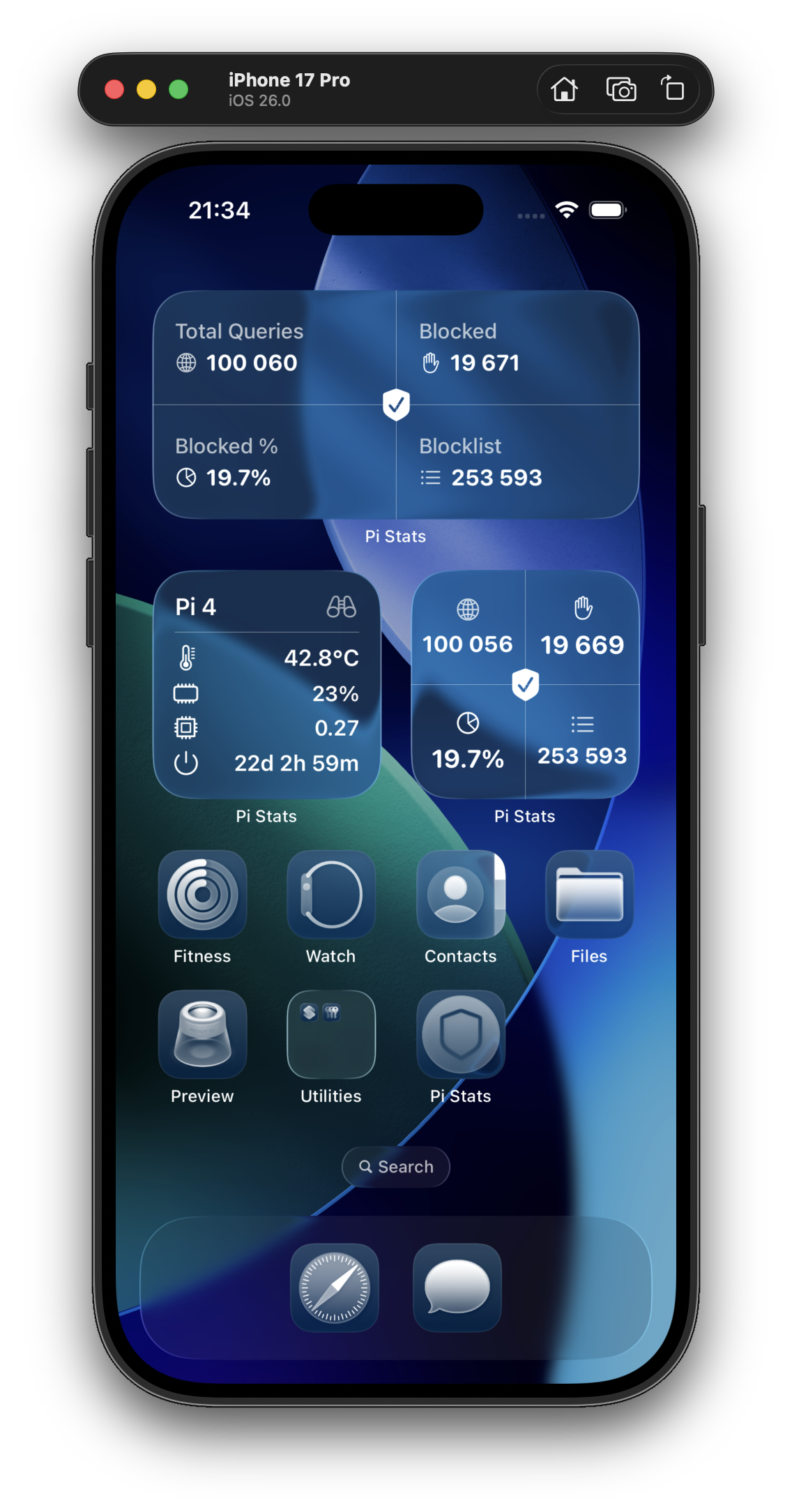
macOS
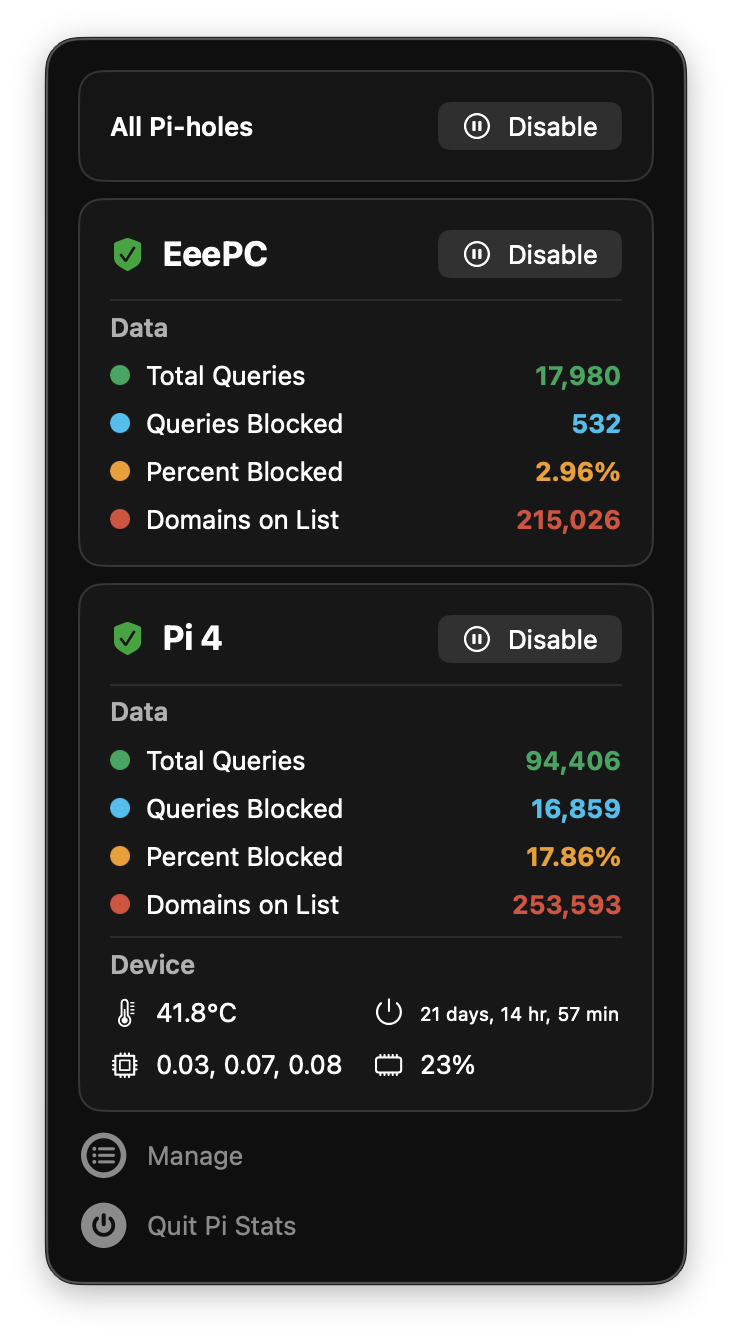
Requirements
- iOS: iOS 26.0 or later (iPhone, iPad)
- macOS: macOS Sequoia (15.2) or later
Tested with Pi-hole 6.x
Download
Pi Stats (and SwiftHole) is a free and open source hobby project of mine. If you want to support its development, you can download the apps using the options below:
macOS
- Mac App Store - Recommended for automatic updates
iOS
- iOS App Store - Available for iPhone and iPad

関連プロジェクトを探す
読み込み中…