
BlueManCZ/hyprmod has 1,154 GitHub stars and 29 forks. GitHot measured 0 stars in 24 hours, +4 in 7 days, and +10 in 15 days. Last checked 2026-11-23 03:43 UTC. Last push 2026-11-16.
できること
- Live preview — changes apply instantly to your running compositor
- Your config stays untouched — HyprMod writes only to its own hyprland-gui.conf
- Undo with Ctrl+Z — step back one change at a time
- Profiles — save, name, and share complete configurations as .conf files
計測したスター増加
- 24時間
- 0
- 7日間
- +4
- 15日間
- +10
- 1か月
- 履歴を収集中
期間ごとの純増数です。期間は重複しており、日別の値ではありません。未計測の値は空欄です。スター数は注目度の指標であり、品質の保証ではありません。
概要
Hyprland向けのネイティブGTK4/libadwaita設定アプリ。
開発ツールREADME.md
オリジナルHyprMod
A native GTK4/libadwaita settings app for Hyprland — tweak any option, see it change live, save when you're happy.


🎬 Wall of Video Fame
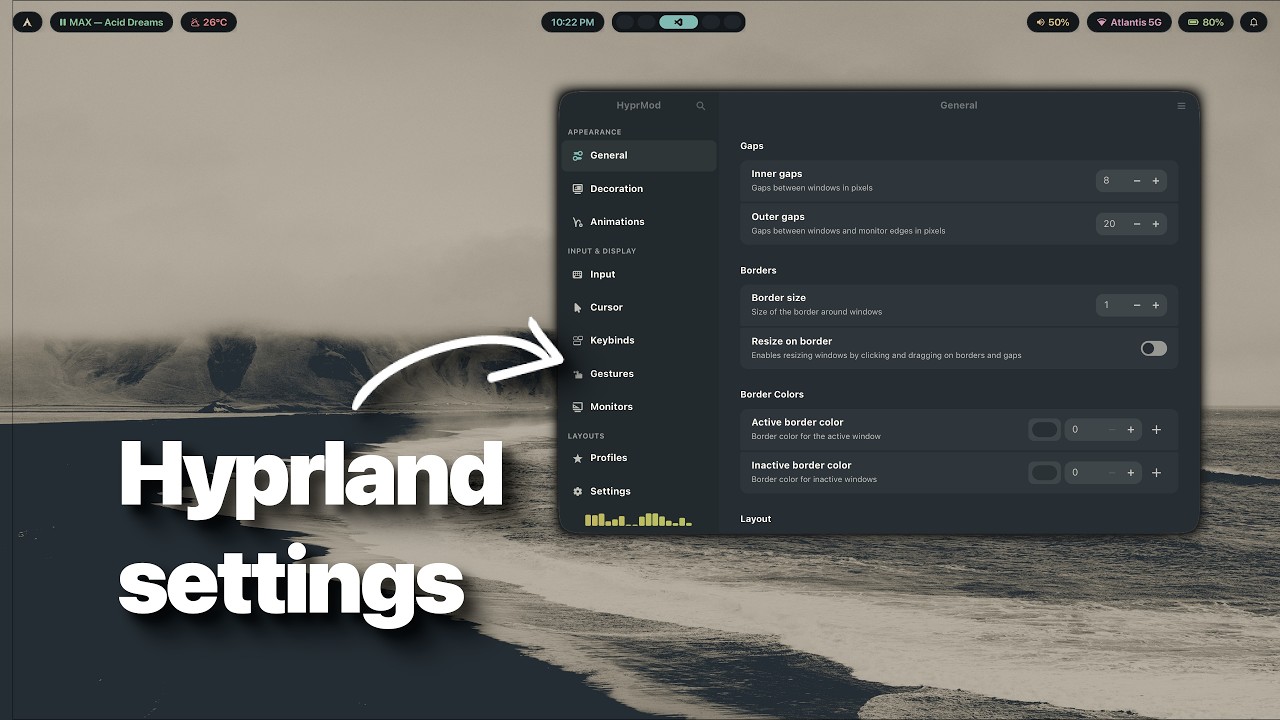
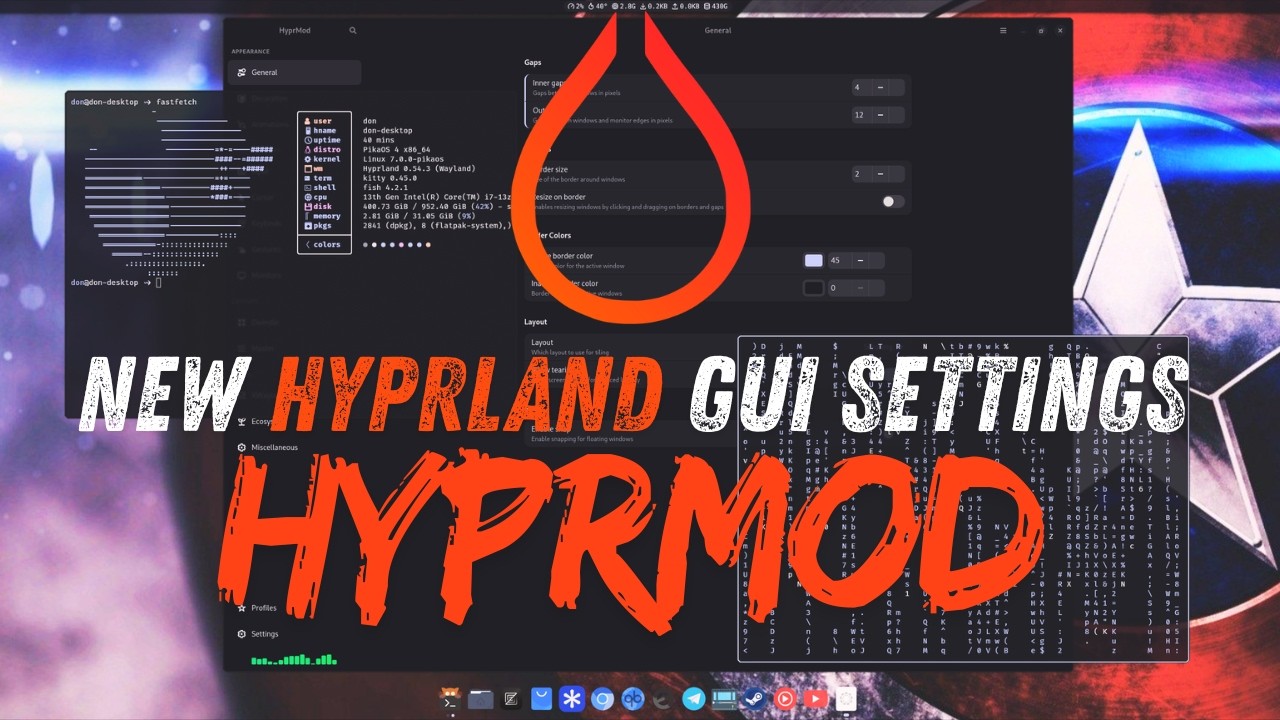
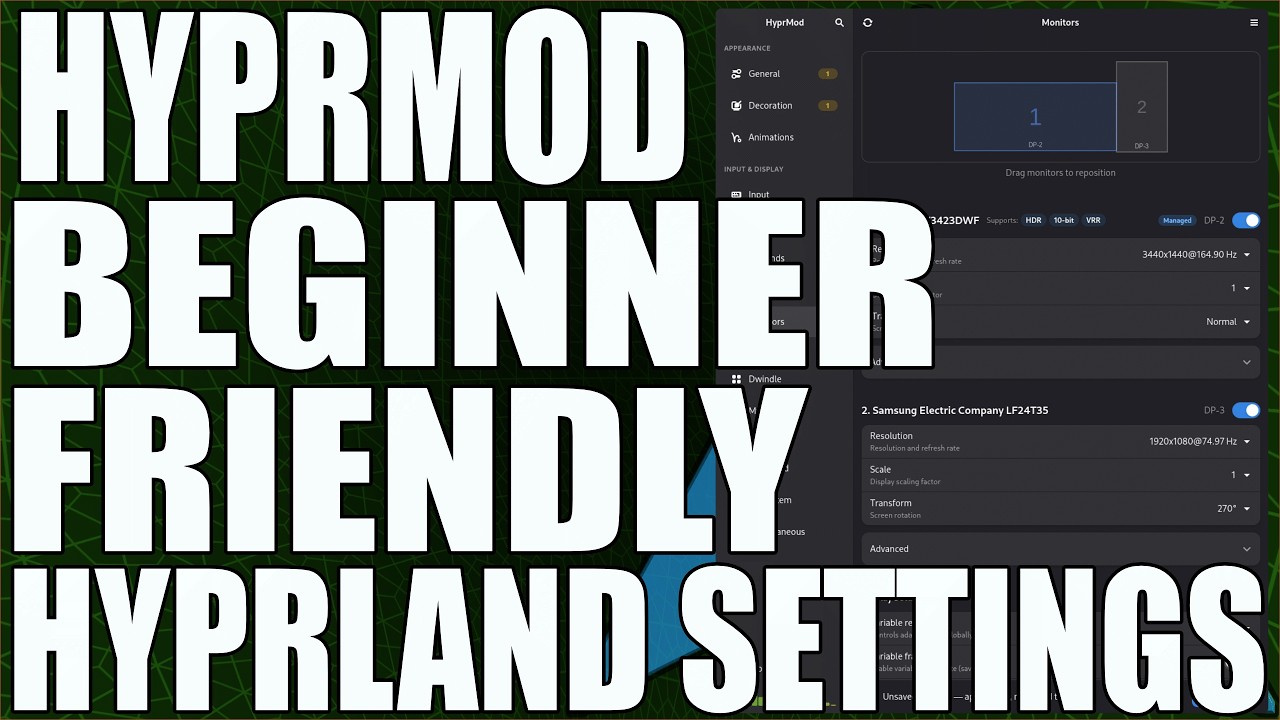
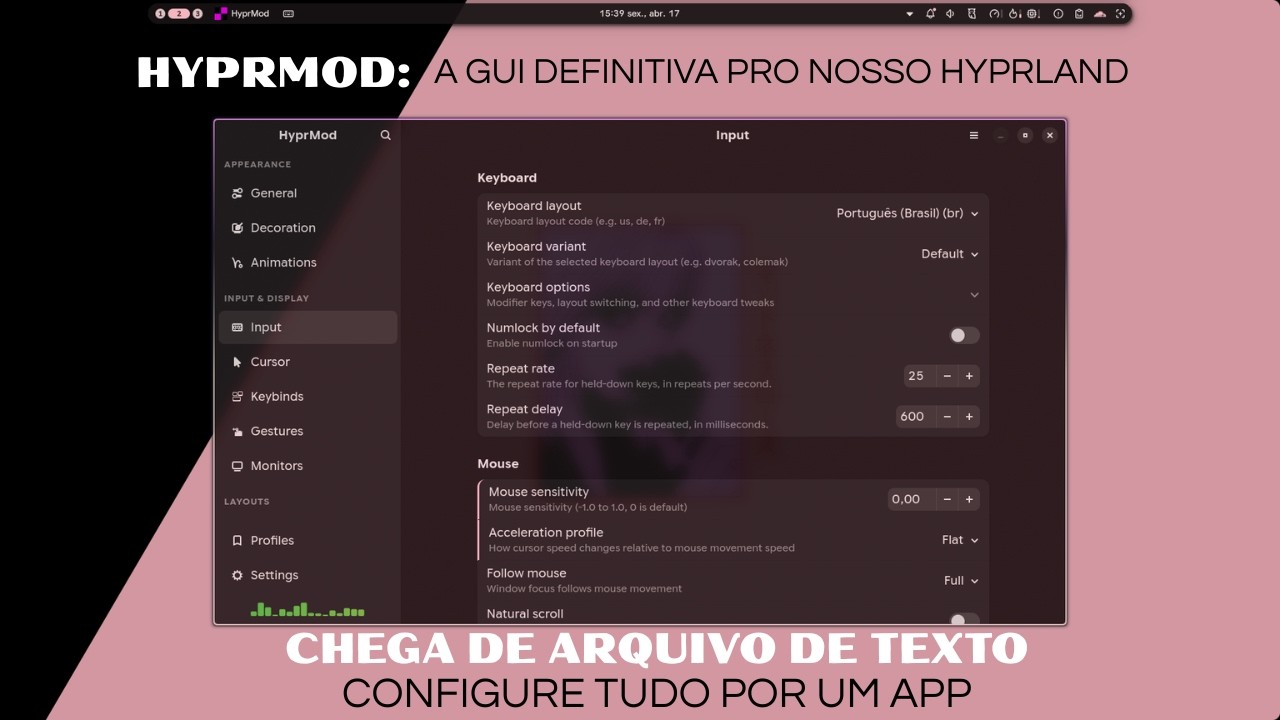
Huge thanks to the creators below — without you, HyprMod would reach far fewer people. ❤️
⚡ Highlights
- Live preview — changes apply instantly to your running compositor
- Your config stays untouched — HyprMod writes only to its own
hyprland-gui.conf - Undo with Ctrl+Z — step back one change at a time
- Profiles — save, name, and share complete configurations as
.conffiles
✨ Features
- Lua config support — migrate and edit
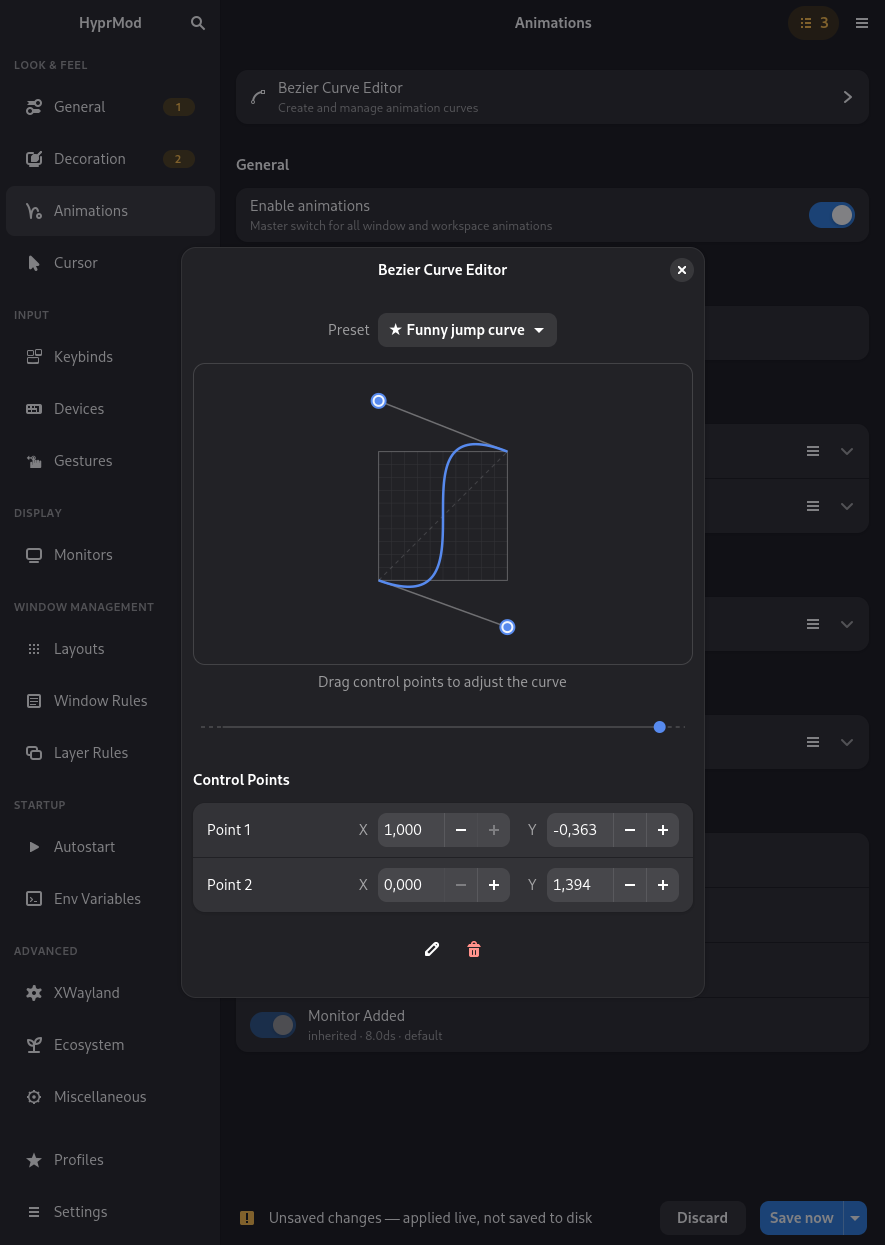
hyprland.luadirectly (Hyprland 0.55+) - Bezier curve editor with live animation preview
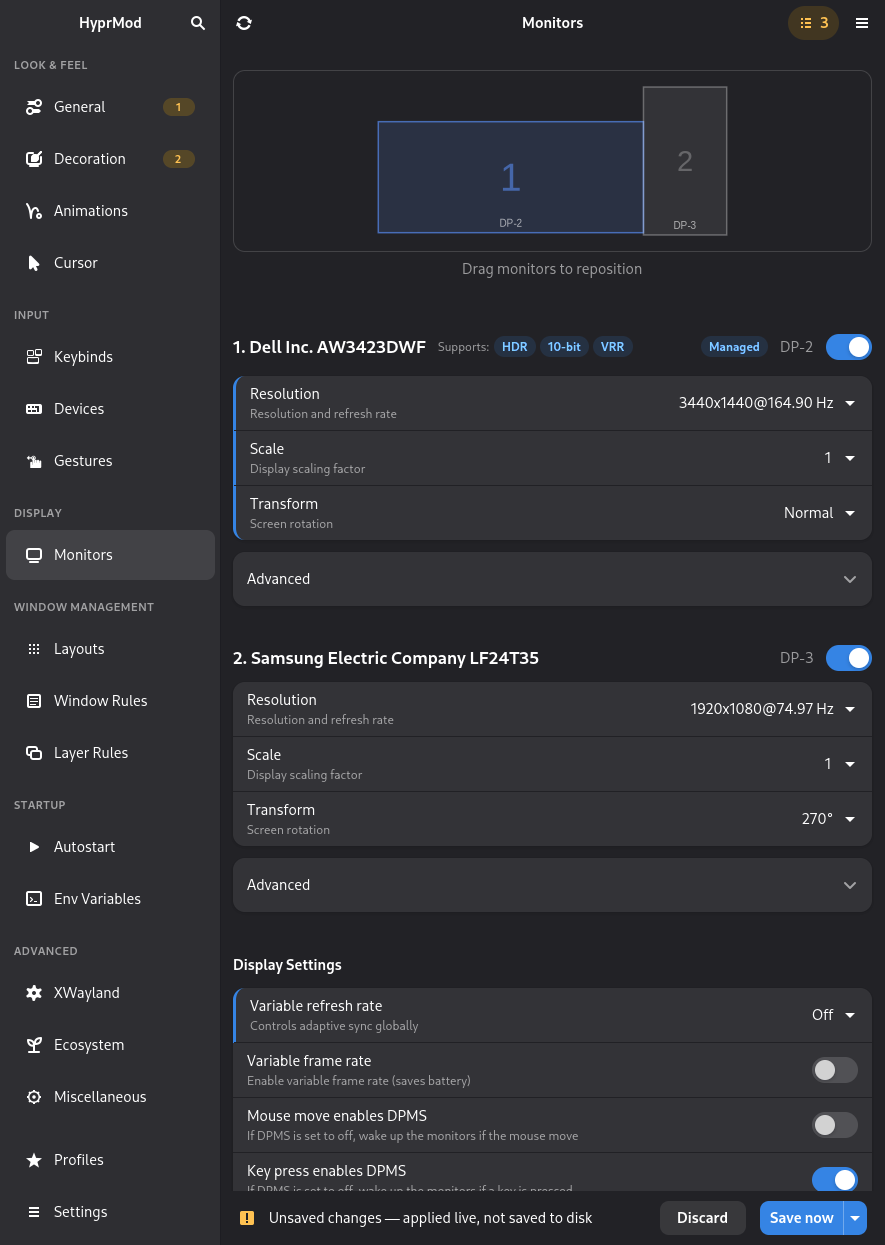
- Monitor layout editor with VRR, 10-bit detection, and advanced HDR controls with safe defaults
- Keybind editor with interactive key capture, including mouse-drag (
bindm) binds - Window rules, layer rules, and workspace rules editors with live preview
- Autostart (
exec/exec-once) and environment variable management - Pending Changes page — review every unsaved edit before saving
- Cursor theme picker with live preview
- Config DNA — a unique visual fingerprint per profile
- Global search across all options (Ctrl+F)
⌨️ Command line
Switch profiles without opening the window. Handy to bind to a Hyprland keybind or call from a script.
hyprmod profile list            # show saved profiles (active marked with *)
hyprmod profile apply Gaming    # switch to a profile by name (case-insensitive)
hyprmod profile next            # cycle to the next profile (alphabetical, wraps around)
hyprmod profile previous        # cycle to the previous one (alias: prev)
📦 Installation
HyprMod is in active development and not yet packaged for most distributions.
Requires Python 3.12+, GTK4, and libadwaita.
The one-line installer works on any distribution.
curl -LsSf https://raw.githubusercontent.com/BlueManCZ/hyprmod/main/install.sh | sh
To uninstall:
curl -LsSf https://raw.githubusercontent.com/BlueManCZ/hyprmod/main/install.sh | sh -s -- --uninstall
📦 pkgit
If you use pkgit, you can install hyprmod directly with:
pkgit -i https://github.com/BlueManCZ/hyprmod
Distribution packages
Arch Linux — hyprmod on the AUR:
yay -S hyprmod
Gentoo — via the edgets overlay:
emerge -a hyprmod
NixOS / home-manager — via the flake:
Add the input to your flake.nix:
inputs = {
  nixpkgs-unstable.url = "github:nixos/nixpkgs/nixos-unstable";

  hyprmod = {
    url = "github:BlueManCZ/hyprmod";
    inputs.nixpkgs.follows = "nixpkgs-unstable";
  };
};
Then add the package to home.packages or environment.systemPackages:
# home-manager module
{ inputs, pkgs, ... }: {
  home.packages = [
    inputs.hyprmod.packages.${pkgs.stdenv.hostPlatform.system}.default
  ];
}

# NixOS module
{ inputs, pkgs, ... }: {
  environment.systemPackages = [
    inputs.hyprmod.packages.${pkgs.stdenv.hostPlatform.system}.default
  ];
}
Make sure inputs reaches your module via specialArgs (NixOS) or
extraSpecialArgs (home-manager).
Overlay usage (makes pkgs.hyprmod available everywhere)
# Once, where you configure nixpkgs:
{ inputs, ... }: {
  nixpkgs.overlays = [ inputs.hyprmod.overlays.default ];
}

# Then anywhere pkgs is in scope:
{ pkgs, ... }: {
  home.packages = [ pkgs.hyprmod ];
}
Minimal full flake example
{
  inputs = {
    nixpkgs-unstable.url = "github:nixos/nixpkgs/nixos-unstable";
    home-manager = {
      url = "github:nix-community/home-manager";
      inputs.nixpkgs.follows = "nixpkgs-unstable";
    };
    hyprmod = {
    url = "github:BlueManCZ/hyprmod";

      inputs.nixpkgs.follows = "nixpkgs-unstable";
    };
  };

  outputs = { self, nixpkgs-unstable, home-manager, hyprmod, ... }: {
    nixosConfigurations.mymachine = nixpkgs-unstable.lib.nixosSystem {
      system = "x86_64-linux";
      modules = [
        { nixpkgs.overlays = [ hyprmod.overlays.default ]; }
        home-manager.nixosModules.home-manager
        {
          home-manager.users.alice = { pkgs, ... }: {
            home.packages = [ pkgs.hyprmod ];
          };
        }
        ./configuration.nix
      ];
    };
  };
}
Build or run from a local checkout
git clone https://github.com/BlueManCZ/hyprmod.git
cd hyprmod

nix build .#hyprmod        # build
nix run   .#hyprmod        # run without installing
nix shell .#hyprmod        # shell with hyprmod on PATH
For the step-by-step release update procedure and hash regeneration reference, see NIX.md.
Drive the install yourself
# with uv
uv tool install git+https://github.com/BlueManCZ/hyprmod.git
hyprmod --install     # places .desktop + icon under ~/.local/share

# or with pipx
pipx install git+https://github.com/BlueManCZ/hyprmod.git
hyprmod --install
To remove: hyprmod --uninstall, then uv tool uninstall hyprmod or pipx uninstall hyprmod. hyprmod --install is idempotent and runs automatically on first launch if no desktop entry is visible yet.
Running from a checkout? See CONTRIBUTING.md.
🗺️ Roadmap
Next
- Automatic backups on save, with a history browser
- Translations (gettext)
Later
- Pages for the hypr* ecosystem — hyprpaper, hypridle, hyprlock
- Plugin manager (
hyprpm)
Out of scope — Wi-Fi, Bluetooth, printing, default apps, and GTK theming belong in a desktop control center, not a Hyprland settings app. See #15 for the reasoning.
🤝 Contributing
PRs are welcome. See CONTRIBUTING.md for development setup, the checks CI runs, and scope notes. For larger changes, please open an issue first so we can discuss the approach.
関連プロジェクトを探す
読み込み中…