
概要
.'s
開発ツール計測したスター増加
- 24時間
- 0
- 7日間
- 0
- 15日間
- 履歴を収集中
- 1か月
- 履歴を収集中
期間ごとの純増数です。期間は重複しており、日別の値ではありません。未計測の値は空欄です。スター数は注目度の指標であり、品質の保証ではありません。
README.md
オリジナル✨ Dotfiles
These are my configuration files also known as dotfiles.
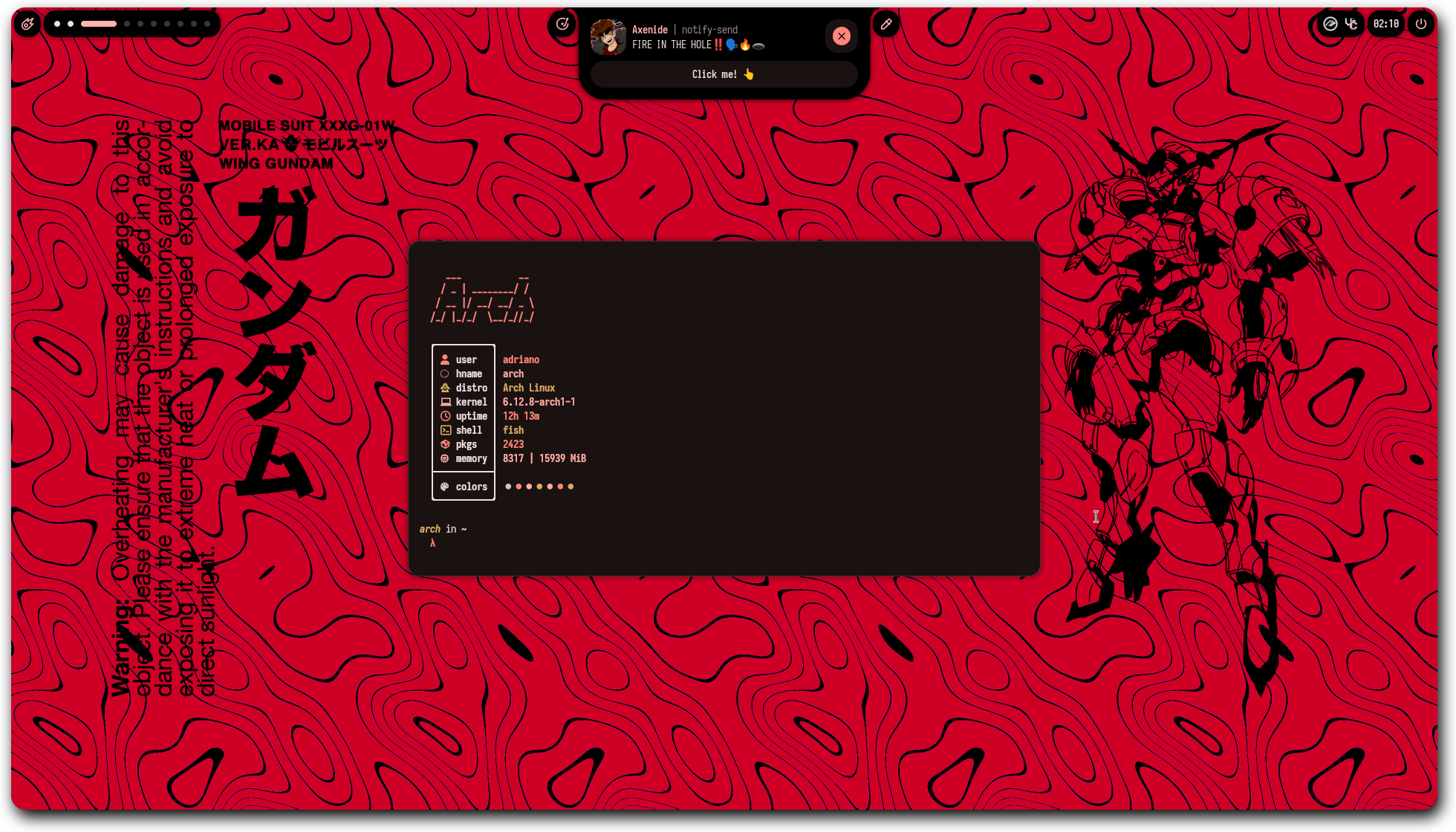
| ⚠️ ɪꜰ ʏᴏᴜ ᴊᴜꜱᴛ ᴡᴀɴᴛ ᴛʜᴇ ʙᴀʀ, ᴄʜᴇᴄᴋ ᴛʜᴇ ᴘʀᴏᴊᴇᴄᴛ ☄️ |

|
[!CAUTION] The install for this repository has been deprecated in favor of Ax-Shell.
📸 Check it out!
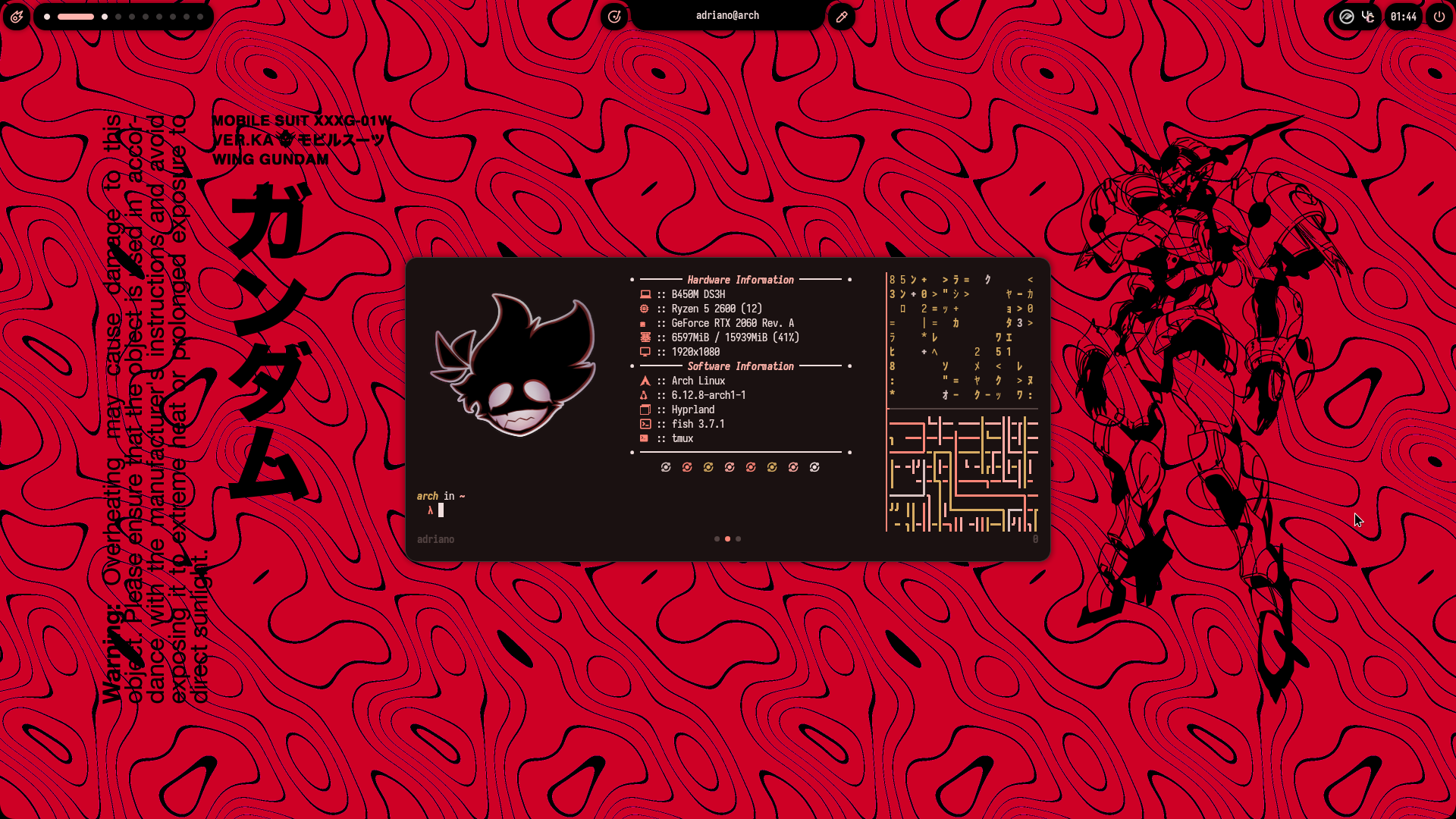
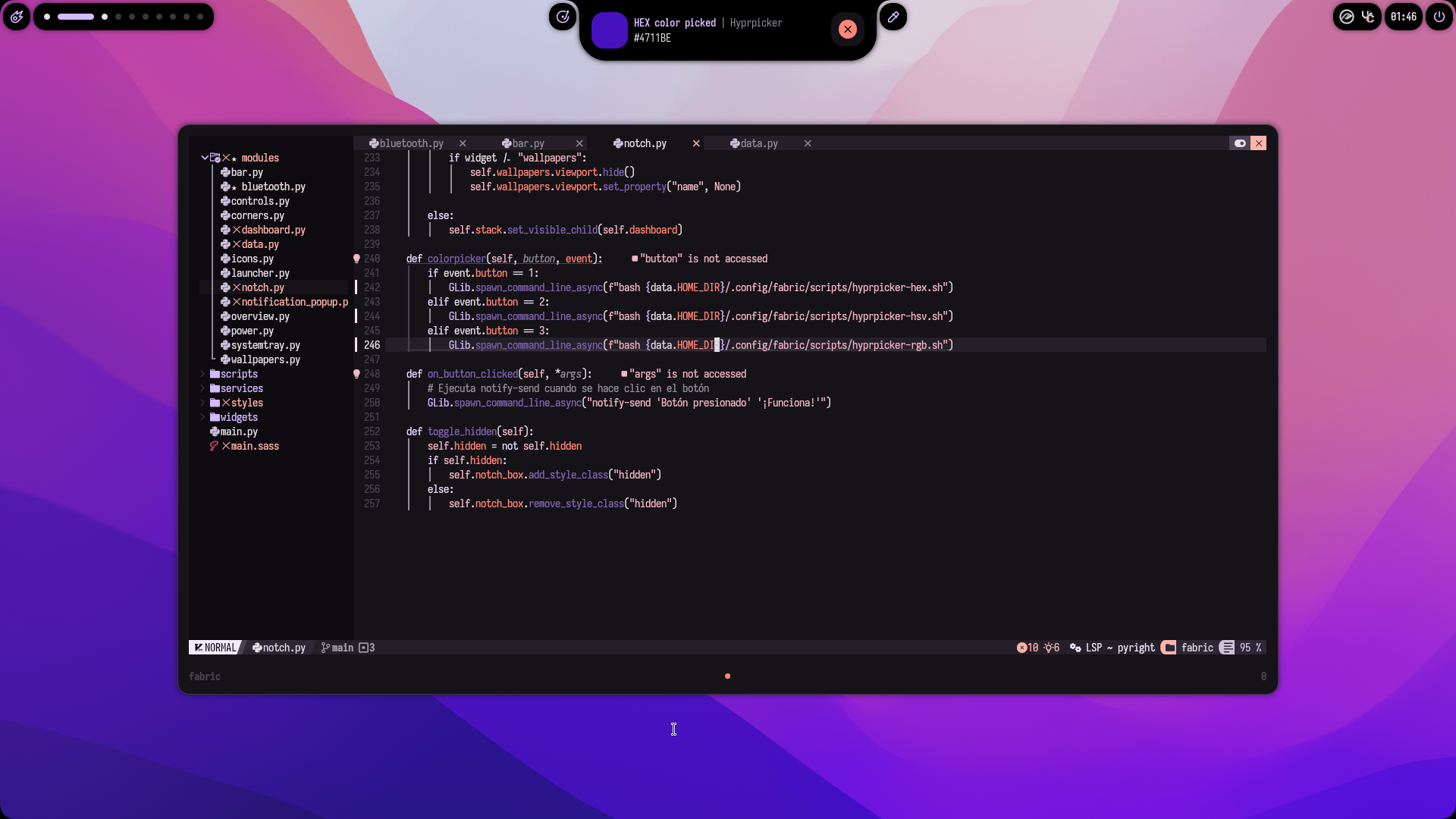
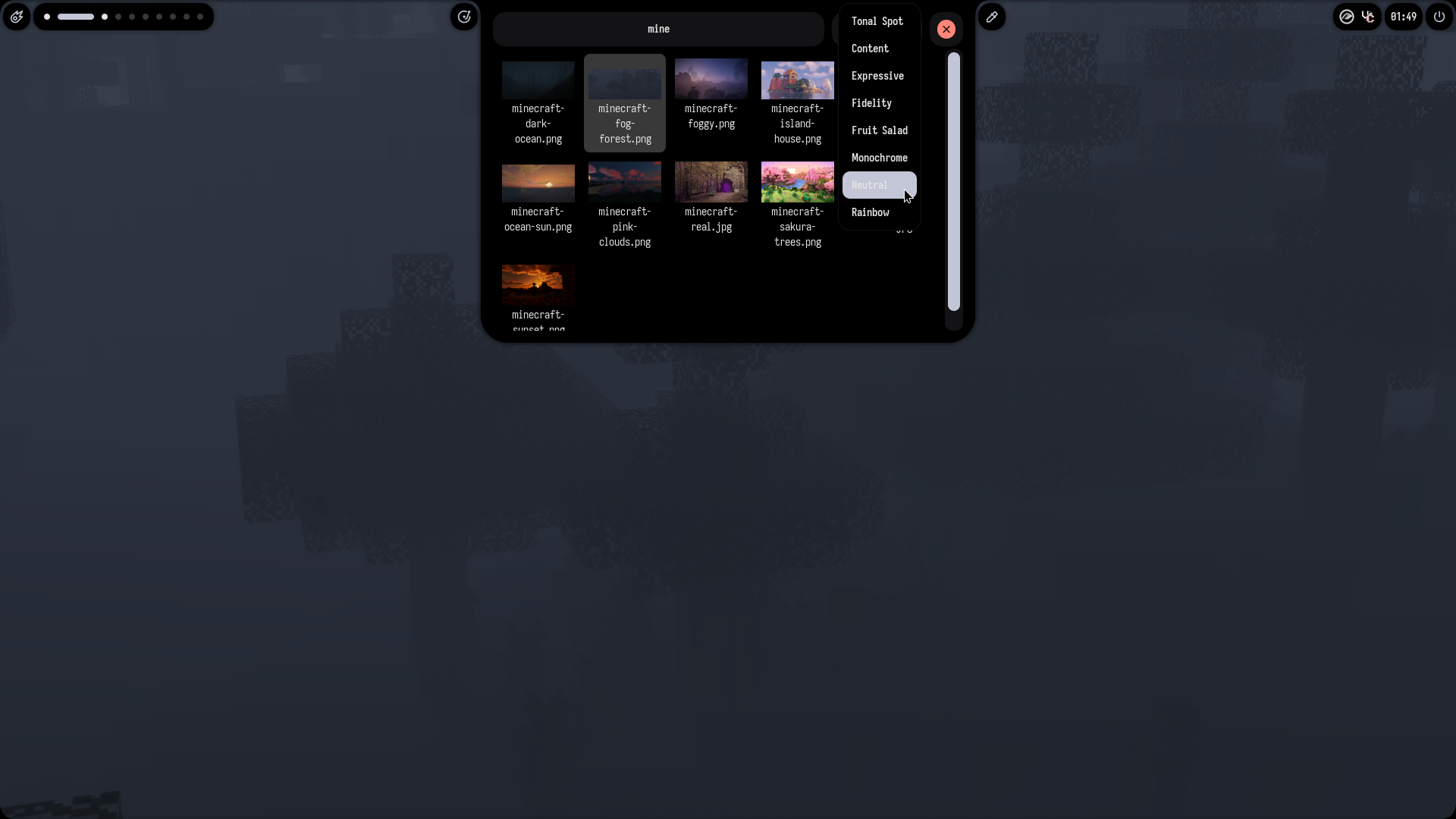
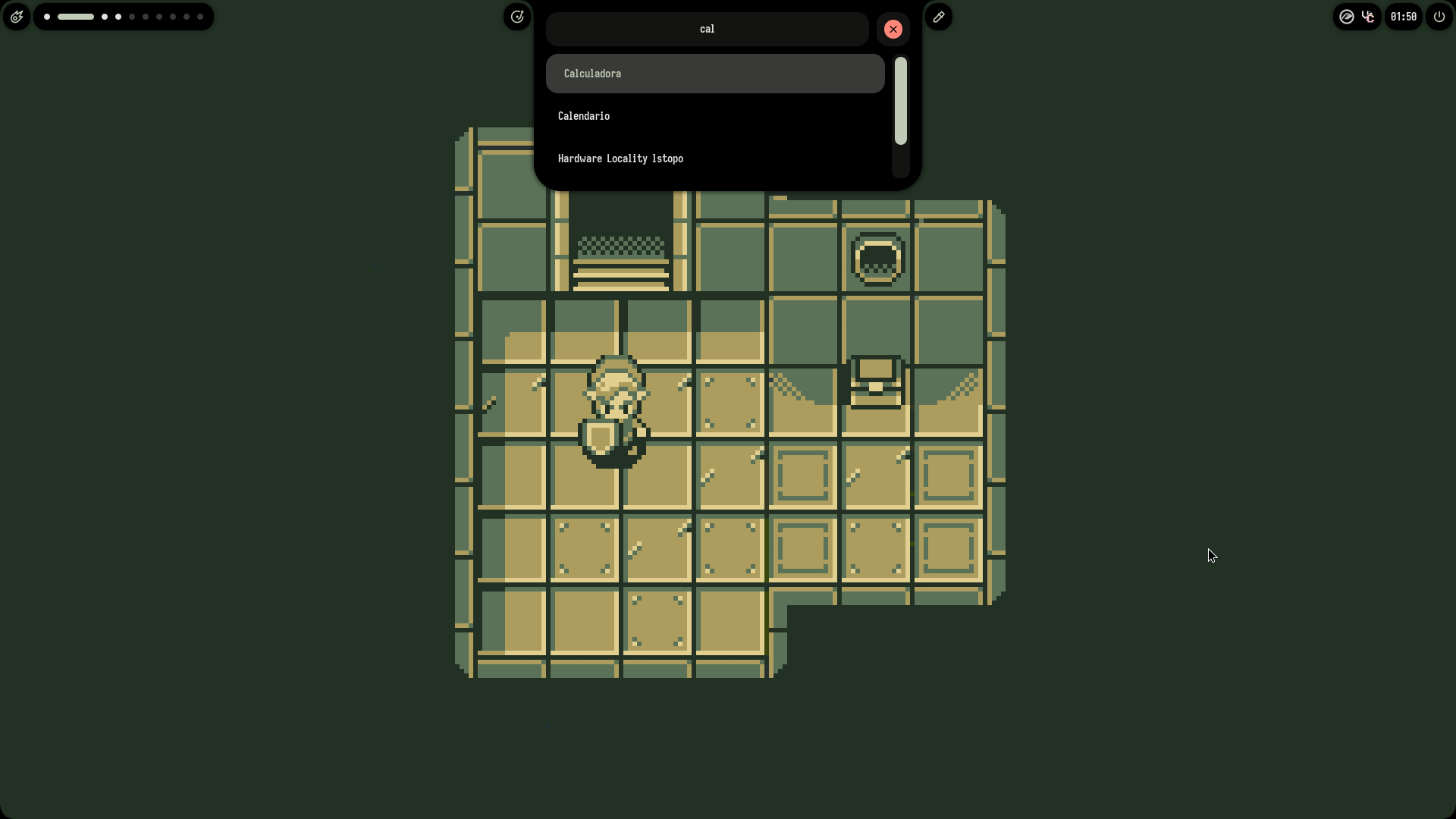
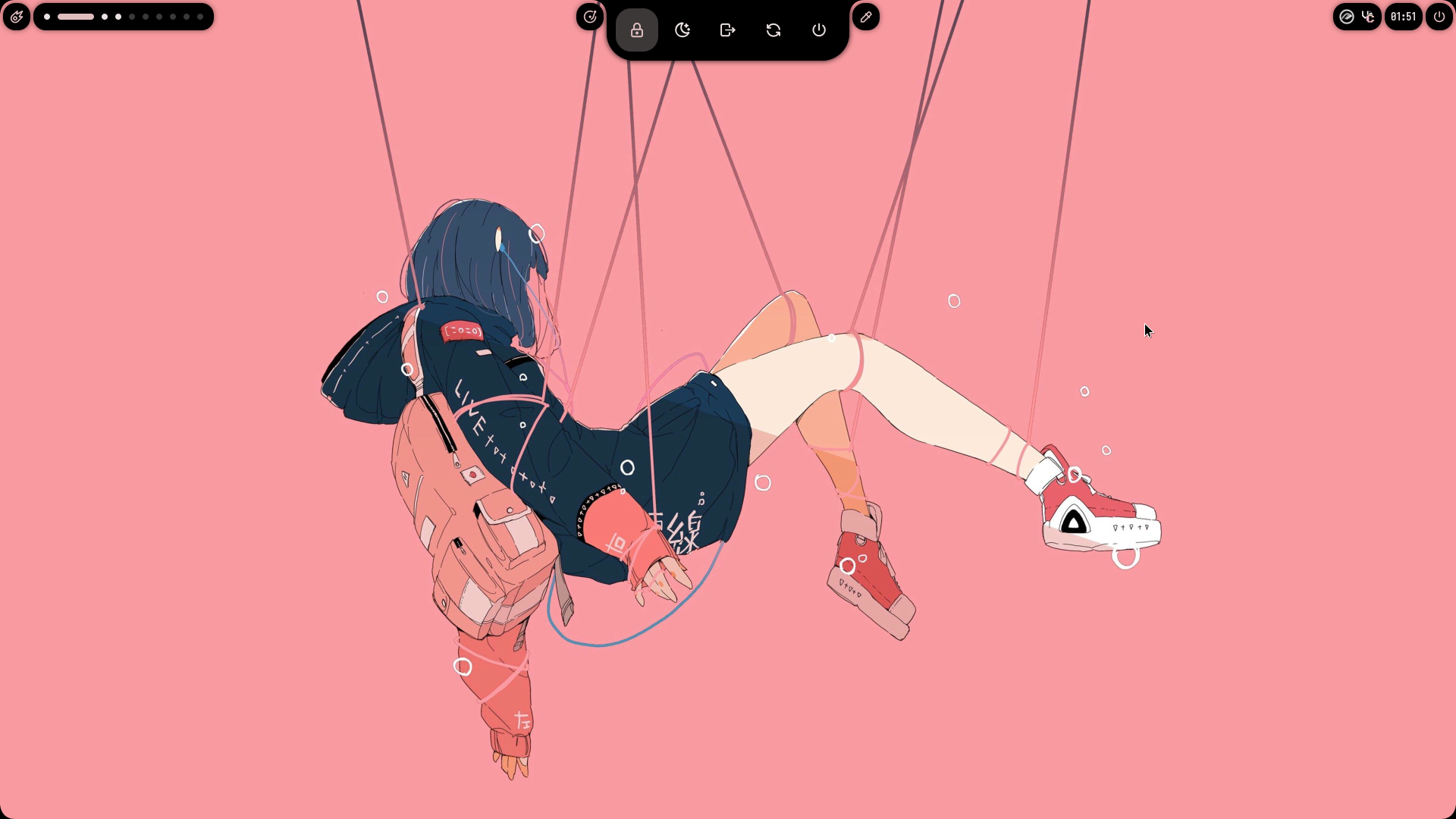
[!WARNING] The main branch is experimental, as I'm always making changes.
Please refer to the stable branch if you want to use it.
Installation
git clone https://github.com/Axenide/Dotfiles
cd Dotfiles
bash install.sh
This will execute the installation wizard.
[!NOTE] This packages are needed to fully use the config and will be installed if you choose the option in script:
Also it will install yay, but you can skip the installation and use any AUR helper you want and install them manually.
Keybindings
Ax-Shell
| Keys | Action |
|---|---|
| SUPER + D | Toggle Dashboard (WIP) |
| SUPER + A | AI Assistant (WIP) |
| SUPER + , | Wallpaper Selector |
| SUPER + SHIFT + B | Reload bar CSS |
| SUPER + ALT + B | Restart bar |
| SUPER + CTRL + B | Toggle bar |
Hyprland
| Keys | Action |
|---|---|
| SUPER + C | Close window |
| SUPER + SHIFT + Esc | Exit Hyprland |
| SUPER + Space | Toggle tiled/floating |
| SUPER + P | Toggle pseudo-tiling |
| SUPER + SHIFT + D | Toggle split |
| SUPER + F | Fullscreen |
| SUPER + SHIFT + F | Fake Fullscreen |
| SUPER + CTRL + F | Maximize |
| SUPER + Y | Pin window |
| SUPER + G | Center window |
| SUPER + Arrows or H,J,K,L | Move window focus |
| SUPER + SHIFT + Arrows or H,J,K,L | Move tiled window |
| SUPER + CTRL + Arrows or H,J,K,L | Resize window |
| SUPER + ALT + Arrows or H,J,K,L | Move floating window |
| SUPER + [1-9][0] | Change workspace [1-10] |
| SUPER + SHIFT + [1-9][0] | Move window to workspace [1-10] |
| SUPER + Z | Go to previous workspace |
| SUPER + SHIFT + Z SUPER + Scroll Down |
Go to previous active workspace |
| SUPER + X | Go to next workspace |
| SUPER + SHIFT + X SUPER + Scroll Up |
Go to next active workspace |
| SUPER + Left Click | Drag window |
| SUPER + Right Click | Drag resize window |
Programs
| Keys | Action |
|---|---|
| SUPER + RETURN | Open Kitty terminal |
| SUPER + SHIFT + RETURN | Open floating Kitty terminal |
| SUPER + ALT + RETURN | Open Kitty with slurp |
| SUPER + E | File explorer |
| SUPER + SHIFT + E | Floating file explorer |
| SUPER + W | Zen Browser |
| SUPER + SHIFT + W | Private Zen Browser |
| SUPER + M | Calculator |
| Save and copy screenshot | |
| SHIFT + Print | Copy screenshot |
| SUPER + SHIFT + S | Copy area screenshot |
Tmux
[!IMPORTANT] PREFIX is set to CTRL + Space
| Keys | Action |
|---|---|
| PREFIX + c | Create window |
| SHIFT + ALT + H,L | Navigate windows |
| PREFIX + [1-9] | Change to window from 1 to 9 |
| PREFIX + & | Kill window |
| PREFIX + / | Vertical split |
| PREFIX + - | Horizontal split |
| CTRL + H,J,K,L | Navigate panes |
| PREFIX + { or } | Swap pane position |
| PREFIX + q | Go to pane pressing a number |
| PREFIX + x | Kill pane |
| PREFIX + s | List sessions |
| PREFIX + w | List windows |
| PREFIX + [ | Yank mode (copy) |
| v | Start selection |
| CTRL + v | Toggle rectangle/line selection |
| y | Yank selection |
🌐 Browser
I'm currently using Zen Browser with some custom tweaks. To use my config you need to create a new profile and click on "Select folder". The folder will be located at ~/.zen/Zen/.
If you just want good Pywalfox support, install the PywalZen theme I made!
[!NOTE] I also modified some shortcuts to make them similar to the ones I use in Hyprland.
| Keys | Action |
|---|---|
| ALT + Z | Previous workspace |
| ALT + X | Next workspace |
| ALT + S | Toggle web panel |
Please consider giving me a tip. :)
☕ Cafecito |
❤️ Ko-Fi |
💸 PayPal
関連プロジェクトを探す
読み込み中…