Proyek Lihat di GitHub
Gritty
cloudcmd/gritty
Tentang
web terminal emulator
Alat pengembanganPertumbuhan bintang terukur
- dalam 24 jam
- 0
- dalam 7 hari
- Mengumpulkan riwayat
- dalam 15 hari
- Mengumpulkan riwayat
- dalam 1 bulan
- Mengumpulkan riwayat
Perubahan bersih pada periode yang tumpang tindih, bukan total harian. Pengukuran yang belum tersedia dibiarkan kosong. Bintang menunjukkan perhatian, bukan kualitas.
README.md
AsliGritty 


Web terminal emulator. Based on node-pty and xterm.js.
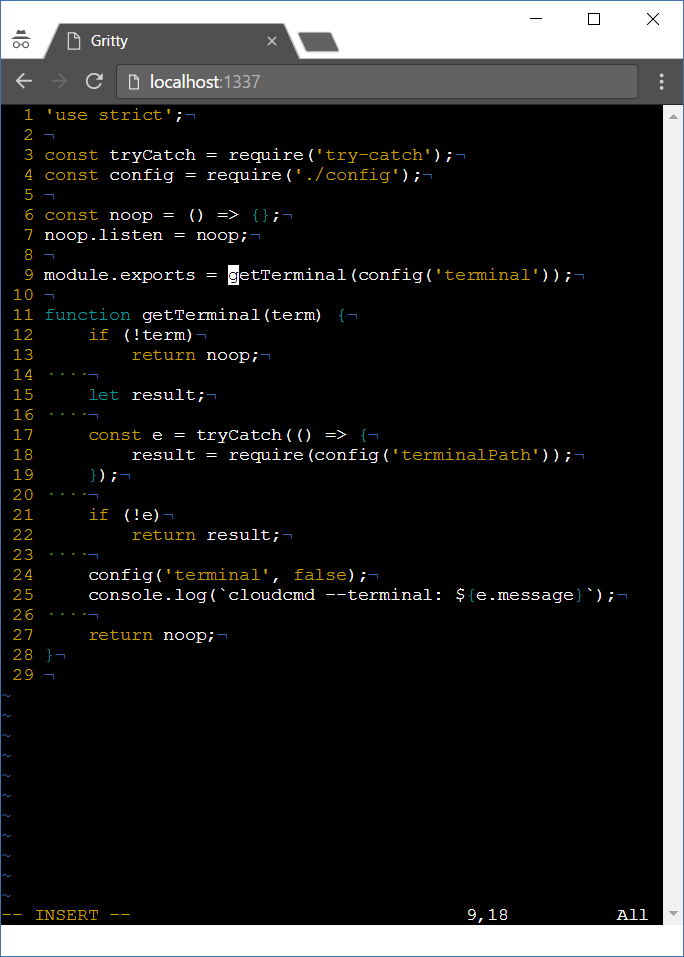
Install
npm i gritty -g
Usage
Usage: gritty [options]
Options:
  -h, --help              display this help and exit
  -v, --version           output version information and exit
  --path                  output path of a gritty and exit
  --port                  set port number
  --command               command to run in terminal (shell by default)
  --auto-restart          restart command when on exit
  --no-auto-restart       do not restart command on exit
Windows
On Windows there is no build tools by default. When can't install gritty try to install windows-build-tools first.
npm i windows-build-tools -g
npm i gritty -g
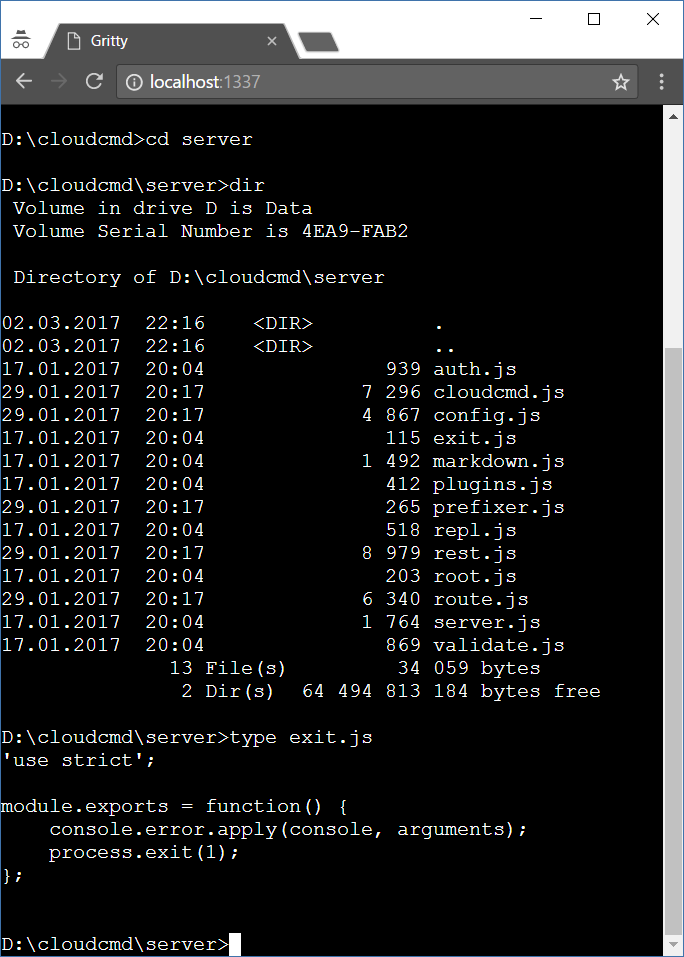
Use as standalone
Start gritty, and go to url http://localhost:1337
API
Client API
gritty(element [, options])
const prefix = '/gritty';
const env = {}; // default
const fontFamily = 'Courier';

gritty('body', {
    prefix,
    env,
    fontFamily,
});
Server API
gritty.listen(socket, [, options])
Gritty could be used as middleware:
const prefix = '/gritty';

const auth = (accept, reject) => (username, password) => {
    accept();
};

gritty.listen(socket, {
    prefix,
    auth, // optional
});
gritty(options)
Middleware function:
const prefix = '/gritty';

gritty({
    prefix,
});
Usage as middleware
To use gritty in your programs you should make local install:
npm i gritty socket.io express --save
And use it this way:
// server.js
import http from 'node:http';
import {gritty} from 'gritty';
import express from 'express';
import {Server} from 'socket.io';

const app = express();
const server = http.createServer(app);
const socket = new Server(server);

const port = 1337;
const ip = '0.0.0.0';

app.use(gritty());
app.use(express.static(__dirname));

gritty.listen(socket, {
    command: 'mc', // optional
    autoRestart: true, // default
});

server.listen(port, ip);
<!-- index.html -->

<div class="gritty"></div>
<script src="/gritty/gritty.js"></script>
<script>
    const options = {
        prefix: 'console',
        command: 'bash', // optional
        autoRestart: true, // optional
        cwd: '/', // optional
        env: {
            TERMINAL: 'gritty',
            CURRENT: getCurrentFile,
        }
    };

    gritty('.terminal', options);

    function getCurrentFile() {
        return 'filename.txt';
    }
</script>
License
MIT
Jelajahi proyek terkait
Memuat…