Proyek Lihat di GitHub
b4rtaz/voice-assistant
Tentang
Voice assistant for Visual Studio Code.
Alat pengembanganPertumbuhan bintang terukur
- dalam 24 jam
- 0
- dalam 7 hari
- 0
- dalam 15 hari
- Mengumpulkan riwayat
- dalam 1 bulan
- Mengumpulkan riwayat
Perubahan bersih pada periode yang tumpang tindih, bukan total harian. Pengukuran yang belum tersedia dibiarkan kosong. Bintang menunjukkan perhatian, bukan kualitas.
README.md
AsliVoice Assistant for VSCode


The voice assistant for Visual Studio Code. This extension allows you to put code snippets into the code by voice. Also, you can execute any Visual Studio command by voice. The extension works with any language, because the file with voice commands is placed in the project folder (voice-assistant.json). So, you can prepare own voice commands for each project.
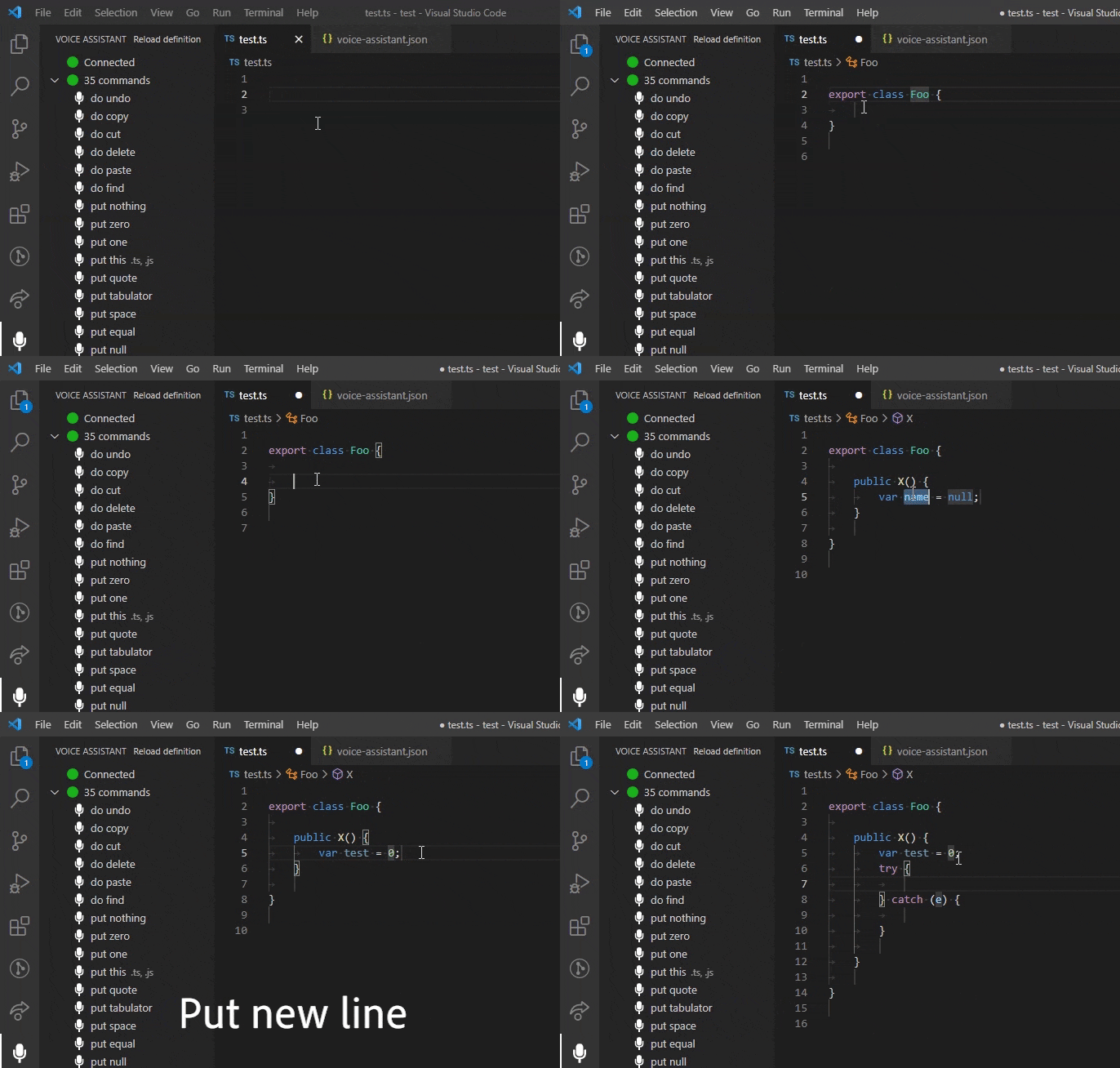
(check an example with voice 🔉)
🔥 Features:
- multiple windows support,
- diffrent voice commands for each project,
- easy voice commands reloading,
- it works with every language,
- VSCode command executing.
☕ voice-assistant.json examples:
- TypeScript
- HTML
- ...
💻 Available speech recognition servers:
- .NET Server (only for Windows)
🚀 How to Start?
- Install this extension from the marketplace.
- Install & run a server. The server is necessary, because it does all speech recognition job. Currently we support only Windows.
- 💾 Download .NET Server (only for Windows, it requires .NET5)
- Add
voice-assistant.jsonfile to root directory of your project and click "Reload definition". You may use an example file or click "Add example voice-assistant.json" button. - You can start speaking. 🎤
📌 FAQ
- .NET Server doesn't recognize the speech - you may boost the microphone power in Windows settings, try to speak correctly and sharply (more).
💡 License
This project is released under the MIT license.
Jelajahi proyek terkait
Memuat…