
Ramotion/animated-tab-bar
Tentang
:octocat: RAMAnimatedTabBarController adalah pustaka modul UI Swift untuk menambahkan animasi pada item dan ikon bilah tab iOS. Pustaka iOS yang dibuat oleh @Ramotion
Kreativitas dan mediaPertumbuhan bintang terukur
- dalam 24 jam
- -1
- dalam 7 hari
- -2
- dalam 15 hari
- -6
- dalam 1 bulan
- Mengumpulkan riwayat
Perubahan bersih pada periode yang tumpang tindih, bukan total harian. Pengukuran yang belum tersedia dibiarkan kosong. Bintang menunjukkan perhatian, bukan kualitas.
README.md
Asli
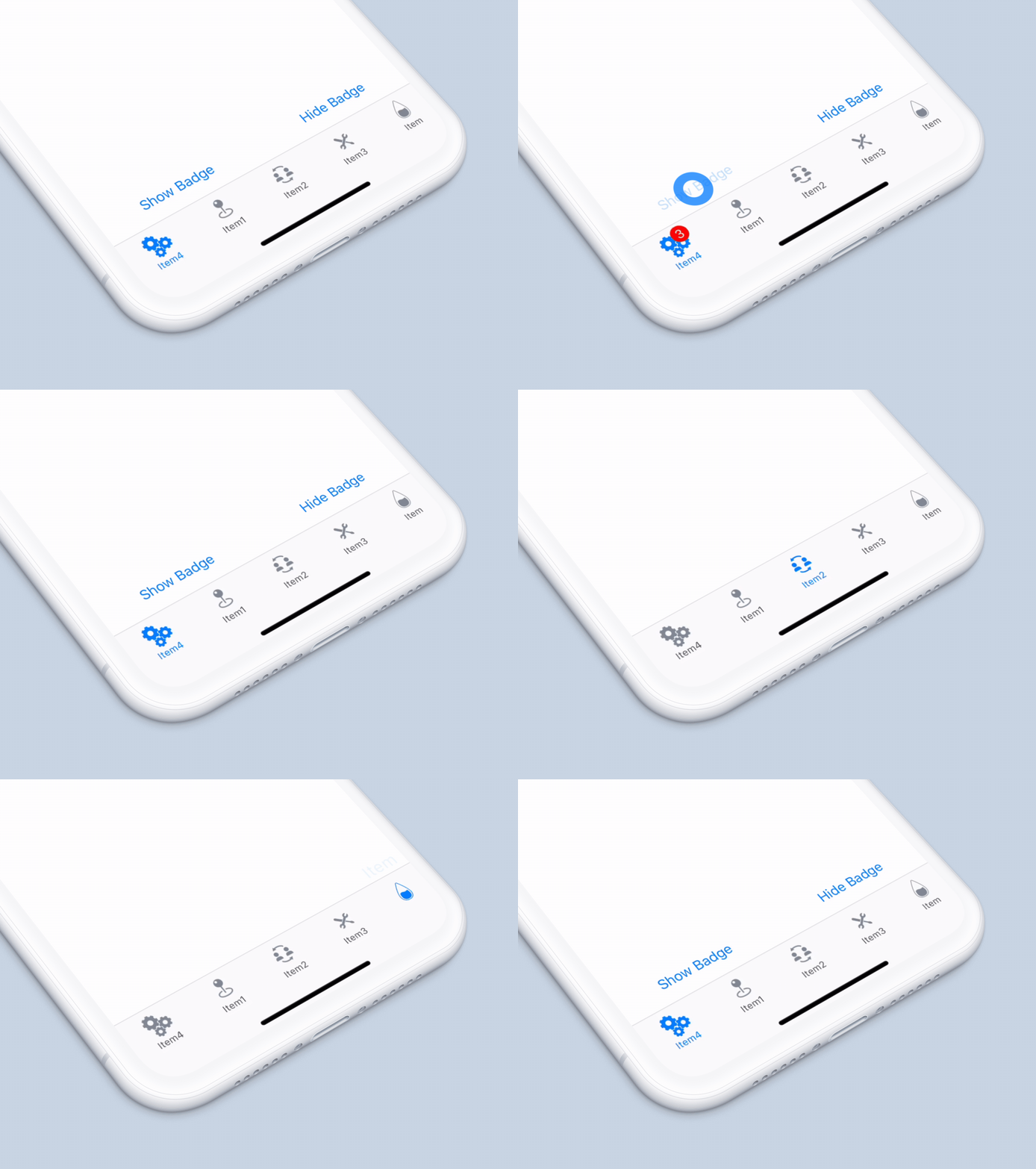
ANIMATED TAB BAR
Swift UI module library for adding animation to iOS tabbar items and icons.
We specialize in the designing and coding of custom UI for Mobile Apps and Websites.

Stay tuned for the latest updates:





Requirements
- iOS 9.0+
- Xcode 10.2
Installation
Just add the RAMAnimatedTabBarController folder to your project.
or use CocoaPods with Podfile:
pod 'RAMAnimatedTabBarController'
or Carthage users can simply add to their Cartfile:
github "Ramotion/animated-tab-bar"
Usage
Create a new UITabBarController in your storyboard or nib.
Set the class of the UITabBarController to RAMAnimatedTabBarController in your Storyboard or nib.
For each UITabBarItem, set the class to RAMAnimatedTabBarItem.
Add a custom image icon for each RAMAnimatedTabBarItem
Add animation for each RAMAnimatedTabBarItem :
- drag and drop an NSObject item into your ViewController
- set its class to ANIMATION_CLASS (where ANIMATION_CLASS is the class name of the animation you want to use)
- connect the outlet animation in RAMAnimatedTabBarItem to your ANIMATION_CLASS Demonstration video for step 5
Included Animations
- RAMBounceAnimation
- RAMLeftRotationAnimation
- RAMRightRotationAnimation
- RAMFlipLeftTransitionItemAnimations
- RAMFlipRightTransitionItemAnimations
- RAMFlipTopTransitionItemAnimations
- RAMFlipBottomTransitionItemAnimations
- RAMFrameItemAnimation
- RAMFumeAnimation
Creating Custom Animations
- Create a new class which inherits from RAMItemAnimation:
class NewAnimation : RAMItemAnimation
- Implement the methods in RAMItemAnimationProtocol:
  // method call when Tab Bar Item is selected
  override func playAnimation(icon: UIImageView, textLabel: UILabel) {
    // add animation
  }
  // method call when Tab Bar Item is deselected
  override func deselectAnimation(icon: UIImageView, textLabel: UILabel, defaultTextColor: UIColor, defaultIconColor: UIColor) {
    // add animation
  }
  // method call when TabBarController did load
  override func selectedState(icon: UIImageView, textLabel: UILabel) {
    // set selected state
  }
- Example:
import RAMAnimatedTabBarController

class RAMBounceAnimation : RAMItemAnimation {

    override func playAnimation(_ icon: UIImageView, textLabel: UILabel) {
        playBounceAnimation(icon)
        textLabel.textColor = textSelectedColor
    }

    override func deselectAnimation(_ icon: UIImageView, textLabel: UILabel, defaultTextColor: UIColor, defaultIconColor: UIColor) {
        textLabel.textColor = defaultTextColor
    }

    override func selectedState(_ icon: UIImageView, textLabel: UILabel) {
        textLabel.textColor = textSelectedColor
    }

    func playBounceAnimation(_ icon : UIImageView) {

        let bounceAnimation = CAKeyframeAnimation(keyPath: "transform.scale")
        bounceAnimation.values = [1.0 ,1.4, 0.9, 1.15, 0.95, 1.02, 1.0]
        bounceAnimation.duration = TimeInterval(duration)
        bounceAnimation.calculationMode = kCAAnimationCubic

        icon.layer.add(bounceAnimation, forKey: "bounceAnimation")
    }
}
📄 License
Animated Tab Bar is released under the MIT license. See LICENSE for details.
This library is a part of a selection of our best UI open-source projects.
If you use the open-source library in your project, please make sure to credit and backlink to www.ramotion.com
📱 Get the Showroom App for iOS to give it a try
Try this UI component and more like this in our iOS app. Contact us if interested.

Jelajahi proyek terkait
Memuat…