
CliffCloud/Leaflet.EasyButton
Tentang
leaflet control buttons with icons and callbacks
Alat pengembanganPertumbuhan bintang terukur
- dalam 24 jam
- 0
- dalam 7 hari
- 0
- dalam 15 hari
- Mengumpulkan riwayat
- dalam 1 bulan
- Mengumpulkan riwayat
Perubahan bersih pada periode yang tumpang tindih, bukan total harian. Pengukuran yang belum tersedia dibiarkan kosong. Bintang menunjukkan perhatian, bukan kualitas.
README.md
AsliL.EasyButton
The easiest way to add buttons with Leaflet — so simple it fits in a gif:
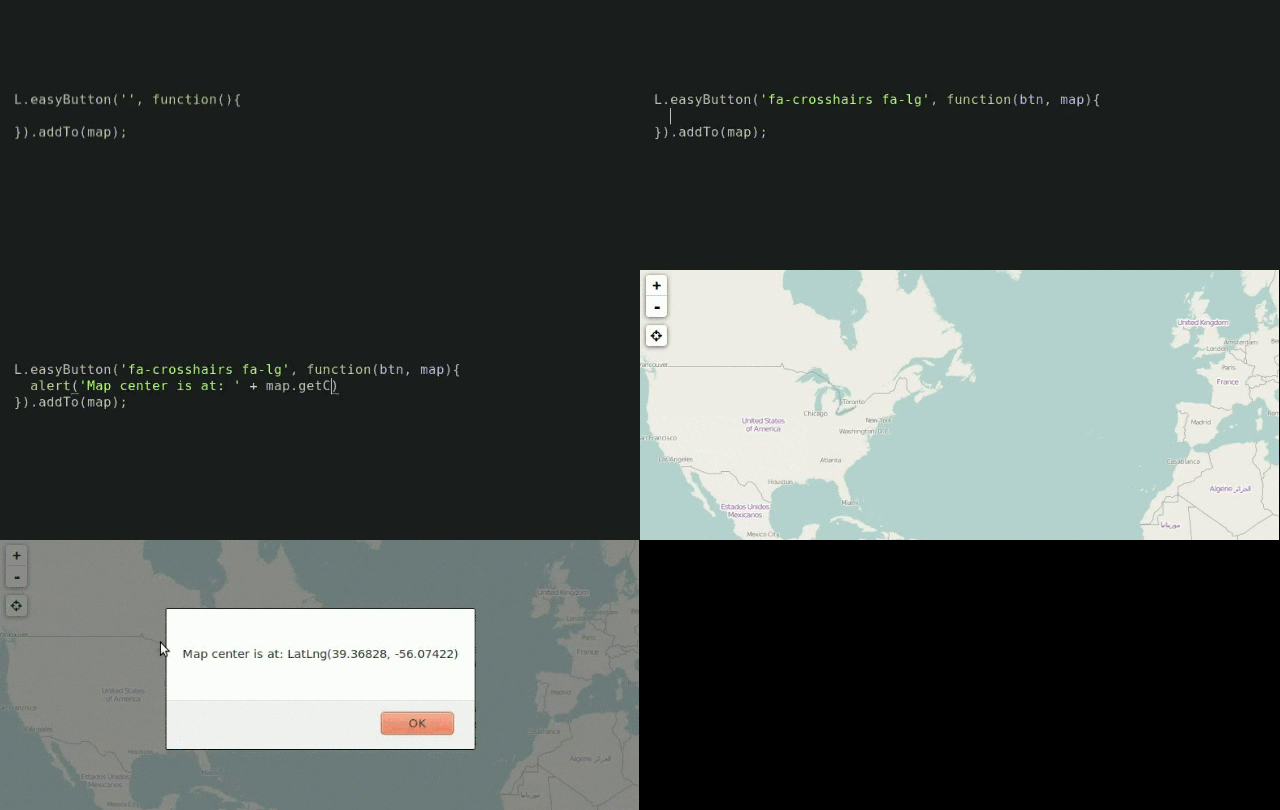
More running examples and docs
Boilerplate Examples
These use YOUR_LEAFLET_MAP as a placeholder;
remember to change it to the variable name of your map.
Hello World
open a popup
var helloPopup = L.popup().setContent('Hello World!');

L.easyButton('fa-globe', function(btn, map){
    helloPopup.setLatLng(map.getCenter()).openOn(map);
}).addTo( YOUR_LEAFLET_MAP );
Map State
set the map's center and use an img for the icon
L.easyButton('<img src="/path/to/img/of/penguin.png">', function(btn, map){
    var antarctica = [-77,70];
    map.setView(antarctica);
}).addTo( YOUR_LEAFLET_MAP );
Button States
change the button's function and appearance
var stateChangingButton = L.easyButton({
    states: [{
            stateName: 'zoom-to-forest',        // name the state
            icon:      'fa-tree',               // and define its properties
            title:     'zoom to a forest',      // like its title
            onClick: function(btn, map) {       // and its callback
                map.setView([46.25,-121.8],10);
                btn.state('zoom-to-school');    // change state on click!
            }
        }, {
            stateName: 'zoom-to-school',
            icon:      'fa-university',
            title:     'zoom to a school',
            onClick: function(btn, map) {
                map.setView([42.3748204,-71.1161913],16);
                btn.state('zoom-to-forest');
            }
    }]
});

stateChangingButton.addTo( YOUR_LEAFLET_MAP );
Download/Install
EasyButton version 2.x.x and up expect Leaflet 1.x.x or higher;
for Leaflet 0.7.x use EasyButton 1.3.x.
jsDelivr
<link rel="stylesheet" href="https://cdn.jsdelivr.net/npm/leaflet-easybutton@2/src/easy-button.css">
<script src="https://cdn.jsdelivr.net/npm/leaflet-easybutton@2/src/easy-button.js"></script>
NPM
npm install --save leaflet-easybutton
Bower
bower install --save Leaflet.EasyButton
Icon Dependencies
If you haven't already, make sure to install/include the icon library of your choice (your lib should have its own instructions) — EasyButton should work with anything!
Jelajahi proyek terkait
Memuat…