Proyek Lihat di GitHub
B3nnyL/figgo
Tentang
👯♀️A cli tool makes your Figma and local design token stay in sync 👯♂️
Alat pengembanganPertumbuhan bintang terukur
- dalam 24 jam
- 0
- dalam 7 hari
- 0
- dalam 15 hari
- Mengumpulkan riwayat
- dalam 1 bulan
- Mengumpulkan riwayat
Perubahan bersih pada periode yang tumpang tindih, bukan total harian. Pengukuran yang belum tersedia dibiarkan kosong. Bintang menunjukkan perhatian, bukan kualitas.
README.md
AsliFiggo
A CLI tool make your design tokens always stay up to date with your Figma design styleguide

Install Figgo
npm i figgo -g
Figma Guide
- Create three frames named as
Typography,PaletteandSpacein your figma file. - Spread out your typography, color and spacing examples to the frames. Follow this figma example for the best outcomes.
- Grab the figma file's id.
- Generate your personal token at
account settingand grab it.
Terminal Guide
Assume you have already installed Figgo...
Global setup
- Run
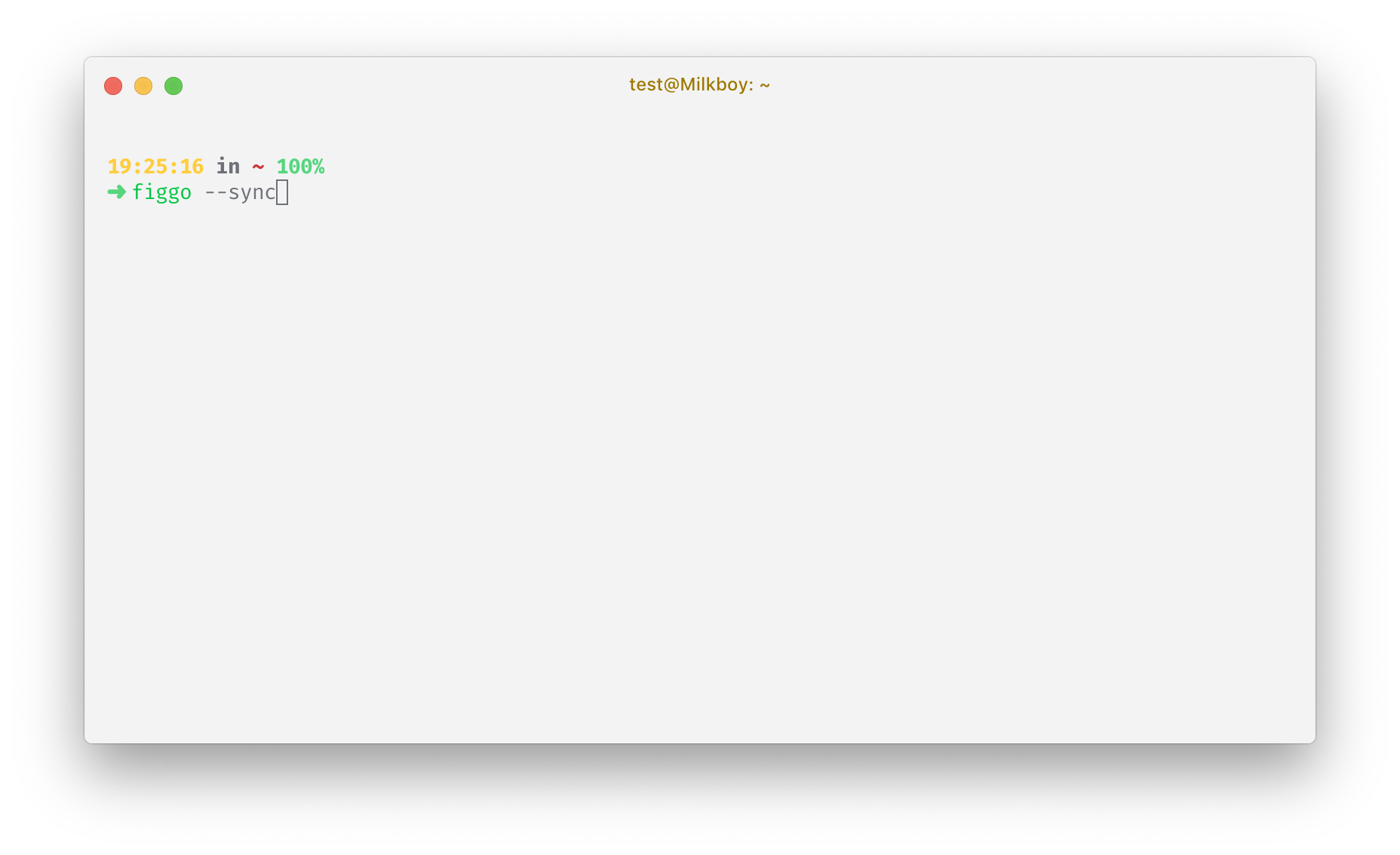
figgo --init, answer a few setup questions where you will leave file id and personal token with Figgo. All configuration will save to~/.figgo. Note: output directory needs to be absolute path. - Tied your belt and type
figgo --sync, let tokens store in the location you wish. - You may run
figgo --sync board_nameto update tokens selectively.
Local setup
- Create
figgo.jsonfile under your project directory.
{
  "boards": [
    {
      "boardName": "your board name",
      "id": "figma id",
      "outputDir": "output directory (this can be a path relative to your project)",
      "outputFormat": "js or scss",
      "token": "your figma personal token"
    },
    {
      ...
    }
  ]
}
- Run
figgo --syncand all tokens will store in the path you wish or update selectively via appending board name.
Basic CLI Usage
How to use
    $ figgo [<options> ...]
    Options
      --init, -i         Setup figma board and store configurations to global config files
      --sync, -s         Sync tokens based on (global/local) config files
      --edit, -e         Edit board information (not ready yet)
      --list, -l         List boards from global config files
      --remove, -r       Remove board from global config files
      --help, -h         Show help message
      --version, -v      Show installed version
    Examples
      $ figgo --init
      $ figgo --init board_name board_id output_absolute_path output_format(js|scss) figma_token
      $ figgo --edit board_name (not ready yet)
      $ figgo --list
      $ figgo --sync
      $ figgo --sync board_name
      $ figgo --remove board_name
      $ figgo --help
      $ figgo --version
Sync Token

Manual configuration
Edit setup configuration from config.js in ~/.figgo folder. You can also manually add Figma board through editting this file.
Dev Guide
- Installation
yarn install - development
yarn start [options] - test
yarn test - build
yarn build
Changelogs
0.1.1 🚀 Alive
0.1.2 ✍️ Readme
0.1.3 🛠 Fix minor issues
0.1.5 🤠 Better UX
0.1.8 🤠 Project figgo.json is supported
0.1.11 🤠Fix minor issues and improve UX
0.2 🧩Support css variable, fixed test and CI
TODOs
- CLI listing board information
- CLI specify board sync
- js output supports
- css variable support
- Edit Figma board info from CLI
- Well-formatted and styled output in terminal
- More screenshots and documentation
License
MIT
Credits
Jelajahi proyek terkait
Memuat…