
yamadapc/augmented-audio
yamadapc/augmented-audio has 225 GitHub stars and 18 forks. GitHot measured 0 stars in 24 hours, 0 in 7 days, and 0 in 15 days. Last checked 2026-11-13 21:55 UTC. Last push 2026-06-24.
Progression mesurée des étoiles
- in 24h
- 0
- in 7 days
- 0
- in 15 days
- 0
- in 1 month
- Historique en cours
Variations nettes sur des périodes qui se chevauchent, pas des totaux quotidiens. Les mesures absentes restent vides. Les étoiles indiquent l’intérêt, pas la qualité.
À propos
Rust - Augmented Audio Libraries
Création et médiasREADME.md
Original
Augmented Audio Libraries


Experiments trying to use Rust for audio programming.
Consider anything in this repository a draft.
⚠️ Goals
- Goal 1: Learn & have fun
- This is goal #1 and it's very important to keep it in mind if you end-up depending on one of the crates in this repository
- Goal 2: Build tools for aiding development
- Goal 3: Experiment with audio software GUI in Rust
License
Most of this repository is published under the MIT LICENSE.
Some directories which contain full applications are licensed under the AGPLv3 license. Check the LICENSE and README.md files.
📖 Documentation
⬇️ Binary downloads
💬 Blog posts
- Initial 'Test Plugin Host' post
- Simple Metronome release
- Generic AudioProcessors in Rust
- Continuous Looper - 8-track live-looper and performance sampler
- Simple standalone audio-app
- Effects and analysis
📸 Screenshots
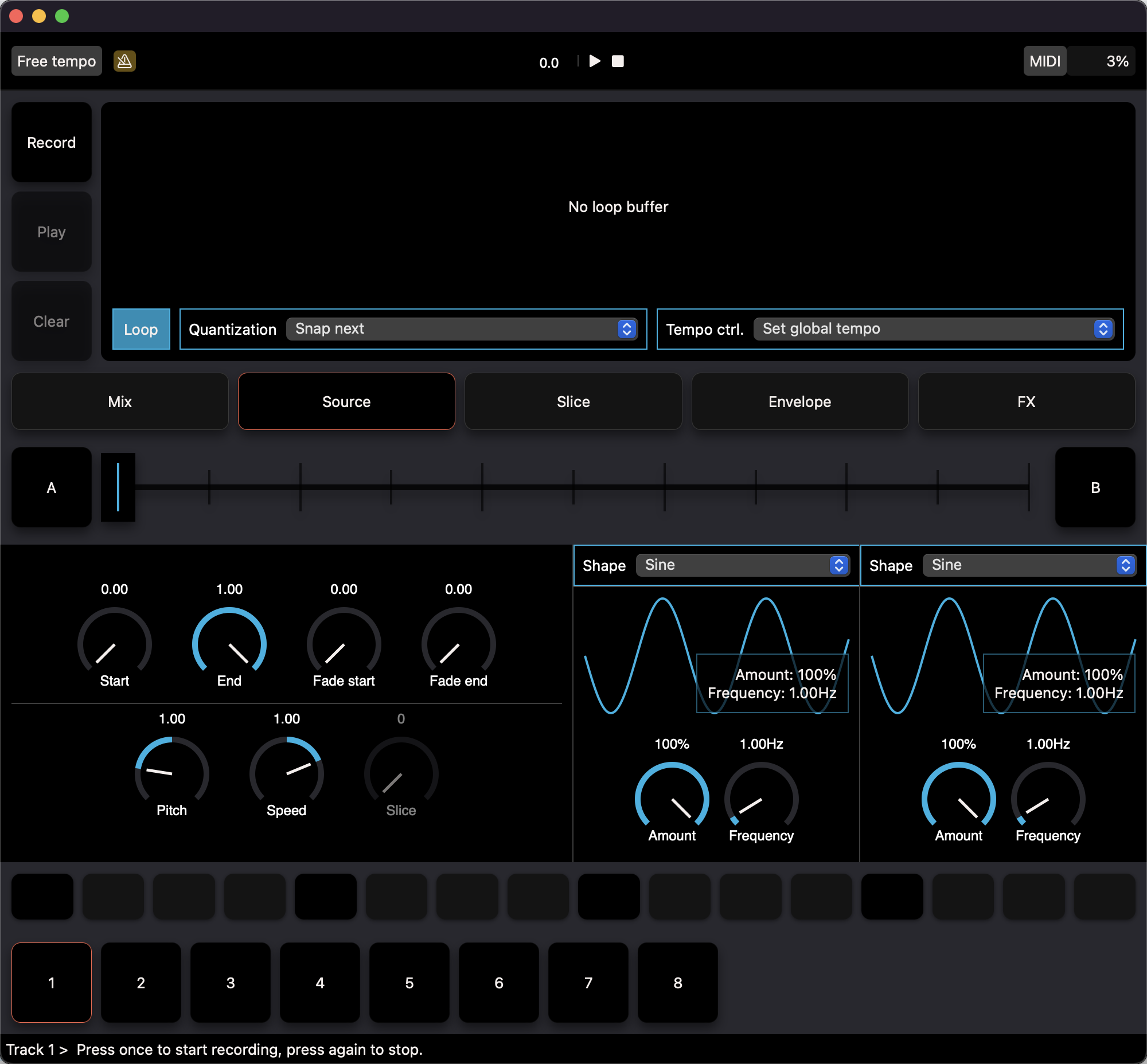
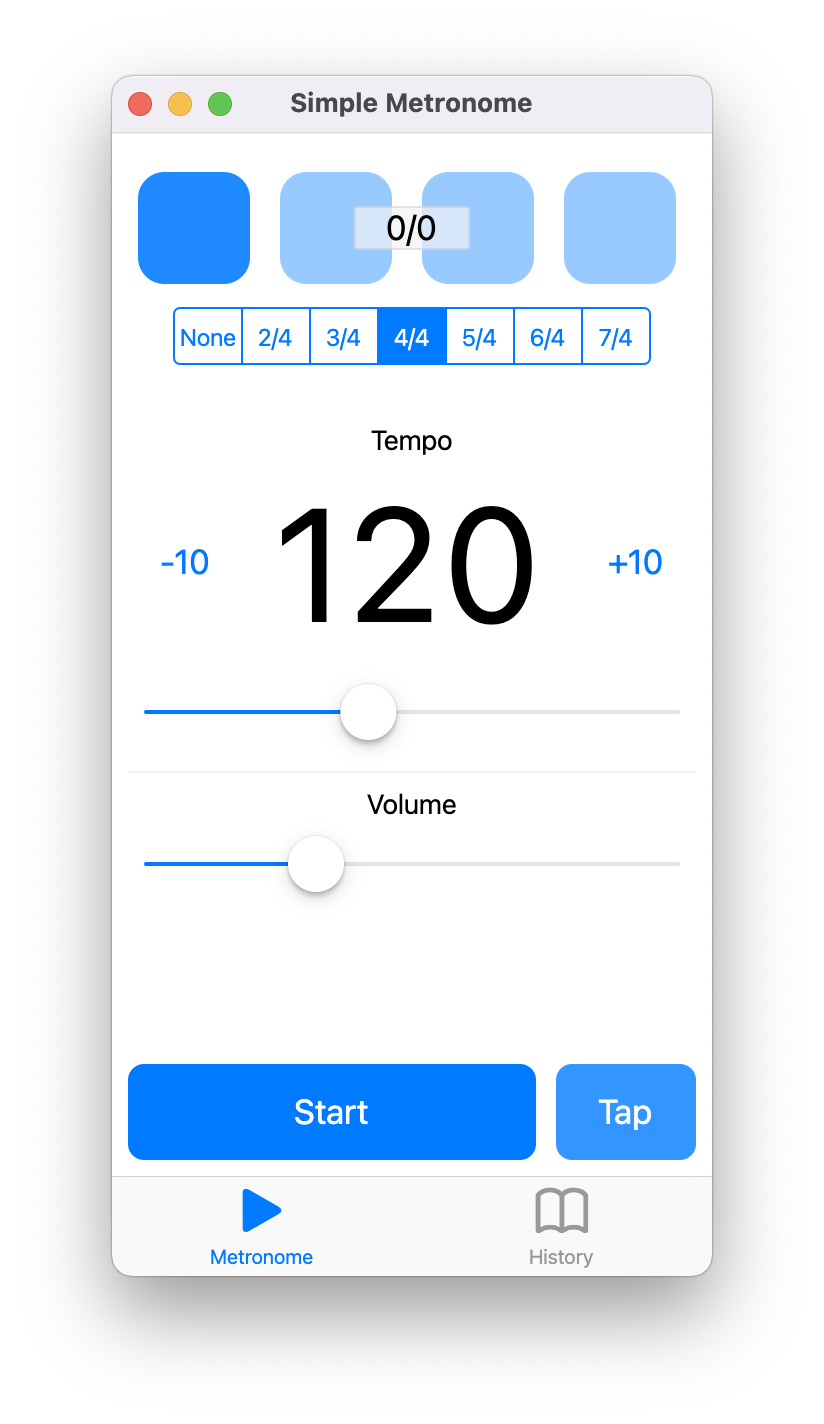
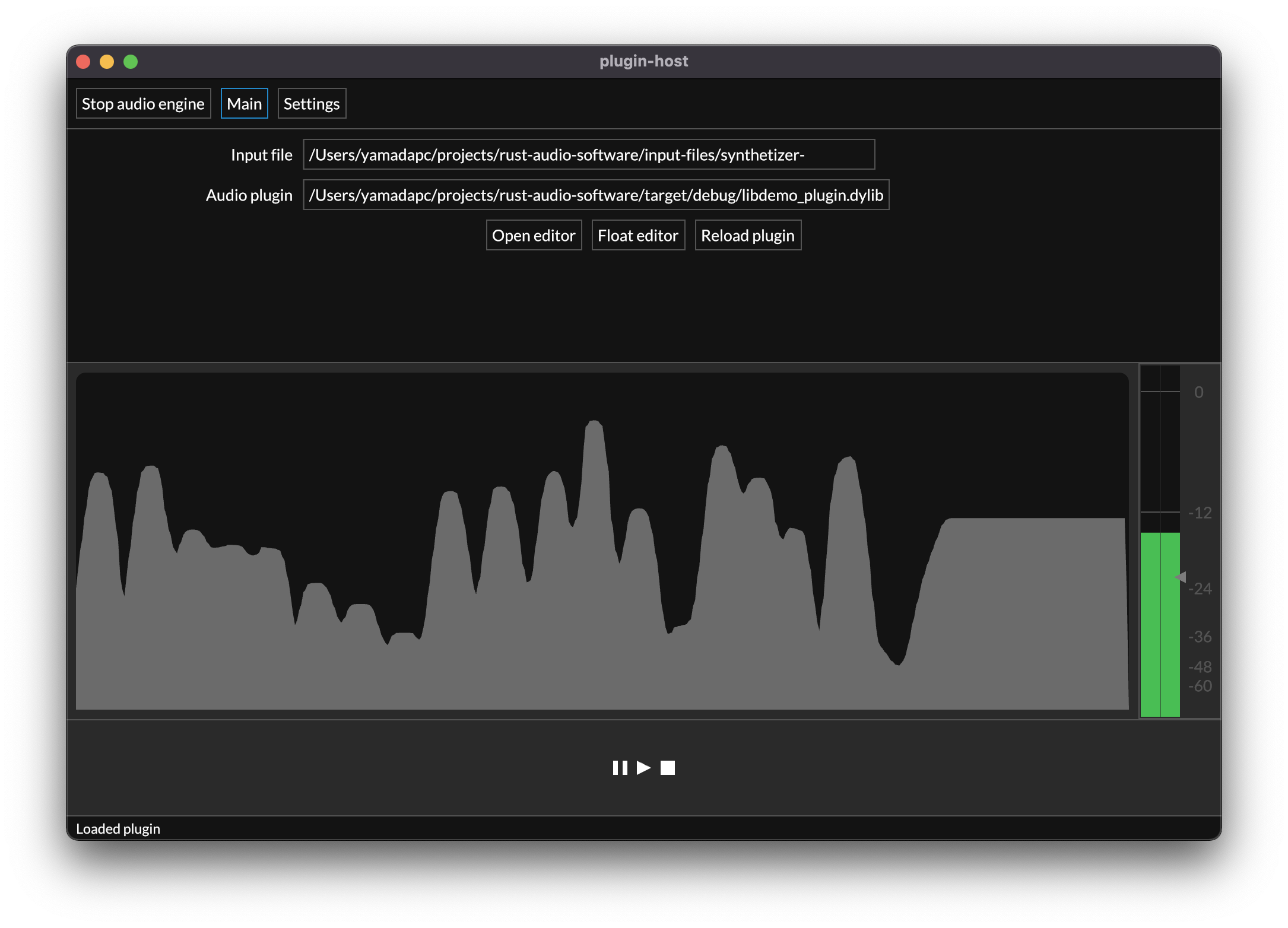
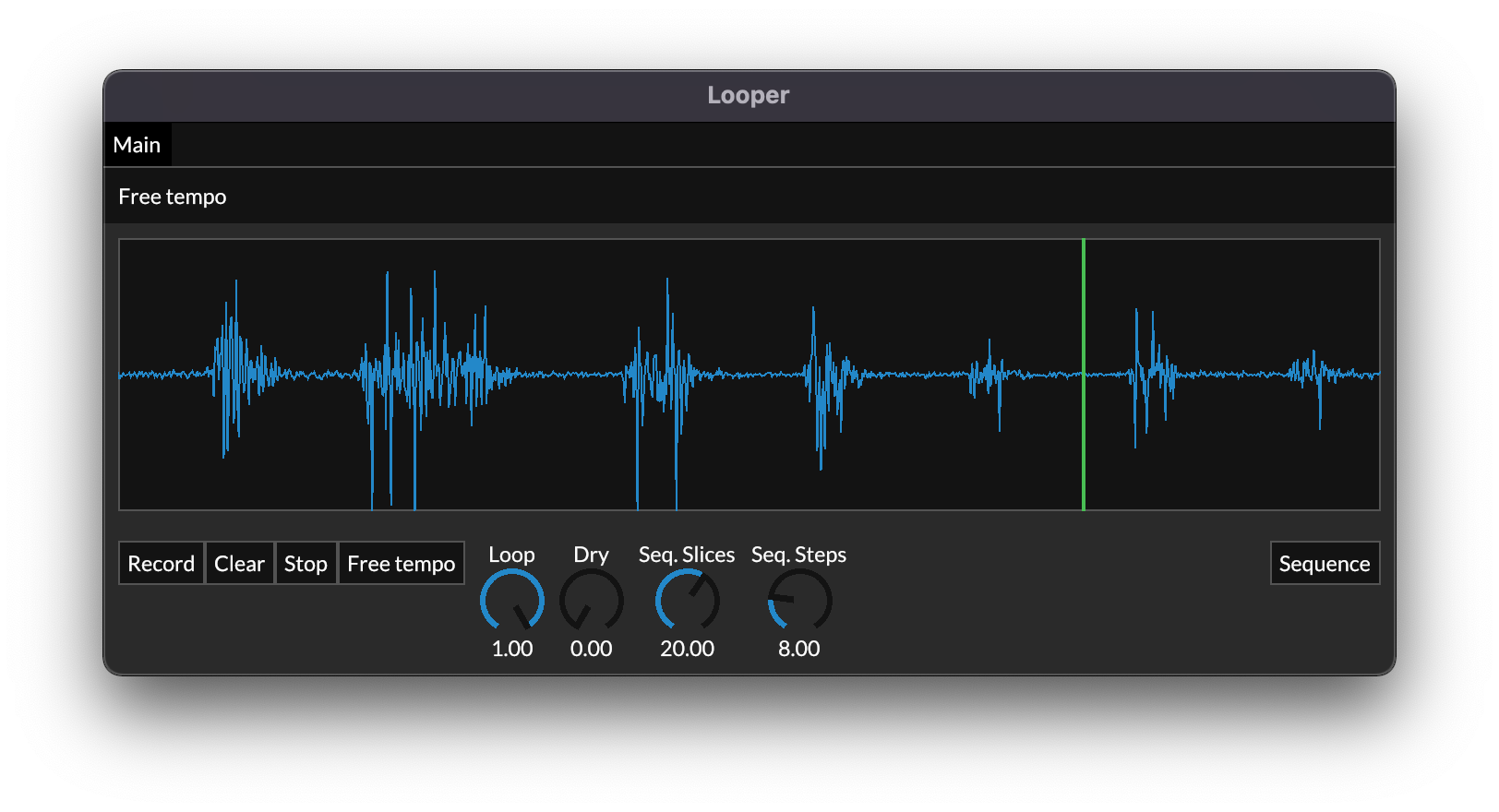

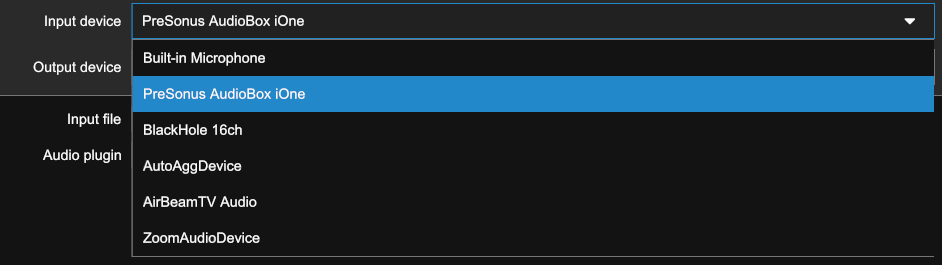
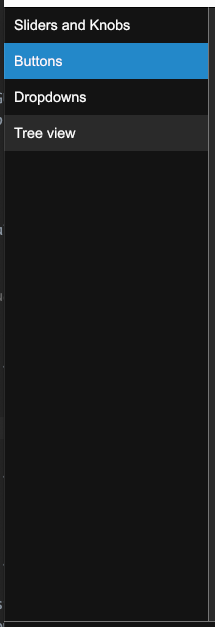

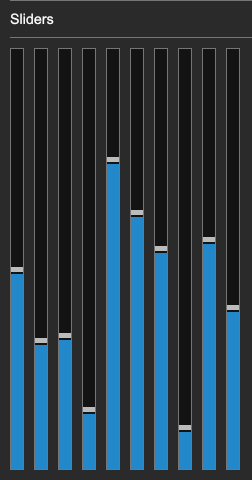

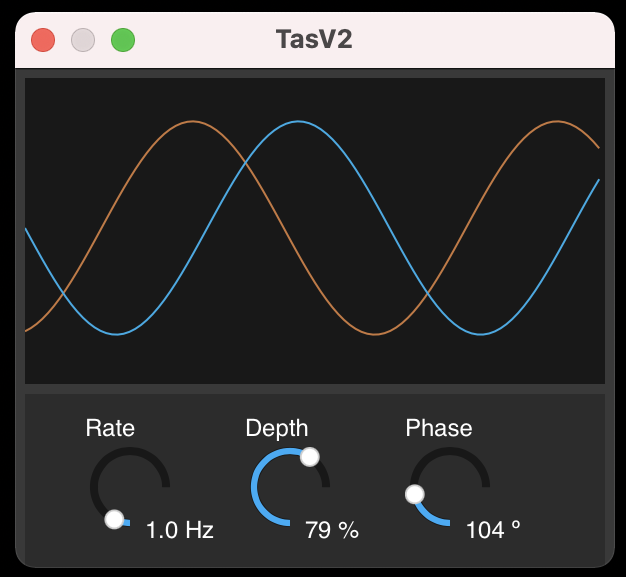
👩 Web GUI
See docs/misc/WEB_GUI.md.
🛠 Rust libraries and tooling
Workspace & Building
The project is set-up with a cargo workspace. Running cargo commands at the root directory should compile all crates
sharing caches.
To build the whole project run:
git submodule update --init
cargo build
To run tests:
cargo test
On OSX you might want to run ./scripts/test.sh instead of that command.
Build outputs should be on target/debug or target/release.
Packaging apps and VSTs
Package VSTs using ./scripts/dev.sh build. This will build all the packages, build specific crates' outputs with
./scripts/dev.sh build <path>.
Looper, Metronome and other (flutter / macOS builds)
See instructions on their READMEs under crates/apps.
Building on linux
Since this is bringing in all the possible rust crates, you'll need to install quite a few dependencies.
See .github/workflows/default.yml for a list of what's needed on Ubuntu.
Linting
cargo clippy
Benchmarking
Benchmarks using criterion will be slowly added. In order to run benchmarks use:
cargo bench
Profiling on macOS
cd ./crates/oscillator
cargo instruments -t time --bench sine_oscillator_benchmark -- --bench
Generating flamegraphs from benchmarks
NOTE I couldn't get this to work on macOS
Flamegraphs can be generated using cargo-flamegraph:
cargo install flamegraph
The tool can then be used to run a criterion benchmark and generate a flamegraph:
cargo flamegraph --bench sine_oscillator_benchmark -- --bench
Snapshot testing audio processors
See docs/monorepo-tooling/SNAPSHOT_TESTING.md.
Debugging features
Explorer des projets similaires
ytdl-org/youtube-dl
Programme en ligne de commande pour télécharger des vidéos depuis YouTube.com et d’autres sites vidéo
141,557 étoilesexcalidraw/excalidraw
Tableau blanc virtuel pour esquisser des diagrammes au style dessiné à la main
135,644 étoilesgodotengine/godot
Godot Engine – Moteur de jeu 2D et 3D multiplateforme
120,105 étoilesmrdoob/three.js
Bibliothèque 3D en JavaScript.
118,327 étoiles