
vercel/chatbot
vercel/chatbot has 21,039 GitHub stars and 6,779 forks. GitHot measured +3 stars in 24 hours and +12 in 7 days. Last checked 2026-11-09 04:28 UTC. Last push 2026-11-03.
Comment ces chiffres sont mesurés
Un chatbot IA Next.js complet et facilement personnalisable, créé par Vercel
What you can do
- Advanced routing for seamless navigation and performance
- React Server Components (RSCs) and Server Actions for server-side rendering and increased performance
- Unified API for generating text, structured objects, and tool calls with LLMs
- Hooks for building dynamic chat and generative user interfaces
Progression mesurée des étoiles
- in 24h
- +3
- in 7 days
- +12
- in 15 days
- Historique en cours
- in 1 month
- Historique en cours
Variations nettes sur des périodes qui se chevauchent, pas des totaux quotidiens. Les mesures absentes restent vides. Les étoiles indiquent l’intérêt, pas la qualité.
README.md
Original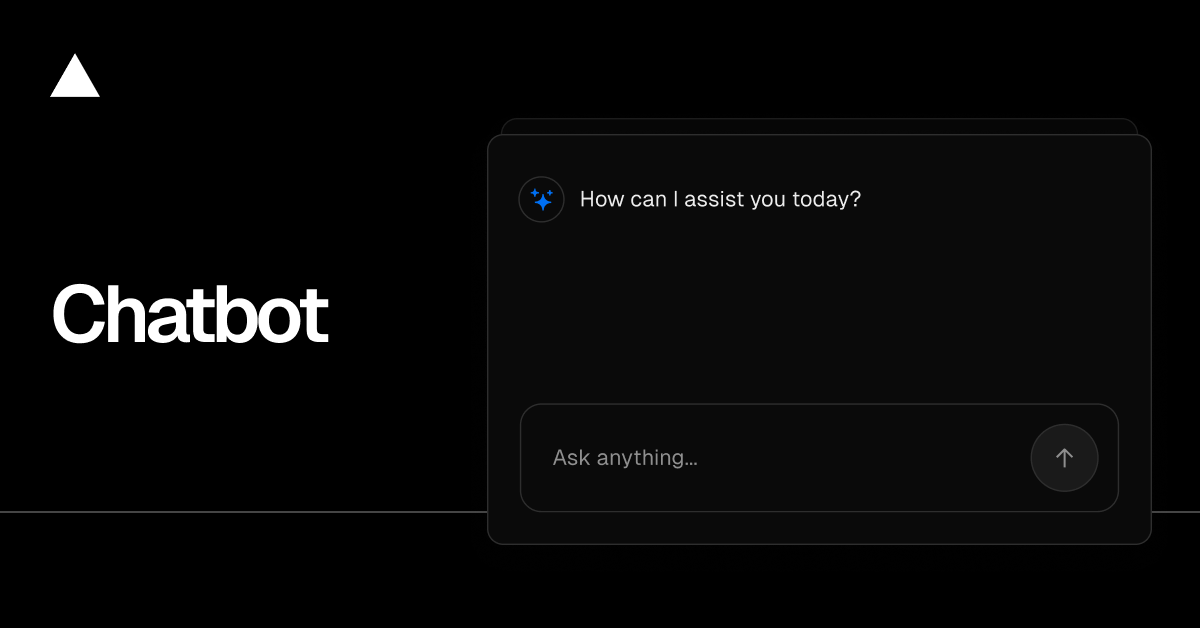
Chatbot
Chatbot (formerly AI Chatbot) is a free, open-source template built with Next.js and the AI SDK that helps you quickly build powerful chatbot applications.
Read Docs · Features · Model Providers · Deploy Your Own · Running locally
Features
- Next.js App Router
- Advanced routing for seamless navigation and performance
- React Server Components (RSCs) and Server Actions for server-side rendering and increased performance
- AI SDK
- Unified API for generating text, structured objects, and tool calls with LLMs
- Hooks for building dynamic chat and generative user interfaces
- Supports OpenAI, Anthropic, Google, xAI, and other model providers via AI Gateway
- shadcn/ui
- Styling with Tailwind CSS
- Component primitives from Radix UI for accessibility and flexibility
- Data Persistence
- Neon Serverless Postgres for saving chat history and user data
- Vercel Blob for efficient file storage
- Auth.js
- Simple and secure authentication
Model Providers
This template uses the Vercel AI Gateway to access multiple AI models through a unified interface. Models are configured in lib/ai/models.ts with per-model provider routing. Included models: Mistral, Moonshot, DeepSeek, OpenAI, and xAI.
AI Gateway Authentication
For Vercel deployments: Authentication is handled automatically via OIDC tokens.
For non-Vercel deployments: You need to provide an AI Gateway API key by setting the AI_GATEWAY_API_KEY environment variable in your .env.local file.
With the AI SDK, you can also switch to direct LLM providers like OpenAI, Anthropic, Cohere, and many more with just a few lines of code.
Deploy Your Own
You can deploy your own version of Chatbot to Vercel with one click:
Running locally
You will need to use the environment variables defined in .env.example to run Chatbot. It's recommended you use Vercel Environment Variables for this, but a .env file is all that is necessary.
Note: You should not commit your
.envfile or it will expose secrets that will allow others to control access to your various AI and authentication provider accounts.
- Install Vercel CLI:
npm i -g vercel - Link local instance with Vercel and GitHub accounts (creates
.verceldirectory):vercel link - Download your environment variables:
vercel env pull
pnpm install
pnpm db:migrate # Setup database or apply latest database changes
pnpm dev
Your app template should now be running on localhost:3000.
Explorer des projets similaires
freeCodeCamp/freeCodeCamp
La base de code open source et le cursus de freeCodeCamp.org. Apprenez gratuitement les mathématiques, la programmation et l'informatique.
458,785 étoilesdonnemartin/system-design-primer
Apprenez à concevoir des systèmes à grande échelle et préparez-vous à l’entretien de conception de systèmes. Comprend des cartes mémoire Anki.
377,387 étoilesreact/react
La bibliothèque pour les interfaces utilisateur web et natives.
252,435 étoilesvuejs/vue
Voici le dépôt de Vue 2. Pour Vue 3, rendez-vous sur https://github.com/vuejs/core
212,630 étoiles