
simstudioai/sim has 29,985 GitHub stars and 3,883 forks. GitHot measured +3 stars in 24 hours and +52 in 7 days. Last checked 2026-11-04 22:52 UTC. Last push 2026-10-31.
Comment ces chiffres sont mesurés
Sim est un espace de travail collaboratif pour créer, déployer et surveiller des agents d’IA et des workflows. Il est utilisé par plus de 100 000 créateurs.
What you can do
- Connect 270+ integrations (5,400+ actions, 520+ triggers) and every major LLM
- Add Slack, Notion, HubSpot, Salesforce, databases, and more
- Build agents visually, conversationally, or with code
- Ingest files, knowledge bases, and structured table data
Progression mesurée des étoiles
- in 24h
- +3
- in 7 days
- +52
- in 15 days
- Historique en cours
- in 1 month
- Historique en cours
Variations nettes sur des périodes qui se chevauchent, pas des totaux quotidiens. Les mesures absentes restent vides. Les étoiles indiquent l’intérêt, pas la qualité.
README.md
Original





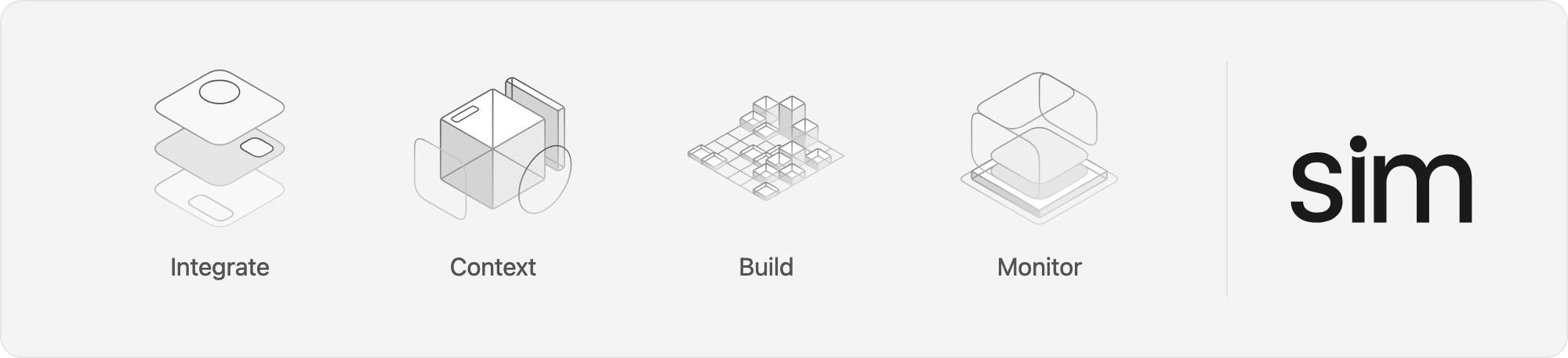
A workspace to build, deploy and manage AI agents and workflows.
Quickstart
Cloud-hosted: sim.ai

Self-hosted
npx sim-setup
Desktop: macOS

macOS 12+, Apple Silicon and Intel. See the desktop docs to point it at a self-hosted deployment.
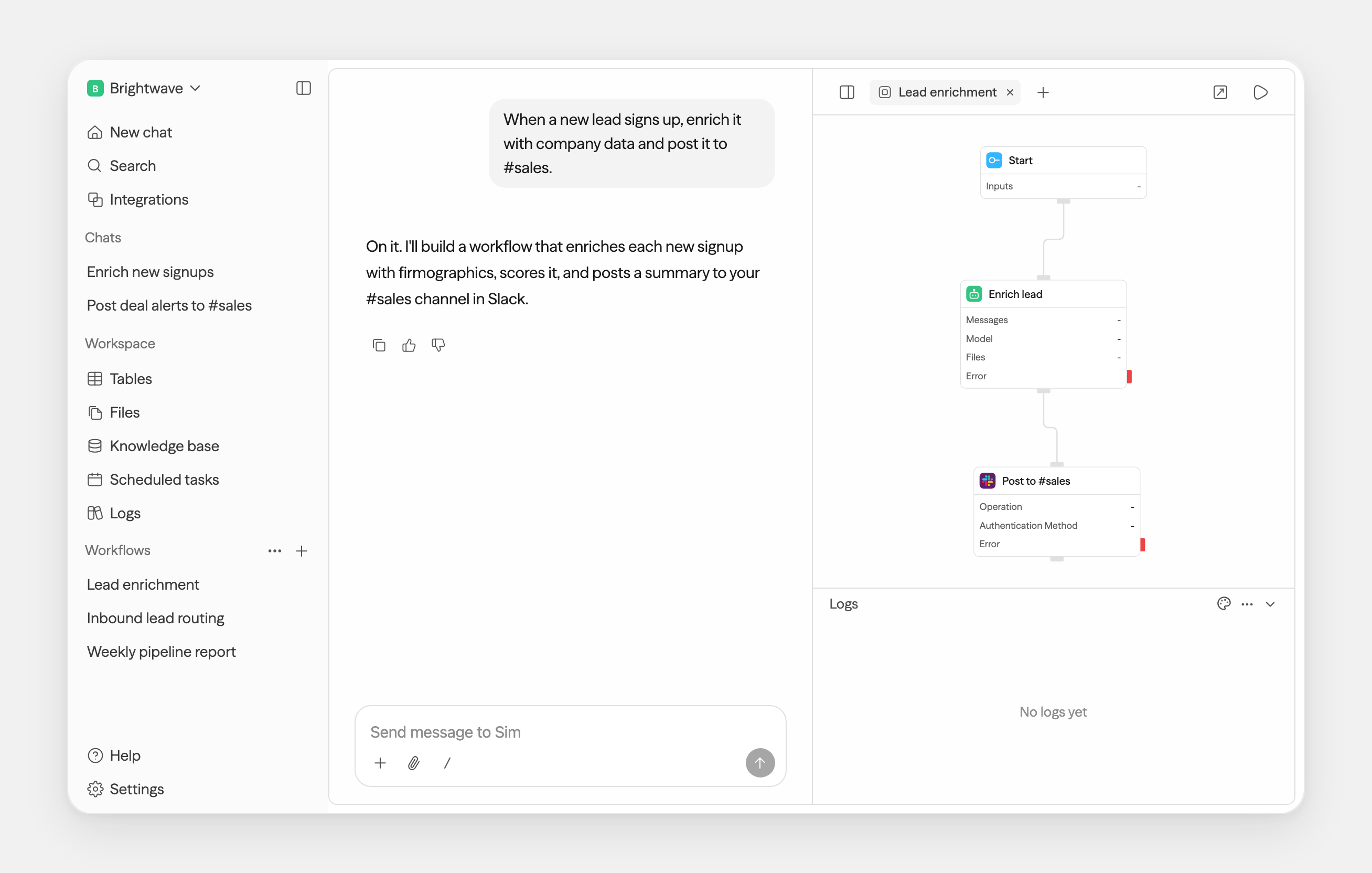
Capabilities
- Connect 270+ integrations (5,400+ actions, 520+ triggers) and every major LLM
- Add Slack, Notion, HubSpot, Salesforce, databases, and more
- Build agents visually, conversationally, or with code
- Ingest files, knowledge bases, and structured table data
- Monitor runs, logs, schedules, and workflow activity
One workspace, every surface
Chat and workflows are just the start — tables, files, and knowledge all live in the same workspace, in the browser or on your desktop.
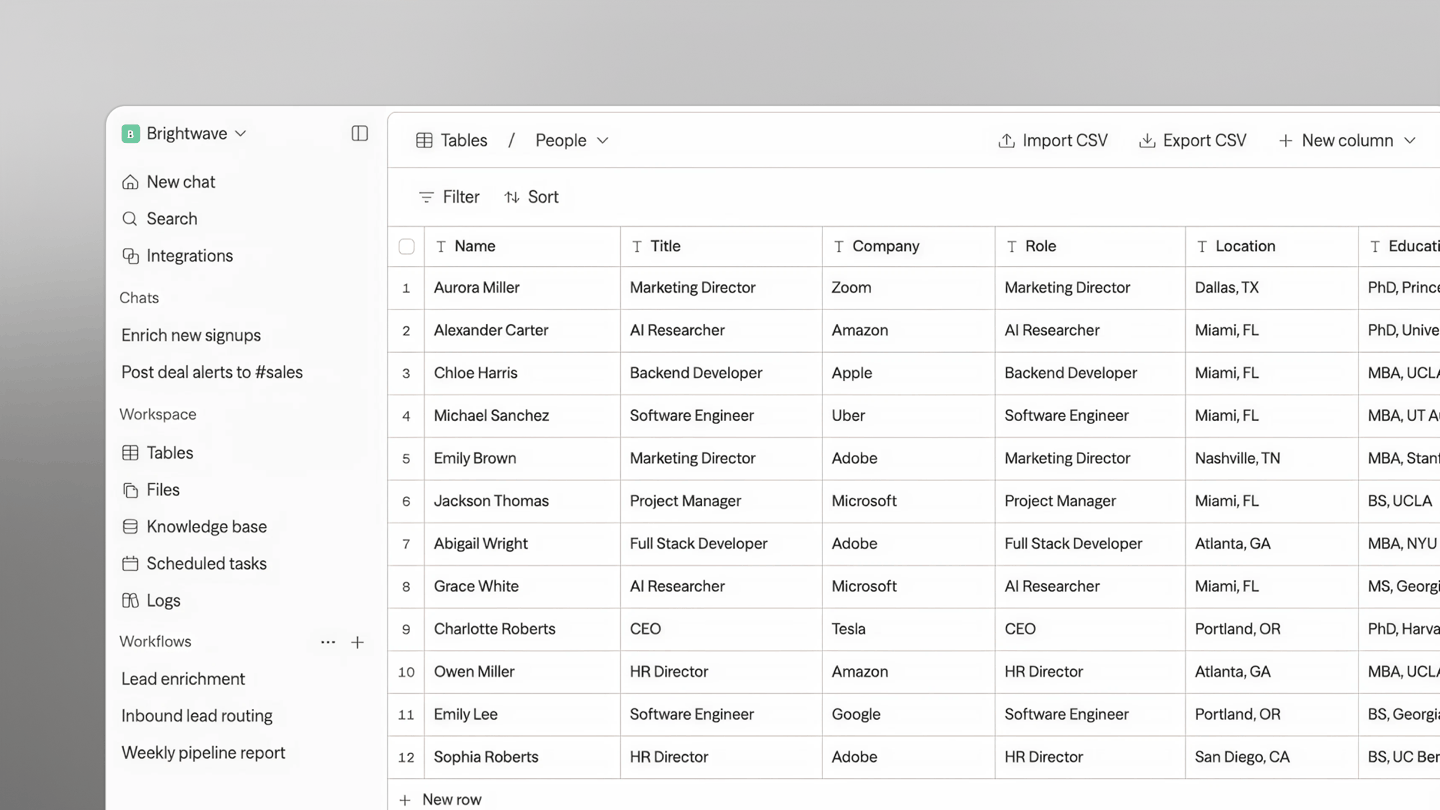
Tables — a database, built in |
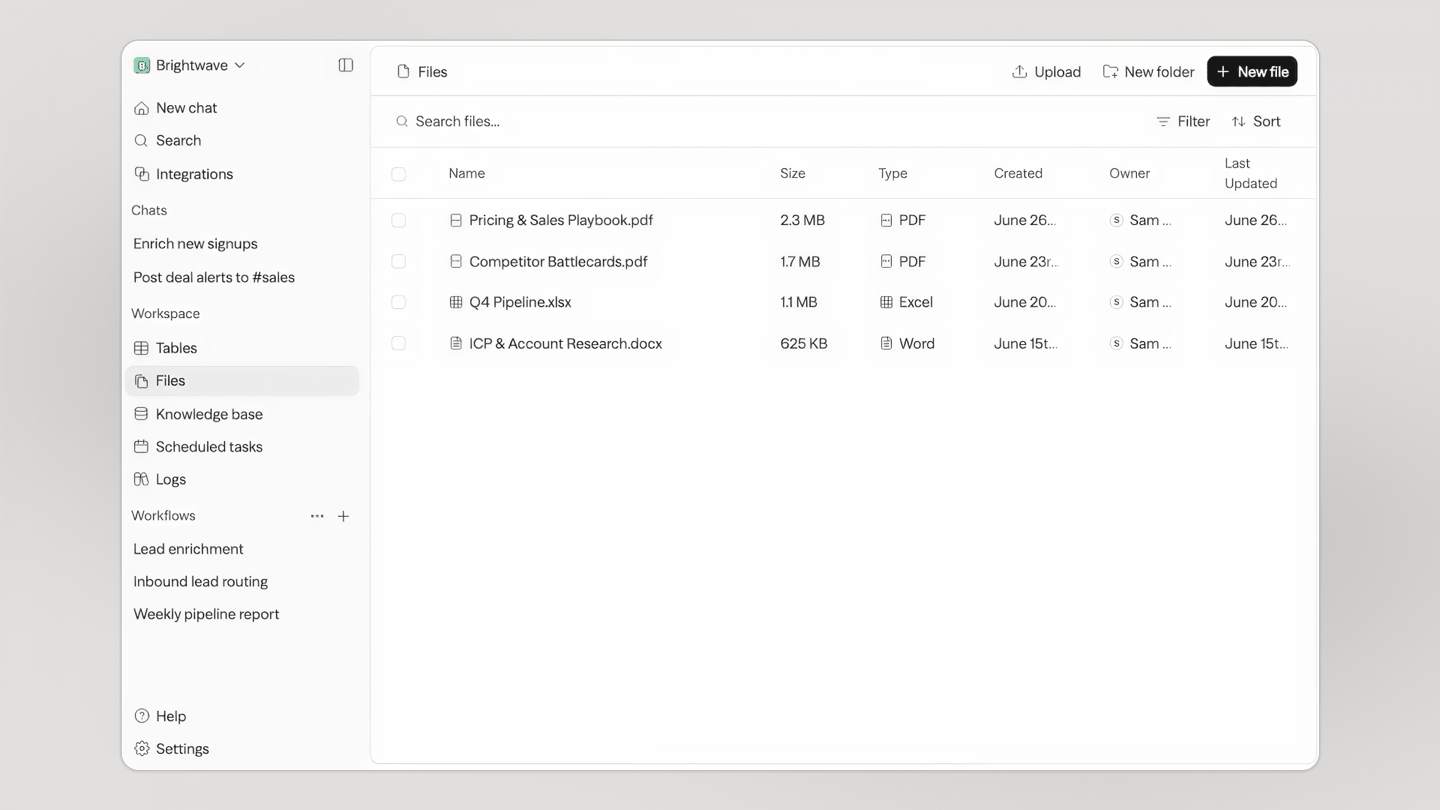
Files — one store for your team and every agent |
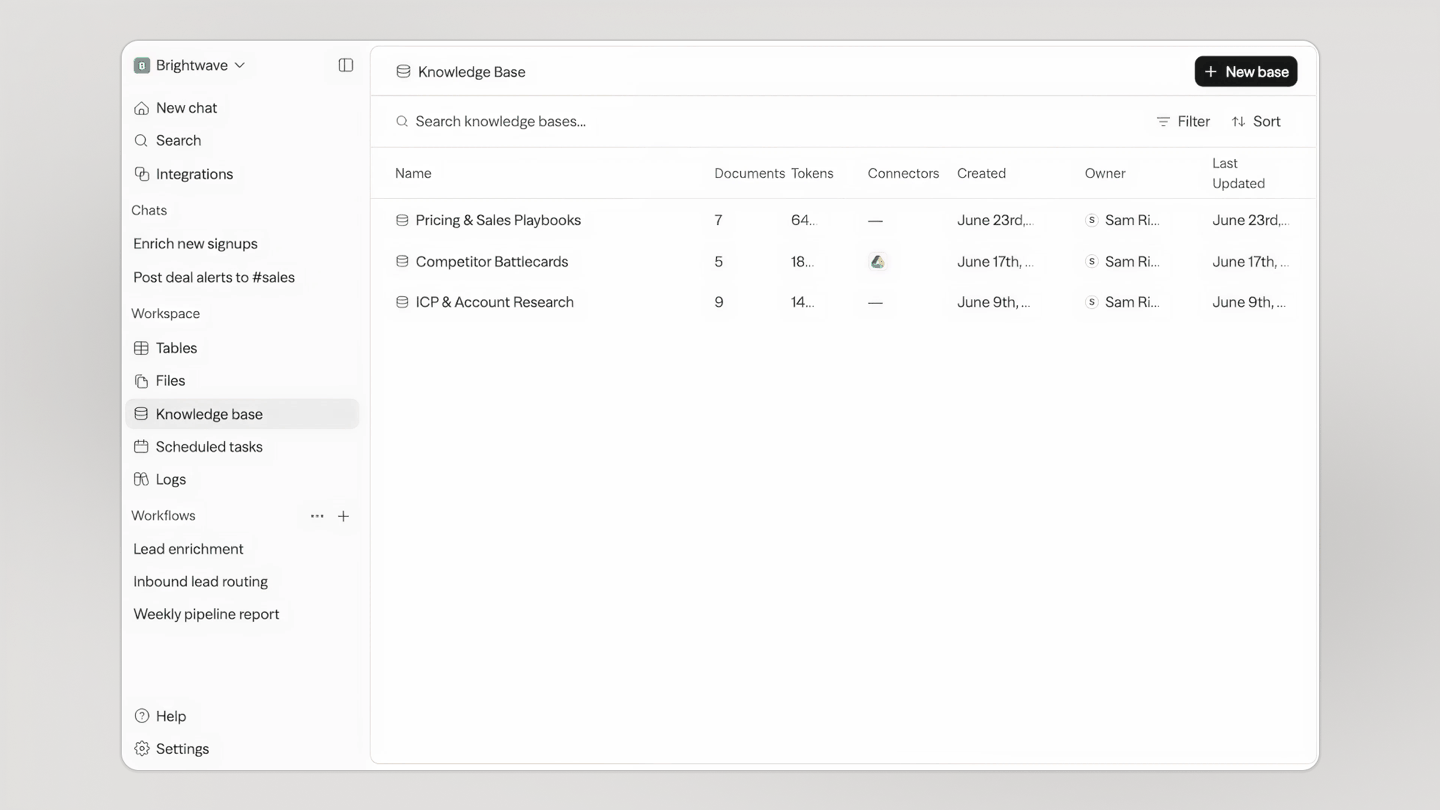
Knowledge — your agents' memory |
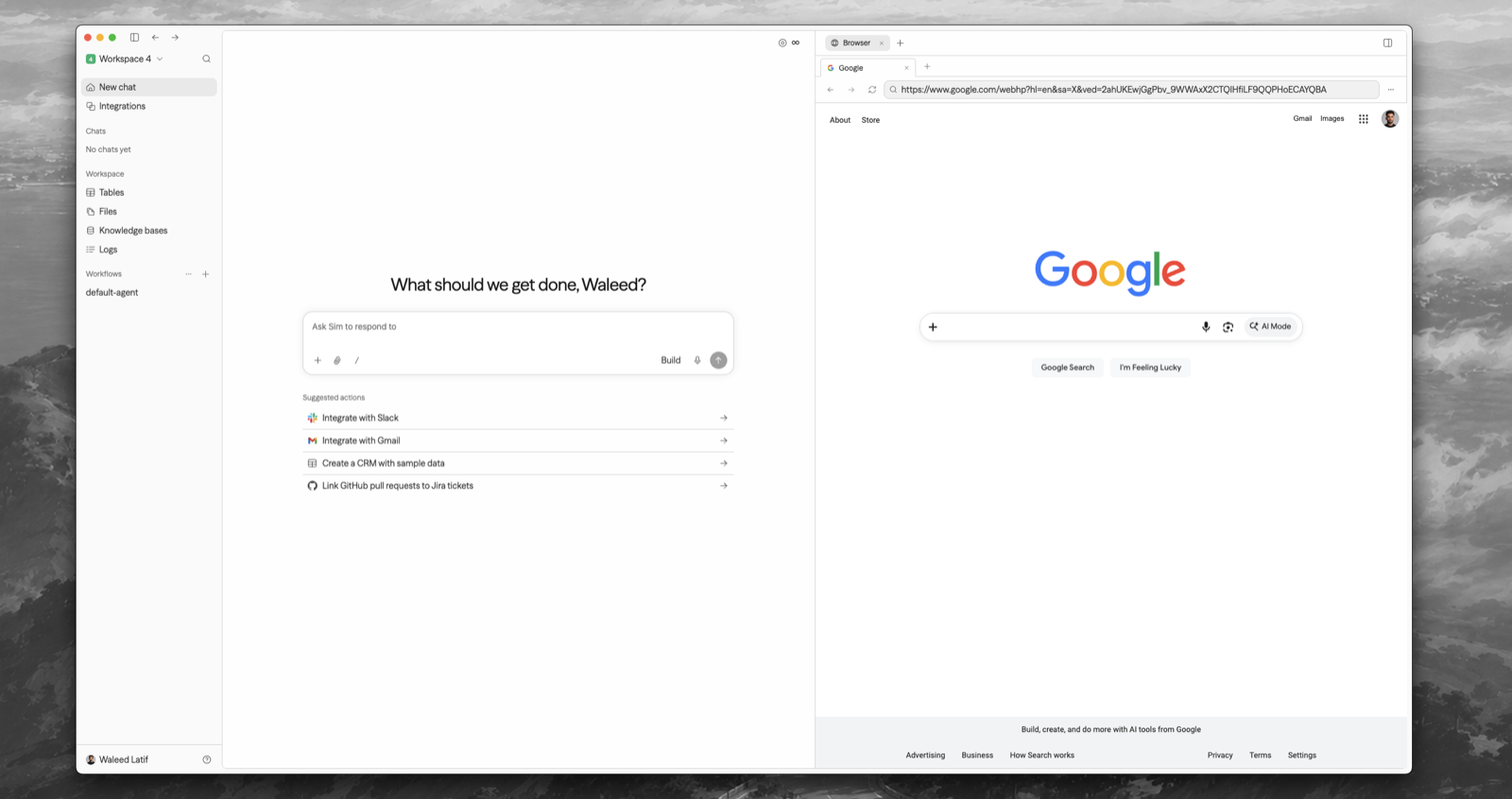
Desktop — Sim on your Mac, browser and terminal included |
MCP server
Connect Claude, Claude Code, Codex, or any MCP client to Sim Cloud at https://mcp.sim.ai/mcp. Your agent can manage workspaces, run and deploy workflows, and work with tables, knowledge bases, files, and logs. Sign in with OAuth or use an API key.
- Claude Code:
claude mcp add --transport http sim https://mcp.sim.ai/mcp, then open/mcpto sign in - Claude: add
https://mcp.sim.ai/mcpas a custom connector under Customize → Connectors - Codex:
codex mcp add sim --url https://mcp.sim.ai/mcp
See the MCP docs for other clients and for self-hosted URLs.
Self-hosting
Requirements: Node.js 20+ and Docker.
npx sim-setup is an interactive wizard that creates a small sim/ deployment directory, provisions the database, generates secrets, writes .env, connects a Chat API key, and starts the published Sim images with Docker Compose. It does not clone the repository.
When it finishes, open http://localhost:3000.
Inside a cloned Sim repository, run bun run sim-setup to unlock the source-only local development and Kubernetes modes.
Reconfigure an optional capability without rerunning the full wizard:
npx sim-setup config
npx sim-setup add email
npx sim-setup add storage
npx sim-setup add sandbox
npx sim-setup add jobs
npx sim-setup add cache
npx sim-setup add knowledge
npx sim-setup add chat
npx sim-setup add llm
npx sim-setup add integration slack
npx sim-setup config detects the effective local-dev, Docker Compose, or current-context
Helm configuration and reports configured, missing, or invalid capabilities and OAuth
integrations without printing credential values. This is separate from npx sim-setup status,
which reports whether installed services are running and healthy.
Manage your install from its directory:
npx sim-setup start | stop | restart   # bring your install up / down / cycle
npx sim-setup update                   # pull and apply Compose images
npx sim-setup status                   # what's installed and healthy
npx sim-setup logs                     # follow logs
npx sim-setup doctor                   # diagnose configuration problems
npx sim-setup down                     # remove containers (data kept)
npx sim-setup reset                    # archive .env and wipe managed data
The setup package detects how you're running and acts accordingly. Use --dir <path> to create or manage a deployment somewhere other than ./sim.
Sim also supports local models via Ollama and vLLM. See the self-hosting docs for details.
Chat API Keys
Chat is a Sim-managed service. npx sim-setup connects a Chat API key for you — sign in when it opens your browser and the key is stored automatically. To view, create, or revoke keys later, go to sim.ai/selfhost/settings/chat-keys.
Environment Variables
See the environment variables reference for the full list, or apps/sim/.env.example for defaults.
Tech Stack
Next.js · Bun · PostgreSQL · Drizzle · Better Auth · Tailwind — and the rest of the stack
- Framework: Next.js (App Router)
- Runtime: Bun
- Database: PostgreSQL with Drizzle ORM
- Authentication: Better Auth
- Schema Validation: Zod
- UI: Shadcn, Tailwind CSS
- Streaming Markdown: Streamdown
- State Management: Zustand, TanStack Query
- Flow Editor: ReactFlow
- Docs: Fumadocs
- Monorepo: Turborepo
- Realtime: Socket.io
- Background Jobs: Trigger.dev
- Remote Code Execution: E2B
- Isolated Code Execution: isolated-vm
Contributing
We welcome contributions! Please see our Contributing Guide for details.
License
This project is licensed under the Apache License 2.0 - see the LICENSE file for details.

Explorer des projets similaires
affaan-m/ECC
Système d'optimisation des performances du framework d'exécution et de contrôle des agents. Il couvre les skills, les instincts, la mémoire, la sécurité et le développement qui privilégie la recherche, pour Claude Code, Codex, Opencode, Cursor et au-delà.
297,500 étoilesNousResearch/hermes-agent
L'agent qui grandit avec vous
260,719 étoilesmultica-ai/andrej-karpathy-skills
Un seul fichier CLAUDE.md pour améliorer le comportement de Claude Code, dérivé des observations d'Andrej Karpathy sur les pièges du codage avec les LLM.
229,669 étoilesfirecrawl/firecrawl
Boostez vos agents d'IA avec des données issues du web et au-delà. Nous construisons la bibliothèque pour la superintelligence. 🔥
198,759 étoiles