
sensepost/gowitness
sensepost/gowitness has 4,560 GitHub stars and 455 forks. GitHot measured 0 stars in 24 hours, +5 in 7 days, and +10 in 15 days. Last checked 2026-11-12 08:48 UTC. Last push 2026-10-29.
Comment ces chiffres sont mesurés
🔍 gowitness – un utilitaire Go pour prendre des captures d’écran de pages web avec Chrome sans interface graphique
What you can do
- Take website screenshots, obviously..., but fast and accurate!
- Scan a list of URLs, CIDRs, Nmap Results, Nessus Results and more.
- Ability to grab and save data (i.e., a request log, console logs, headers, cookies, etc.)
- Write data to many formats (sqlite database, jsonlines, csv, etc.)
Progression mesurée des étoiles
- in 24h
- 0
- in 7 days
- +5
- in 15 days
- +10
- in 1 month
- Historique en cours
Variations nettes sur des périodes qui se chevauchent, pas des totaux quotidiens. Les mesures absentes restent vides. Les étoiles indiquent l’intérêt, pas la qualité.
README.md
Original
gowitness
A golang, web screenshot utility using Chrome Headless.


introduction
gowitness is a website screenshot utility written in Golang, that uses Chrome Headless to generate screenshots of web interfaces using the command line, with a handy report viewer to process results. Both Linux and macOS is supported, with Windows support mostly working.
features
The main goal of gowitness is to take website screenshots (and do that well!), while optionally saving any information it gathered along the way. That said, a short list of features include:
- Take website screenshots, obviously..., but fast and accurate!
- Scan a list of URLs, CIDRs, Nmap Results, Nessus Results and more.
- Ability to grab and save data (i.e., a request log, console logs, headers, cookies, etc.)
- Write data to many formats (sqlite database, jsonlines, csv, etc.)
- An epic web-based results viewer (if you saved data to SQLite) including a fully featured API!
- And many, many more!
quick start
There are a few ways to get gowitness, the simplest (assuming your $GOBIN path is in your shell $PATH) will be to use go install:
go install github.com/sensepost/gowitness@latest
Otherwise, grab a platform specific release binary or compile from source. Then, scan your first target writing the results to a SQLite database and the screenshot to ./screenshots with:
gowitness scan single --url "https://sensepost.com" --write-db
There are many, many flags and scan types in gowitness. Just add -h anywhere and read all about it!
documentation
For advanced installation information and other documentation, please refer to the wiki here.
screenshots
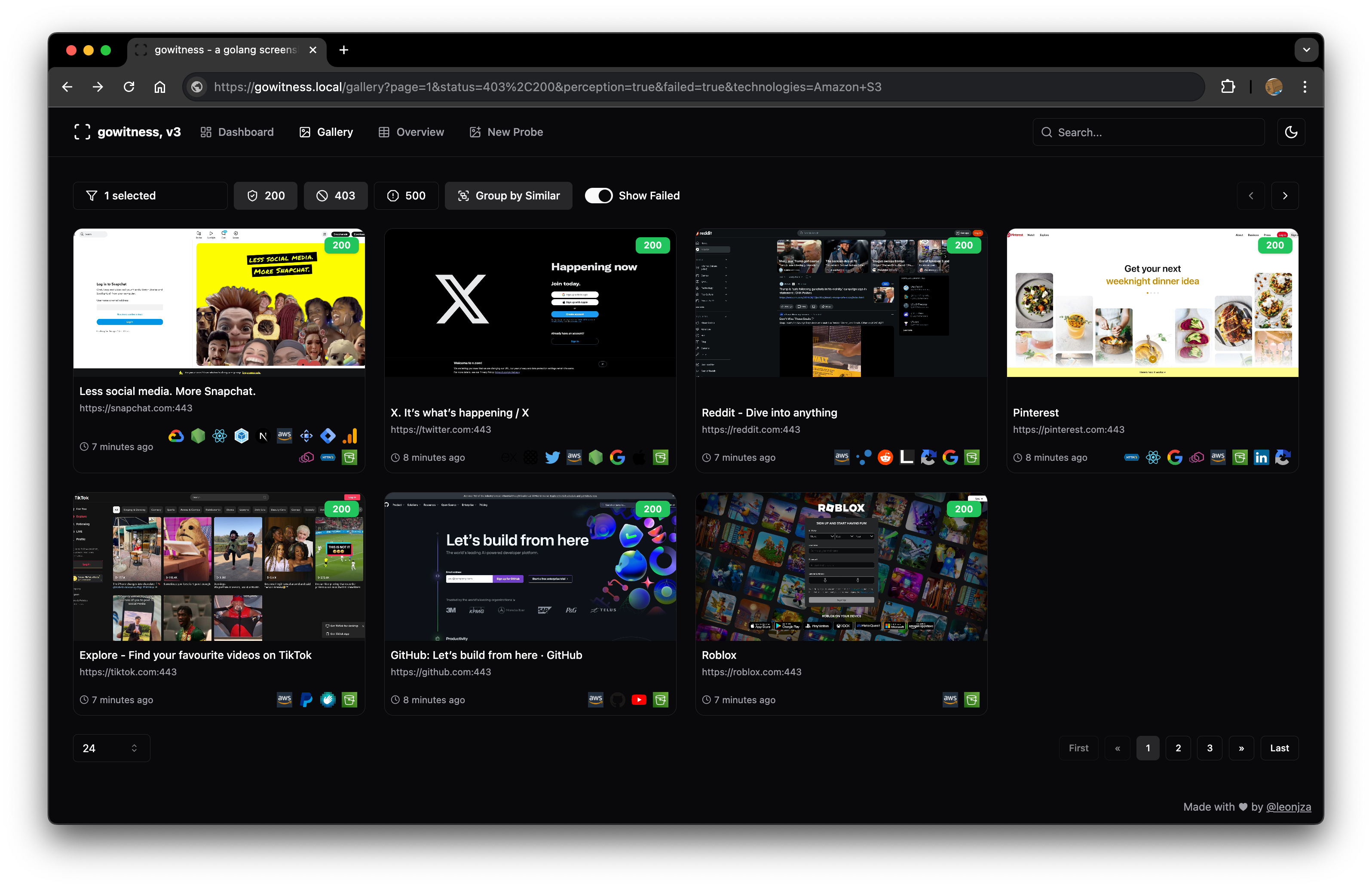
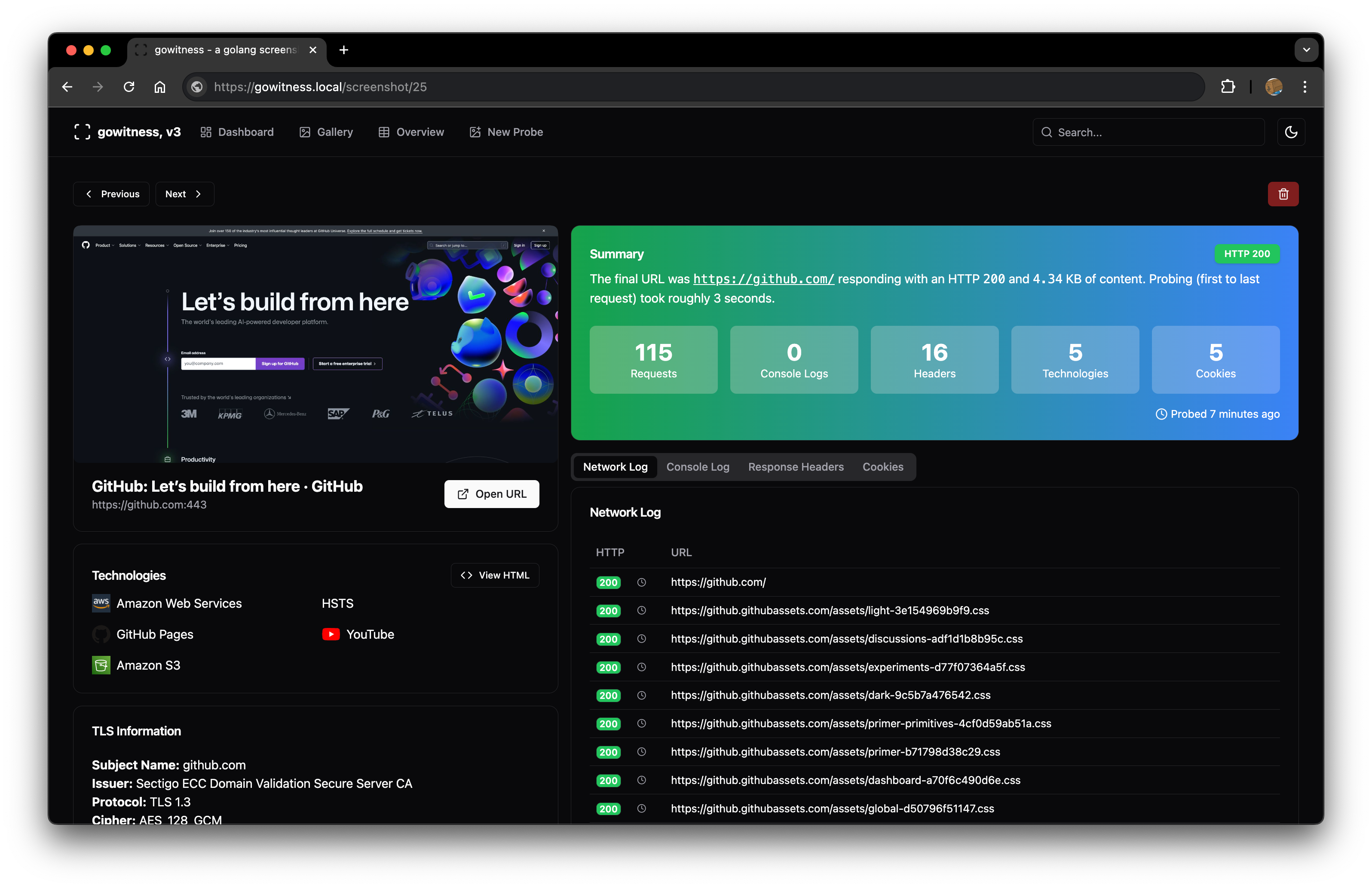
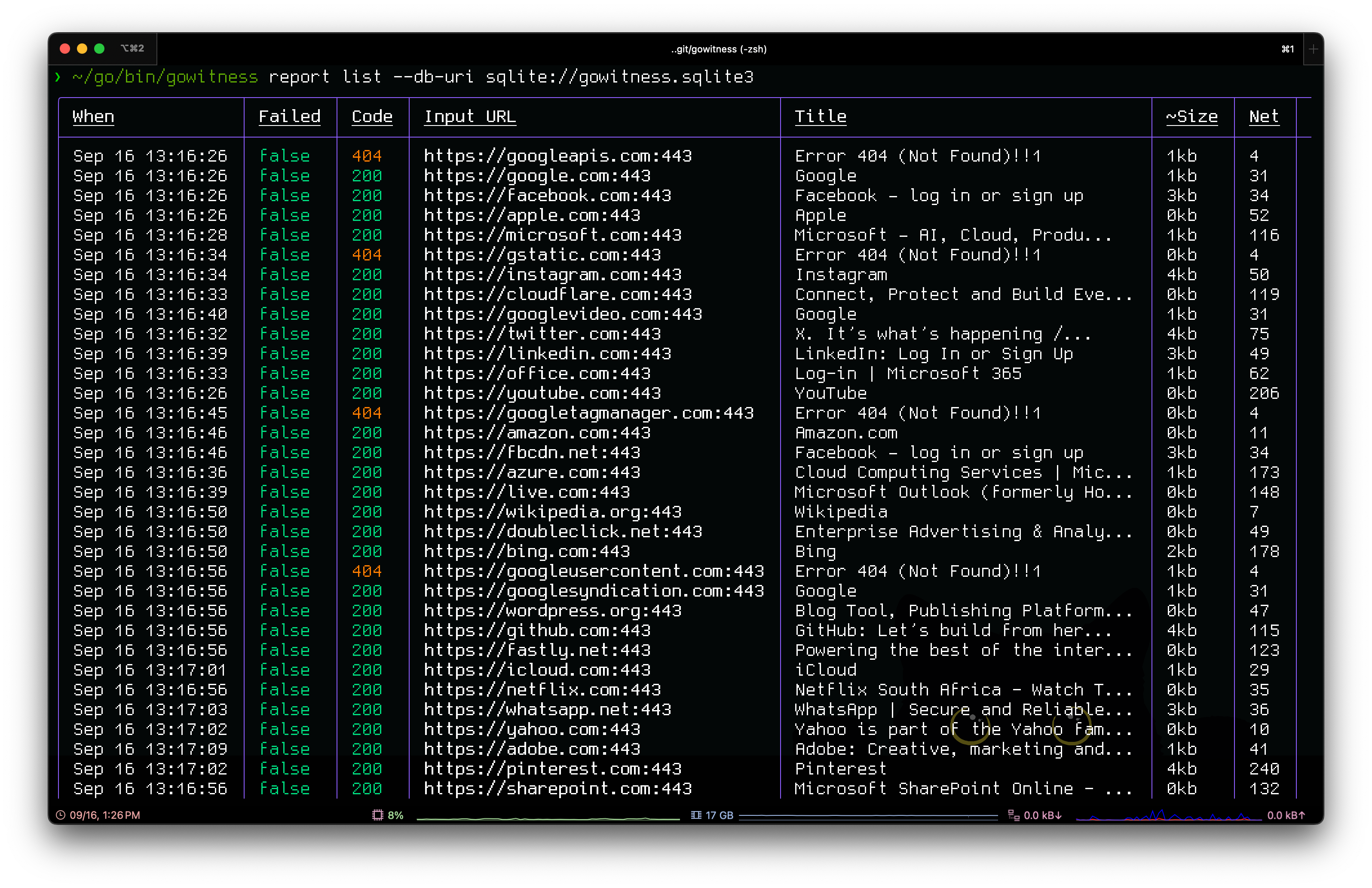
credits
gowitness would not have been possible without some of these amazing projects: chi, chromedp, go-rod, cobra, gorm, glamour, go-nmap, wappalyzergo, goimagehash.
license
gowitness is licensed under a GNU General Public v3 License. Permissions beyond the scope of this license may be available at http://sensepost.com/contact/.
Explorer des projets similaires
freeCodeCamp/freeCodeCamp
La base de code open source et le cursus de freeCodeCamp.org. Apprenez gratuitement les mathématiques, la programmation et l'informatique.
459,027 étoilesdonnemartin/system-design-primer
Apprenez à concevoir des systèmes à grande échelle et préparez-vous à l’entretien de conception de systèmes. Comprend des cartes mémoire Anki.
377,669 étoilesreact/react
La bibliothèque pour les interfaces utilisateur web et natives.
252,538 étoilesvuejs/vue
Voici le dépôt de Vue 2. Pour Vue 3, rendez-vous sur https://github.com/vuejs/core
212,530 étoiles