
natario1/CameraView
natario1/CameraView has 5,129 GitHub stars and 986 forks. GitHot measured -1 stars in 24 hours, -3 in 7 days, and -8 in 15 days. Last checked 2026-11-21 13:44 UTC. Last push 2024-09-03.
Progression mesurée des étoiles
- in 24h
- -1
- in 7 days
- -3
- in 15 days
- -8
- in 1 month
- Historique en cours
Variations nettes sur des périodes qui se chevauchent, pas des totaux quotidiens. Les mesures absentes restent vides. Les étoiles indiquent l’intérêt, pas la qualité.
À propos
📸 Une interface Android de haut niveau, bien documentée, qui facilite la prise de photos et de vidéos tout en répondant aux problèmes et besoins courants. Elle propose des filtres en temps réel, des gestes, des filigranes, le traitement des images, le format RAW et une sortie de n’importe quelle taille.
Création et médiasREADME.md
Original



⠀

Post-processing videos or want to reduce video size before uploading? Take a look at our Transcoder.
Like the project, make profit from it, or simply want to thank back? Please consider sponsoring me or donating!
Need support, consulting, or have any other business-related question? Feel free to get in touch.
CameraView
CameraView is a well documented, high-level library that makes capturing pictures and videos easy, addressing most of the common issues and needs, and still leaving you with flexibility where needed.
api 'com.otaliastudios:cameraview:2.7.2'
- Fast & reliable
- Gestures support [docs]
- Real-time filters [docs]
- Camera1 or Camera2 powered engine [docs]
- Frame processing support [docs]
- Watermarks & animated overlays [docs]
- OpenGL powered preview [docs]
- Take high-quality content with
takePictureandtakeVideo[docs] - Take super-fast snapshots with
takePictureSnapshotandtakeVideoSnapshot[docs] - Smart sizing: create a
CameraViewof any size [docs] - Control HDR, flash, zoom, white balance, exposure, location, grid drawing & more [docs]
- RAW pictures support [docs]
- Lightweight
- Works down to API level 15
- Well tested
⠀
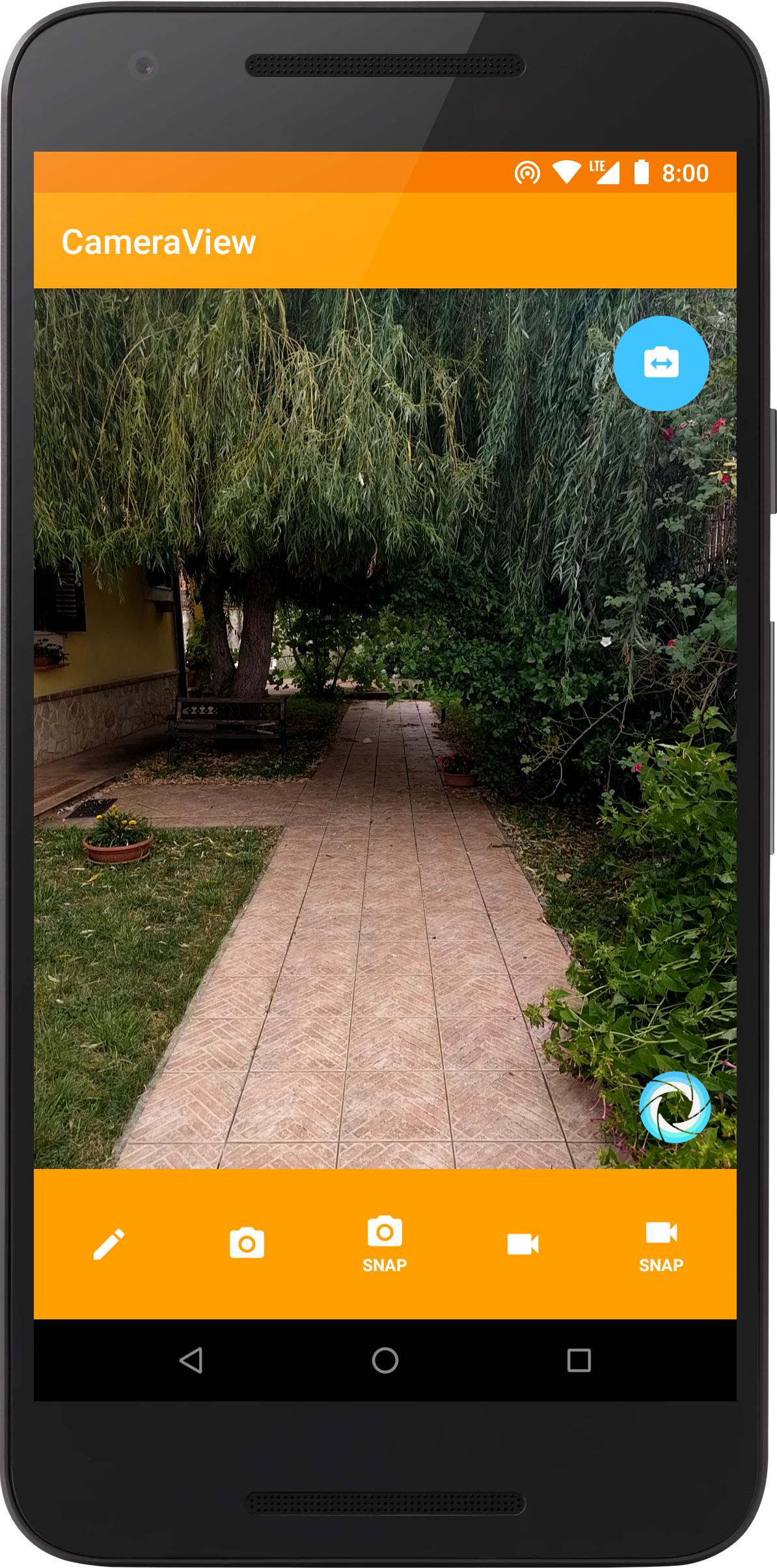
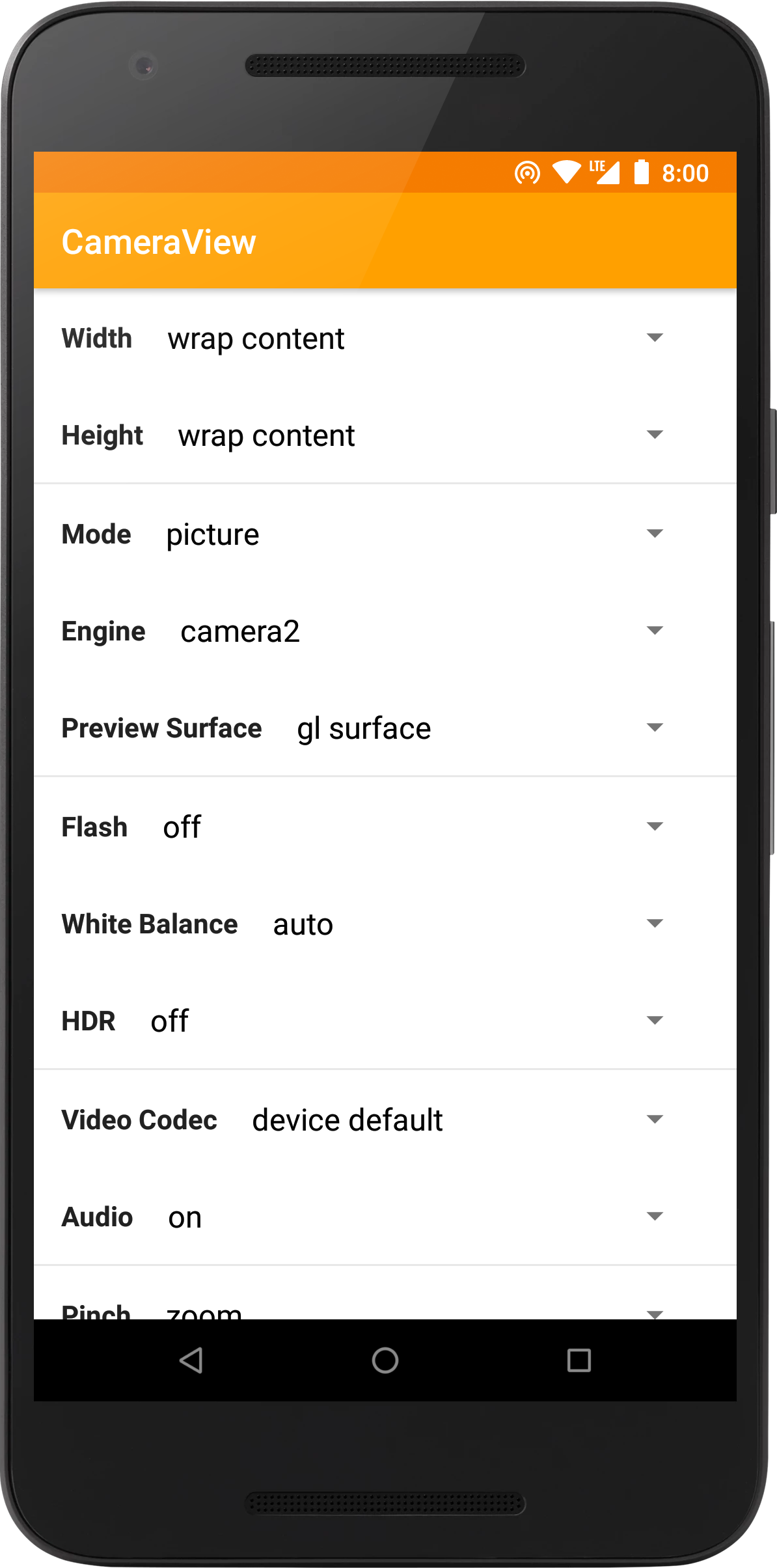

⠀
Support
If you like the project, make profit from it, or simply want to thank back, please consider sponsoring me through the GitHub Sponsors program! You can have your company logo here, get private support hours or simply help me push this forward. If you prefer, you can also donate to our OpenCollective page.
CameraView is trusted and supported by ShareChat, a social media app with over 100 million downloads.
Feel free to contact me for support, consulting or any other business-related question.
Thanks to all our project backers... [become a backer]

...and to all our project sponsors! [become a sponsor]


Setup
Please read the official website for setup instructions and documentation. You might also be interested in our changelog or in the v1 migration guide. Using CameraView is extremely simple:
<com.otaliastudios.cameraview.CameraView
    xmlns:app="http://schemas.android.com/apk/res-auto"
    android:layout_width="wrap_content"
    android:layout_height="wrap_content"
    app:cameraPictureSizeMinWidth="@integer/picture_min_width"
    app:cameraPictureSizeMinHeight="@integer/picture_min_height"
    app:cameraPictureSizeMaxWidth="@integer/picture_max_width"
    app:cameraPictureSizeMaxHeight="@integer/picture_max_height"
    app:cameraPictureSizeMinArea="@integer/picture_min_area"
    app:cameraPictureSizeMaxArea="@integer/picture_max_area"
    app:cameraPictureSizeSmallest="false|true"
    app:cameraPictureSizeBiggest="false|true"
    app:cameraPictureSizeAspectRatio="@string/video_ratio"
    app:cameraVideoSizeMinWidth="@integer/video_min_width"
    app:cameraVideoSizeMinHeight="@integer/video_min_height"
    app:cameraVideoSizeMaxWidth="@integer/video_max_width"
    app:cameraVideoSizeMaxHeight="@integer/video_max_height"
    app:cameraVideoSizeMinArea="@integer/video_min_area"
    app:cameraVideoSizeMaxArea="@integer/video_max_area"
    app:cameraVideoSizeSmallest="false|true"
    app:cameraVideoSizeBiggest="false|true"
    app:cameraVideoSizeAspectRatio="@string/video_ratio"
    app:cameraSnapshotMaxWidth="@integer/snapshot_max_width"
    app:cameraSnapshotMaxHeight="@integer/snapshot_max_height"
    app:cameraFrameProcessingMaxWidth="@integer/processing_max_width"
    app:cameraFrameProcessingMaxHeight="@integer/processing_max_height"
    app:cameraFrameProcessingFormat="@integer/processing_format"
    app:cameraFrameProcessingPoolSize="@integer/processing_pool_size"
    app:cameraFrameProcessingExecutors="@integer/processing_executors"
    app:cameraVideoBitRate="@integer/video_bit_rate"
    app:cameraAudioBitRate="@integer/audio_bit_rate"
    app:cameraGestureTap="none|autoFocus|takePicture"
    app:cameraGestureLongTap="none|autoFocus|takePicture"
    app:cameraGesturePinch="none|zoom|exposureCorrection|filterControl1|filterControl2"
    app:cameraGestureScrollHorizontal="none|zoom|exposureCorrection|filterControl1|filterControl2"
    app:cameraGestureScrollVertical="none|zoom|exposureCorrection|filterControl1|filterControl2"
    app:cameraEngine="camera1|camera2"
    app:cameraPreview="glSurface|surface|texture"
    app:cameraPreviewFrameRate="@integer/preview_frame_rate"
    app:cameraPreviewFrameRateExact="false|true"
    app:cameraFacing="back|front"
    app:cameraHdr="on|off"
    app:cameraFlash="on|auto|torch|off"
    app:cameraWhiteBalance="auto|cloudy|daylight|fluorescent|incandescent"
    app:cameraMode="picture|video"
    app:cameraAudio="on|off|mono|stereo"
    app:cameraGrid="draw3x3|draw4x4|drawPhi|off"
    app:cameraGridColor="@color/grid_color"
    app:cameraPlaySounds="true|false"
    app:cameraVideoMaxSize="@integer/video_max_size"
    app:cameraVideoMaxDuration="@integer/video_max_duration"
    app:cameraVideoCodec="deviceDefault|h264|h263"
    app:cameraAutoFocusResetDelay="@integer/autofocus_delay"
    app:cameraAutoFocusMarker="@string/cameraview_default_autofocus_marker"
    app:cameraUseDeviceOrientation="true|false"
    app:cameraFilter="@string/real_time_filter"
    app:cameraPictureMetering="true|false"
    app:cameraPictureSnapshotMetering="false|true"
    app:cameraPictureFormat="jpeg|dng"
    app:cameraRequestPermissions="true|false"
    app:cameraExperimental="false|true">

    <!-- Watermark! -->
    <ImageView
        android:layout_width="wrap_content"
        android:layout_height="wrap_content"
        android:layout_gravity="bottom|end"
        android:src="@drawable/watermark"
        app:layout_drawOnPreview="true|false"
        app:layout_drawOnPictureSnapshot="true|false"
        app:layout_drawOnVideoSnapshot="true|false"/>

</com.otaliastudios.cameraview.CameraView>
Explorer des projets similaires
Chargement…