
ltebean/LTInfiniteScrollView
À propos
Vue de défilement paginée permettant d’appliquer facilement des animations.
Création et médiasProgression mesurée des étoiles
- in 24h
- 0
- in 7 days
- 0
- in 15 days
- Historique en cours
- in 1 month
- Historique en cours
Variations nettes sur des périodes qui se chevauchent, pas des totaux quotidiens. Les mesures absentes restent vides. Les étoiles indiquent l’intérêt, pas la qualité.
README.md
Original
Demo
1. You can apply animation to each view during the scroll:
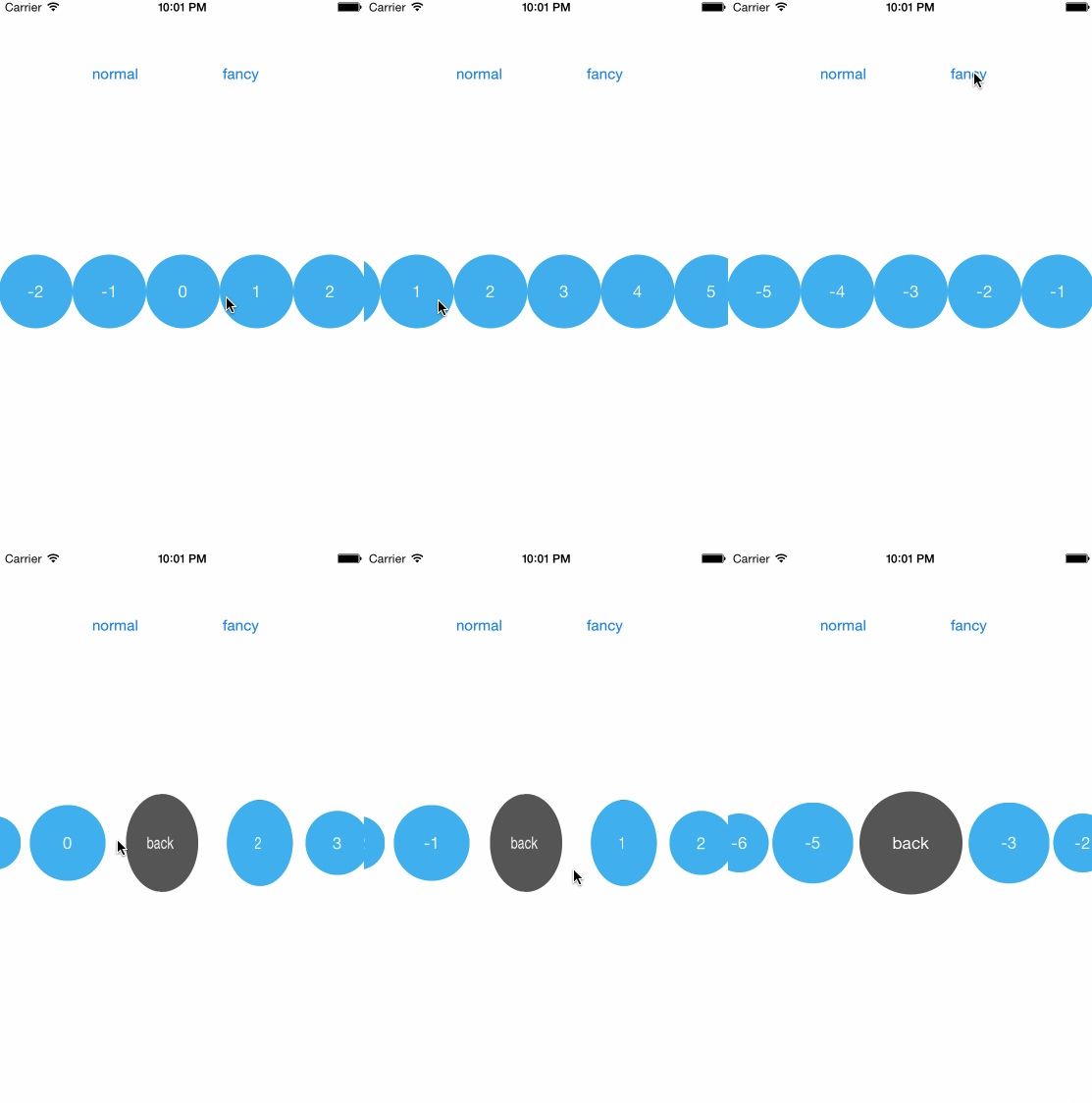
2. The iOS 9 task switcher animation can be implemented in ten minutes with the support of this lib:
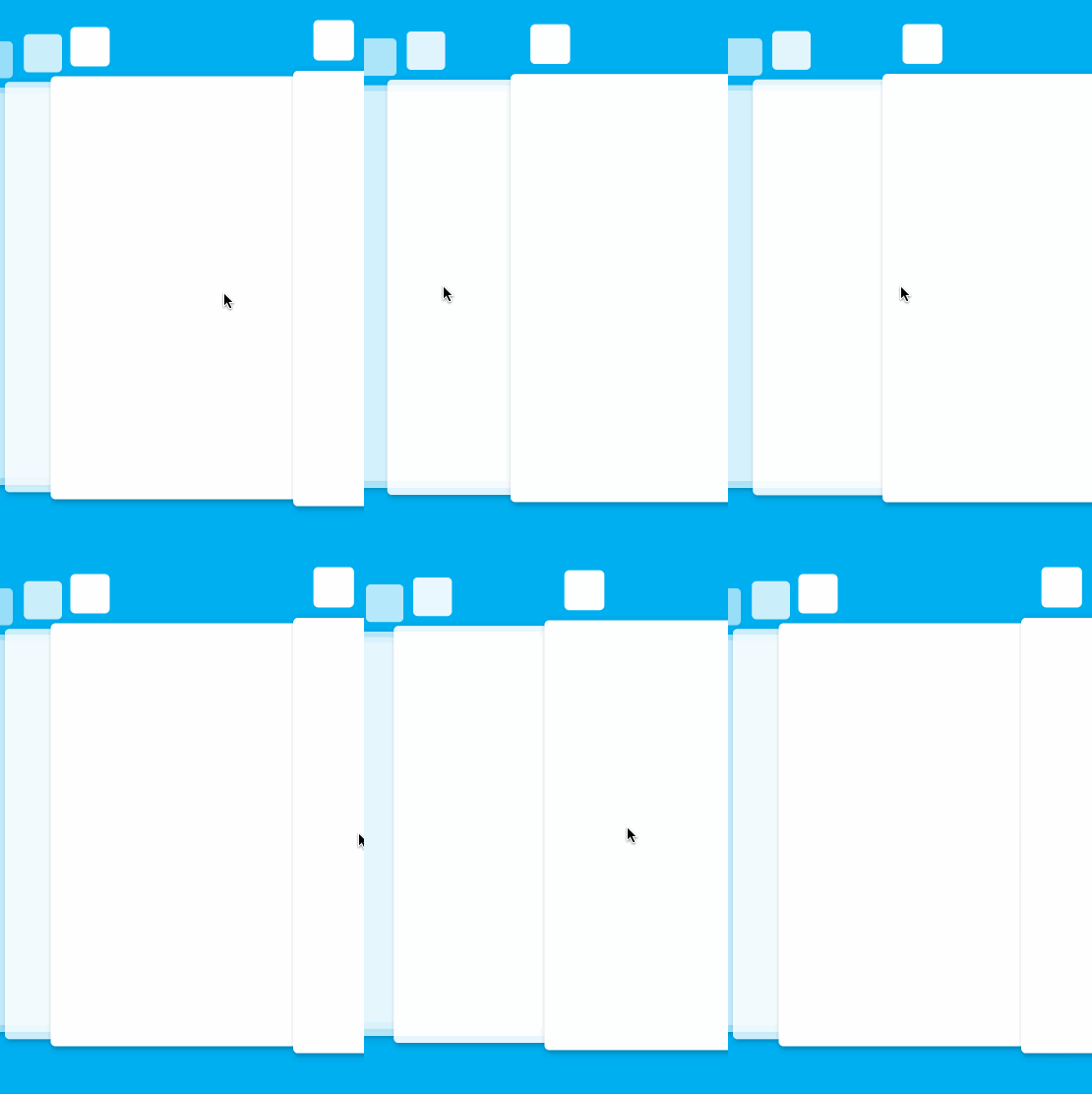
3. The fancy menu can also be implemented easily:
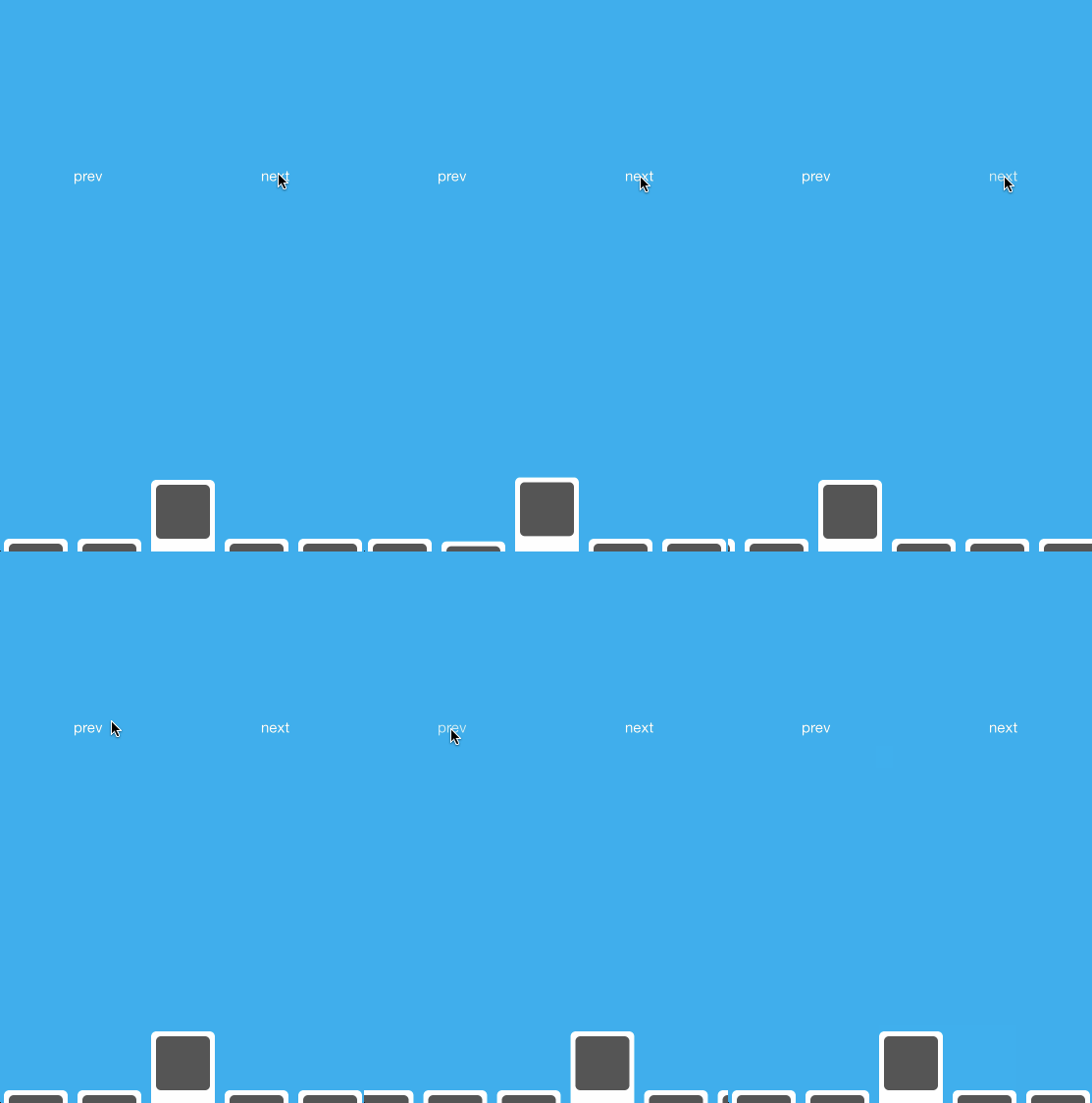
4. Vertical scroll is also supported:
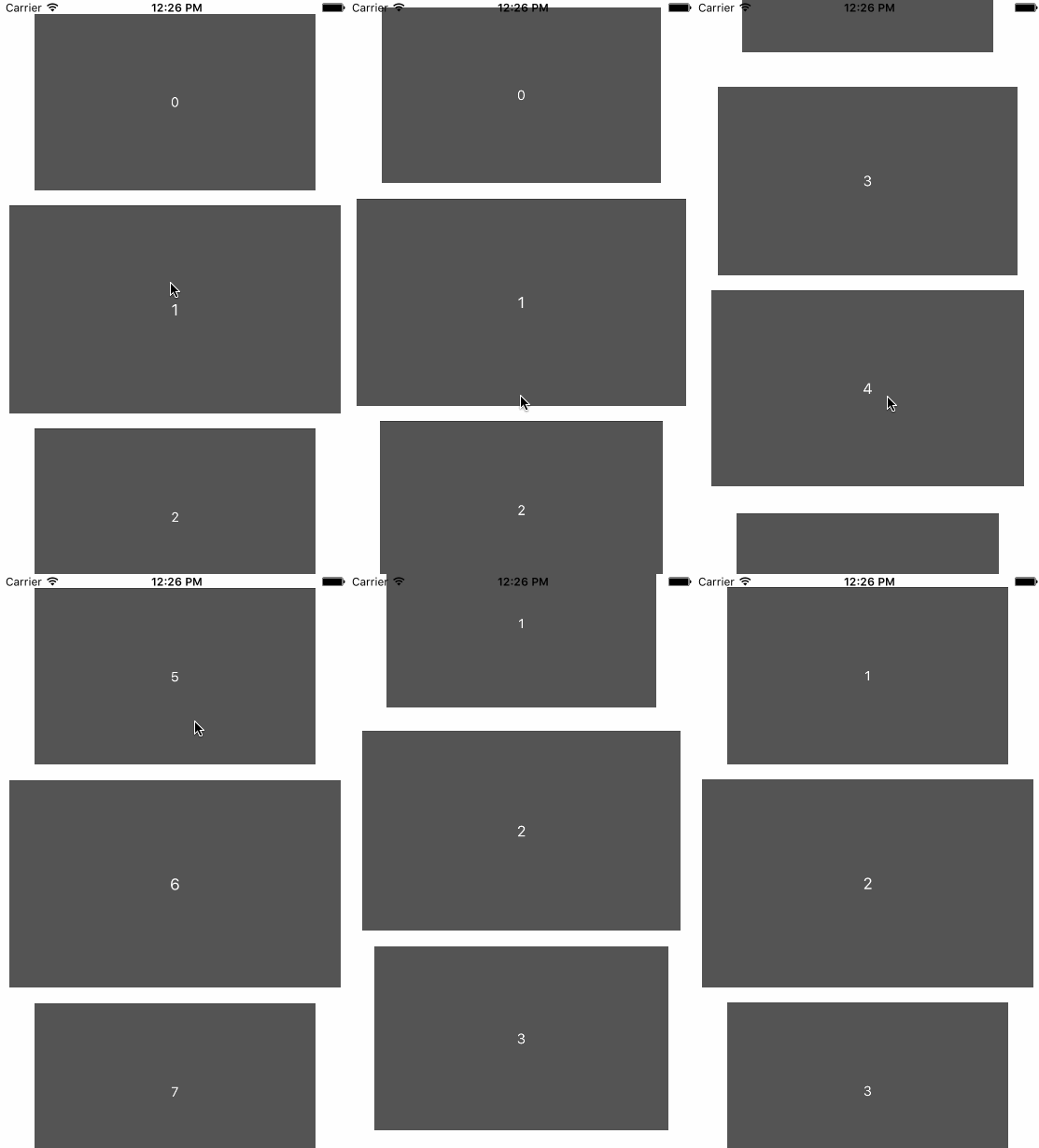
Usage
Create the scroll view by:
self.scrollView = [[LTInfiniteScrollView alloc] initWithFrame:CGRectMake(0, 0, CGRectGetWidth(self.view.bounds), 200)];
[self.view addSubview:self.scrollView];
self.scrollView.dataSource = self;
[self.scrollView reloadDataWithInitialIndex: 0];
Then implement LTInfiniteScrollViewDataSource protocol:
@protocol LTInfiniteScrollViewDataSource<NSObject>
- (UIView *)viewAtIndex:(NSInteger)index reusingView:(UIView *)view;
- (NSInteger)numberOfViews;
- (NSInteger)numberOfVisibleViews;
@end
Sample code:
- (NSInteger)numberOfViews
{
    // you can set it to a very big number to mimic the infinite behavior, no performance issue here
    return 9999;
}

- (NSInteger)numberOfVisibleViews
{
    return 5;
}

- (UIView *)viewAtIndex:(NSInteger)index reusingView:(UIView *)view;
{
    if (view) {
        ((UILabel *)view).text = [NSString stringWithFormat:@"%ld", index];
        return view;
    }

    UILabel *aView = [[UILabel alloc]initWithFrame:CGRectMake(0, 0, 64, 64)];
    aView.backgroundColor = [UIColor blackColor];
    aView.layer.cornerRadius = 32;
    aView.layer.masksToBounds = YES;
    aView.backgroundColor = [UIColor colorWithRed:0/255.0 green:175/255.0 blue:240/255.0 alpha:1];
    aView.textColor = [UIColor whiteColor];
    aView.textAlignment = NSTextAlignmentCenter;
    aView.text = [NSString stringWithFormat:@"%ld", index];
    return aView;
}
LTInfiniteScrollView interface:
@interface LTInfiniteScrollView: UIView
@property (nonatomic, readonly) NSInteger currentIndex;
@property (nonatomic, weak) id<LTInfiniteScrollViewDataSource> dataSource;
@property (nonatomic, weak) id<LTInfiniteScrollViewDelegate> delegate;
@property (nonatomic) BOOL verticalScroll;
@property (nonatomic) BOOL scrollEnabled;
@property (nonatomic) BOOL pagingEnabled;
@property (nonatomic) BOOL bounces;
@property (nonatomic) UIEdgeInsets contentInset;
@property (nonatomic) NSInteger maxScrollDistance;

- (void)reloadDataWithInitialIndex:(NSInteger)initialIndex;
- (void)scrollToIndex:(NSInteger)index animated:(BOOL)animated;
- (UIView *)viewAtIndex:(NSInteger)index;
- (NSArray *)allViews;
@end
If you want to apply any animation during scrolling, implement LTInfiniteScrollViewDelegate protocol:
@protocol LTInfiniteScrollViewDelegate<NSObject>
- (void)updateView:(UIView *)view withProgress:(CGFloat)progress scrollDirection:(ScrollDirection)direction;
@end
The value of progress indicates the relative position of that view, if there are 5 visible views, the value will be ranged from -2 to 2:
|                  |
|-2  -1   0   1   2|
|                  |
You can clone the project and investigate the example for details.
the Swift version
Here's the Swift version: https://github.com/ltebean/LTInfiniteScrollView-Swift
Explorer des projets similaires
Chargement…