
lorenmt/clarity-template
À propos
Clarity: A Minimalist Website Template for AI Research
Web et applicationsProgression mesurée des étoiles
- in 24h
- 0
- in 7 days
- 0
- in 15 days
- Historique en cours
- in 1 month
- Historique en cours
Variations nettes sur des périodes qui se chevauchent, pas des totaux quotidiens. Les mesures absentes restent vides. Les étoiles indiquent l’intérêt, pas la qualité.
README.md
OriginalClarity Template
Clarity is an open-source, minimalist website template designed specifically for presenting AI research. It features a modular and clean design that is easy to customise for creating simple, project-based websites. With Clarity, you can effectively showcase your work, ensuring your research stands out in a visually appealing and professional manner.
Design Showcase
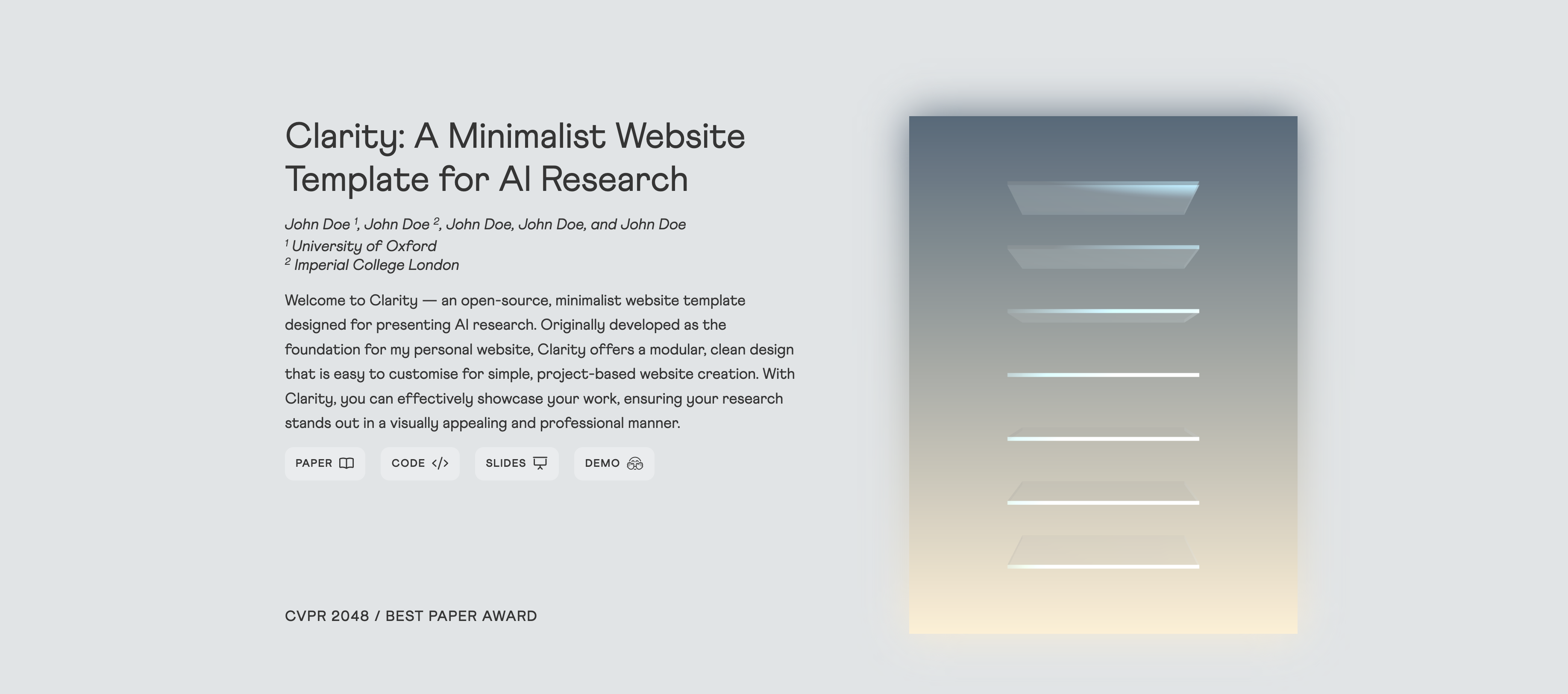
- Clarity Light Theme with Project Cover:
<div class="container blog" id="first-content" style="background-color: #E0E4E6;">
    <div class="blog-title">
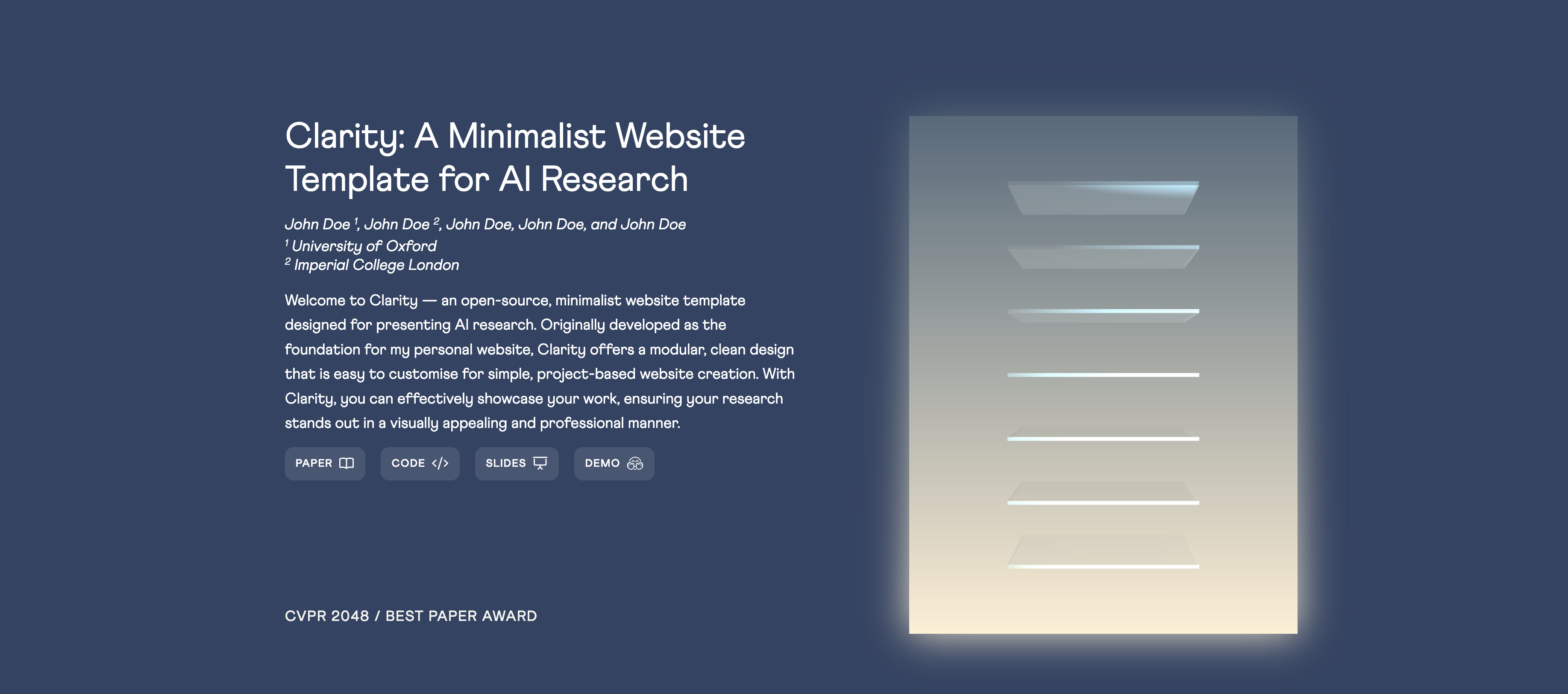
- Clarity Dark Theme with Project Cover:
<div class="container blog" id="first-content" style="background-color: #304463;">
    <div class="blog-title white">
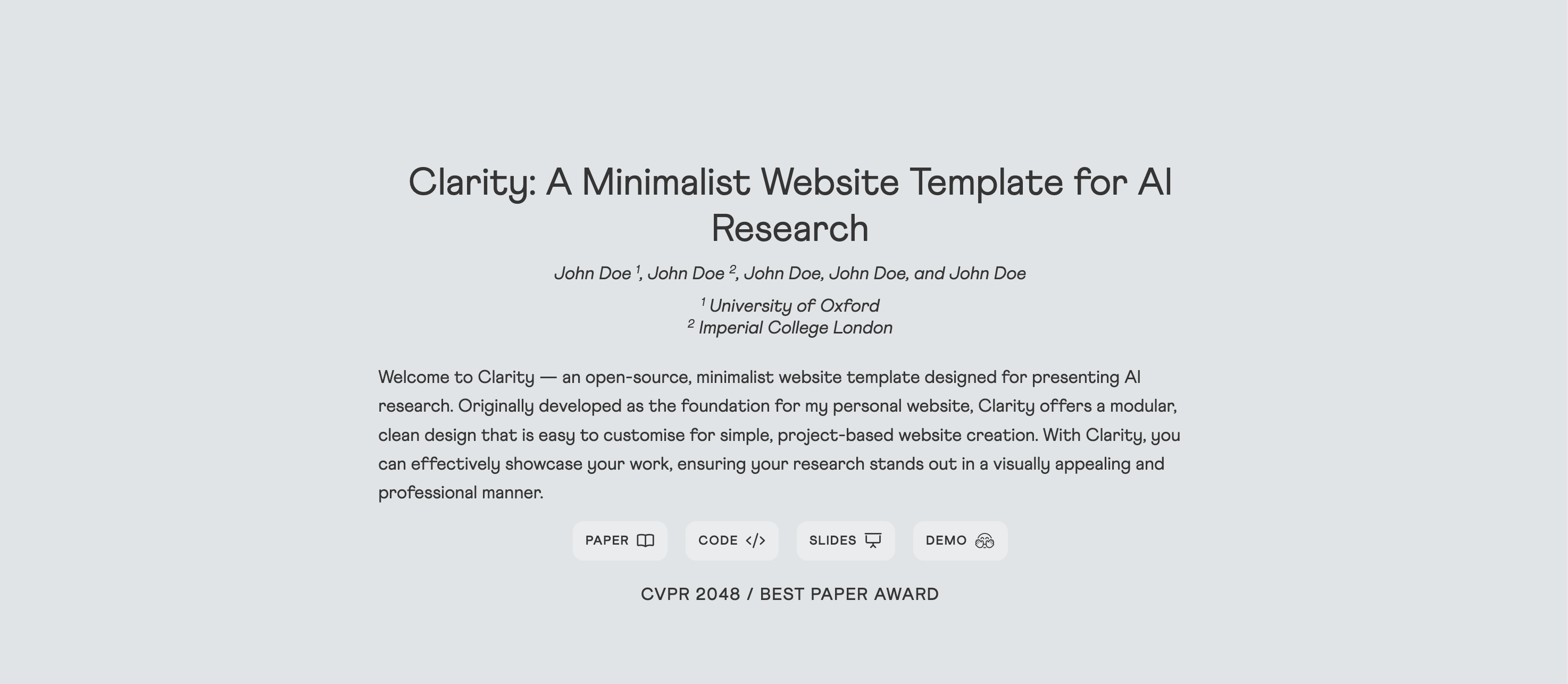
- Clarity Light Theme without Project Cover:
<div class="container blog" id="first-content" style="background-color: #304463;">
    <div class="blog-title no-cover">
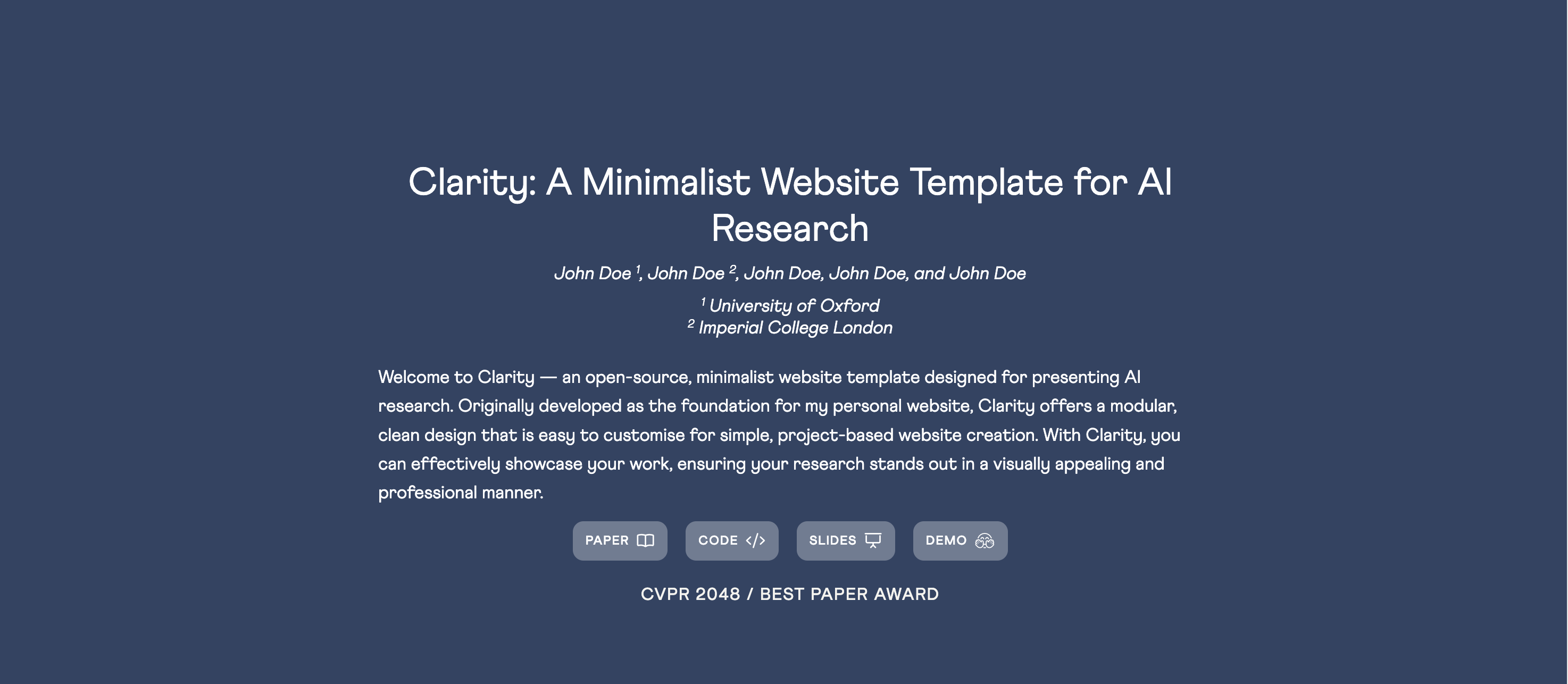
- Clarity Dark Theme without Project Cover:
<div class="container blog" id="first-content" style="background-color: #E0E4E6;">
    <div class="blog-title white no-cover">
- Clarity Gradient Theme without Project Cover:
<div class="container blog" id="first-content" style="background: linear-gradient(90deg, hsla(298, 68%, 90%, 1) 0%, hsla(30, 82%, 91%, 1) 100%);">
    <div class="blog-title no-cover">
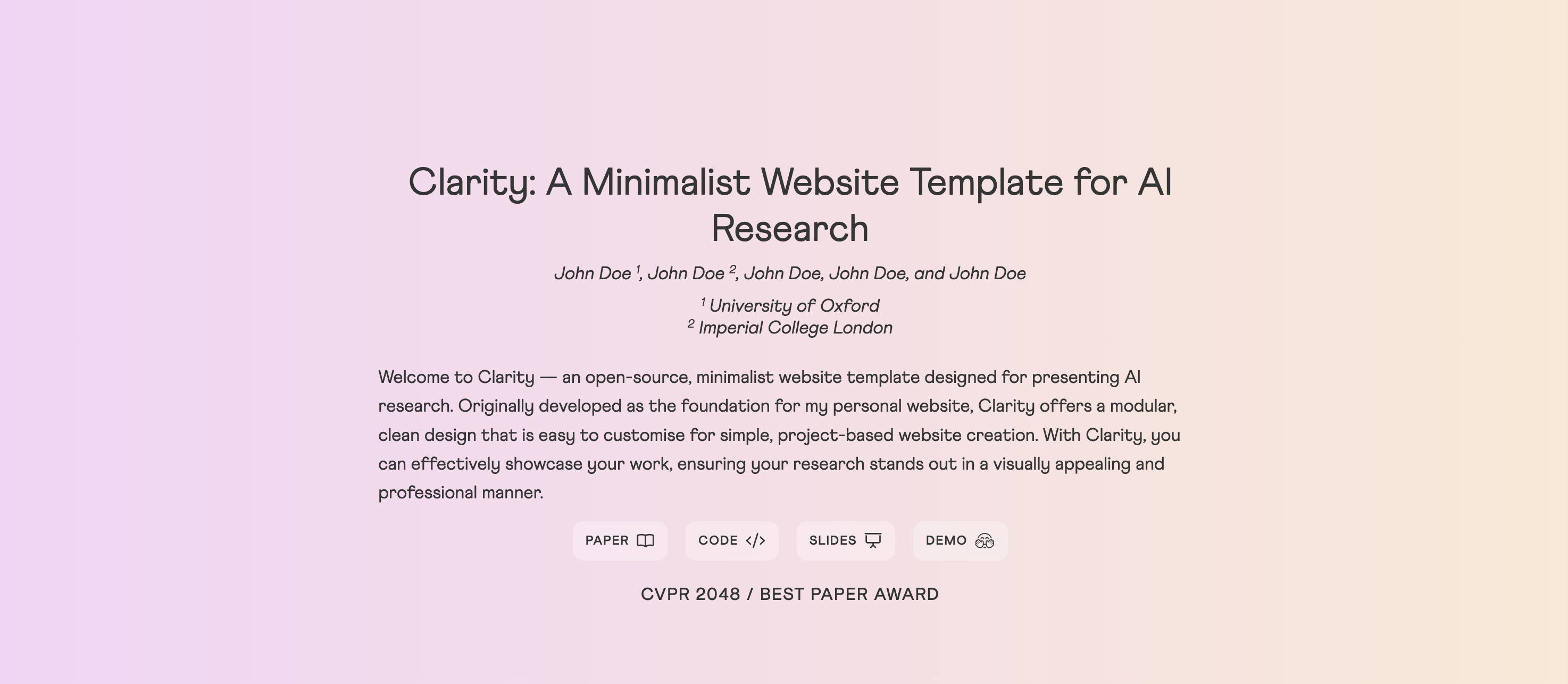
Note: The design showcase uses the licensed font option along with the complete FontAwesome Pro icon set.
Update
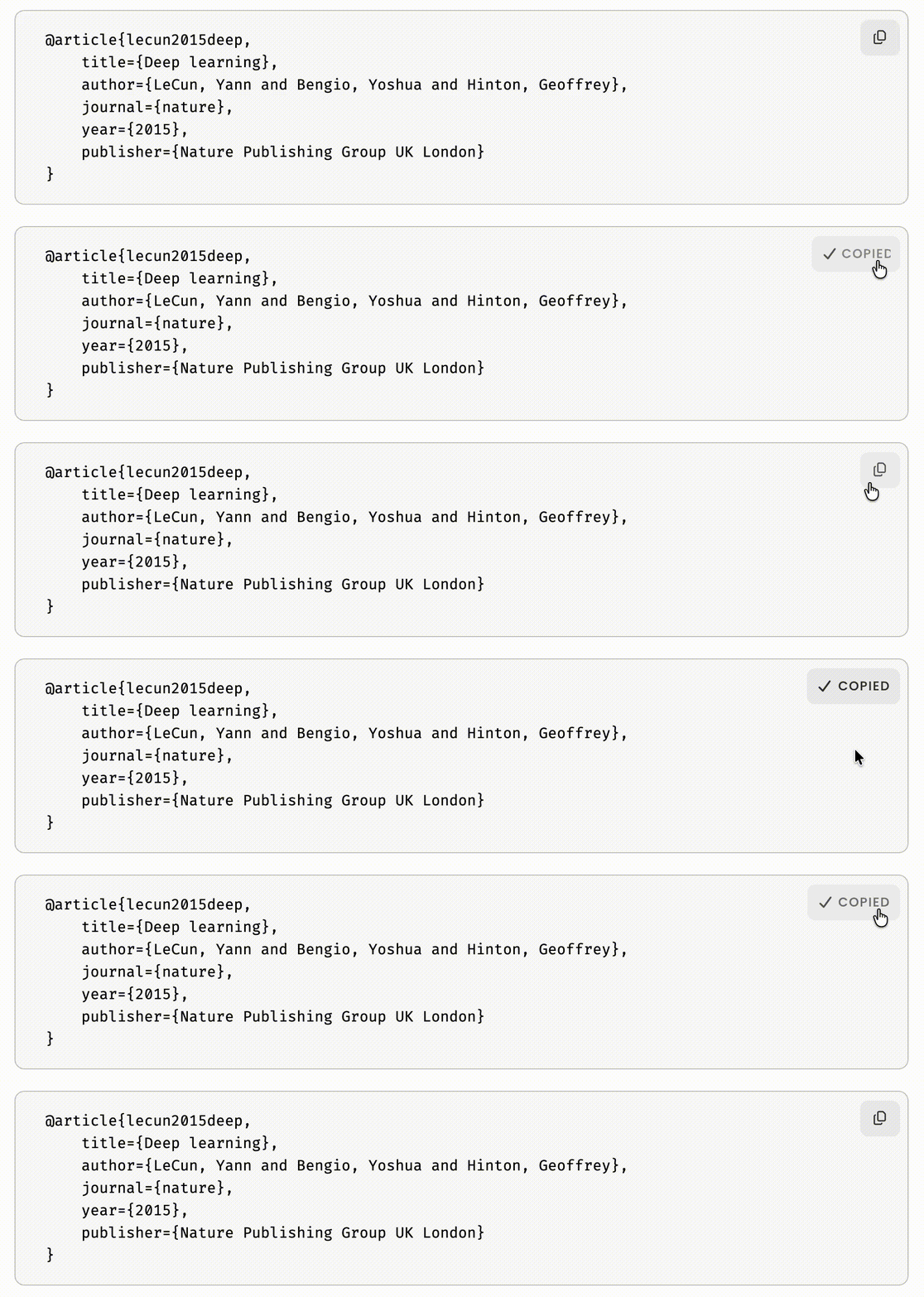
- Mar 13, 2026: Feature update on
copy buttonincluded in all code blocks.
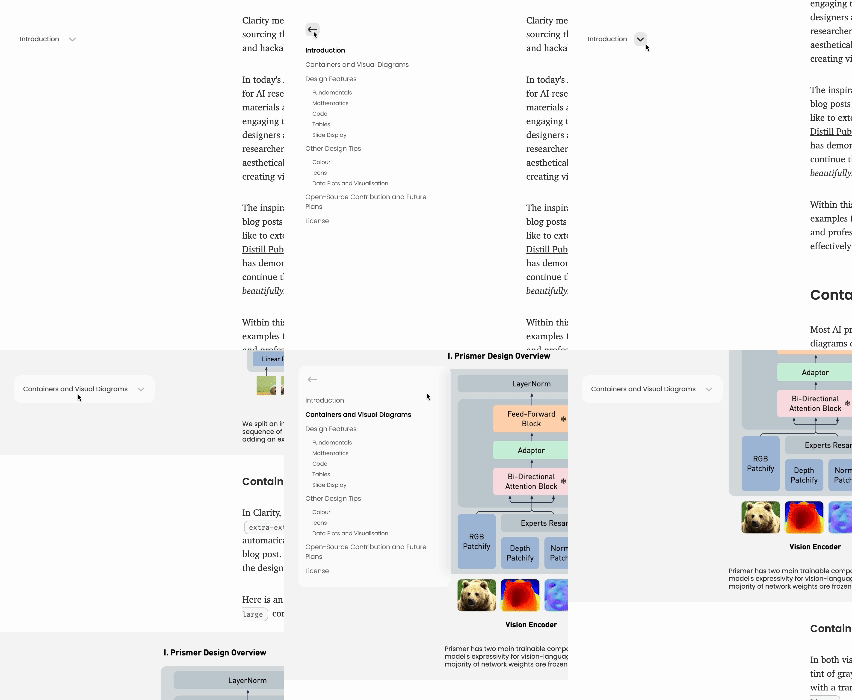
- Jan. 12, 2025: Feature update with
navbardesign for hoverable table of content (thanks @yongyizang for his generous contribution). Please comment out or in<script src="assets/scripts/navbar.js"></script>to activate or deactivate this feature.
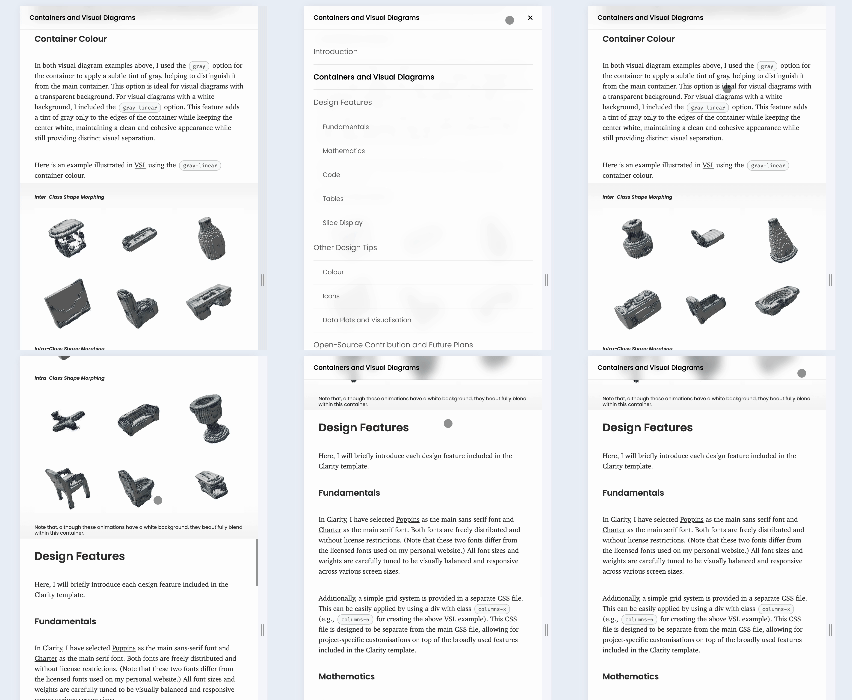
- Oct. 28, 2024: Feature update with
slideshowdesign for automated slideshow display. For detailed usage and instructions, please refer to theclarity.htmlfile.

- Oct. 24, 2024: Feature update with
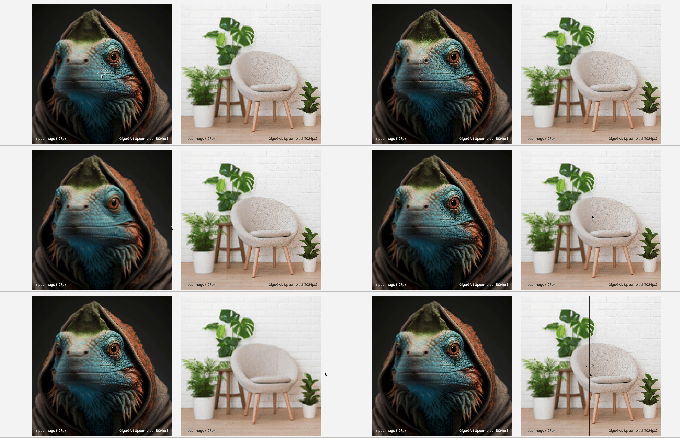
no-coverdesign for title page design layout. For anyone prefer a title page design without a project cover, change<div class="blog-title">into<div class="blog-title no-cover">. - Aug. 26, 2024: Feature update with comparison display / 46ec3ee suggested in Issue #1.
Usage
Please follow the visual guidelines outlined in the Clarity blog post or the clarity.html file to optimise visual layouts and design. Additionally, a minimalist example template, minimal.html, is provided to help you get started quickly.
Clarity offers two font options:
- Charter + Poppins: free fonts available for commercial use.
- Tiempos Text + Athletics: licensed fonts with the trial license available for non-commercial use.
By default, the template uses the free fonts. To switch to the licensed fonts, follow these steps:
- Download the trial license or purchase the full license and place the font files in the
assets/fontsdirectory. - Optionally, use a web font converter to ensure compatibility across different browsers.
- Update the font-size and default font options in
assets/stylesheets/_master.scss(just comment in and out). - Change the corresponding CSS file path to
assets/stylesheets/main.cssin your project HTML file. - To further improve the visual aesthetics, please consider purchasing the FontAwesome Pro for a complete icon set, and update
<link href="assets/fontawesome-free-6.6.0-web/css/all.min.css" rel="stylesheet">with<link href="assets/fontawesome-pro-6.6.0-web/css/all.min.css" rel="stylesheet">in the<head>tag.
License
This project follows Creative Commons Attribution-ShareAlike 4.0 International License. This allows you to freely modify and distribute the template in any way you like. In return, I kindly ask that you link back to the Clarity blog post in the footer to acknowledge my work and efforts. Enjoy!
Explorer des projets similaires
Chargement…