
leonardcser/smelt has 73 GitHub stars and 7 forks. GitHot measured 0 stars in 24 hours, +4 in 7 days, and +10 in 15 days. Last checked 2026-11-15 18:11 UTC. Last push 2026-11-05.
Progression mesurée des étoiles
- in 24h
- 0
- in 7 days
- +4
- in 15 days
- +10
- in 1 month
- Mise à jour retardée
Variations nettes sur des périodes qui se chevauchent, pas des totaux quotidiens. Les mesures absentes restent vides. Les étoiles indiquent l’intérêt, pas la qualité.
À propos
A fast, Lua-scriptable coding agent for the terminal
Outils de développementREADME.md
Original

Documentation · Lua API · Releases · Issues
[!WARNING] smelt is beta until 1.0. Interfaces may change between releases, so stay on the latest version.
Why
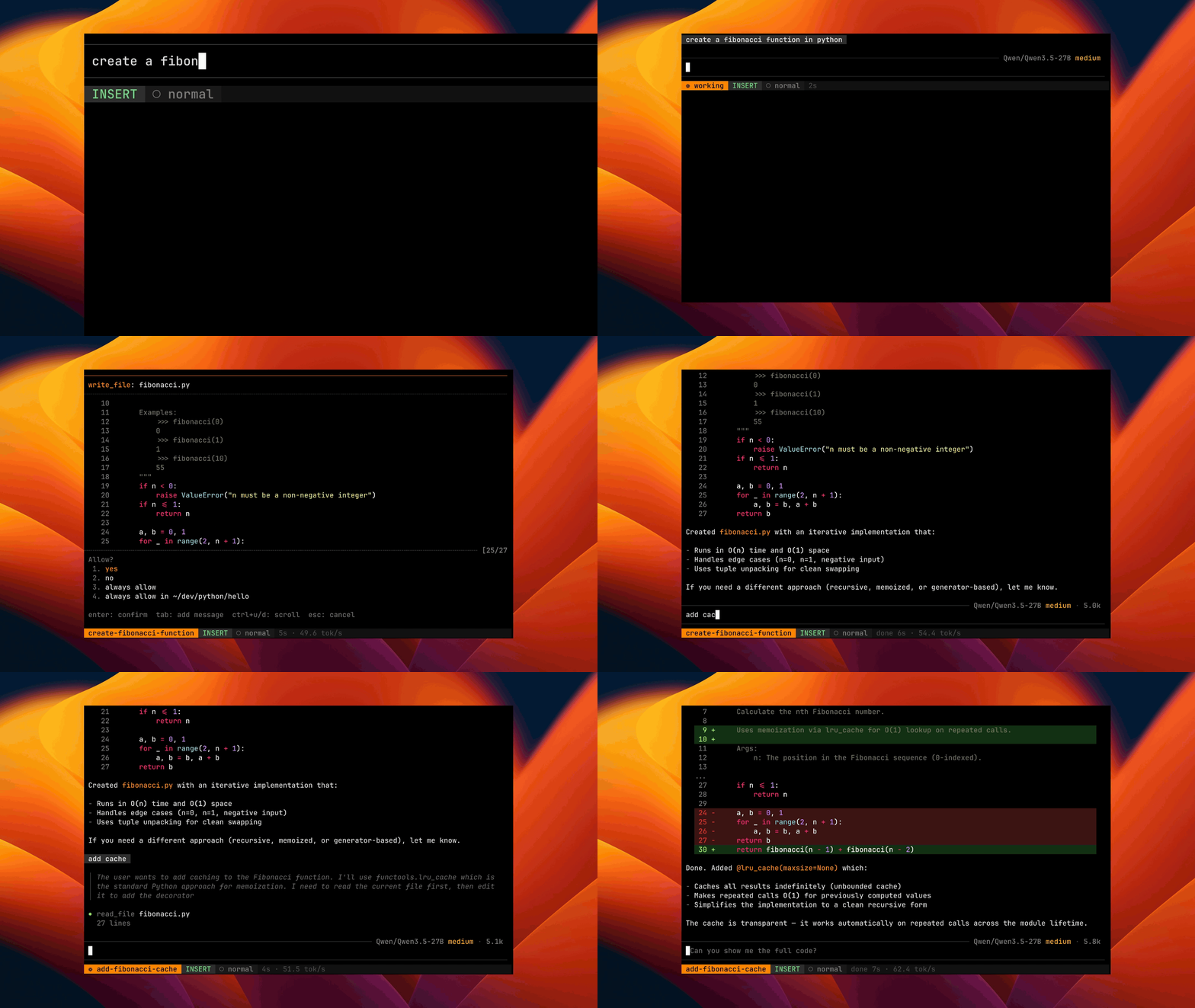
Most coding agents are heavy and hard to change. smelt installs as one small binary, uses less memory and CPU, and you reshape it with plain Lua files that reload live.
What's inside
- Lua plugins. Edit a Lua file to change keymaps, commands, tools or the UI. Changes apply live, with no restart and no build.
- Own terminal renderer. Built from scratch for the terminal, so typing and
scrolling stay instant even in sessions with tens of thousands of messages.
Why not
ratatui? - Vim editor. The same motions work in the prompt and the transcript, so you can search and yank agent output without the mouse.
- No config needed. Run with flags, or use
smelt authfor ChatGPT, GitHub Copilot, and Kimi Code.
Why we made these choices, and what they cost: Design decisions.
Benchmarks
Lower is better.
| Agent | Version | Memory at start | Install size | Peak memory on tasks | CPU time on tasks |
|---|---|---|---|---|---|
| smelt | v0.6.5-46-b1b4ae4d7 |
34 MiB | 46 MiB | 0.10 GiB | 6.1 s |
| pi | 1.5.0 |
110 MiB | 483 MiB | 0.14 GiB | 9.7 s |
| codex | 0.166.0 |
140 MiB | 853 MiB | 0.22 GiB | 9.8 s |
| claude code | 2.1.316 |
189 MiB | 313 MiB | 0.24 GiB | 17.5 s |
| opencode | 2.2.5 |
328 MiB | 1684 MiB | 0.71 GiB | 116 s |
Versions shown apply to the reproducible startup and install measurements; task results come from an older Terminal-Bench study. Methodology and full results · Run the benchmarks
Install
curl -fsSL https://smeltagent.dev/install.sh | sh
Or grab a prebuilt binary (Linux and macOS on x86_64 and aarch64, Windows on
x86_64) from the Releases page.
Extract the archive and put smelt (smelt.exe on Windows) on your PATH, or
install from source:
cargo install --locked --git https://github.com/leonardcser/smelt.git smelt-agent
Run
Subscription providers (ChatGPT Pro/Plus, GitHub Copilot, Kimi Code):
smelt auth                          # one-time login
smelt                               # provider auto-detected from credentials
Claude Code (runs your installed Claude Code agent):
claude auth login                   # authenticate through Claude Code
smelt                               # claude-code models appear in the picker
Claude Code owns authentication, the agent loop, native tools, and context management. smelt provides the terminal UI, permissions, and additional tools through MCP. It does not copy subscription credentials or impersonate Claude Code's API requests. See the Claude Code provider docs for configuration and limitations. smelt is not affiliated with Anthropic.
API-key providers (any OpenAI-compatible endpoint):
# local model via Ollama
smelt --model qwen3.6:27b --api-base http://localhost:11434/v1

# OpenAI, Anthropic, OpenRouter, etc.
smelt --model gpt-5.5 --api-base https://api.openai.com/v1 --api-key-env OPENAI_API_KEY
Or just run smelt with no arguments and follow the wizard. The default mode
cycle is Normal → Plan → Apply → Yolo. Plan mode is bundled and autoloaded.
Optional bundled plugins include which_key, the local request inspector, and
LSP-backed semantic code tools; enable them from ~/.config/smelt/init.lua.
Docs
Full documentation for configuration, Lua API, keybindings, permissions, providers, and plugin authoring lives at smeltagent.dev.
License
MIT, see LICENSE. Inspired by Claude Code and Neovim.