
cliuff/boundo
À propos
Boundo Meta-app: Info & Manager, all about your apps and beyond.
Outils de développementProgression mesurée des étoiles
- in 24h
- 0
- in 7 days
- 0
- in 15 days
- Historique en cours
- in 1 month
- Historique en cours
Variations nettes sur des périodes qui se chevauchent, pas des totaux quotidiens. Les mesures absentes restent vides. Les étoiles indiquent l’intérêt, pas la qualité.
README.md
Original
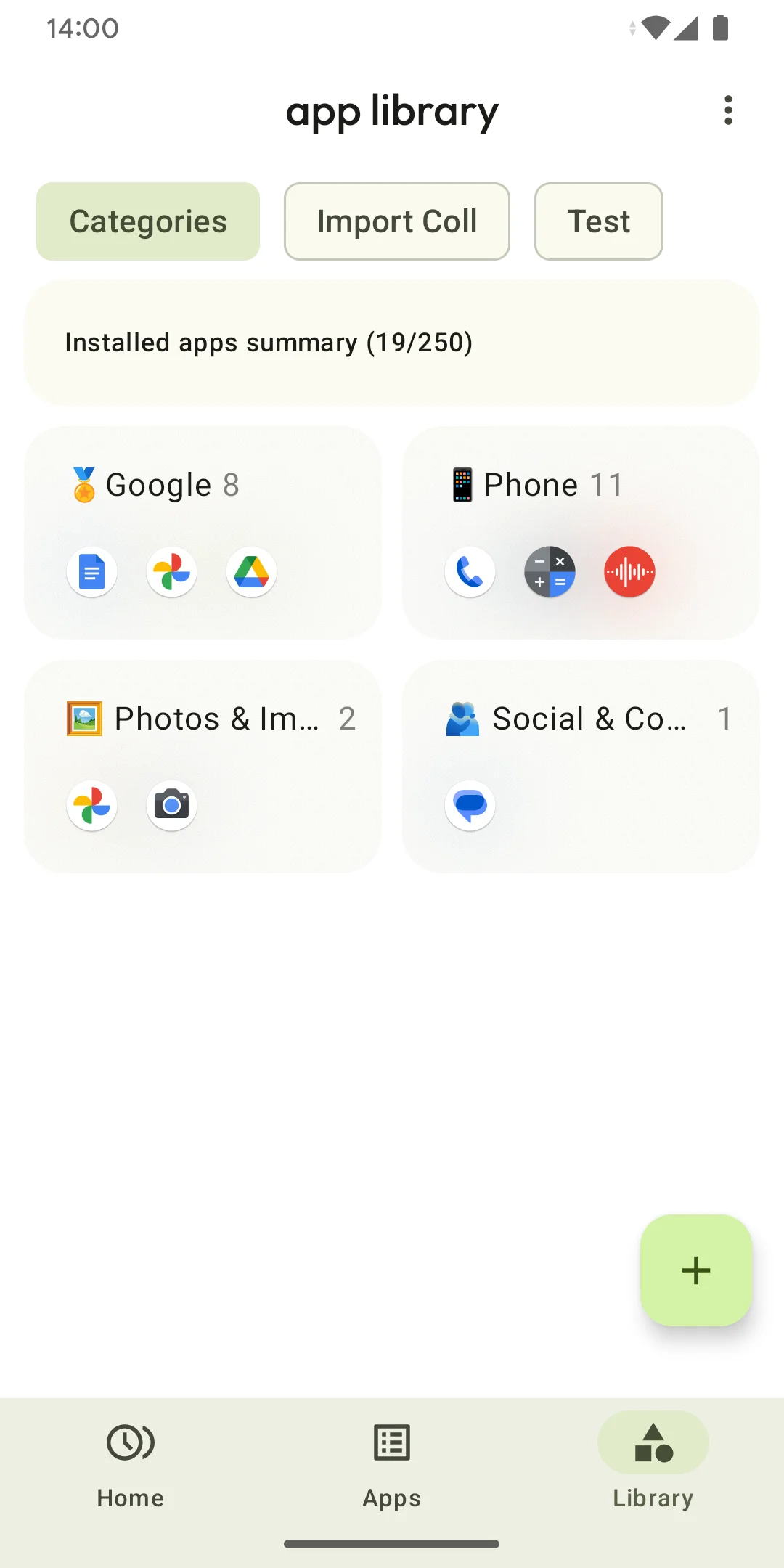
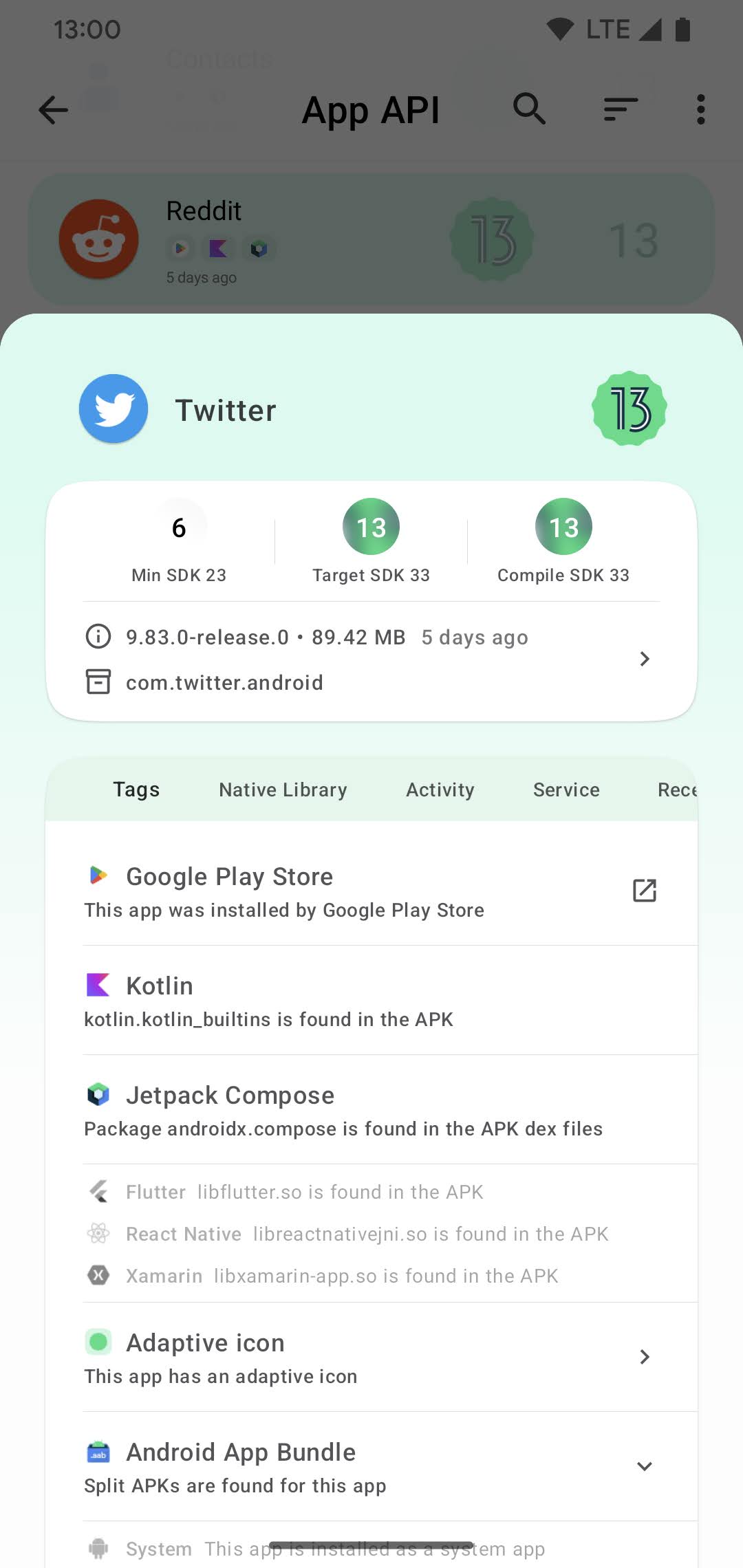
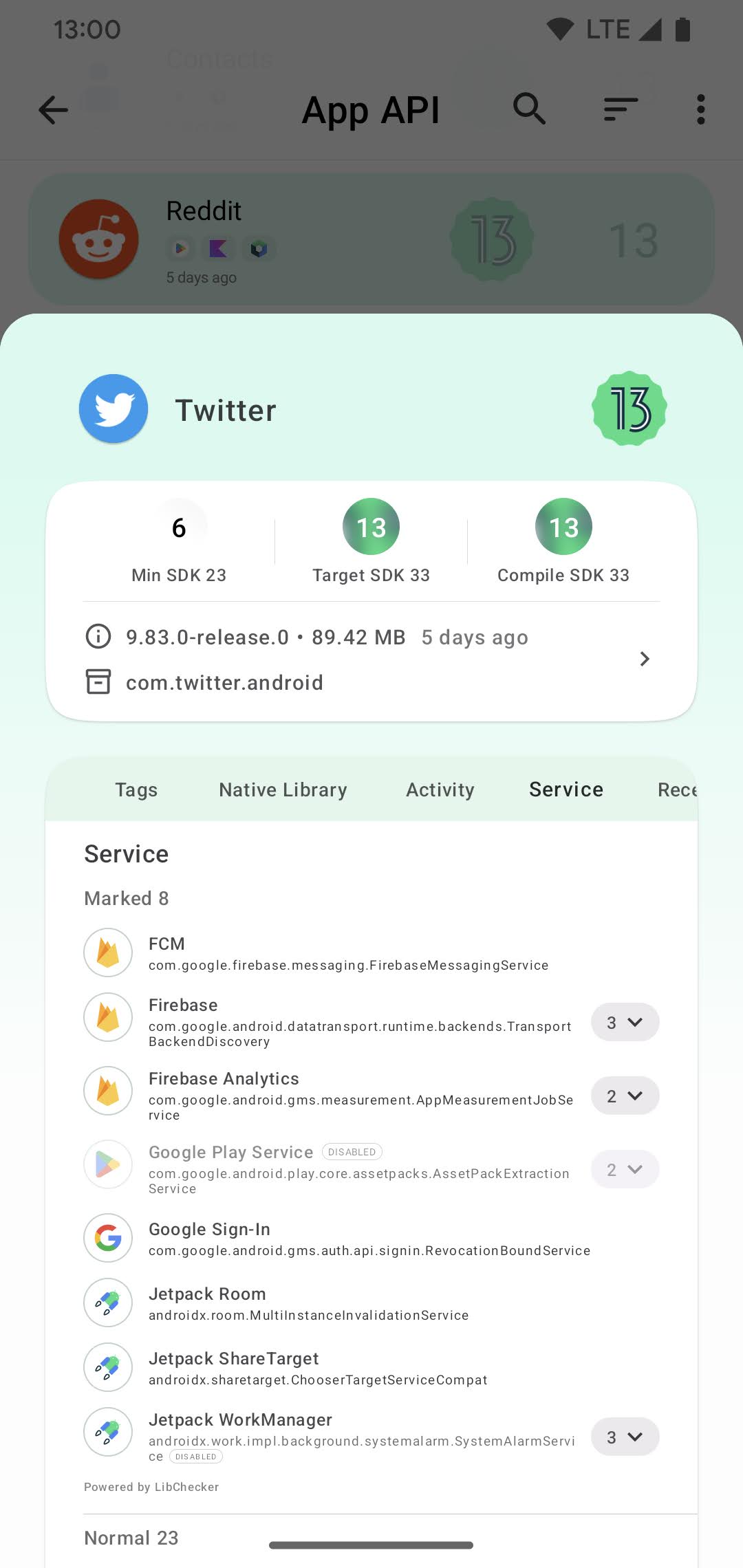
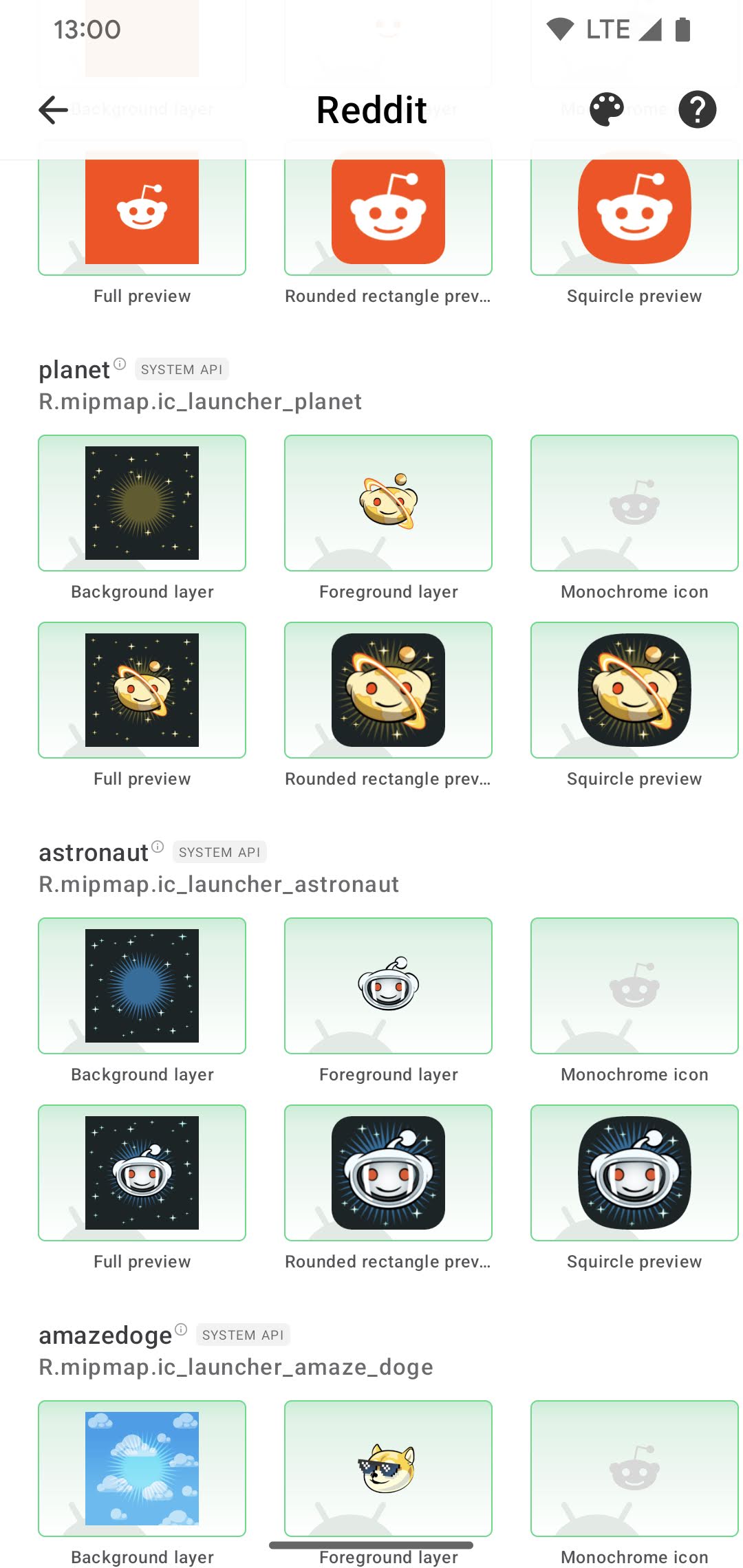
Boundo Meta-app: Info & Manager
Boundo Meta-app is all about your apps and beyond.
Check info of apps on your phone, and organize them into categories.
Designed for Android enthusiasts, Meta-app is available on Android and Wear OS.
1. Develop
1.1 Requirements
1.1.1 Versions
- Android Studio
Otter 3(AGP9.0) - Java
17, Kotlin2.3.20, Gradle9.4
1.1.2 Configure project JDK for Android Studio
- Open the Gradle settings from Settings > Build, Execution, Deployment > Build Tools > Gradle
- From the Gradle JDK drop-down, select
GRADLE_LOCAL_JAVA_HOME - A new drop-down appears under it, select a JDK of the required version
- Note that this setting does not affect commandline/CI use, refer Java versions in Android builds for more information
1.2 Configure signing & BundleTool
- Copy the file named
custom.properties.templateindoconfigdirectory, rename it tocustom.propertiesand make necessary changes to it - Download BundleTool binary from BundleTool Releases,
and save it as
doconfig/bundletool.jarin this project
1.3 Build universal APKs (App API feature included, release variant)
- Follow section 1.2: configure signing & BundleTool
- Run Gradle task from commandline
gradlew :app:genUniversalApks - Look for
app/build/outputs/apks/release/universal.apkin this project
1.4 Build FOSS version (less feature)
- Follow section 1.2: configure signing & BundleTool
- Run Gradle task from commandline
gradlew :app:genFossApks - Look for
app/build/outputs/apks/foss/universal.apkin this project
1.5 Commandline build environment
1.5.1 Configure project JDK for commandline
- Edit file
gradle.propertiesin project root, add theorg.gradle.java.homeproperty to the file, example like beloworg.gradle.java.home=/Users/cliuff/Library/Java/jdk-17.0.2.jdk/Contents/Home
1.5.2 Configure Android SDK
- Install Android Studio, finish setup wizard and get Android SDK path
- Create or edit file
local.propertiesin project root, add thesdk.dirproperty to the file, example like belowsdk.dir=/Users/cliuff/Library/Android/sdk
1.5.3 Build universal APKs
- Refer previous sections for steps to build APKs
2. Download

Explorer des projets similaires
Chargement…