
cihadturhan/jquery-aim
À propos
Plugin jQuery qui prédit l’élément que l’utilisateur va survoler ou sur lequel il va cliquer.
Outils de développementProgression mesurée des étoiles
- in 24h
- 0
- in 7 days
- 0
- in 15 days
- Historique en cours
- in 1 month
- Historique en cours
Variations nettes sur des périodes qui se chevauchent, pas des totaux quotidiens. Les mesures absentes restent vides. Les étoiles indiquent l’intérêt, pas la qualité.
README.md
Originaljquery.aim
jQuery plugin anticipates on which element user is going to hover/click.
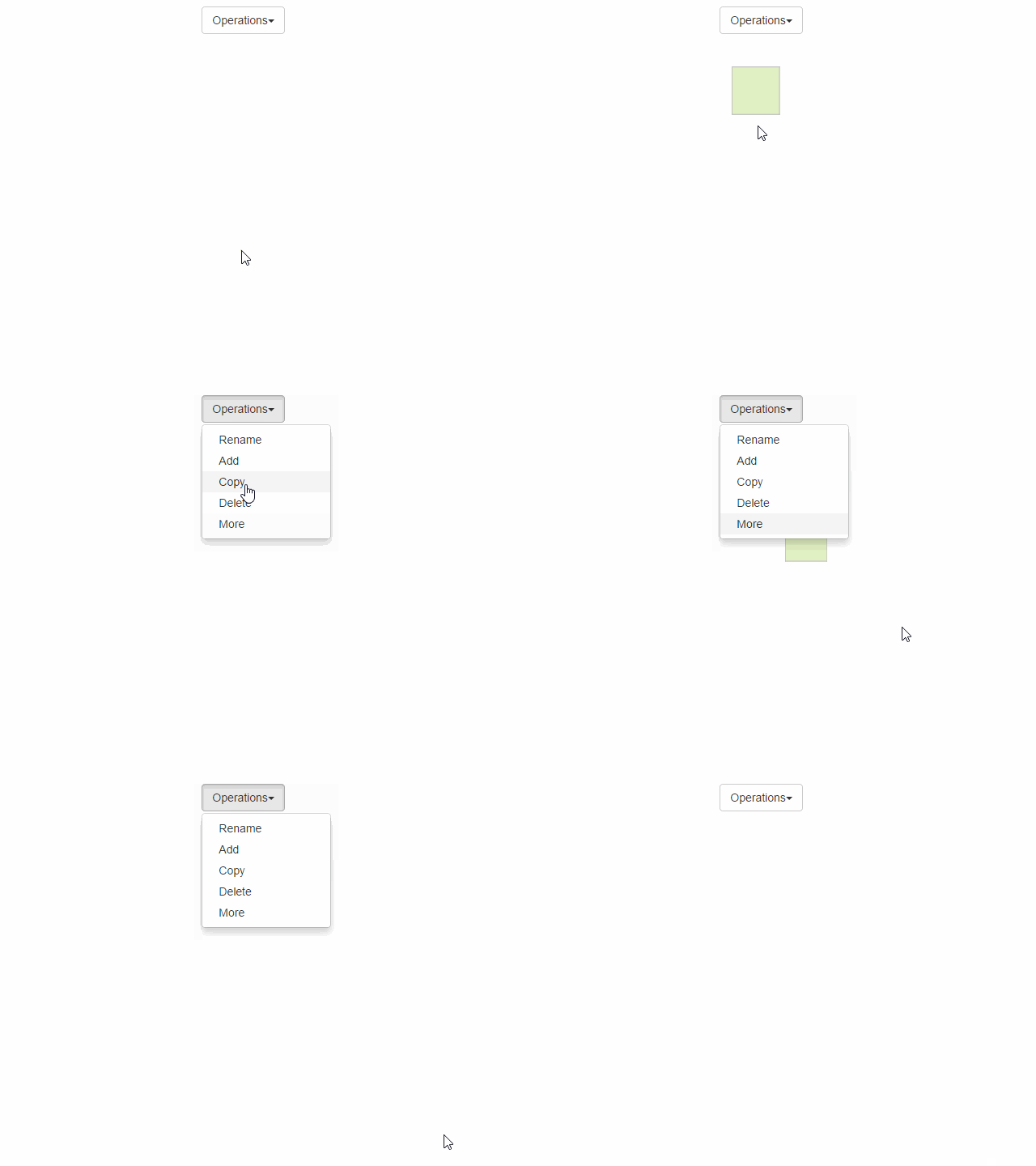
Examples
A couple of examples can be found the examples page
Usage
Call the function on the elements to catch user aim and add a class which will be added or removed when aiming starts or ends
$('#target').aim({
    className: 'open'
});
If you want to execute a function on aim starts or ends, use the aimEnter and aimExit options
$('#hamburger').aim({

    aimEnter: function() {
        $('#menu').show();
    },

    aimExit: function(){
        $('#menu').hide();
    }
});
Debugging
To see where your cursor is aiming and check if it intersects with elements use
$.aim.setDebug(true);
and you will see a rectangle moving around.
Defining own function
If you don't like the default algorithm, define your own by the following procedure
function anticipateFunc(p, v, mouseX, mouseY, anticipator) {
  /*
  Calculate the new position of anticipator using inputs
  p = {x:number,y:number}
  v = {x:number,y:number}
  mouseX = number
  mouseY = number

  Anticipator has some readonly values like the following

  {
      size: 50,
      center: {x: 0, y: 0},
      effectiveSize: 1,
      rect : {x0: 0, y0: 0, x1: 50, y1: 50}
  }

  */
}

$.aim.setAnticipateFunction(anticipateFunc);
Explorer des projets similaires
Chargement…