
bmelnychuk/AndroidTreeView
bmelnychuk/AndroidTreeView has 3,032 GitHub stars and 612 forks. GitHot measured 0 stars in 24 hours, -1 in 7 days, and -1 in 15 days. Last checked 2026-11-22 19:27 UTC. Last push 2022-02-09.
What you can do
- N - level expandable/collapsable tree
- Custom values, views, styles for nodes
- Save state after rotation
- Selection mode for nodes
Progression mesurée des étoiles
- in 24h
- 0
- in 7 days
- -1
- in 15 days
- -1
- in 1 month
- Historique en cours
Variations nettes sur des périodes qui se chevauchent, pas des totaux quotidiens. Les mesures absentes restent vides. Les étoiles indiquent l’intérêt, pas la qualité.
À propos
AndroidTreeView. Implémentation de TreeView pour Android
Outils de développementREADME.md
OriginalThis project is deprecated. You can still use it as it. Let me know if someone is interested in supporting it.
AndroidTreeView
Recent changes
2D scrolling mode added, keep in mind this comes with few limitations: you won't be able not place views on right side like alignParentRight. Everything should be align left. Is not enabled by default
Description
Tree view implementation for android

Demo

Features
- N - level expandable/collapsable tree
- Custom values, views, styles for nodes
- Save state after rotation
- Selection mode for nodes
- Dynamic add/remove node
Known Limitations
- For Android 4.0 (+/- nearest version) if you have too deep view hierarchy and with tree its easily possible, your app may crash
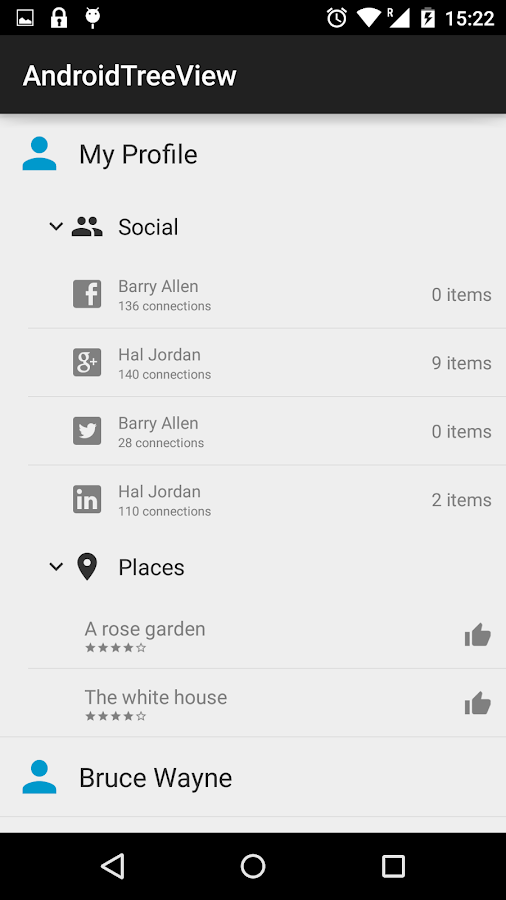
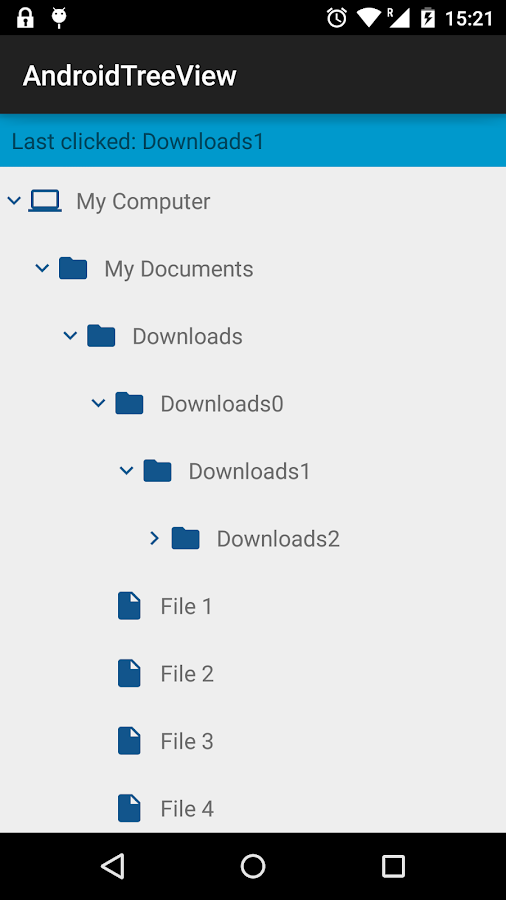

Integration
1) Add library as a dependency to your project
compile 'com.github.bmelnychuk:atv:1.2.+'
2) Create your tree starting from root element. TreeNode.root() element will not be displayed so it doesn't require anything to be set.
TreeNode root = TreeNode.root();
Create and add your nodes (use your custom object as constructor param)
 TreeNode parent = new TreeNode("MyParentNode");
 TreeNode child0 = new TreeNode("ChildNode0");
 TreeNode child1 = new TreeNode("ChildNode1");
 parent.addChildren(child0, child1);
 root.addChild(parent);
3) Add tree view to layout
 AndroidTreeView tView = new AndroidTreeView(getActivity(), root);
 containerView.addView(tView.getView());
The simplest but not styled tree is ready. Now you can see parent node as root of your tree
4) Custom view for nodes
Extend TreeNode.BaseNodeViewHolder and overwrite createNodeView method to prepare custom view for node:
public class MyHolder extends TreeNode.BaseNodeViewHolder<IconTreeItem> {
    ...
    @Override
    public View createNodeView(TreeNode node, IconTreeItem value) {
        final LayoutInflater inflater = LayoutInflater.from(context);
        final View view = inflater.inflate(R.layout.layout_profile_node, null, false);
        TextView tvValue = (TextView) view.findViewById(R.id.node_value);
        tvValue.setText(value.text);

        return view;
    }
    ...
    public static class IconTreeItem {
        public int icon;
        public String text;
    }
}
5) Connect view holder with node
  IconTreeItem nodeItem = new IconTreeItem();
  TreeNode child1 = new TreeNode(nodeItem).setViewHolder(new MyHolder(mContext));
6) Consider using
TreeNode.setClickListener(TreeNodeClickListener listener);
AndroidTreeView.setDefaultViewHolder
AndroidTreeView.setDefaultNodeClickListener
...
For more details use sample application as example
Let me know if i missed something, appreciate your support, thanks!
Projects using this library
Explorer des projets similaires
Chargement…