
awkward/Alembic
À propos
Extraire une palette de couleurs à partir d’images Sketch
Outils de développementProgression mesurée des étoiles
- in 24h
- 0
- in 7 days
- 0
- in 15 days
- 0
- in 1 month
- Historique en cours
Variations nettes sur des périodes qui se chevauchent, pas des totaux quotidiens. Les mesures absentes restent vides. Les étoiles indiquent l’intérêt, pas la qualité.
README.md
Original

Alembic


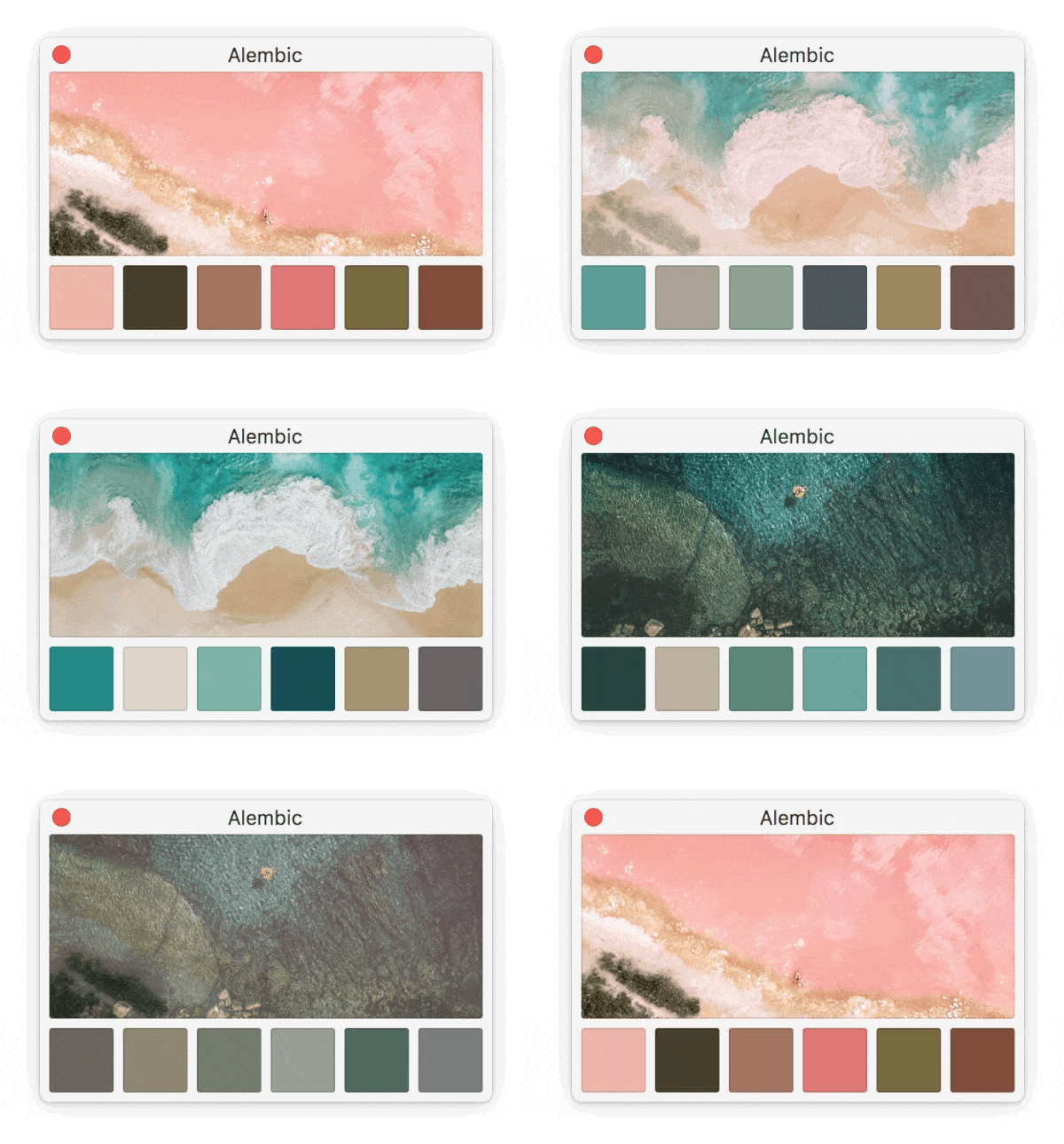


A Sketch plugin to extract a color palette from any layer that contains bitmap data. This works for both images and layers with a Pattern fill. Alembic uses Color Thief to extract a representative color palette.
Introduction
Hi, we’re Awkward. A while ago, we came across this Tweet with an idea for a Sketch plugin that extracts color palettes from images. We felt like it was perfect to experiment with and the idea resulted in Alembic.
Usage
- Launch
Plugins › ⚗️ Alembic - Select the layer you want to extract the colors from
- Click a color to copy it to your clipboard
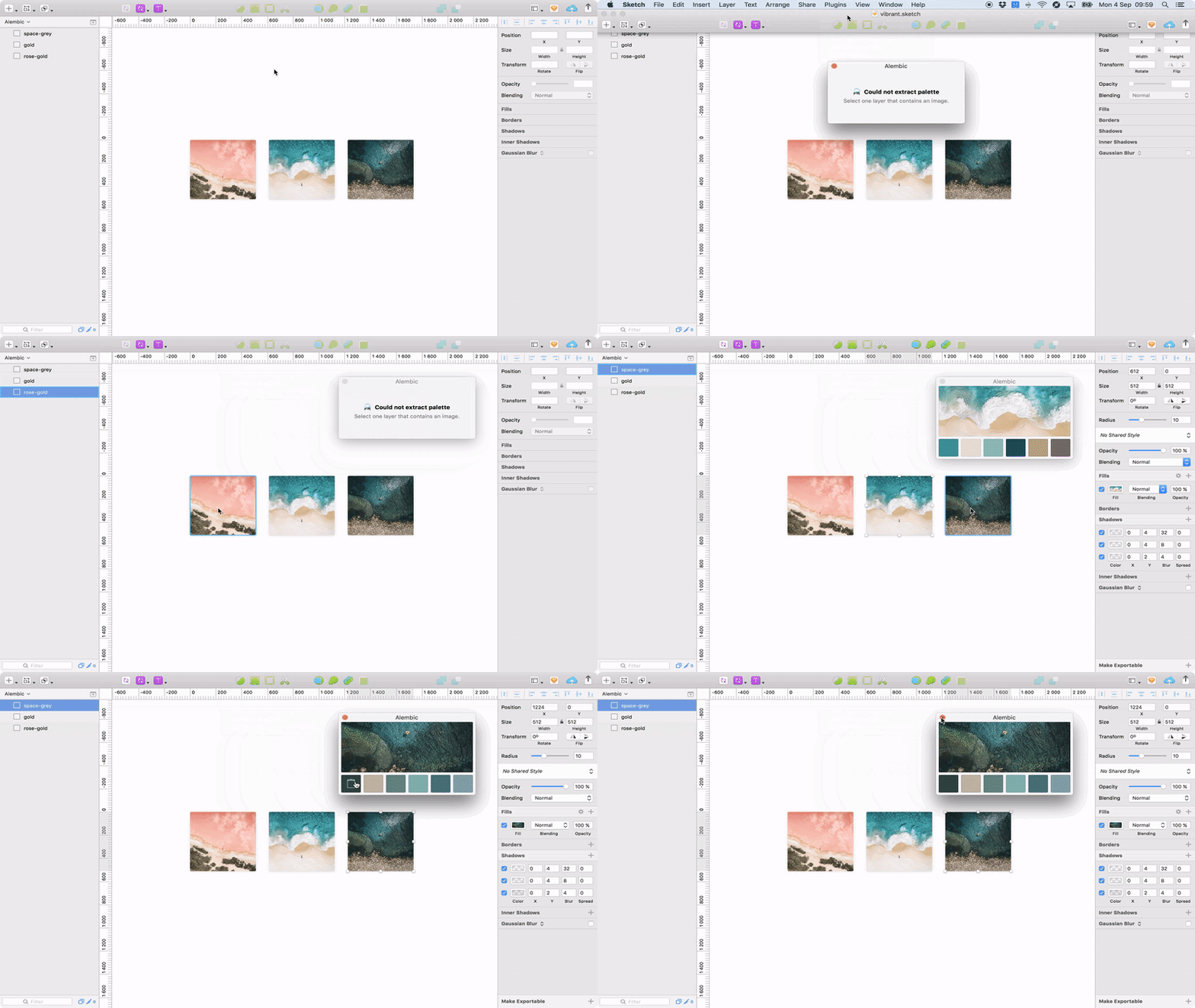
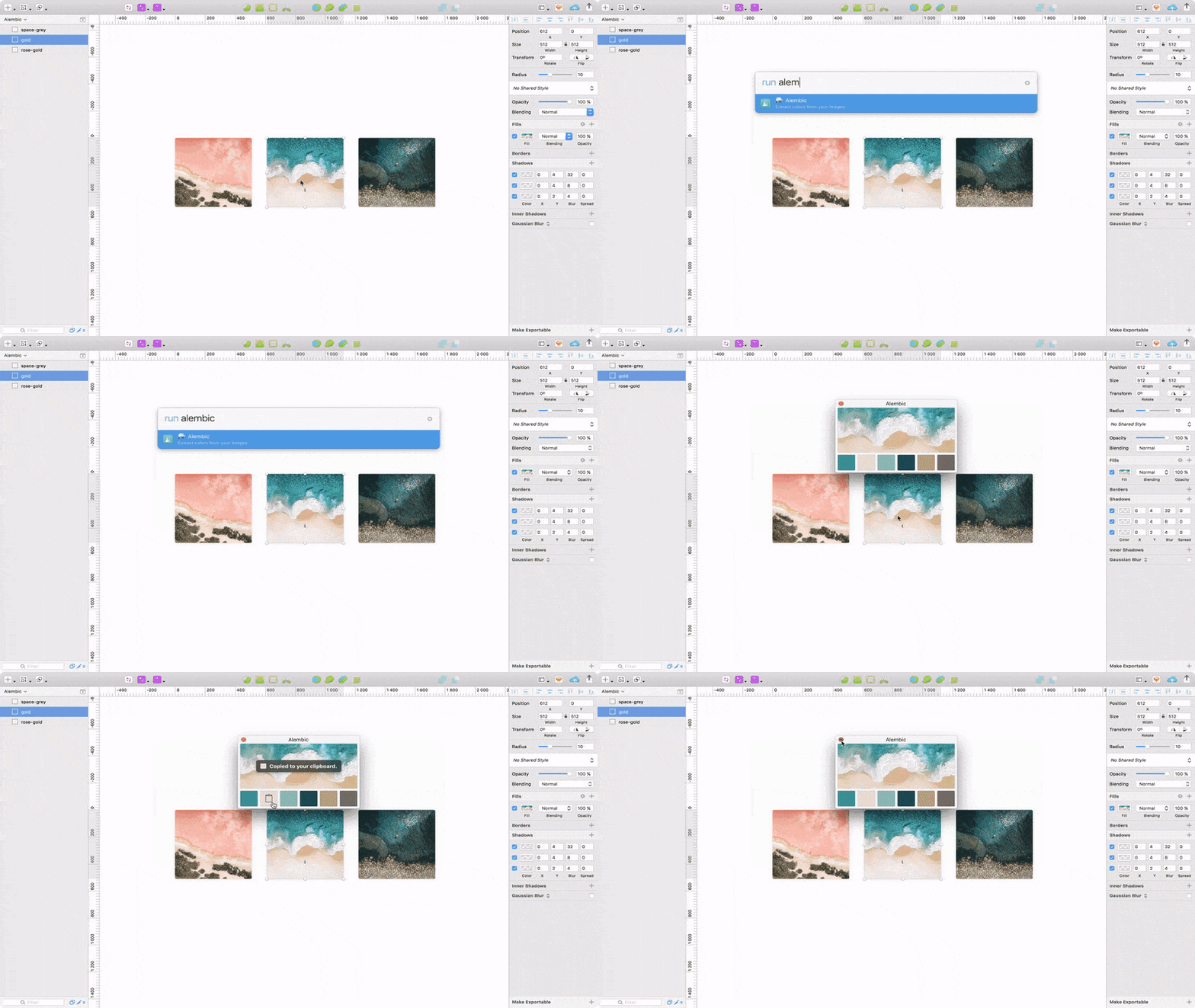
You can also use Sketch Runner to quickly launch Alembic.
Installation
Using Sketch Runner
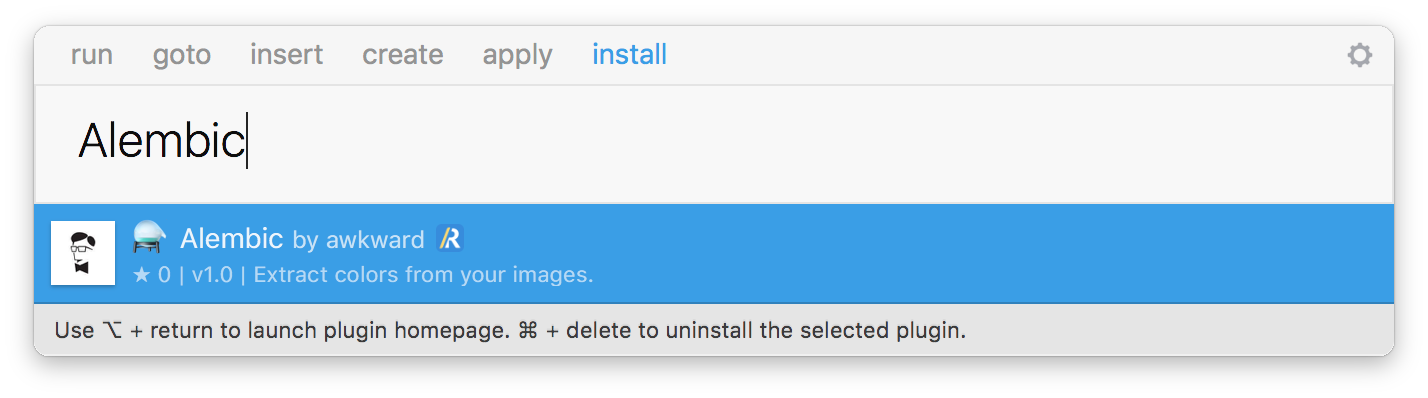
With Sketch Runner, just go to the install command and search for Alembic.
Using Sketchpacks
Search for Alembic in Sketchpacks or just install it directly.
Manually
- Download the latest release
- Open
Alembic.sketchplugin
License
Alembic is available under the MIT license. See the LICENSE file for more info.
Explorer des projets similaires
Chargement…