
auchenberg/chrome-devtools-app
auchenberg/chrome-devtools-app has 1,572 GitHub stars and 90 forks. GitHot measured 0 stars in 24 hours, 0 in 7 days, and 0 in 15 days. Last checked 2026-11-25 04:31 UTC. Last push 2022-03-29.
Progression mesurée des étoiles
- in 24h
- 0
- in 7 days
- 0
- in 15 days
- 0
- in 1 month
- Historique en cours
Variations nettes sur des périodes qui se chevauchent, pas des totaux quotidiens. Les mesures absentes restent vides. Les étoiles indiquent l’intérêt, pas la qualité.
À propos
Chrome DevTools empaqueté sous forme d’application avec Electron
Outils de développementREADME.md
OriginalUpdate on Chrome DevTools App.
Chrome DevTools App is now superseeded by https://inspect.dev/ – a new developer tool for macOS and Windows to inspect and debug your web apps and websites in Safari and WebViews on iOS devices 🤯🎉🔥
Maintenance status: Chrome DevTools App. is not proactively maintained or extended.
Original readme
Chrome DevTools App
Discontinued
This project is Discontinued. See https://github.com/auchenberg/chrome-devtools-app/issues/48

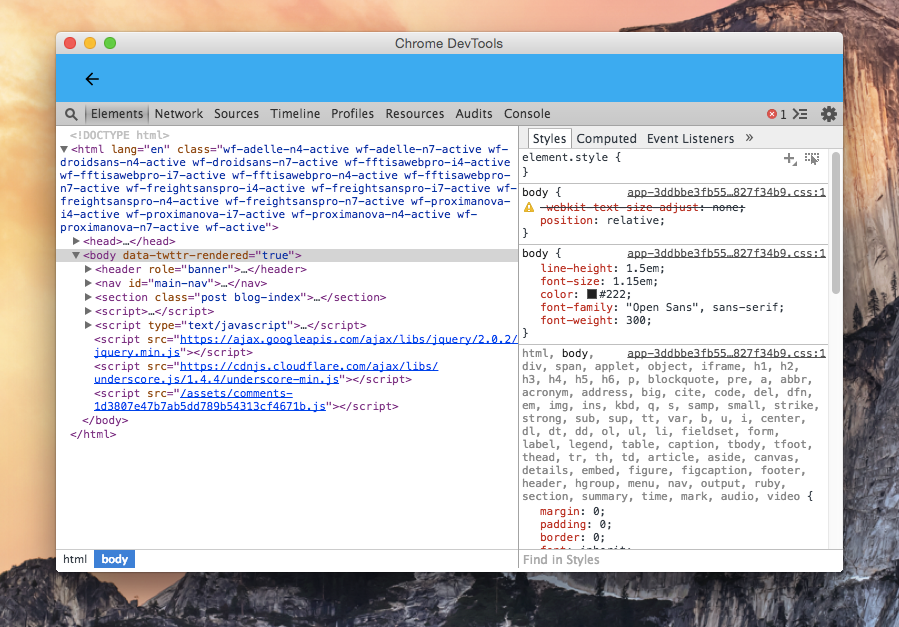
Chrome DevTools packaged as an app using electron-prebuilt.
This project is an exploration of how much work it would take to separate Chrome DevTools from Chrome itself and to explore what separation from the browser would bring to the table in terms of new functionality, etc.
I've written an article about this project, where I go in detail, and provide a few perspectives on what this project could evolve into. https://kenneth.io/blog/2014/12/28/taking-chrome-devtools-outside-the-browser/.
Installation
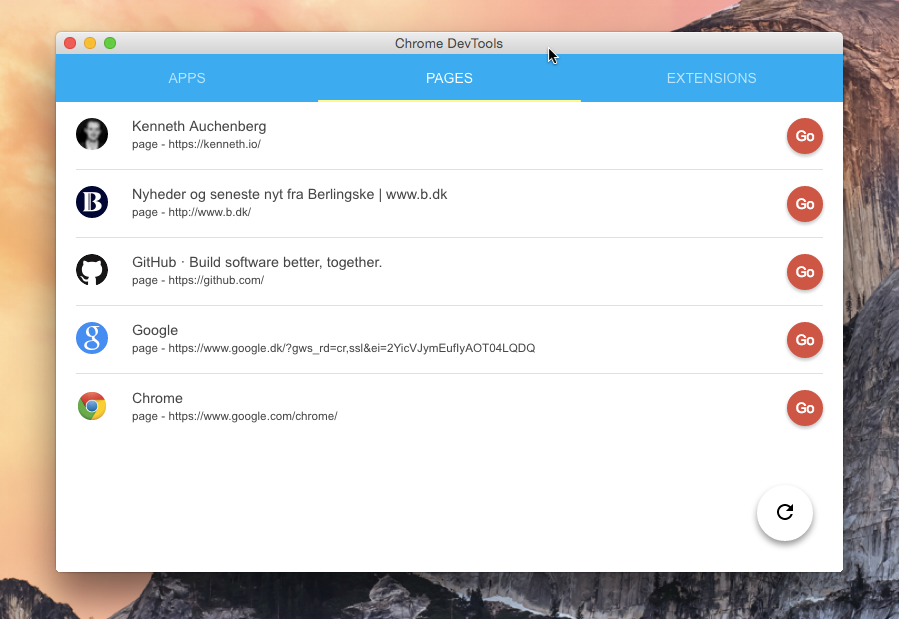
- Go to the releases page, and download the latest DMG installer (Mac only, for now)
- Drag Chrome DevTools App to your
applicationsfolder - Start an instance of Chrome with remote debugging enabled
- Start Chrome DevTools App
- Wait a second or click the refresh button.
- Targets should show up. Click "Go" next to your target.
- Bam. There go you.
Development
How to get started from source?
- Run
npm install - Run
npm start
How to start this app from source?
- Run
npm install - Run
npm install bower-cli -g - Run
npm start
How to start a debug version of this app?
Run npm start
Releases
How to make a new build?
Run npm run release
This project is highly experimental.
Explorer des projets similaires
Chargement…