
arierie/pageloader
À propos
Simple android library for loading page with easy customization
Outils de développementProgression mesurée des étoiles
- in 24h
- 0
- in 7 days
- 0
- in 15 days
- Historique en cours
- in 1 month
- Historique en cours
Variations nettes sur des périodes qui se chevauchent, pas des totaux quotidiens. Les mesures absentes restent vides. Les étoiles indiquent l’intérêt, pas la qualité.
README.md
OriginalPageLoader

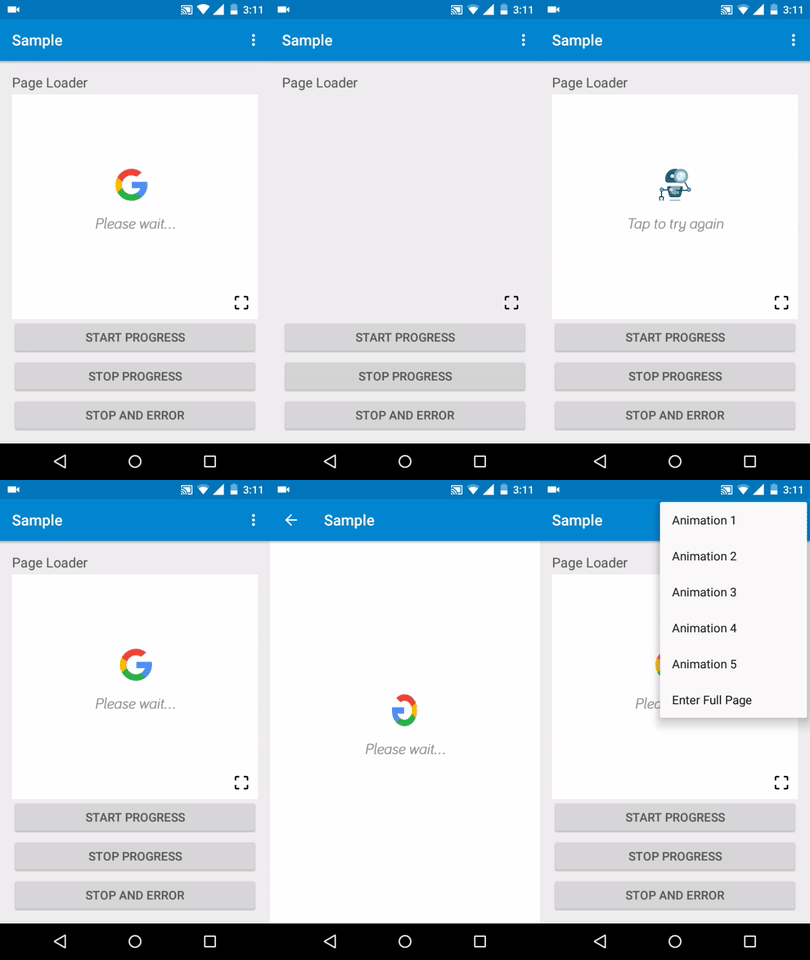
PageLoader is a simple android library for loading page with easy customization. Built by Arie Ridwansyah.
Setup
Add PageLoader to your dependencies block:
dependencies {
    implementation 'id.arieridwan:pageloader:0.0.2'
}
Usage
PageLoader
Add a PageLoader to your layout just like any other view.
<id.arieridwan.lib.PageLoader
    android:id="@+id/pageloader"
    android:layout_width="match_parent"
    android:layout_height="match_parent">
Define the action to load the page or displaying error page on the event
SomeMethod(){
pageLoader.startProgress();
...
    onComplete(){
        ...
    }
    onNext(){
        ...
        pageLoader.stopProgress();
    }
    onError(){
        ...
        pageLoader.stopProgressAndFailed();
    }
}
Set onClickListener when error page is displayed
pageLoader.setOnRetry(new View.OnClickListener() {
            @Override
            public void onClick(View view) {
                pageLoader.startProgress();
            }
        });
You can easily customize the text for loading page or when displaying the error page then change the dimensions with following attribute
app:setLoadingText="Please wait..."
app:setErrorText="Something happened"
app:setTextColor="@color/black"
app:setTextSize="16sp"
Or you can change the image for loading or error page and set the dimensions of the image
app:setLoadingImage="@drawable/ic_search"
app:setErrorImage="@drawable/ic_not_found"
app:setLoadingImageHeight="64dp"
app:setLoadingImageWidth="64dp"
app:setErrorImageHeight="64dp"
app:setErrorImageWidth="64dp"
And also you can change the animation mode
app:setLoadingAnimationMode="rotate"
app:setLoadingAnimationMode="flip"
app:setLoadingAnimationMode="vibrate"
app:setLoadingAnimationMode="shake"
app:setLoadingAnimationMode="bounce"
And then, you can using custom animation or custom font
pageLoader.setCustomAnimation(myAnimation);
pageLoader.setCustomFont(myTypeface);
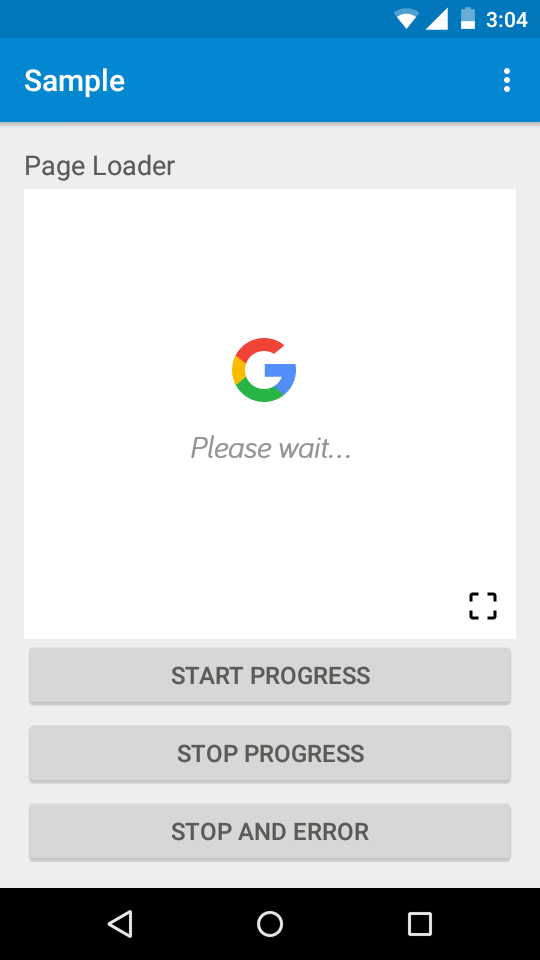
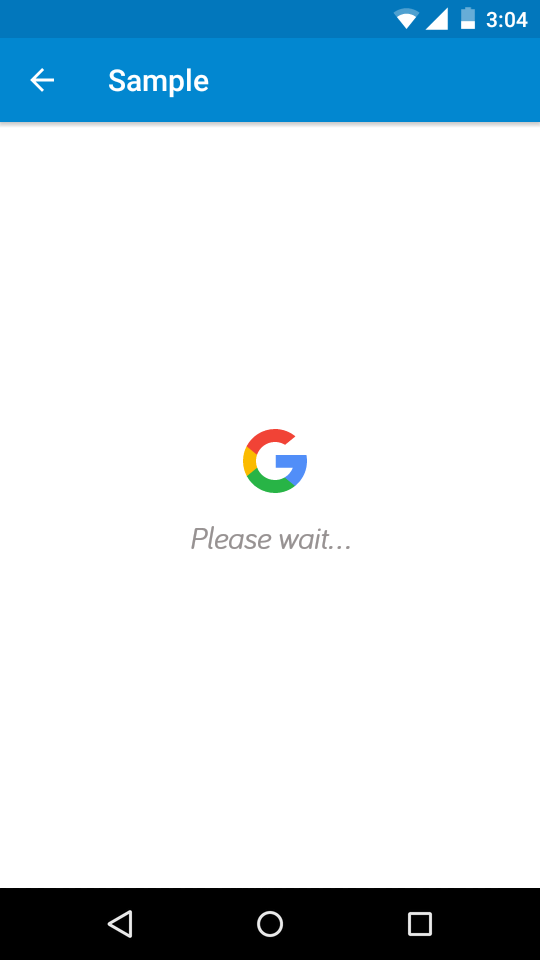
Screenshot

To Do
- setDefaultFontEnabled
- setLoadingProgressModeEnabled
Credits
Arie Ridwansyah
License
PageLoader is under Apache License 2.0.
Explorer des projets similaires
Chargement…