
OffRange/KeyGo
OffRange/KeyGo has 57 GitHub stars and 13 forks. GitHot measured 0 stars in 24 hours and 0 in 7 days. Last checked 2026-11-14 11:26 UTC. Last push 2026-11-06.
What you can do
- 100% Free & Open Source: All features are available for free.
- Local-Only Storage: Your data will never leave your device.
- Comprehensive Management: Store passwords, passkeys, and credit cards.
- MFA Support: Built-in authenticator for TOTP tokens.
Progression mesurée des étoiles
- in 24h
- 0
- in 7 days
- 0
- in 15 days
- Historique en cours
- in 1 month
- Historique en cours
Variations nettes sur des périodes qui se chevauchent, pas des totaux quotidiens. Les mesures absentes restent vides. Les étoiles indiquent l’intérêt, pas la qualité.
À propos
An open-source password manager - a reliable solution prioritizing transparency and security. Utilizing AES encryption, one of the most trusted algorithms, your sensitive information stays confidential and safeguarded.
SécuritéREADME.md
OriginalKeyGo - Your Secure Digital Vault


KeyGo is a secure, open-source Android password manager that allows you to store passwords, passkeys, and credit card information encrypted entirely on your local device.
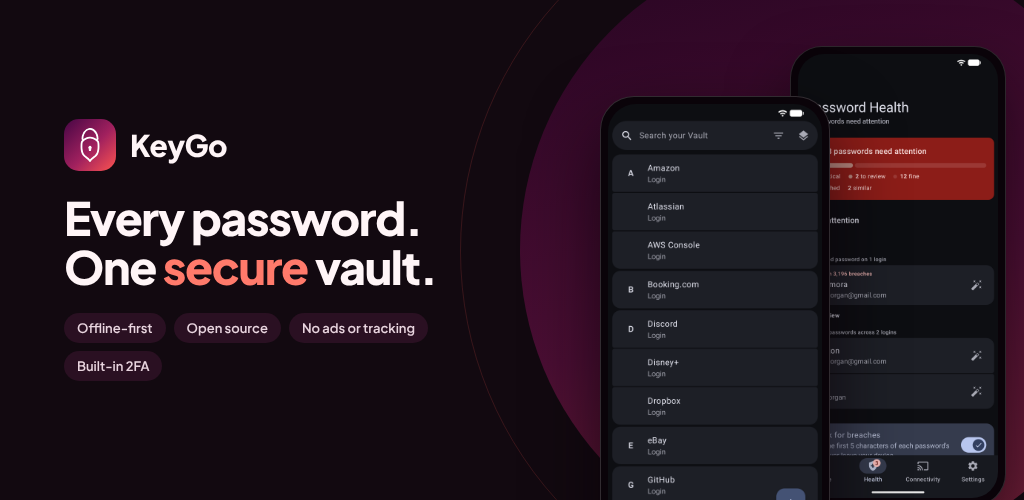
Driven by a modern & intuitive design
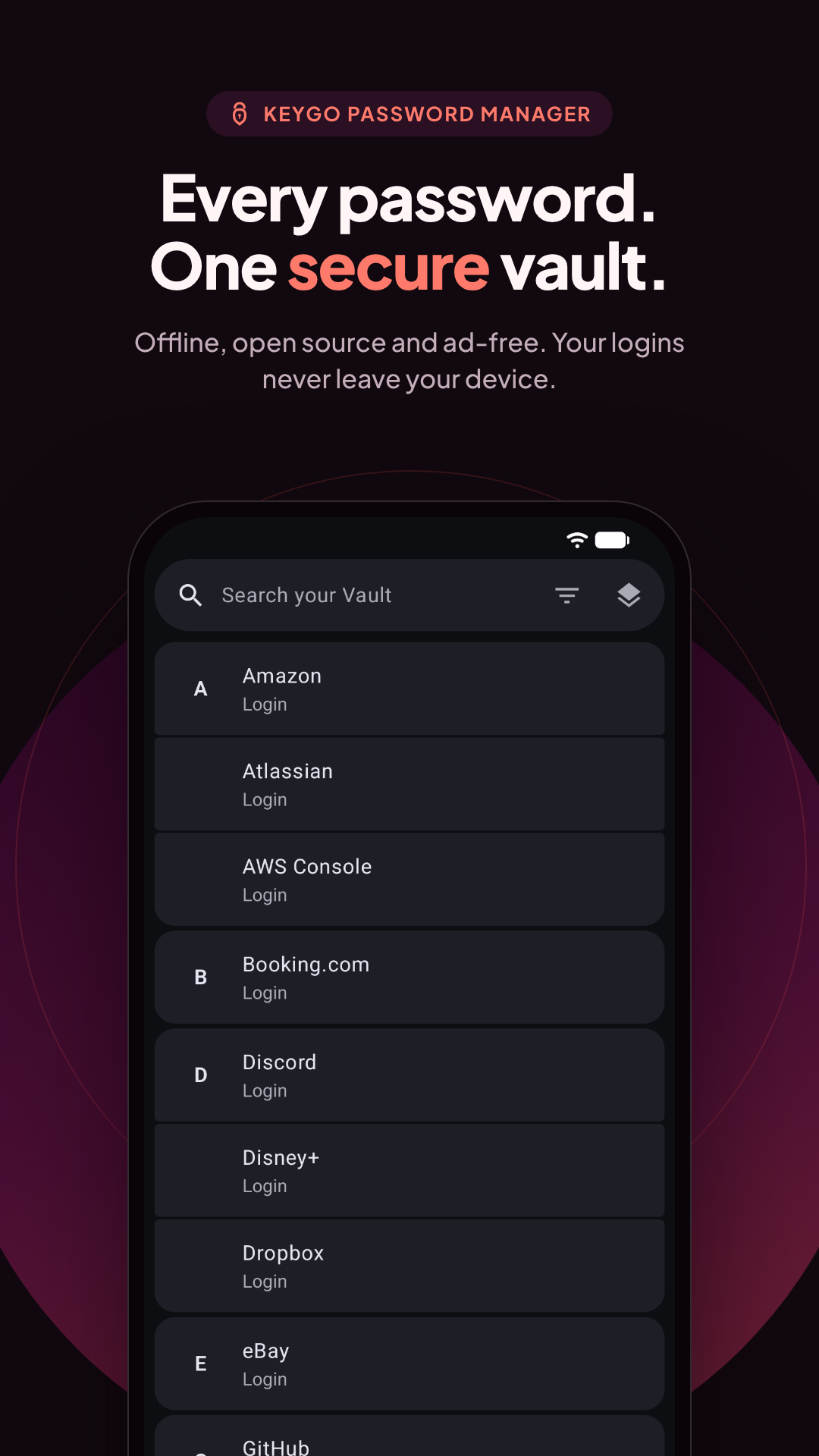
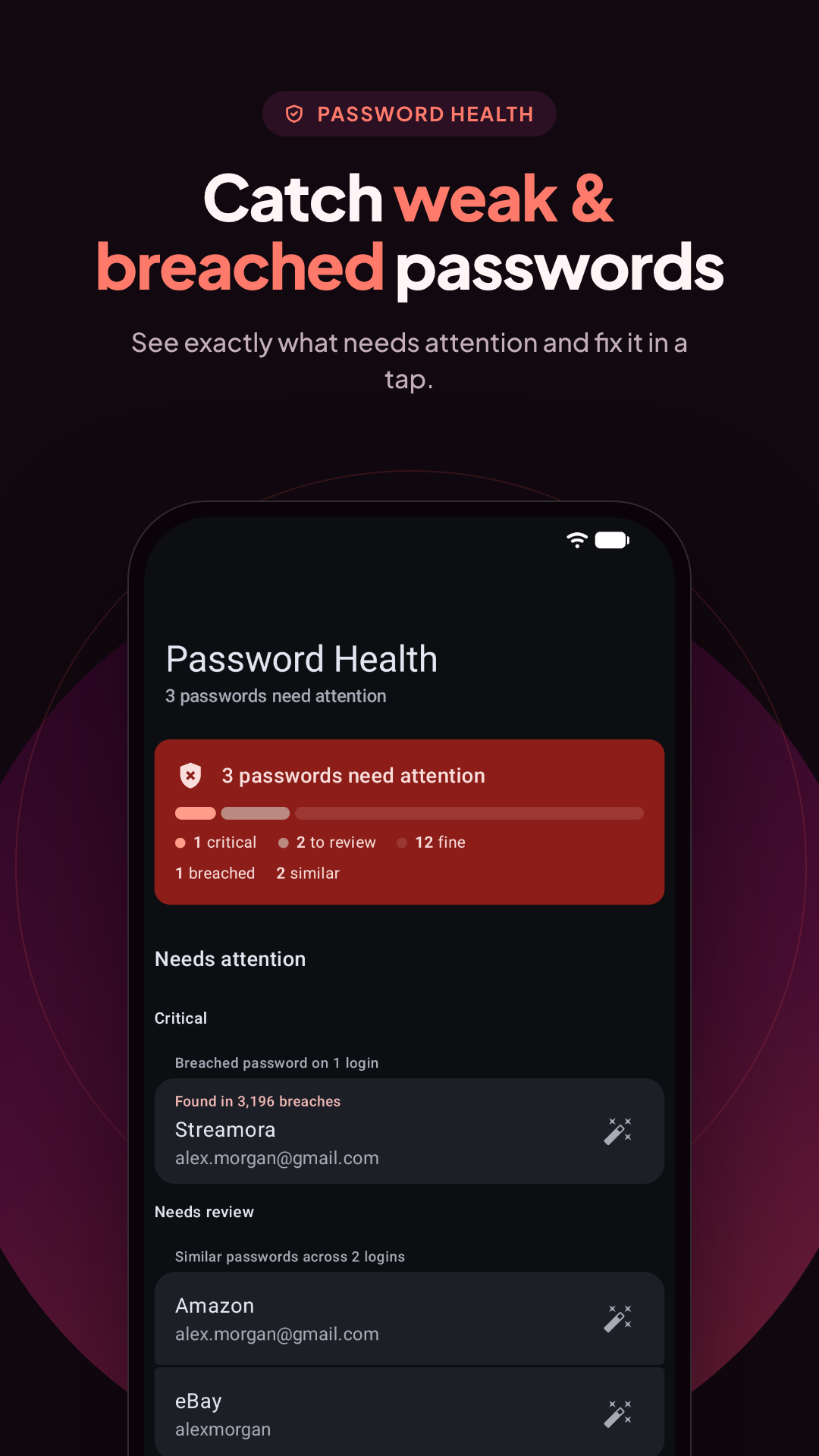
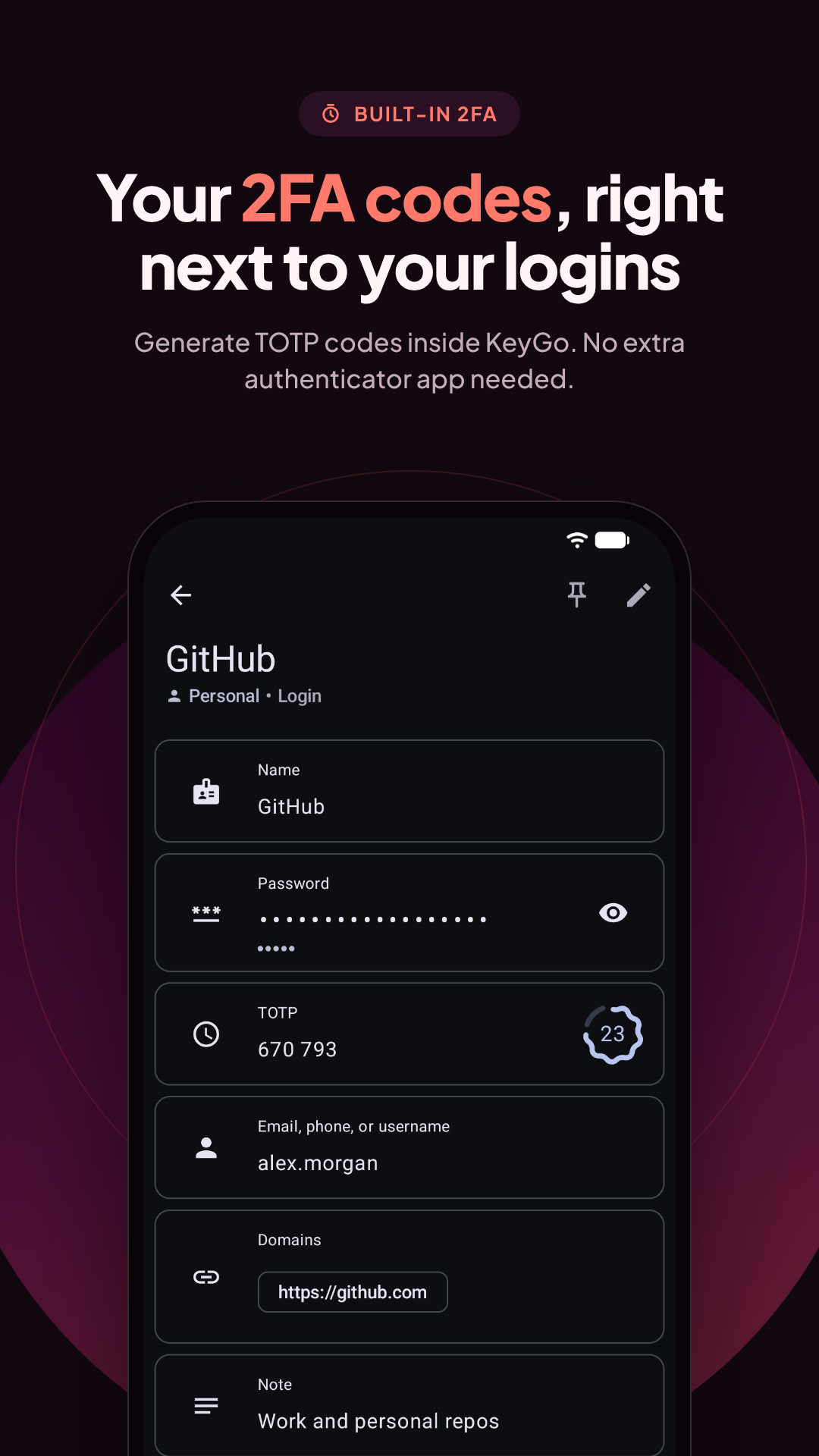
Features
- 100% Free & Open Source: All features are available for free.
- Local-Only Storage: Your data will never leave your device.
- Comprehensive Management: Store passwords, passkeys, and credit cards.
- MFA Support: Built-in authenticator for TOTP tokens.
- Advanced Security: Per-item, industry-standard encryption & password health scanning.
- Seamless Integration: System-wide autofill service for all your credentials.
Download
Get the latest version of KeyGo directly from the Play Store or GitHub:
| Platform | Status |
|---|---|
| Google Play Store |  |
| GitHub | |
Build it Yourself
Prerequisites
You will need to install Rust. Rust is used for cryptographic functions and other amazing features, like generating backups.
If you are using Linux or macOS, simply run this in your terminal:
curl --proto '=https' --tlsv1.2 -sSf https://sh.rustup.rs | sh
(For Windows, download the installer from the official Rust website.)
Generate the APK
Once you have Rust installed, you are ready to build the application by running the following command in the project root:
./gradlew assembleFdroidRelease
Your compiled APK will be generated in app/build/outputs/apk/.
Install on your Device
- Connect your phone to your computer using a USB cable.
- Enable USB debugging on your device.
- Install the APK using ADB by running:
adb install <path-to-apk-file>
License
Licensed under the GNU General Public License v3.0. This means KeyGo is free software: you can redistribute and/or modify it under GPLv3 terms. For full details, see the LICENSE file.
Explorer des projets similaires
trimstray/the-book-of-secret-knowledge
Une collection de listes inspirantes, de manuels, d’antisèches, de blogs, d’astuces, de commandes en une ligne, d’outils CLI et web, et plus encore.
258,410 étoilesHack-with-Github/Awesome-Hacking
Une collection de diverses listes awesome pour les hackers, les pentesters et les chercheurs en sécurité.
125,500 étoilesswisskyrepo/PayloadsAllTheThings
Une liste de payloads et de méthodes de contournement utiles pour la sécurité des applications web et le pentest/CTF.
82,675 étoilescaddyserver/caddy
Serveur web HTTP/1-2-3 rapide, extensible et multiplateforme, avec HTTPS automatique
79,038 étoiles