
OYsun/VueStar
À propos
:sparkles: Un bouton « J’aime » avec une agréable animation d’étoiles, propulsé par Vue.js
Création et médiasProgression mesurée des étoiles
- in 24h
- 0
- in 7 days
- 0
- in 15 days
- Historique en cours
- in 1 month
- Historique en cours
Variations nettes sur des périodes qui se chevauchent, pas des totaux quotidiens. Les mesures absentes restent vides. Les étoiles indiquent l’intérêt, pas la qualité.
README.md
OriginalVueStar
查看中文文档,请移步至 这里
demo
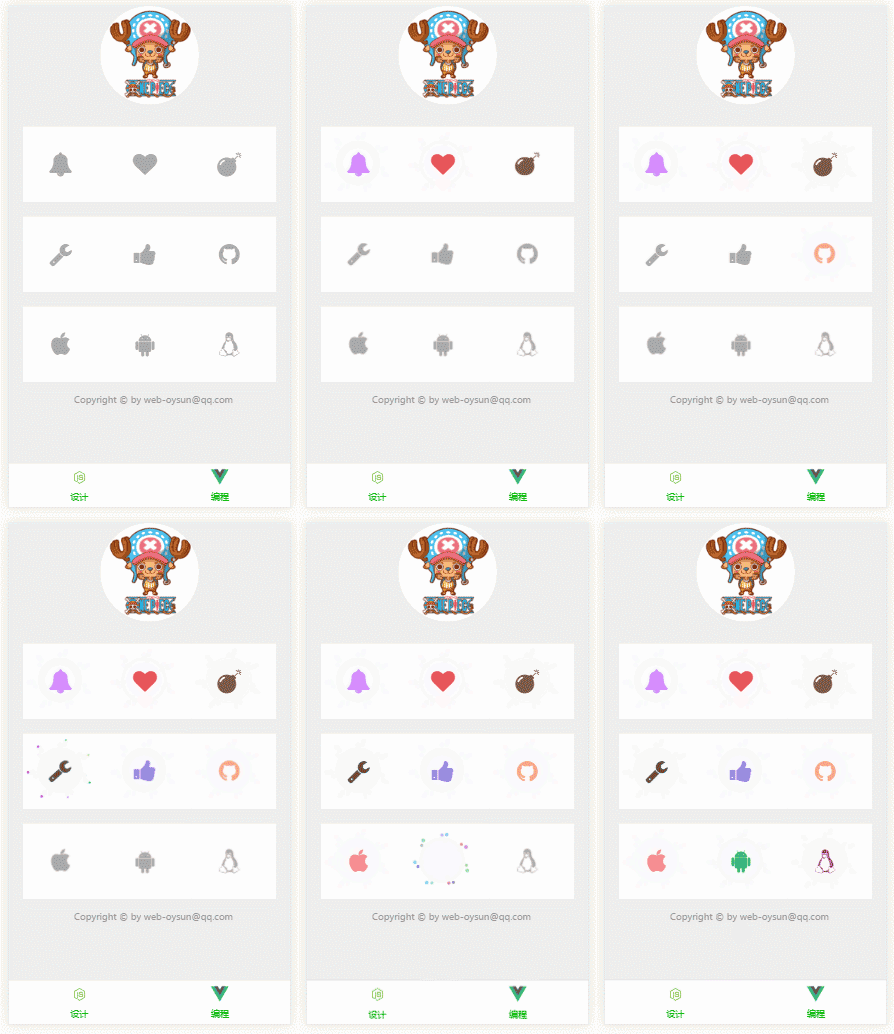
For a better demonstration, please use the phone scan the following two-dimensional code view demo,or click this link http://web-oysun.cn/VueStar/

API
Props
| Option | Type | Description |
|---|---|---|
| animate | String | To activate the animation of the like button |
| color | String | Activate the like button, the color of the button. (note to must be hex or RGB color code) |
Slot
| SlotName | Description |
|---|---|
| icon | Set up the like button |
Detailed instructions
Props
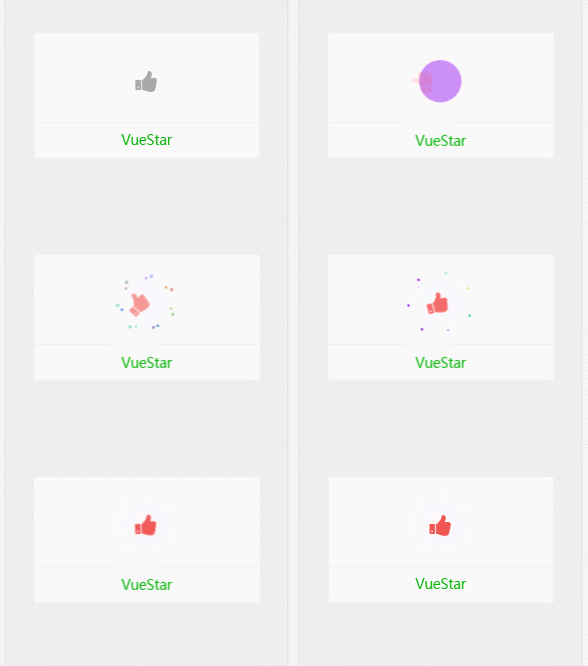
animate
animateSpecify the like button animation, the default is no animation, you can add animation CSS class, of course, can also introduce CSS animation library, such as animate.css

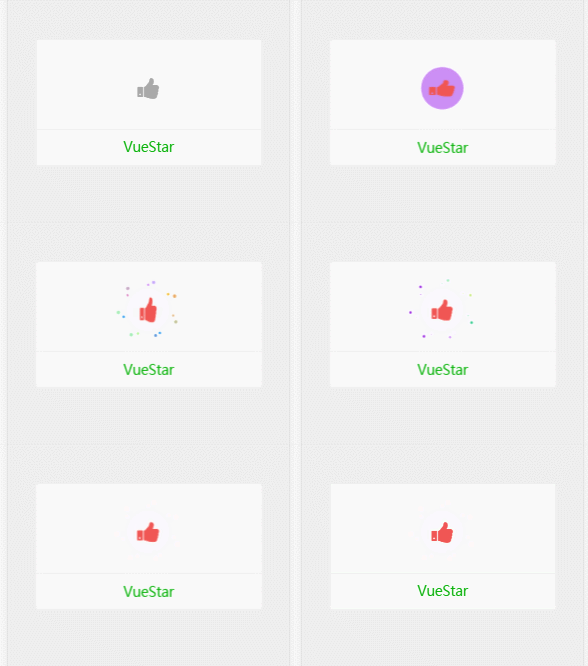
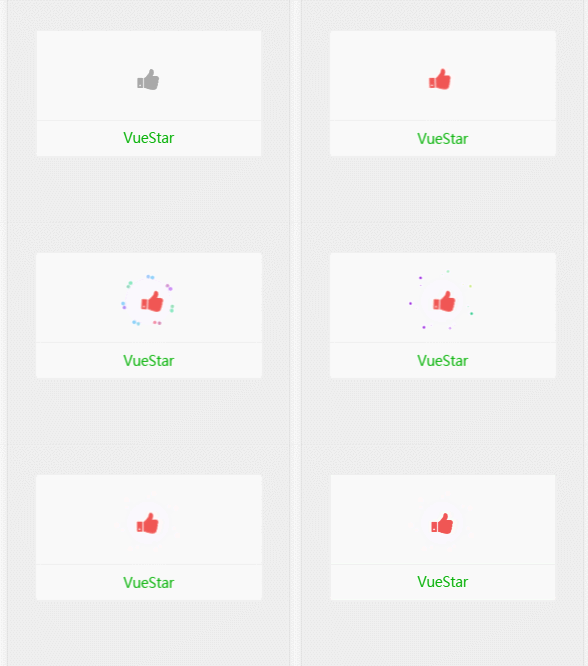

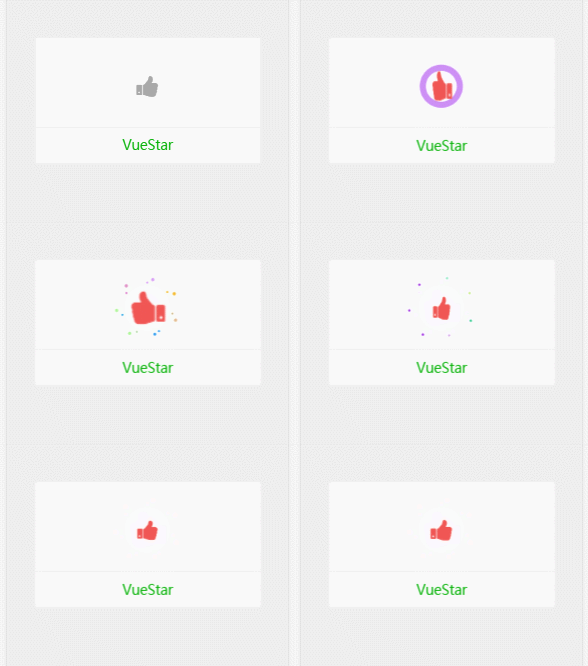
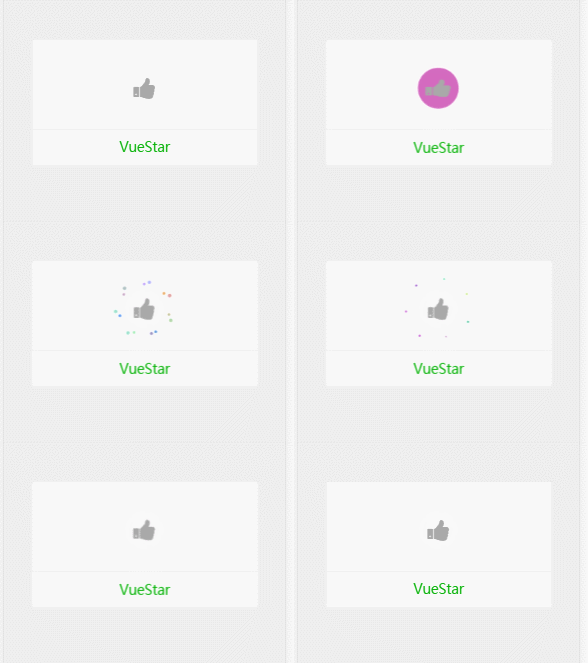
color
colorActivate the button when the button color changes, the default is not. Note: The value of this parameter must be filled in hex or rgb color code, rather than the css class
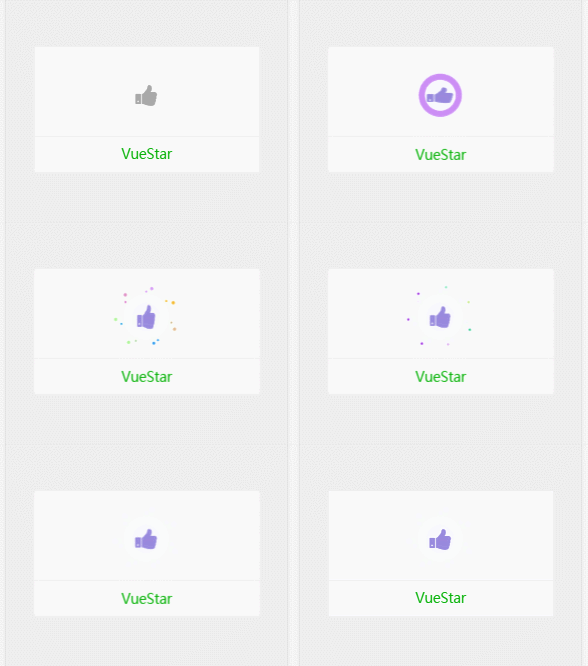
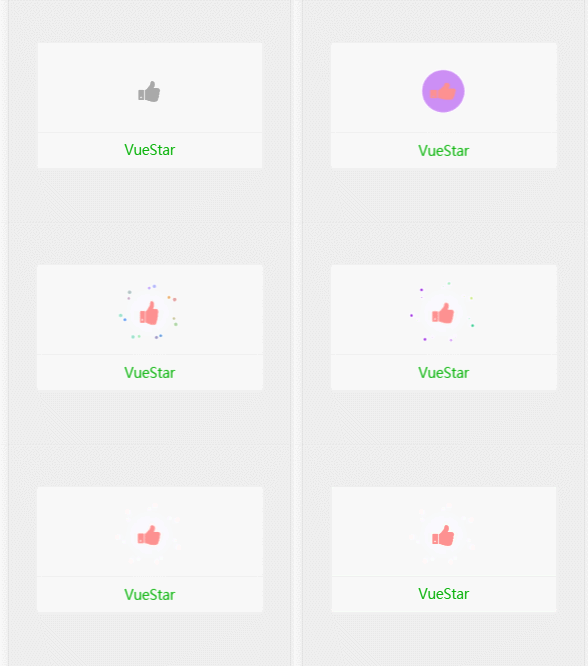
Slot
icon
iconTo the slot inside fill in any content you want, it is the carrier of the like button
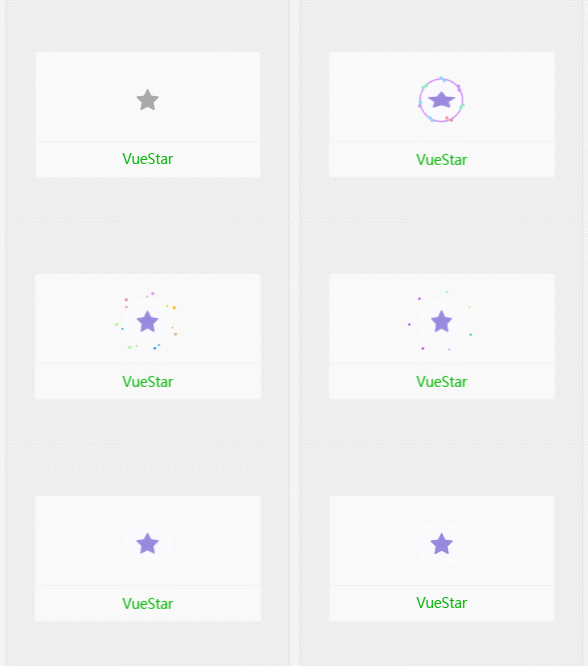
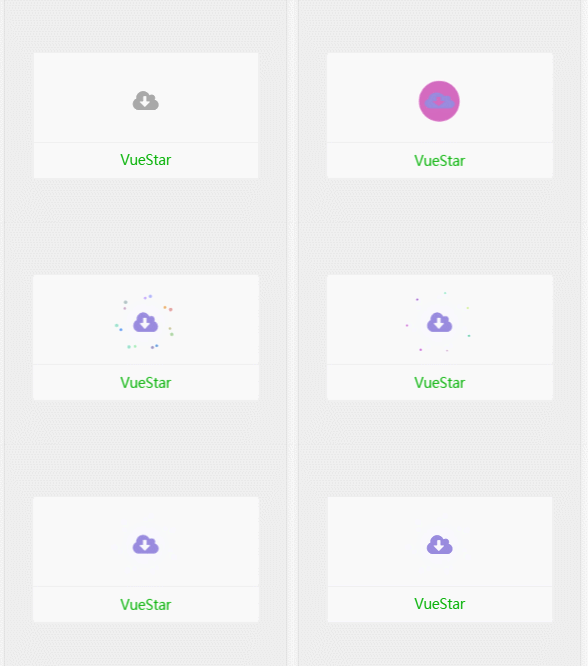
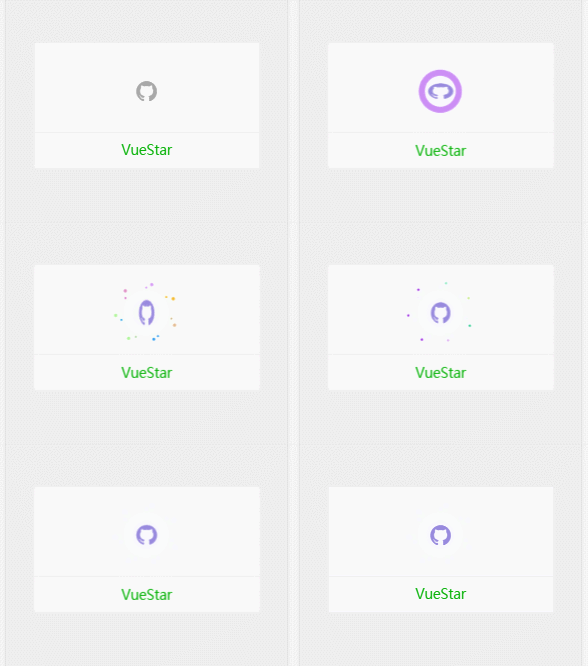
abuout event
Events should be bound in the slot
<template>
  <vue-star animate="animated rubberBand" color="#F05654">
    <a slot="icon" class="fa fa-heart" @click="handleClick"></a>
  </vue-star>
</template>

</script>
export default {
  methods: {
    handleClick () {
      //do something
    }
  }
}
</script>
Simple example
  <vue-star animate="yourAnimateCssClass" color="rgb(152, 138, 222)">
    <img slot="icon" src="./yourImgPlace/yourImg.png" />
  </vue-star>
  <!--use animate.css and font-awesome -->
  <vue-star animate="animated bounceIn" color="#F05654">
    <i slot="icon" class="fa fa-heart"></i>
  </vue-star>
Installation and use
npm install vue-star
- If used as a global component
//In the project entry file
import Vue from 'vue'
import VueStar from 'vue-star'
Vue.component('VueStar', VueStar)
- If as a local component
//In a component
import VueStar from 'vue-star'
export default {
  components: {
    VueStar
  }
}
Bug and suggestions
If you encounter problems or suggestions in the use, welcome to issues
LICENSE
MIT
Explorer des projets similaires
Chargement…