
MizuhoAOKI/python_simple_mppi
À propos
Implémentation Python d’un contrôleur MPPI (Model Predictive Path-Integral) pour comprendre le principe de base. Les seules dépendances obligatoires sont numpy et matplotlib.
Création et médiasProgression mesurée des étoiles
- in 24h
- 0
- in 7 days
- -1
- in 15 days
- Historique en cours
- in 1 month
- Historique en cours
Variations nettes sur des périodes qui se chevauchent, pas des totaux quotidiens. Les mesures absentes restent vides. Les étoiles indiquent l’intérêt, pas la qualité.
README.md
Original


Simple MPPI Implementation with Python
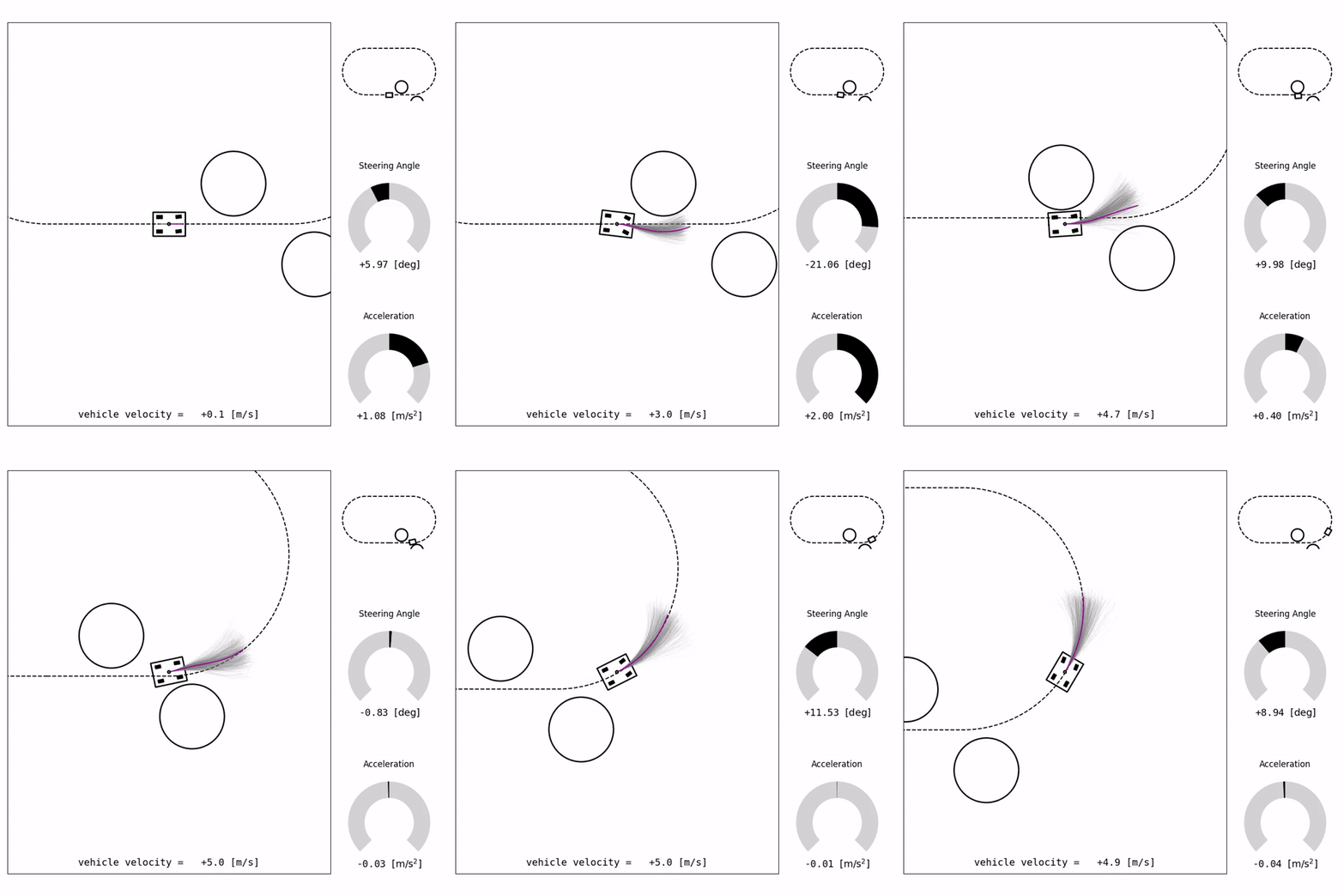
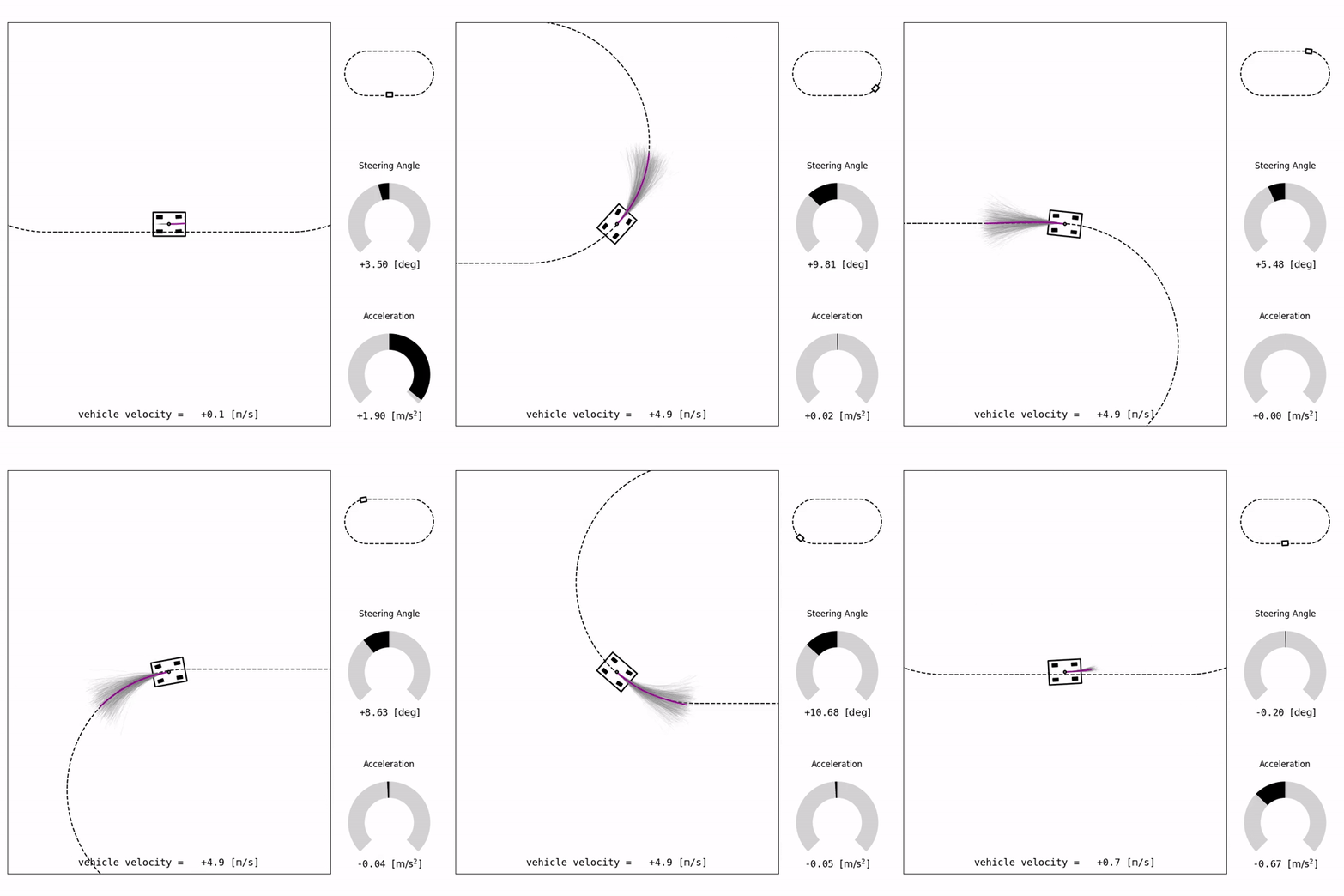
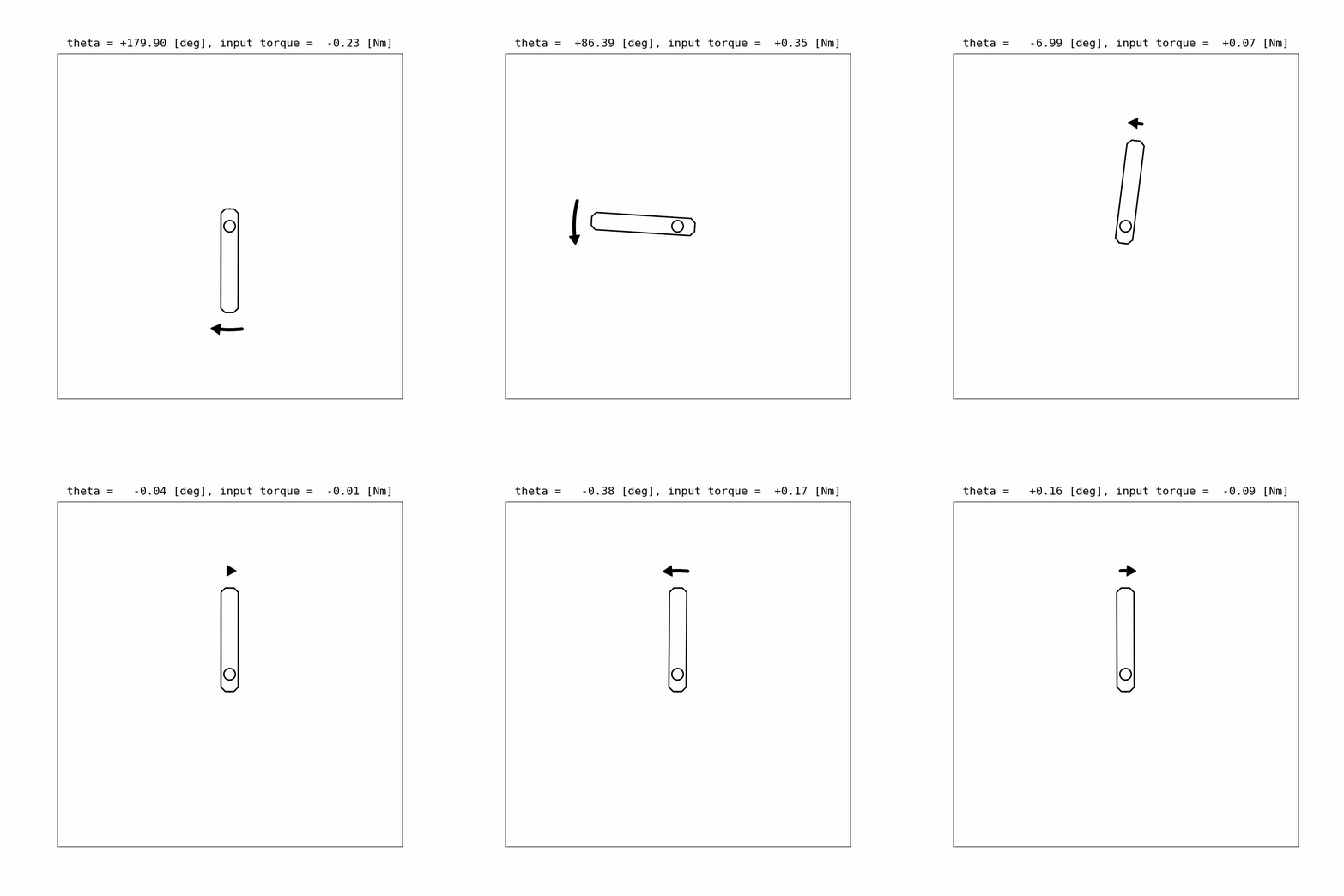
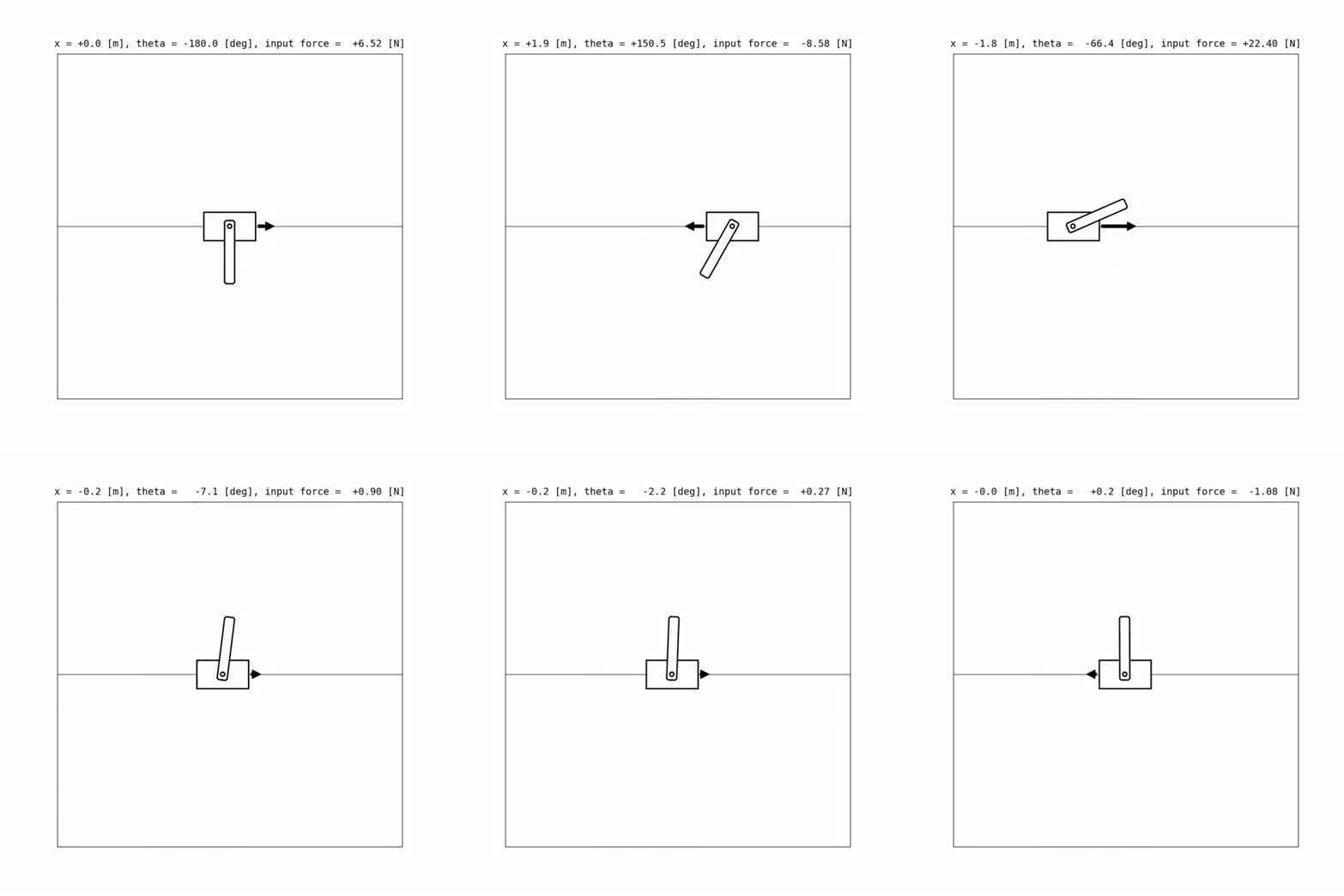
Model Predictive Path-Integral (MPPI) Control [G. Williams et al., 2018] is a promising sampling-based optimal control algorithm.
This repository is for understanding the basic idea of the algorithm.
Dependency
-
- A simple and fast Python package manager. Refer to the official documentation for one-command installation.
- Only
numpy,matplotlib,notebookare needed to run all scripts in this repository.
-
mp4 movie writer
Setup
[Option 1] Native environment
git clone https://github.com/MizuhoAOKI/python_simple_mppi.git
cd python_simple_mppi
uv sync
[Option 2] Docker environment
CLICK HERE TO EXPAND
Install docker.
Clone the project repository.
cd <path to your workspace>
git clone https://github.com/MizuhoAOKI/python_simple_mppi.git
Run setup to build the docker image, launch the docker container and get into the bash inside. Building the image might take a few minutes.
cd <path to your workspace>/python_simple_mppi
docker compose run --rm dev
This command will automatically build the Docker image if needed. Once the container starts, any changes made in the local repository on the host will be reflected inside the container, and vice versa.
Usage
Path Tracking
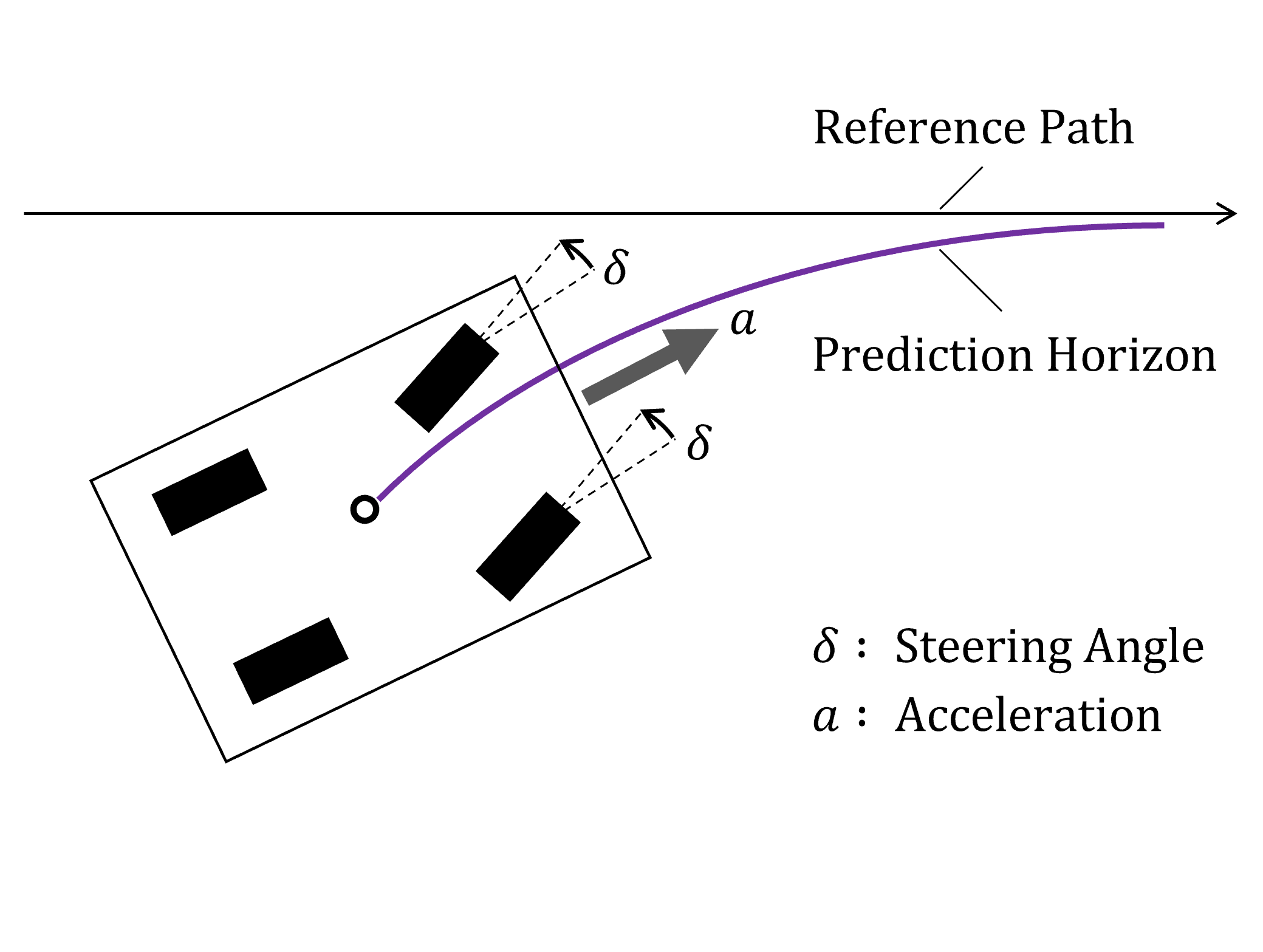
Simple Path Tracking
Run simulation
cd python_simple_mppi
uv run scripts/mppi_pathtracking.py
Run jupyter notebook if you would like to check mathematical explanations on the algorithm.
cd python_simple_mppi
uv run jupyter notebook --notebook-dir=. notebooks/mppi_pathtracking.ipynb
Path Tracking with Obstacle Avoidance
Run simulation
cd python_simple_mppi
uv run scripts/mppi_pathtracking_obav.py
Run jupyter notebook if you would like to check mathematical explanations on the algorithm.
cd python_simple_mppi
uv run jupyter notebook --notebook-dir=. notebooks/mppi_pathtracking_obav.ipynb
Pendulum
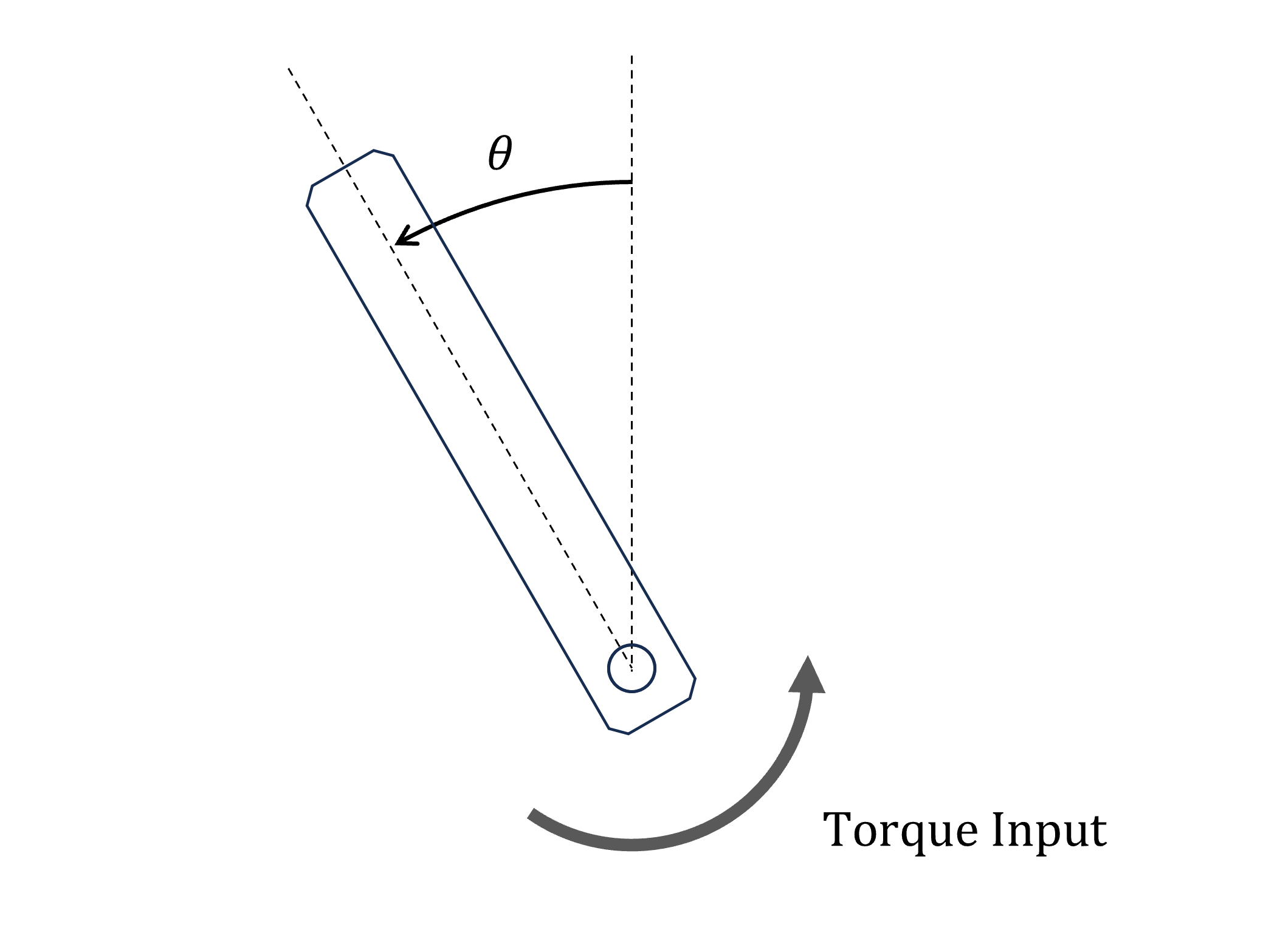
Run simulation to swing up a pendulum.
cd python_simple_mppi
uv run scripts/mppi_pendulum.py
Run jupyter notebook if you would like to check mathematical explanations on the algorithm.
cd python_simple_mppi
uv run jupyter notebook --notebook-dir=. notebooks/mppi_pendulum.ipynb
CartPole
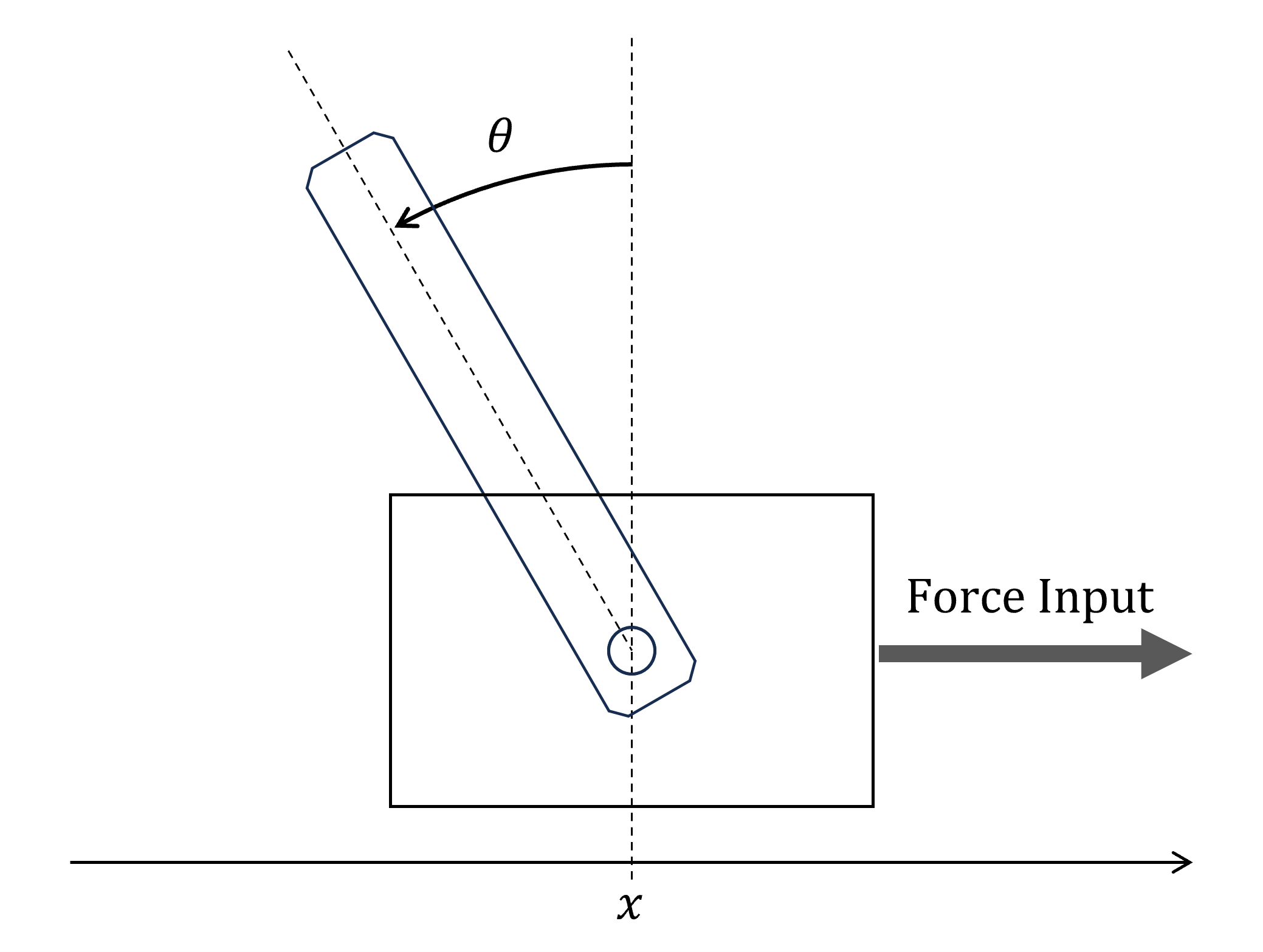
Run simulation of cartpole
cd python_simple_mppi
uv run scripts/mppi_cartpole.py
Run jupyter notebook if you would like to check mathematical explanations on the algorithm.
cd python_simple_mppi
uv run jupyter notebook --notebook-dir=. notebooks/mppi_cartpole.ipynb
References
- G. Williams et al. "Information-Theoretic Model Predictive Control: Theory and Applications to Autonomous Driving"
Explorer des projets similaires
Chargement…