
GLips/Figma-Context-MCP
GLips/Figma-Context-MCP has 16,173 GitHub stars and 1,276 forks. GitHot measured +4 stars in 24 hours and +51 in 7 days. Last checked 2026-11-06 15:34 UTC. Last push 2026-10-27.
Comment ces chiffres sont mesurés
Serveur MCP qui fournit des informations de mise en page Figma à des agents de programmation IA comme Cursor
Progression mesurée des étoiles
- in 24h
- +4
- in 7 days
- +51
- in 15 days
- Historique en cours
- in 1 month
- Historique en cours
Variations nettes sur des périodes qui se chevauchent, pas des totaux quotidiens. Les mesures absentes restent vides. Les étoiles indiquent l’intérêt, pas la qualité.
README.md
Original
Framelink MCP for Figma
Give your coding agent access to your Figma data.
Implement designs in any framework in one-shot.


Give Cursor and other AI-powered coding tools access to your Figma files with this Model Context Protocol server.
When Cursor has access to Figma design data, it's way better at one-shotting designs accurately than alternative approaches like pasting screenshots.
See quickstart instructions →
Demo
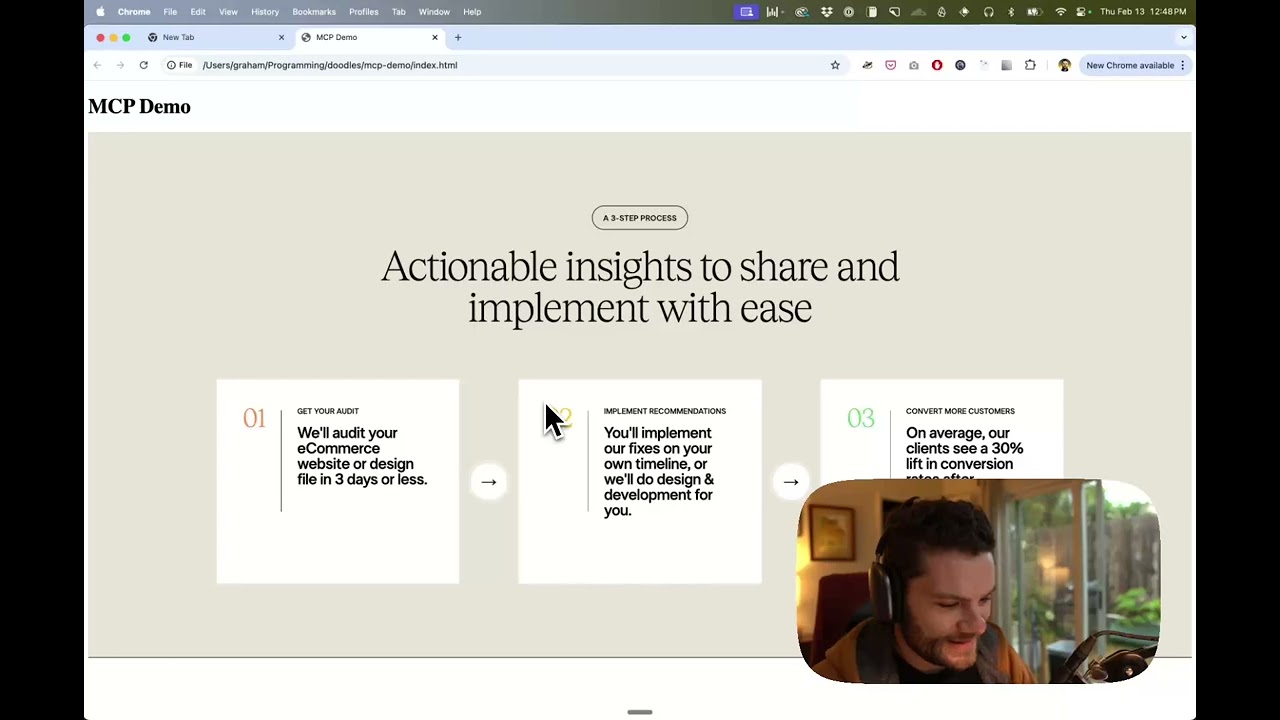
Watch a demo of building a UI in Cursor with Figma design data
How it works
- Open your IDE's chat (e.g. agent mode in Cursor).
- Paste a link to a Figma file, frame, or group.
- Ask Cursor to do something with the Figma file—e.g. implement the design.
- Cursor will fetch the relevant metadata from Figma and use it to write your code.
This MCP server is specifically designed for use with Cursor. Before responding with context from the Figma API, it simplifies and translates the response so only the most relevant layout and styling information is provided to the model.
Reducing the amount of context provided to the model helps make the AI more accurate and the responses more relevant.
Getting Started
Many code editors and other AI clients use a configuration file to manage MCP servers.
The figma-developer-mcp server can be configured by adding the following to your configuration file.
NOTE: You will need to create a Figma access token to use this server. Instructions on how to create a Figma API access token can be found here.
MacOS / Linux
{
  "mcpServers": {
    "Framelink MCP for Figma": {
      "command": "npx",
      "args": ["-y", "figma-developer-mcp", "--figma-api-key=YOUR-KEY", "--stdio"]
    }
  }
}
Windows
{
  "mcpServers": {
    "Framelink MCP for Figma": {
      "command": "cmd",
      "args": ["/c", "npx", "-y", "figma-developer-mcp", "--figma-api-key=YOUR-KEY", "--stdio"]
    }
  }
}
Or you can set FIGMA_API_KEY and PORT in the env field.
If you need more information on how to configure the Framelink MCP for Figma, see the Framelink docs.
Star History
Learn More
The Framelink MCP for Figma is simple but powerful. Get the most out of it by learning more at the Framelink site.
Explorer des projets similaires
codecrafters-io/build-your-own-x
Maîtrisez la programmation en recréant de zéro vos technologies préférées.
560,362 étoilespublic-apis/public-apis
Une liste collective d'API gratuites
496,655 étoilesmorluto/rea
Rétro-ingénierie de n'importe quoi avec des agents, du comportement des applications jusqu'aux binaires natifs.
437,324 étoilesopenclaw/openclaw
L'IA qui fait vraiment les choses. Tout système d'exploitation, toute plateforme. À la manière du homard. 🦞
394,047 étoiles