
DanielMartinus/Stepper-Touch
DanielMartinus/Stepper-Touch has 687 GitHub stars and 81 forks. GitHot measured 0 stars in 24 hours. Last checked 2026-11-20 04:41 UTC. Last push 2023-07-31.
Progression mesurée des étoiles
- in 24h
- 0
- in 7 days
- Historique en cours
- in 15 days
- Historique en cours
- in 1 month
- Historique en cours
Variations nettes sur des périodes qui se chevauchent, pas des totaux quotidiens. Les mesures absentes restent vides. Les étoiles indiquent l’intérêt, pas la qualité.
À propos
Stepper Touch for Android based on MaterialUp submission
Outils de développementREADME.md
Original⚠️ This repository is no longer maintained
Stepper-Touch


For more updates on this and other open-source projects, follow me on twitter 👉 here
Stepper Touch for Android based on a Material Up showcase designed by Oleg Frolov
In the latest version of the support library (25.3.0) a new class SpringAnimation was made available. I wanted to test this out and not long after that I found Stepper Touch, a concept made in FramerJS, on Material Up. I took this oppertunity to play with SpringAnimations.
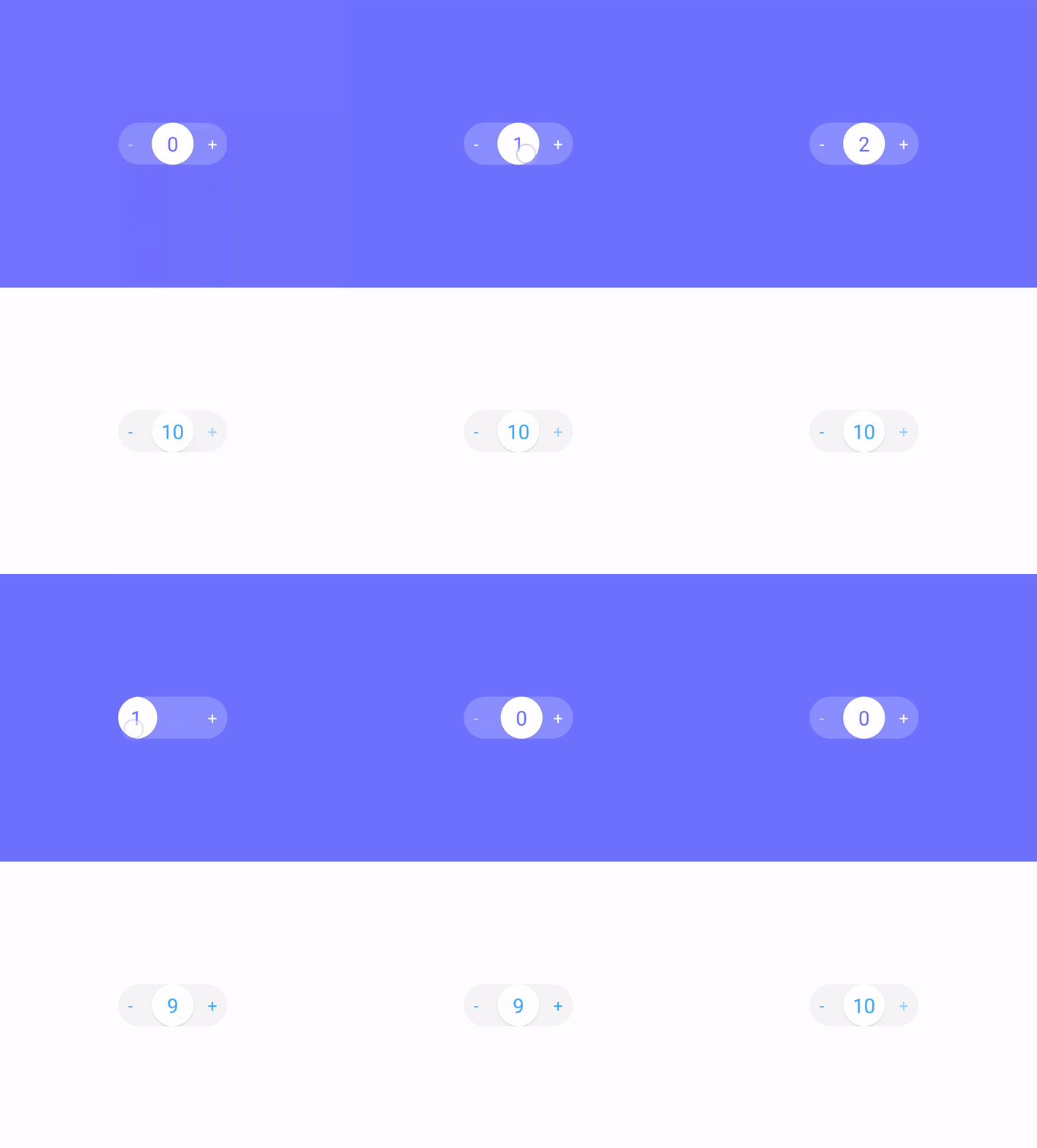
Try it yourself:

Gradle
- Step 1. Add the JitPack repository to your build file
allprojects {
    repositories {
        ...
        maven { url 'https://jitpack.io' }
    }
}
- Step 2. Add the dependency (only for androidx projects)
dependencies {
    implementation 'com.github.DanielMartinus:Stepper-Touch:1.0.1'
}
If you haven't migrated your project to AndroidX use:
dependencies {
    implementation 'com.github.DanielMartinus:Stepper-Touch:0.6'
}
More info about it here: #24
Implement
<nl.dionsegijn.steppertouch.StepperTouch
        android:id="@+id/stepperTouch"
        android:layout_width="100dp"
        android:layout_height="40dp" />
Kotlin
val stepperTouch = findViewById<StepperTouch>(R.id.stepperTouch)
stepperTouch.minValue = 0
stepperTouch.minValue = 10
stepperTouch.sideTapEnabled = true
stepperTouch.addStepCallback(object : OnStepCallback {
	override fun onStep(value: Int, positive: Boolean) {
    		Toast.makeText(applicationContext, value.toString(), Toast.LENGTH_SHORT).show()
	}
})
Java
StepperTouch stepperTouch = findViewById(R.id.stepperTouch);
stepperTouch.setMinValue(0);
stepperTouch.setMaxValue(3);
stepperTouch.setSideTapEnabled(true);
stepperTouch.addStepCallback(new OnStepCallback() {
    @Override
    public void onStep(int value, boolean positive) {
        Toast.makeText(getApplicationContext(), value + "", Toast.LENGTH_SHORT).show();
    }
});
You're able to further customize or set initial values with styled attributes:
- Add res-auto to your xml layout if you haven't yet
xmlns:app="http://schemas.android.com/apk/res-auto"
- After that the following attributes will become available:
app:stepperBackgroundColor=""
app:stepperButtonColor=""
app:stepperActionsColor=""
app:stepperActionsDisabledColor=""
app:stepperTextColor=""
app:stepperTextSize=""
app:app:stepperAllowNegative=""
app:app:stepperAllowPositive=""